
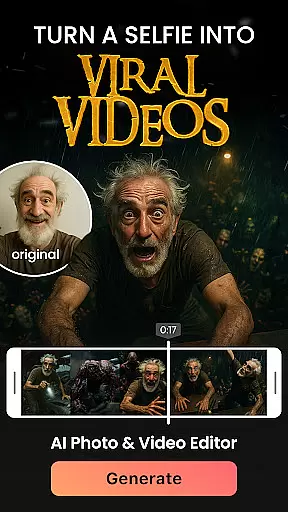

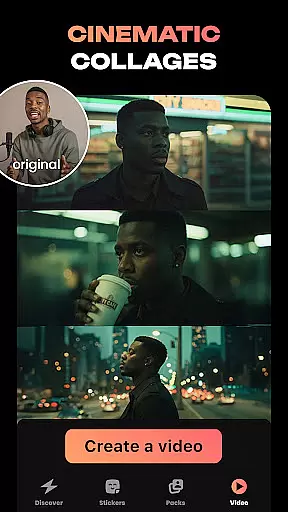
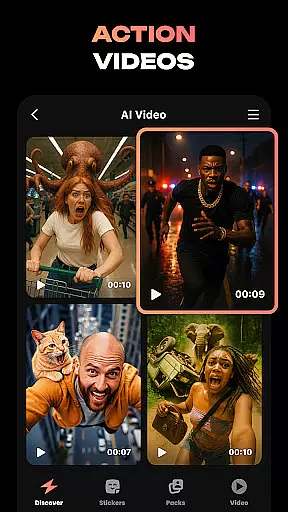
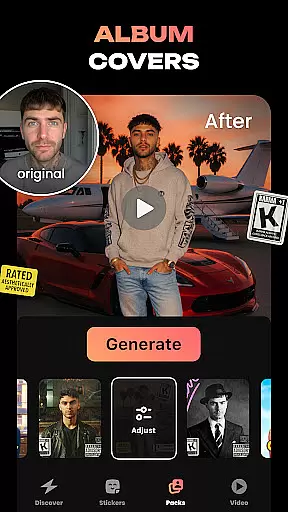
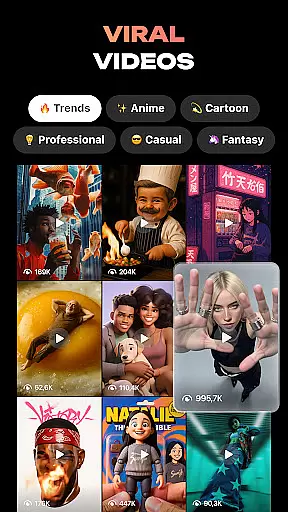
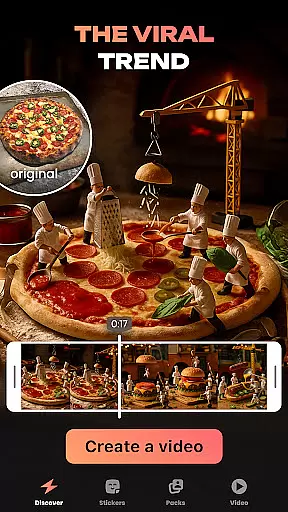
Hula is an innovative photography app that leverages AI technology to transform your photos and videos into creative masterpieces. With a wide array of features, the app allows users to create personalized avatars, viral video content, and unique photo-to-video transformations. Whether you want to turn your selfie into a magazine-style shoot or create custom stickers for messaging apps, Hula offers endless possibilities for self-expression.
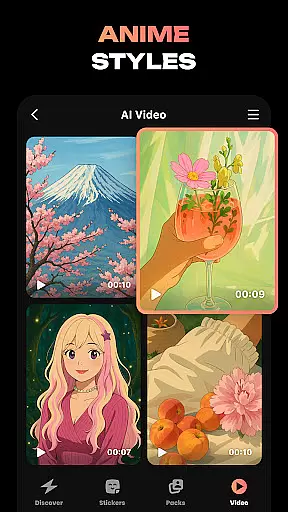
One standout feature is the ability to regenerate images in various artistic styles, from vintage looks to anime transformations. The app also includes fun tools like the baby generator, which predicts what your future child might look like. Hula's versatility makes it perfect for social media enthusiasts looking to enhance their profiles with engaging visual content.
Hula stands out with its diverse set of AI-powered features designed to spark creativity. Users can bring their photos to life by transforming them into eye-catching videos, such as a virtual stroll through Paris or a chic photoshoot. The app also offers a baby generator tool, allowing couples to upload photos and see a realistic prediction of their future baby's appearance.
Another highlight is the ability to create personalized sticker sets from a single selfie, perfect for use in chats across platforms like WhatsApp and Telegram. Additionally, Hula provides style transformations, enabling users to see themselves as vintage stars, anime characters, or futuristic icons. These features collectively make Hula a powerful tool for anyone seeking to explore creative self-expression.
Real-time capture and preview functionality is essential for photography apps like Hula. This feature allows users to see exactly what the camera sees, ensuring they capture the perfect shot every time.
Hula takes this a step further by integrating AI-powered art into the real-time preview. Users can apply various styles and transformations to their images before taking the shot. This means you can see yourself as a vintage star or in an anime style right through your phone's camera lens.
The benefit of this feature is clear: it empowers users to express themselves fully and creatively. Whether you want to transform your look with retro vibes or create viral content with unique visual effects, Hula's real-time capture and preview ensures that you know exactly what you're getting.
With this innovative approach, Hula not only enhances the user experience but also sets itself apart from other photography apps on the market.
AI beauty and enhancement features are crucial for modern photography apps. These tools allow users to enhance their photos naturally, without making them look overly edited or artificial.
Hula leverages advanced AI algorithms to provide a range of enhancements that maintain the natural look of the subject. From smoothing skin tones to enhancing facial features, these tools ensure that your photos look polished yet authentic.
Users benefit greatly from this feature as it allows them to elevate their photography game while keeping the results believable. Whether you're creating stickers, transforming videos, or simply enhancing selfies, Hulau2019s AI beauty enhancements help you achieve professional-quality results effortlessly.
This focus on natural enhancement not only improves user satisfaction but also positions Hula as a leader in AI-driven photography solutions.
User-friendly interface
Versatile editing options
Fun and engaging tools
High-quality output
Regular updates
Some features may require premium access
Occasional bugs in video rendering
Limited free content
Heavy on storage
Learning curve for beginners

AI portrait generator and polaroid AI selfie, fun AI generated AI photo creator!
 4.30
4.30
Shooting photos and records video easily and efficient with professional Camera
4.30
Perfect photos with body shaping, BG changer and object remover.
3.70
Over 800 film simulation recipes for Fujifilm. Black Friday Offer!
4.3
The #1 app for B&W film developing featuring an advanced darkroom timer.
4.10
Create amazing frames with up to five photos. Rounded corners, effects and more!
3.60
Turn photos into cartoons & avatars! - Photo Editor, Cartoon Face!
3.90
live datamoshing
4.00
RAW video capture with advanced controls
4.40
Gallery show photo, video, slideshow, is perfect 3D effect private photo albums.
4.80
Perfect body tune & face app - photo retouch, makeup, slim body & beautify face.
4.80
Photo editor: AI filters, photo enhancer, pic collage maker, AI art generator.
4.80
Light-weight Media Gallery app for Android made with Jetpack Compose
4.60
Add Watermark - Sign your pictures with a text or logo. Effective, quick, easy!
4.50
Movie camera, supports pro recording settings for filming. Try it and be amazed!
4.50
Create AI photos & videos with Enhancer; restore, fix, beautify, enhance photos
4.50
Turn your phone into a professional camera - full DSLR manual photography
4.30
Astrophotography with your smartphone, photo live stacking and much more!
3.90
Remote control of the phone camera from your Wear OS smartwatch
3.70


User Reviews