
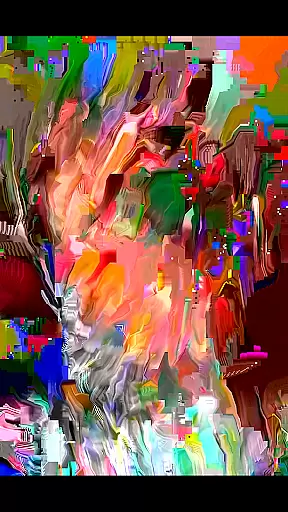
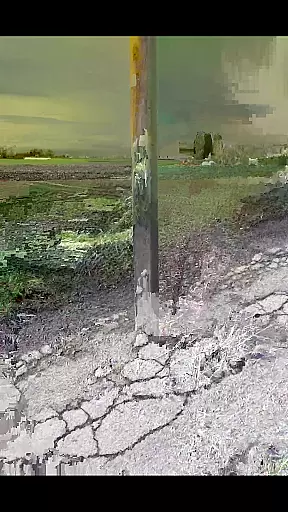
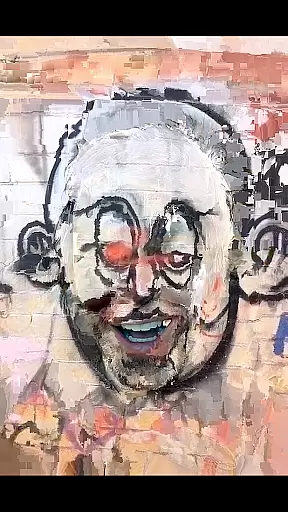
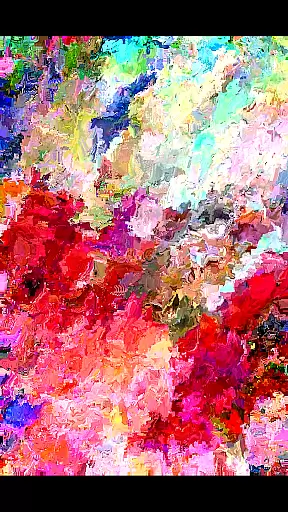
MoshUp is an innovative photography app that allows users to perform live datamoshing directly on their mobile devices. The core functionality lies in its ability to transform the first video recording through the motion captured in a second recording, creating unique mapping effects. This creative process enables users to experiment with visual manipulation in real-time.
The app also supports importing videos from the device gallery, expanding creative possibilities. While still in active development, MoshUp represents a new frontier in mobile video editing, though compatibility may vary across different phone models. Its experimental nature makes it particularly appealing for creative professionals and photography enthusiasts looking to explore unconventional visual techniques.
MoshUp distinguishes itself through several notable features. The primary capability is its live datamoshing function, which lets users film two different scenes sequentially - the motion from the second recording transforms the visual characteristics of the first. This creates fascinating glitch-like effects that are popular in experimental videography.
A key usability feature is the touch-hold function that repeats the last frame, giving users more control during the creative process. The latest version expands functionality by allowing video imports from the device gallery, significantly increasing creative flexibility. These features collectively make MoshUp a powerful tool for artists and content creators seeking to push the boundaries of traditional video editing on mobile devices.
Real-time capture and preview functionality is essential for photography apps like MoshUp. This feature allows users to see the effects of their actions immediately, providing a seamless creative experience.
MoshUp enables live datamoshing on your phone, transforming your first recording with the motion from a second one. The app provides instant feedback as you film, allowing you to create unique mapping effects in real time.
With this immediate visual response, users can fine-tune their creations without delay. The ability to hold the screen and repeat the last frame further enhances control over the final output.
This instant preview capability ensures that creators can experiment freely, making the artistic process more intuitive and engaging while using MoshUp for their photography projects.
AI beauty and enhancement features are becoming standard in photography apps, focusing on delivering natural-looking results. While MoshUp specializes in datamoshing effects, it integrates similar principles by maintaining authenticity in video transformations.
The app's core function revolves around manipulating video frames based on motion, which inherently preserves the original content's integrity. This approach creates enhancements that feel organic rather than artificially imposed.
Although MoshUp doesn't explicitly market itself as an AI beauty tool, its effect of blending motion from different recordings achieves a form of enhancement that feels genuine. Users can import videos from their gallery, expanding creative possibilities while retaining natural aesthetics.
By emphasizing true-to-source transformation over heavy modification, MoshUp delivers enhancements that appear realistic and convincing, aligning with modern preferences for natural beauty in digital content creation.
User-friendly interface
Unique visual effects
Real-time processing
Gallery import option
Creative experimentation
Limited device support
Development stage
Potential stability issues
Specialized use case
Learning curve

Long exposure camera with computational photography
 2.60
2.60
Find time and duration of different sunlight phases at any location
4.90
Viewfinder, Light meter, Reciprocity failure time, DOF & Bellows Extension
4.60
Create & Edit with AI: AI Remove, Enhance, Retouch, Filter
4.10
Photo editor: AI filters, photo enhancer, pic collage maker, AI art generator.
4.80
AI photo editor with hair editor, retouch tools, hair color changer & filters!
4.50
Create Business Headshots, Polaroid Filter, Retake Photos,Profile Pics,AI Photos
4.50
Over 800 film simulation recipes for Fujifilm. Black Friday Offer!
4.5
Unlock the full potential of your DJI drone with Litchi
4.50
A collection of tools and reference tables for DPs, ACs, DITs and Operators.
4.70
Add Watermark - Sign your pictures with a text or logo. Effective, quick, easy!
4.50
Movie camera, supports pro recording settings for filming. Try it and be amazed!
4.50
Trendy TikTok time warp scan funny filter app brings you unique photos & videos.
4.40
AI portrait generator and polaroid AI selfie, fun AI generated AI photo creator!
4.30
Luminar: Photo Editor - easy picture editing with AI
4.20
Catch sunlight, sunrise sunset times and sun phases with the AR sun tracker.
4.10
Pet Camera
3.70
Create amazing frames with up to five photos. Rounded corners, effects and more!
3.60
An interval timer to automate photo taking process for timelapse
2.90


User Reviews