
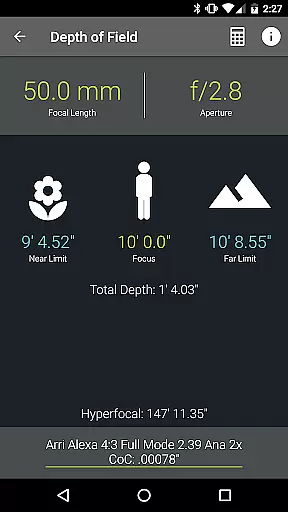
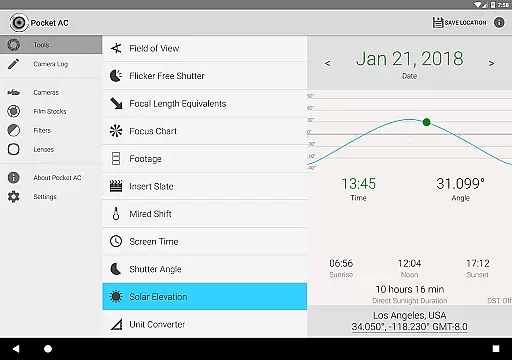
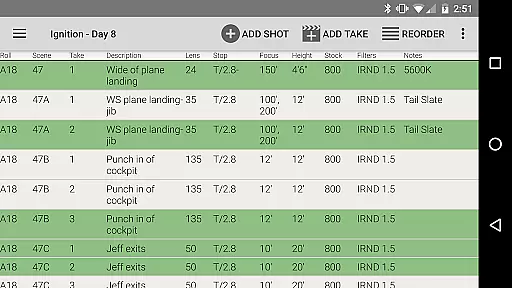
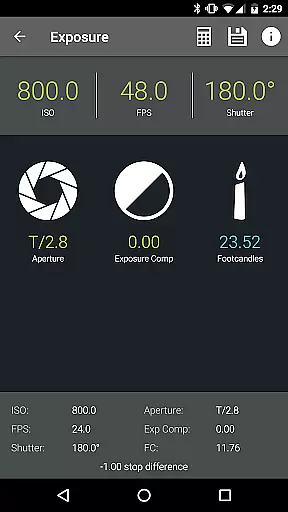
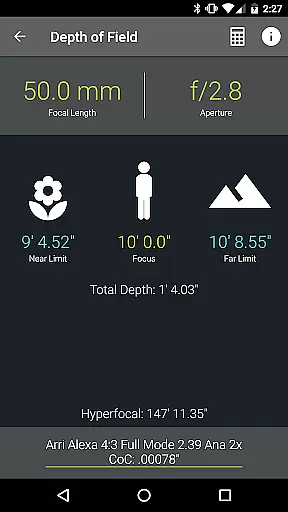
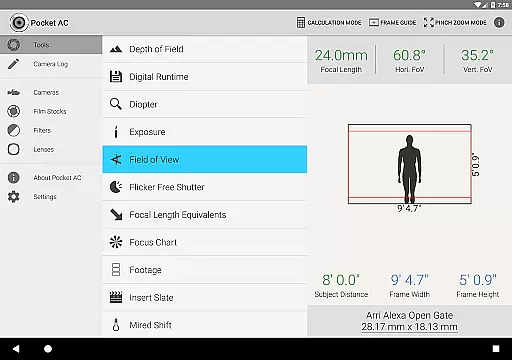
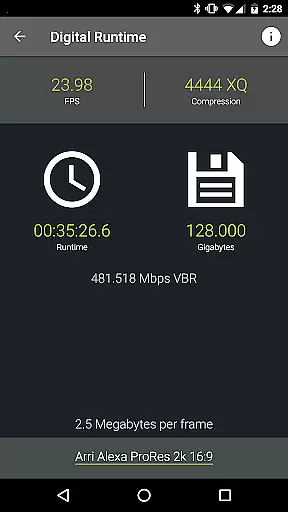
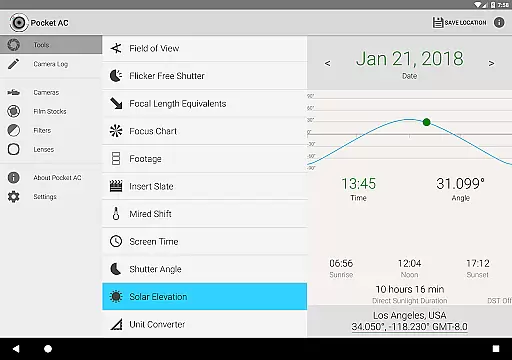
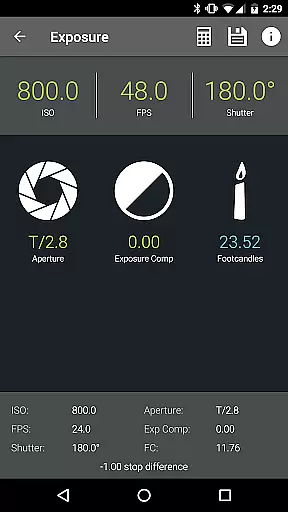
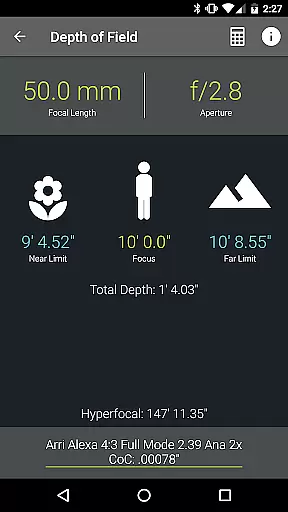
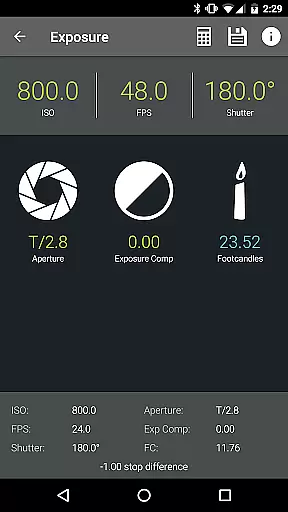
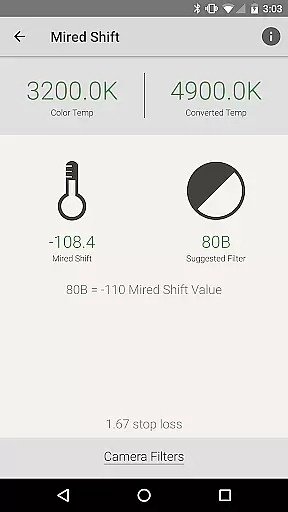
Pocket AC is an essential mobile application tailored for cinematographers, camera assistants, and videographers. This app serves as a comprehensive toolkit featuring various calculators, reference tables, and logging capabilities to streamline production processes. With specialized tools like Depth of Field, Exposure, and Flicker Free Shutter calculators, users can efficiently prepare and execute their filming projects.
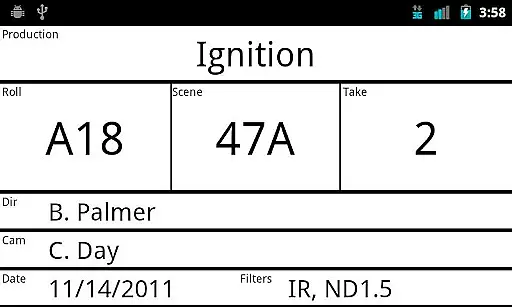
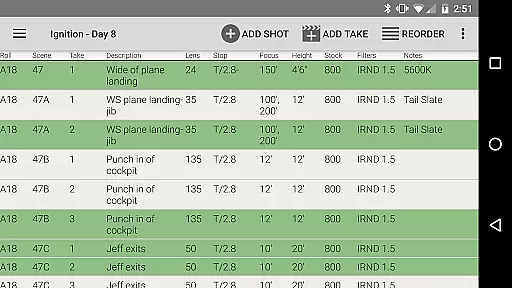
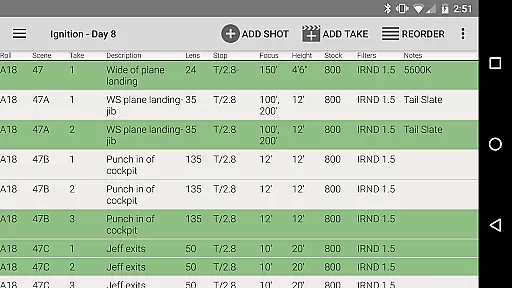
The app also includes detailed reference tables covering over 140 camera specifications and more than 2000 lenses. The built-in camera log allows users to quickly document shots and export logs in multiple formats such as PDF or CSV. Whether you're working with Arri Amira, Blackmagic Cinema Camera, or Sony Venice, Pocket AC supports a wide range of professional equipment, making it an indispensable tool on set.
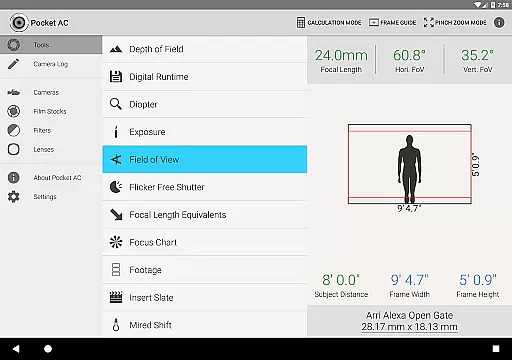
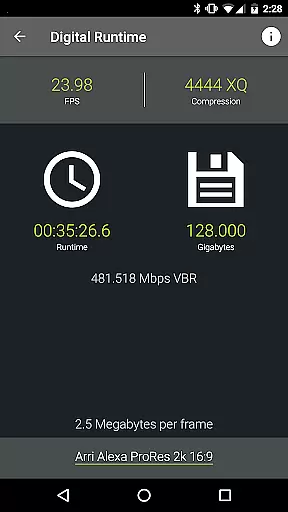
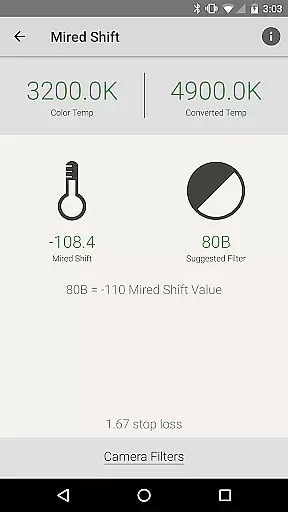
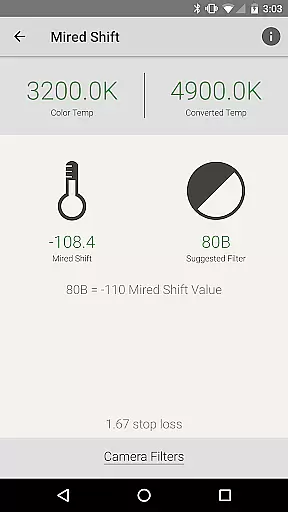
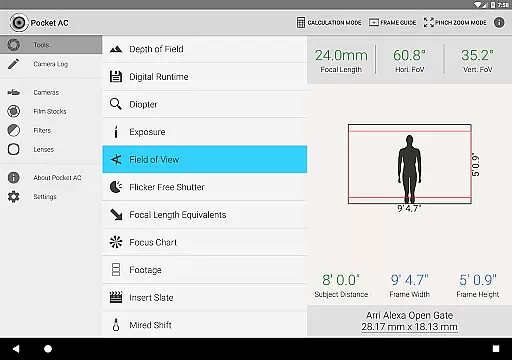
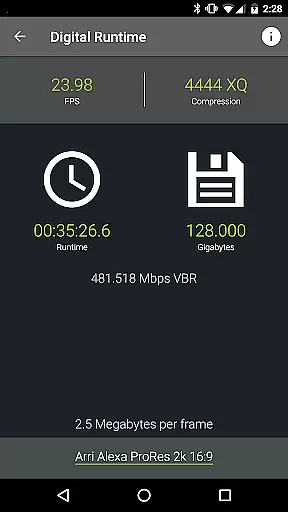
Pocket AC stands out with its extensive array of features designed to assist film professionals. The app provides specialized calculators including Data Transfer, Digital Runtime, and Mired Shift, which are crucial for accurate production planning. Additionally, the Field of View preview with support for focal reducers helps users visualize shots before capturing them.
Reference tables within the app offer detailed information on camera specifications, film stocks, filter factors, and lens catalogs. These resources ensure that users have quick access to vital data about their equipment. Moreover, the collaborative camera log feature enables real-time updates among team members, enhancing coordination during multi-cam productions. With functionalities like emailing logs as PDFs or CSV files, Pocket AC ensures seamless integration into post-production workflows.
Pocket AC offers a comprehensive suite of tools that enable real-time capture and preview, which is crucial for cinematographers and videographers. This functionality allows users to accurately plan and execute their shots with precision.
The app includes features such as Depth of Field and Split Focus, Exposure calculators, and Field of View previews. These tools collectively ensure that every aspect of the shot's visual appearance can be predicted and adjusted before rolling the camera.
Users benefit from the ability to simulate different shooting conditions and adjust settings accordingly, thus saving time on set and enhancing creative control. The real-time feedback provided by Pocket AC empowers filmmakers to make informed decisions quickly.
This level of preparation and foresight in shot planning contributes significantly to the efficiency and quality of production, making Pocket AC an invaluable tool on any film set.
While Pocket AC does not focus on AI beauty enhancements typical in photography apps, it excels in providing natural and authentic image enhancement through precise technical calculations. This approach caters specifically to professional cinematographers who prioritize authenticity over artificial enhancements.
The app's collection of technical tools, including Digital Runtime, Filesize and Compression calculators, and Mired Shift and Filter Suggestions, ensures that the visual integrity of footage is maintained. These features help professionals achieve the desired look without compromising the natural essence of the captured images.
By focusing on technical accuracy rather than automated beautification, Pocket AC supports filmmakers in delivering high-quality, true-to-life visuals. This method aligns with industry standards where maintaining the original intent and aesthetic of the cinematography is paramount.
Ultimately, Pocket AC's commitment to technical precision and authenticity provides users with the confidence that their final product will reflect their artistic vision without unwanted alterations.
User-friendly interface
Comprehensive toolset
Real-time collaboration
Wide camera support
Export flexibility
Complex for beginners
Occasional bugs
Limited free features
Heavy on storage
Requires constant updates

Application for remote controlling DSLR
 3.00
3.00
How old age camera Gender Swap App Face Shape Hairstyle App Hair Styler App fun!
4.00
Create & Edit with AI: AI Remove, Enhance, Retouch, Filter
4.10
Natural Beauty, Selfie Retouch
4.30
Turn your phone into a professional camera - full DSLR manual photography
4.30
Hair color changer, AI haircut app, fun hair editor and buzz cut filter for all!
3.80
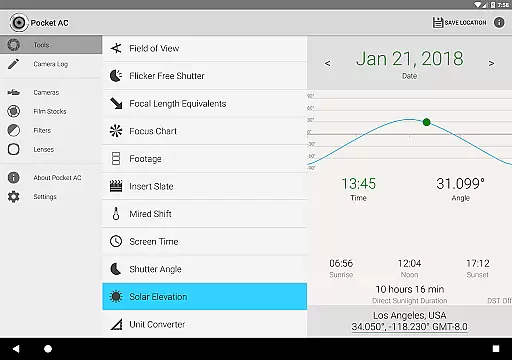
Your personal guide to the sun and moon. Plan ahead, visualize and predict!
4.70
The original Rarevision VHS look seen everywhere!
4.70
Try an anime version, cartoon yourself, and generate AI hug or aging videos!
3.70
Create funny photos and videos with the popular Time Warp Scan filter.
4.90
Cartoon and artistic effects for your photos and videos
4.70
Automatically backup your photos and videos to computer, NAS and Cloud services
4.60
Shooting photos and records video easily and efficient with professional Camera
4.30
Create AI Photos, Improve and restore quality of blurry, old or damaged pics.
4.20
Professional photography on your mobile phone
4.20
A light meter for true photographers.
4.20
Photobooth mini FULL app will allow you to add more fun to your parties
4.00
Pet Camera
3.70
Superimpose one photo on top of another using the original Superimpose app!
3.20


User Reviews