
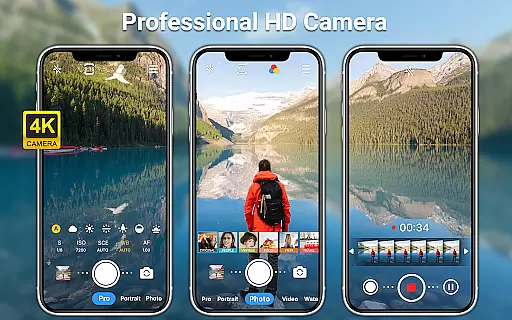
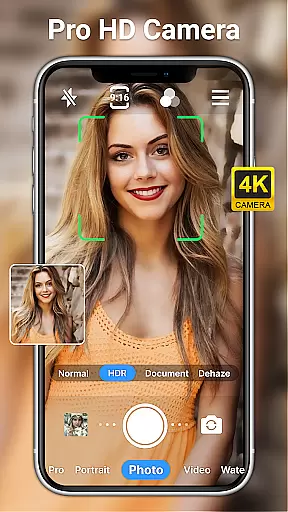
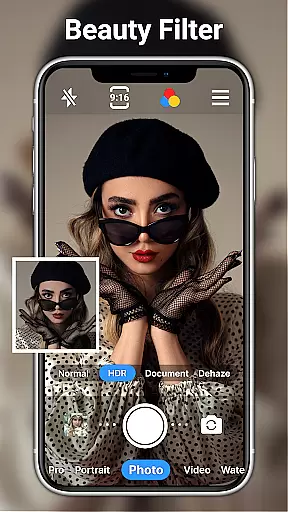
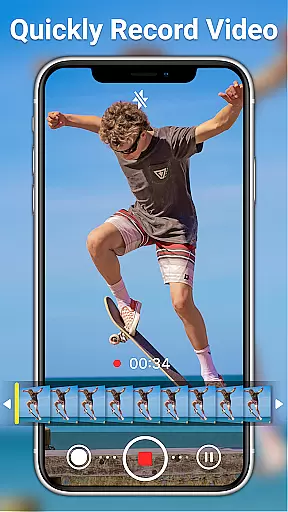
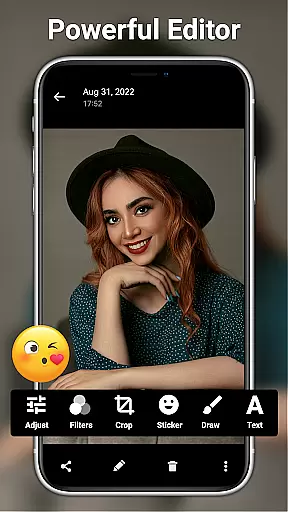
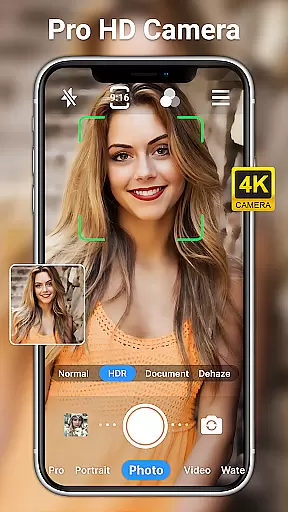
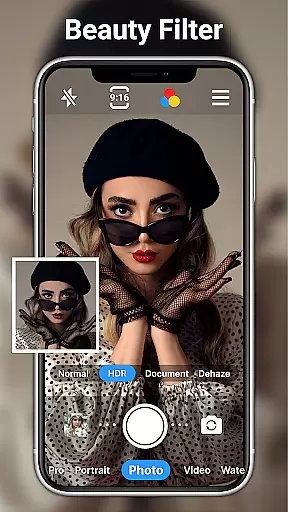
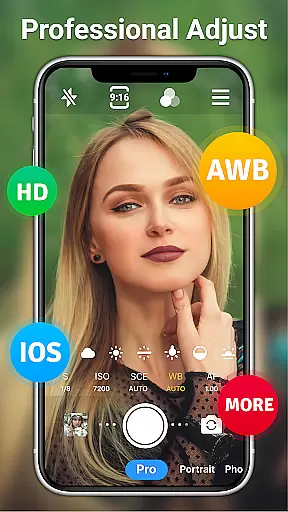
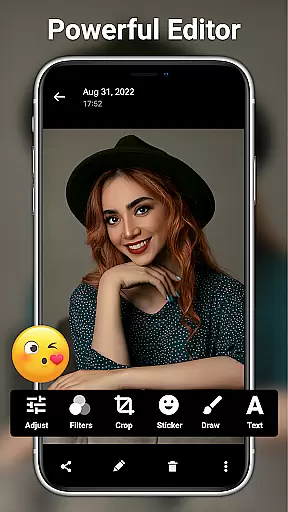
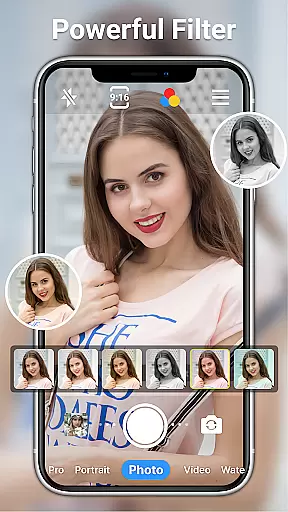
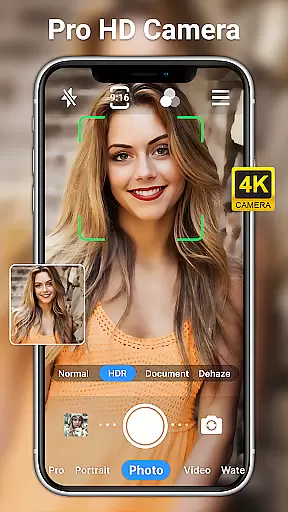
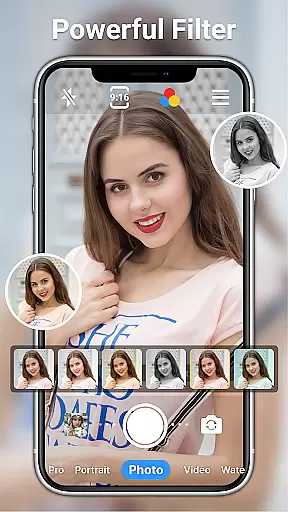
HD Camera for Android is a professional-grade photography application that empowers users to capture high-definition photos and videos with ease. The app offers an array of advanced features typically found in DSLR cameras, making it suitable for both amateur photographers and professionals alike.
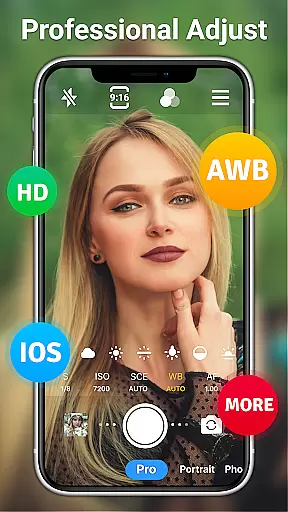
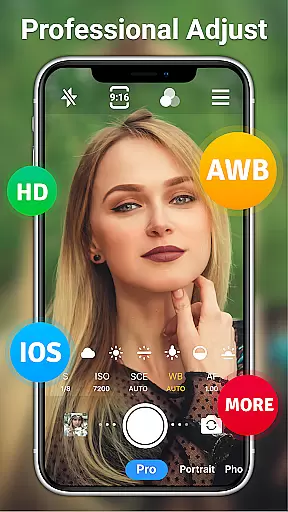
This app provides full HD 1080p camera functionality, complete with real-time filters and effects to enhance the creative process. Users can toggle between front and rear cameras, apply steady shooting modes, and utilize pinch-to-zoom capabilities. Additionally, the app supports various scene modes, ISO adjustments, shutter speed settings, and white balance options, ensuring optimal image quality in any lighting condition.
Whether capturing moments during the day or night, this app ensures clarity and detail. Its intuitive interface allows for easy navigation and control, including touch or volume key operation. With added functionalities such as timer, grid, level, and time-lapse features, users have all they need to create stunning visual content on their mobile devices.
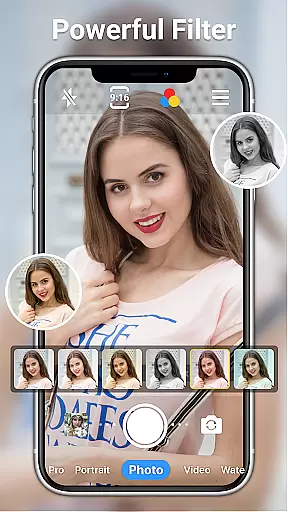
One of the standout features of HD Camera for Android is its comprehensive set of professional tools. It includes over ten real-time filters, allowing users to experiment with different styles and aesthetics. The app also offers a short-video shooting mode, perfect for creating quick yet high-quality clips.
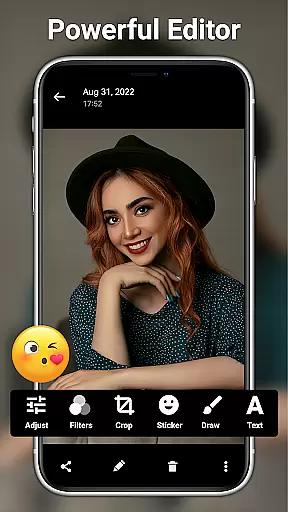
The app's powerful photo editing suite is another highlight. Users can adjust brightness, contrast, saturation, exposure, and more, giving them full control over the final look of their images. With AI restore and AI palettes, even novice editors can achieve professional results. Additional tools like adding text, stickers, markup, and mosaic provide further customization options.
For those who demand precision, the app includes optical/digital zoom, tap-to-focus, and focus halo display. These features ensure that every shot is sharp and well-composed. Moreover, the app supports date watermarking and timestamping, which is particularly useful for documenting events or projects over time. Overall, these robust features make HD Camera for Android a versatile tool for capturing and editing high-quality visuals.
Real-time capture and preview functionality is essential for ensuring that every photo or video taken meets the user's expectations immediately. HD Camera for Android excels in this area by offering a 1080p full HD mode, allowing users to capture images with stunning clarity and vibrant colors.
This app provides an intuitive interface where users can adjust settings such as resolution, photo and video size, and even add a date watermark to preserve the authenticity of their captures. The real-time preview ensures that users can see exactly how their adjustments affect the final output before capturing it.
With features like optical and digital zoom, tap to focus, and steady shooting, users can take high-definition photos or videos regardless of whether it's day or night. These capabilities ensure that every shot is not only seen clearly in the preview but also captured with precision.
The value of real-time capture and preview extends beyond just seeing what you're shooting; it empowers users to unleash their creativity through different filters and effects. This feature makes HD Camera for Android an indispensable tool for both amateur photographers looking to enhance their skills and professionals needing reliable equipment on the go.
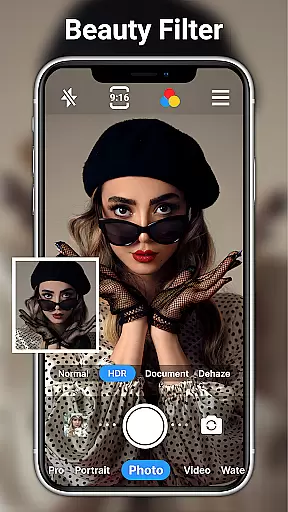
AI beauty and enhancement features have become increasingly popular in photography apps, aiming to improve image quality while maintaining natural aesthetics. HD Camera for Android incorporates advanced AI technologies to offer users powerful yet easy-to-use photo editing tools without compromising the original essence of their photos.
Users can leverage one-click facial retouch options along with over 20 photo filters designed for various styles. Whether adjusting brightness, contrast, saturation, exposure, or highlights, these enhancements are applied smoothly across images, preserving skin tones and textures naturally.
Beyond basic edits, the app includes specialized AI restore and AI palettes functionalities which intelligently analyze each pictureu2019s unique elements to suggest optimal improvements automatically. Such smart processing helps retain genuine expressions and details within portraits while enhancing overall visual appeal.
By integrating sophisticated AI algorithms into its suite of editing features, HD Camera for Android ensures that all modifications look organic rather than overly processedu2014a crucial aspect when striving for professional-grade results from mobile devices.
User-friendly interface
High-definition output
Comprehensive editing tools
Real-time filters and effects
Versatile shooting modes
Occasional bugs reported
Ads may disrupt experience
Advanced features require learning
Limited customer support
Drains battery quickly

Perfect photos with body shaping, BG changer and object remover.
 3.70
3.70
What celebrity do you look like? Celebs will find your celebrity match!
4.10
Cartoon and artistic effects for your photos and videos
4.70
Gallery Slideshow is slideshow maker app for slideshow from your gallery photos.
3.90
See your baby AI baby face generator AI baby maker Face generator babymaker fun!
4.70
AI photo enhancer with Sora 2! Enhance, descratch, and colorize your old photos.
4.50
Collage your moments in one tap: 1000+ layouts, filters, stickers, and texts.
4.90
Easily view, share, delete photos with Gallery.
4.70
RAW video capture with advanced controls
4.40
Take videos and pictures with the popular TikTok TIME WARP SCAN filter.
4.60
Enhance, retouch & create your story - Share the moment with Photoshop Express.
4.60
AI photo editor with hair editor, retouch tools, hair color changer & filters!
4.50
Create AI photos & videos with Enhancer; restore, fix, beautify, enhance photos
4.50
A reflected light meter with spot metering and incident light metering.
4.40
Smart, light, and fast photo and video gallery
4.30
Virtual makeup, hair filters & body tuner—edit from face to full body!
4.20
Professional camera app that brings DSLR manual photography controls to Android.
4.20
GCamera allows all GCam features on all phone models! Better photos with GCamera
3.30
Remote control the phone camera shutter from your smartwatch and take a picture
1.60


User Reviews