
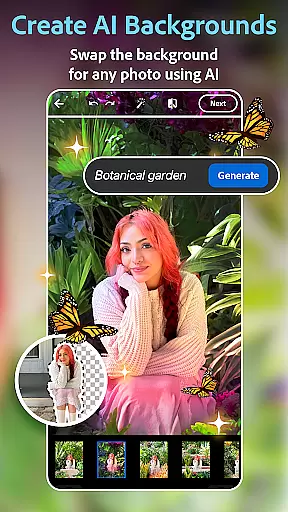
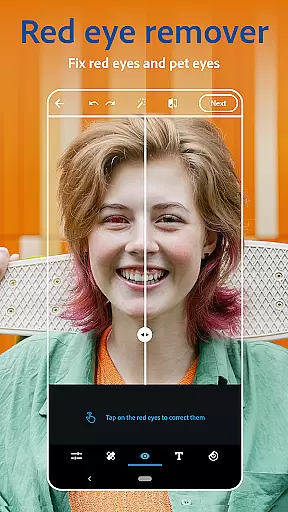
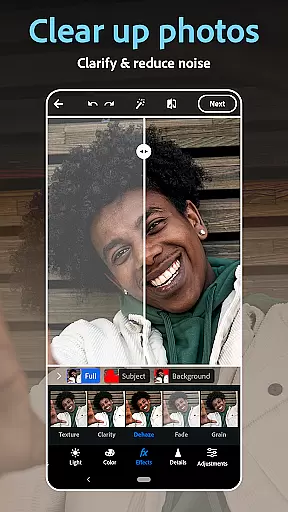
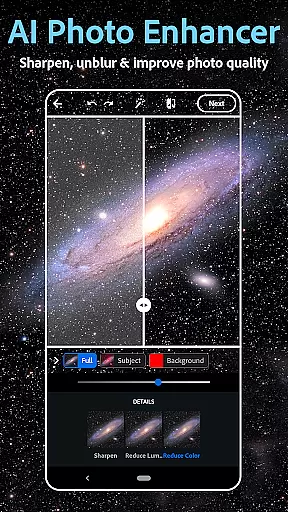
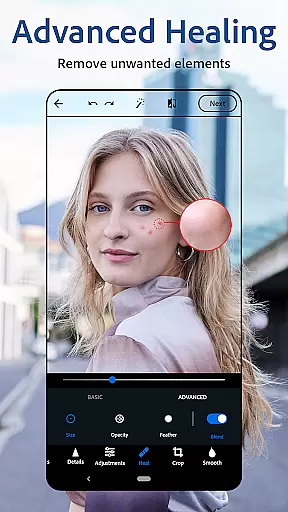
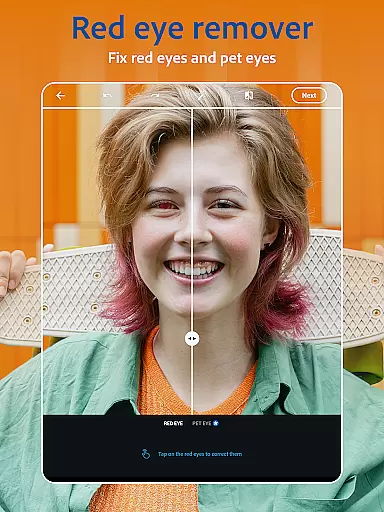
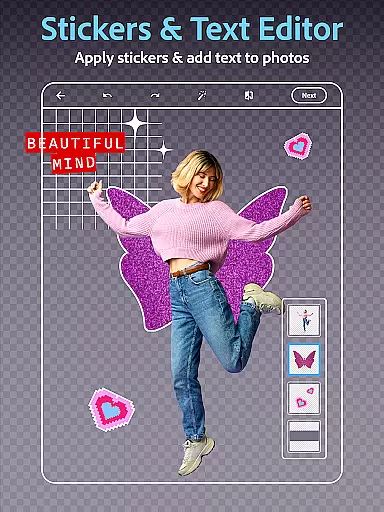
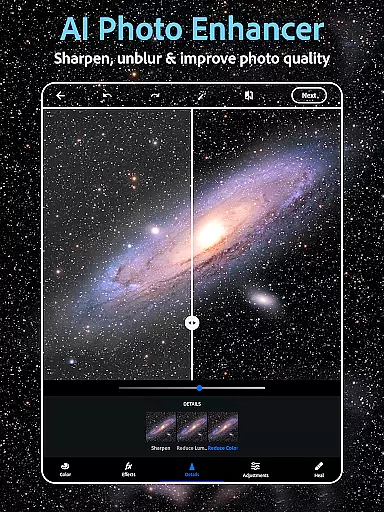
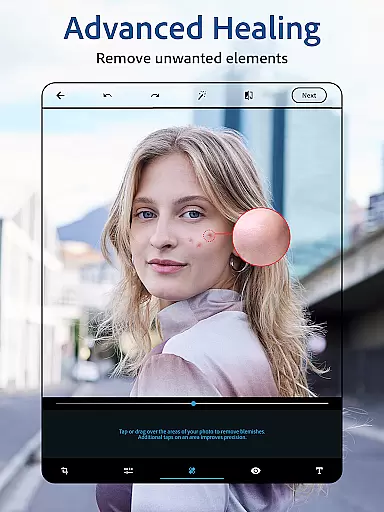
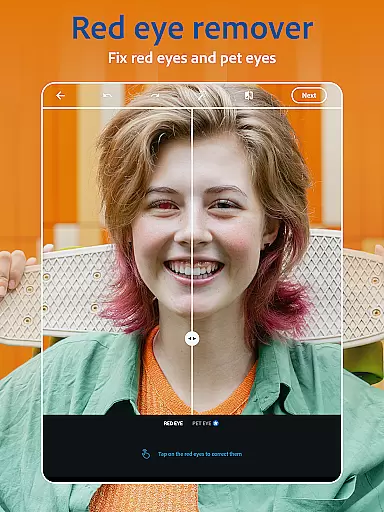
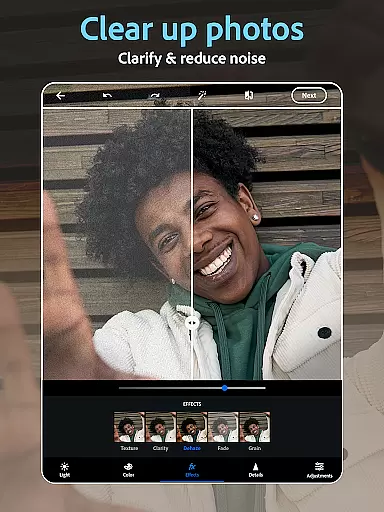
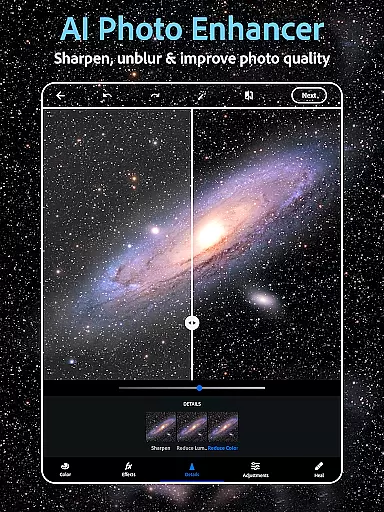
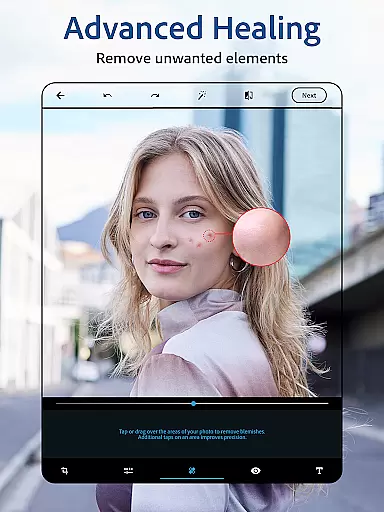
Photoshop Express is a versatile photo editing app that brings professional-grade tools to your fingertips. Designed for both amateur and experienced photographers, this application offers an intuitive platform to enhance images with minimal effort. The app's core functionality lies in its AI-powered editing features, including one-tap enhancements, red-eye correction, and blemish removal.
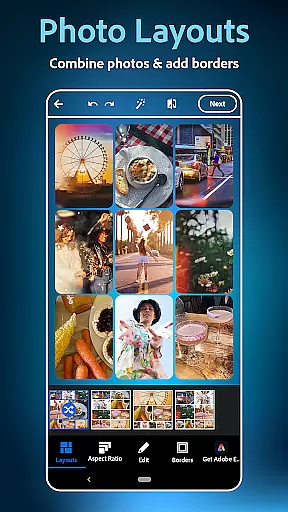
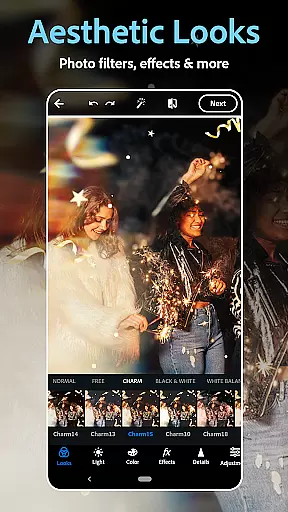
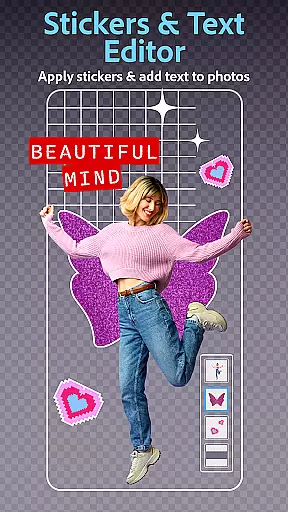
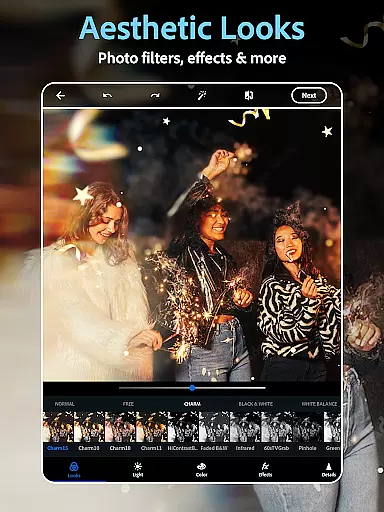
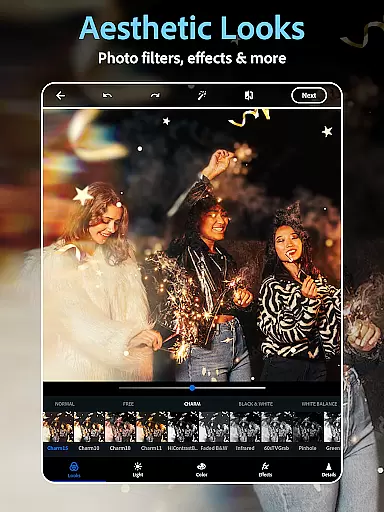
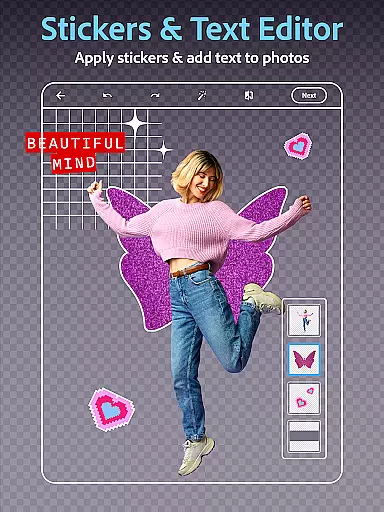
Beyond basic editing, Photoshop Express provides creative tools such as text overlays, collage creation, and vintage filters that emulate different camera effects. Users can experiment with various aesthetic styles, from moody film effects to retro looks, making it suitable for social media sharing or personal projects. Its face editor app allows detailed retouching while maintaining natural results.
The app particularly shines in mobile photography scenarios where quick edits are necessary before posting on platforms like Instagram or Facebook. With additional premium features available through subscription, Photoshop Express delivers exceptional value by combining essential editing tools with advanced creative capabilities in one comprehensive package.
Photoshop Express distinguishes itself through a robust set of features designed to streamline photo editing. The app's AI-powered tools enable users to perform complex edits with simple gestures. For instance, the automatic background replacement and object removal functions utilize sophisticated algorithms to produce professional-quality results without requiring technical expertise.
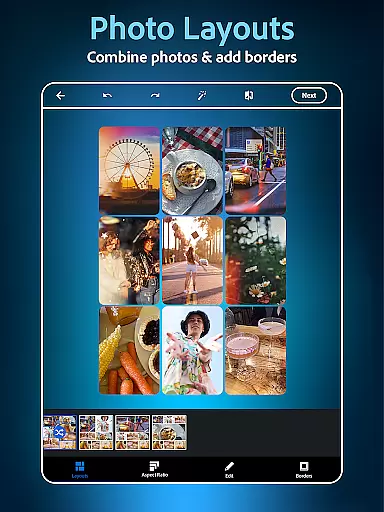
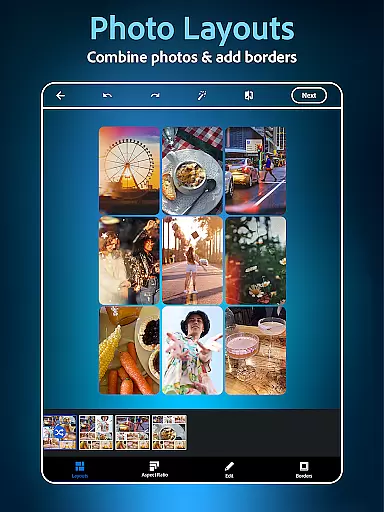
A standout feature is the app's collage maker, which offers pre-designed grids and customizable layouts for creating visually appealing compositions. The text-to-image functionality allows users to generate unique visual elements based on textual descriptions, expanding creative possibilities. Additionally, the face editor component provides precise control over portrait enhancements, including skin smoothing and makeup adjustments.
What sets Photoshop Express apart is its seamless integration of advanced features within an accessible interface. The app successfully balances powerful editing capabilities with user-friendly design, making professional-grade tools available to all skill levels. This combination of sophisticated AI technology and intuitive controls establishes Photoshop Express as a comprehensive solution for mobile photo editing needs.
Real-time capture and preview functionality is essential for ensuring that every photo taken meets the user's expectations without delay. Photoshop Express Photo Editor excels in this area by providing instant feedback on images captured or uploaded.
The application leverages advanced processing capabilities to offer users a seamless experience when editing selfies or applying vintage camera filters. This immediate visualization allows for quick adjustments, enhancing the overall efficiency of photo editing.
Users benefit from the ability to see changes in real-time, which is particularly useful when experimenting with different aesthetic styles or film effects. The app ensures that each modification, from adding text to photos to applying healing tools, is instantly visible, thus streamlining the creative process.
This feature not only saves time but also elevates the user's creative workflow, making Photoshop Express a reliable choice for both amateur and professional photographers who require precision and speed in their projects.
AI beauty and enhancement features are revolutionizing the way users improve their photos, focusing on delivering natural-looking results. Photoshop Express incorporates sophisticated AI algorithms to ensure that enhancements like blemish removal and spot healing appear authentic and blend seamlessly with the original image.
The face editor app within Photoshop Express utilizes AI to analyze facial features and apply corrections that maintain the subject's unique characteristics. Whether it's airbrushing a selfie or adding makeup, the edits are subtle yet effective, preserving the person's natural look while elevating their best features.
With an extensive selection of camera filters and aesthetic styles, users can achieve a desired mood without compromising the authenticity of their photos. The AI-driven enhancements adapt to various lighting conditions and skin tones, ensuring consistent quality across different images.
By prioritizing naturalness in its AI-powered editing tools, Photoshop Express empowers users to create stunning visuals that remain true to life, enhancing their storytelling through photography without artificial overtones.
User-friendly interface
Wide range of editing tools
Powerful AI features
Versatile filter options
Excellent social media integration
Premium features locked behind paywall
Occasional performance issues
Limited advanced editing controls
Some tools require learning curve
Watermark on free version exports

Effortlessly organize, view and share your photos & videos with Gallery app!
 4.40
4.40
Gallery show photo, video, slideshow, is perfect 3D effect private photo albums.
4.80
Edit like a pro with Hypic. Apply filters, AI effects, & magic touch.
4.40
Light-weight Media Gallery app for Android made with Jetpack Compose
4.60
Gallery Slideshow is slideshow maker app for slideshow from your gallery photos.
3.90
USB Storage Access for Photos, Videos, Music and Documents
3.80
GCamera allows all GCam features on all phone models! Better photos with GCamera
3.30
The original Rarevision VHS look seen everywhere!
4.70
Your Family Calendar + Photos. Manage your Skylight Calendar and Skylight Frame.
4.40
Android Native system HD camera app. Never been so simple and faster.
4.70
Create collages easily! Nice pic collage maker & background eraser for Instagram
4.50
Search, tag and rate your way to an organized image gallery
4.40
Trendy TikTok time warp scan funny filter app brings you unique photos & videos.
4.40
Easily stitch panoramas from multiple photos or video.
4.40
A reflected light meter with spot metering and incident light metering.
4.40
Smart, light, and fast photo and video gallery
4.30
All-in-One Editor & AI Photo Enhancer, Beautify & Retouch, Collage, Cartoonify
4.20
Remote control the phone camera shutter from your smartwatch and take a picture
1.60
Add a dreamy vibe to your selfies and videos with soft style filters
4.1


User Reviews