
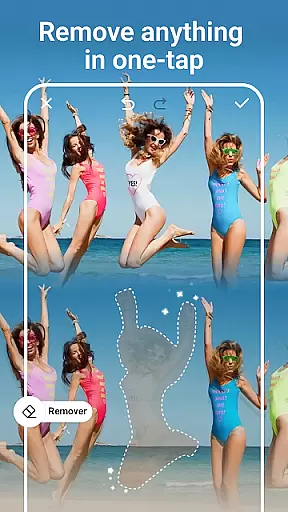
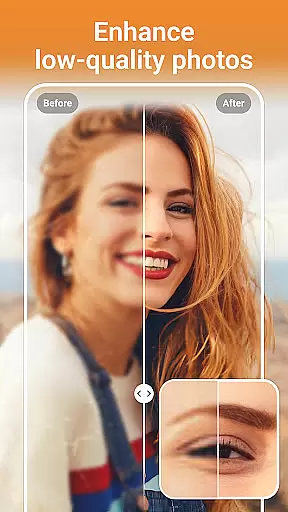
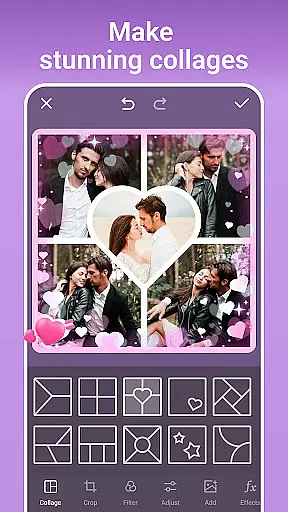
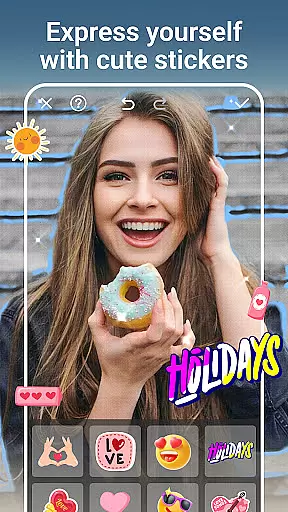
PhotoArt is an advanced AI-powered photo editing application designed to cater to all your creative needs. With its comprehensive suite of tools, users can effortlessly enhance, retouch, and transform their photos into professional-grade artwork. The app offers features such as One-Tap Enhance, Magic Eraser, AI Face Swap, AI Cartoon Filters, and more, making it a versatile choice for both casual users and photography enthusiasts.
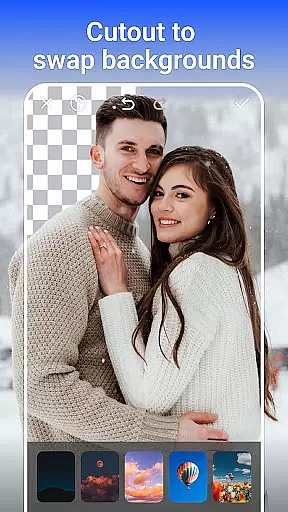
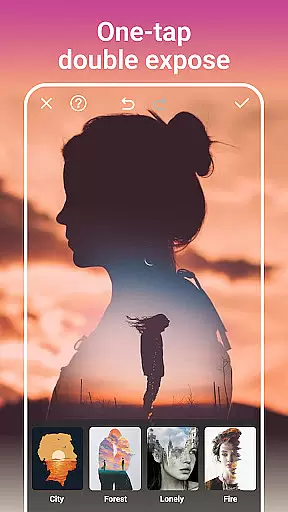
The platform supports a wide range of functionalities including background removal, double exposure effects, face retouching, and custom stickers. Whether you're looking to create stunning collages or experiment with artistic filters, PhotoArt provides the tools to bring your vision to life. Its intuitive interface ensures that even beginners can achieve impressive results while offering advanced options for seasoned editors.
With seamless sharing capabilities to platforms like Instagram and Facebook, PhotoArt empowers users to showcase their creativity without limitations. By combining powerful AI technology with user-friendly design, this app is perfect for anyone seeking to elevate their photo editing experience.
PhotoArt stands out with its diverse array of innovative features tailored to meet various photo editing requirements. The app includes specialized tools such as AI Face Swap, which allows users to seamlessly exchange faces in photos, and AI Background Removal, enabling quick isolation of subjects from their backgrounds. These features are complemented by creative options like Double Exposure and artistic filters that add unique touches to images.
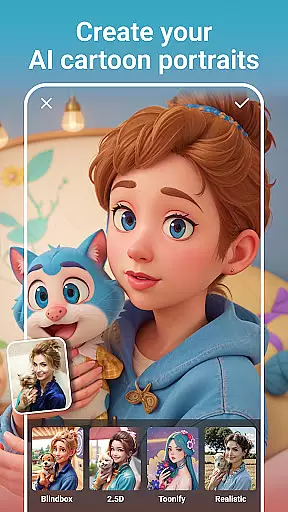
In addition to its core editing capabilities, PhotoArt offers advanced color adjustment tools such as HSL, Curves, and Split Tone, allowing precise control over image tones and hues. Users can also experiment with light effects, textures, and vintage styles through an extensive library of 100+ filters and effects. The inclusion of restoration tools ensures that old or low-quality photos can be revived with enhanced resolution and clarity.
For those who enjoy crafting visual stories, the app's collage maker and sticker library provide endless possibilities. From creating fun body effects like cat ears to experimenting with age-changing AI tools, PhotoArt delivers a complete package that combines ease of use with professional-grade functionality, ensuring every user can achieve their desired results.
Real-time capture and preview functionality is essential for ensuring that users can see the results of their edits instantly, providing a seamless editing experience. PhotoArt offers this feature through its advanced AI-driven tools, allowing users to witness changes as they apply filters, effects, and adjustments.
The app's real-time capabilities are powered by sophisticated algorithms that process edits without delay. Whether it's applying a cartoon filter or tweaking HSL settings, users can observe the impact immediately, making the editing process intuitive and engaging.
This instant feedback empowers users to make precise modifications, experiment with different styles, and achieve their desired outcomes efficiently. With real-time previews, PhotoArt ensures that creators can fine-tune every detail, resulting in professional-quality edits without any guesswork.
Ultimately, the real-time capture and preview feature enhances user satisfaction by delivering a dynamic and responsive photo editing experience. This capability not only saves time but also encourages creative exploration, making PhotoArt a go-to solution for photography enthusiasts.
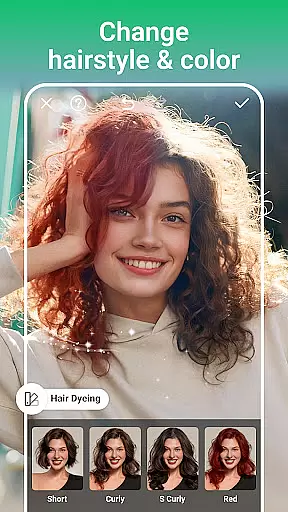
AI beauty and enhancement features are crucial for elevating photos while maintaining a natural look. PhotoArt excels in this area by offering tools like Face Retouch, makeup experimentation, and body reshaping, all designed to enhance portraits authentically.
The app employs intelligent algorithms that analyze facial features and apply enhancements that complement the subject's natural appearance. Users can smooth skin, adjust facial contours, and experiment with makeup styles that suit their unique look, ensuring that edits remain subtle and lifelike.
PhotoArt's AI-driven enhancements extend beyond faces, allowing users to reshape figures and adjust height naturally. These features empower users to create polished yet genuine portraits that preserve individuality and charm.
By prioritizing naturalness in beauty enhancements, PhotoArt caters to users who seek professional-grade edits without sacrificing authenticity. This approach fosters trust and satisfaction, establishing the app as a reliable tool for creating stunning, true-to-life images.
User-friendly interface
Wide range of AI tools
High-quality editing features
Versatile filter options
Seamless social media integration
Occasional lag on older devices
Limited free features
Subscription required for premium tools
Ads in the free version
Learning curve for advanced tools

Safe & smart flight with Go Fly drone controller for 40+ drone camera, zone map
 4.50
4.50
Virtual makeup, hair filters & body tuner—edit from face to full body!
4.20
Natural Beauty, Selfie Retouch
4.30
A must-have app for landscape photographers
4.60
Movie camera, supports pro recording settings for filming. Try it and be amazed!
4.50
USB Storage Access for Photos, Videos, Music and Documents
3.80
Create AI photos & videos with Enhancer; restore, fix, beautify, enhance photos
4.50
Turn photos into cartoons & avatars! - Photo Editor, Cartoon Face!
3.90
Enhance, upscale, and transform your images — on your device, without limits
4.70
Pro version: AR sun/moon tracker for any date. Tool for photographers & planners
4.90
Perfect body tune & face app - photo retouch, makeup, slim body & beautify face.
4.80
AI photo editor with hair editor, retouch tools, hair color changer & filters!
4.50
[3DSteroid Pro] is a stereoscopic application for Android.
4.30
Photo editor: face & body editor, beauty cam, filters and quality enhancer.
4.00
Hair color changer, AI haircut app, fun hair editor and buzz cut filter for all!
3.80
Perfect photos with body shaping, BG changer and object remover.
3.70
Pet Camera
3.70
Create amazing frames with up to five photos. Rounded corners, effects and more!
3.60
Over 800 film simulation recipes for Fujifilm. Black Friday Offer!
4.2


User Reviews