
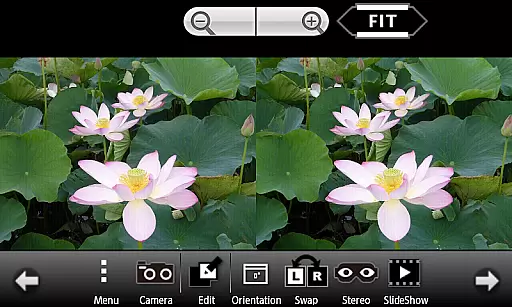
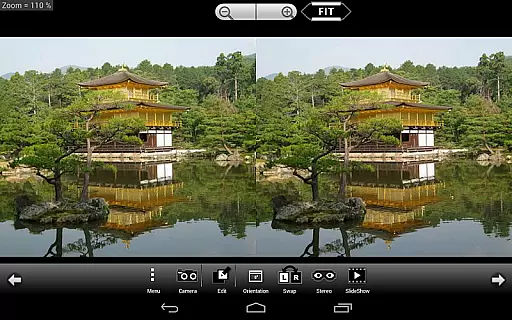
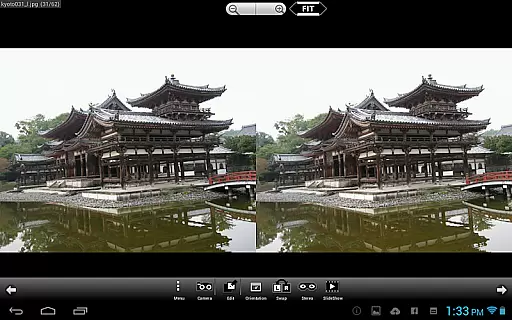
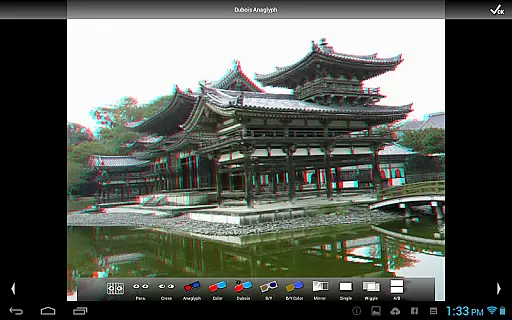
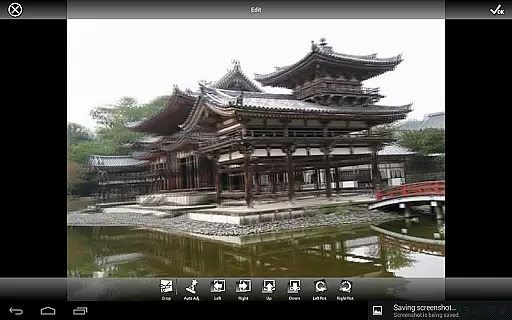
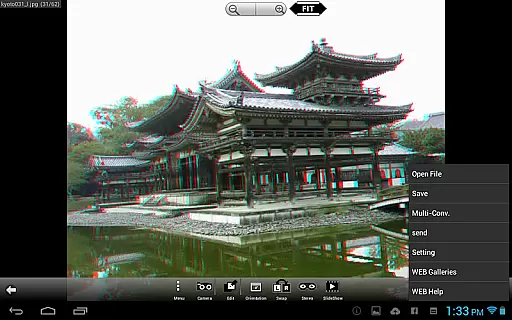
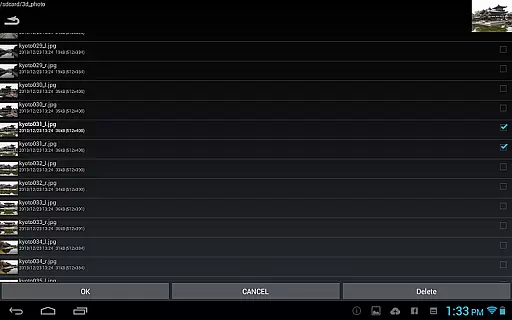
3DSteroid Pro is a premium stereoscopic application designed for Android devices, offering advanced 3D image editing and viewing capabilities. The app supports various input formats including L/R independent, SBS (Side-by-Side), and MPO files, making it versatile for different types of 3D content. With the ability to auto-align L/R images, adjust positions, rotation, and size errors, users can achieve precise control over their 3D creations.
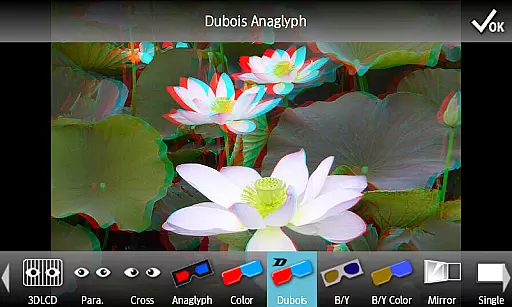
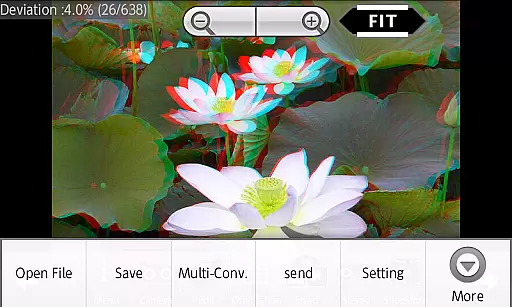
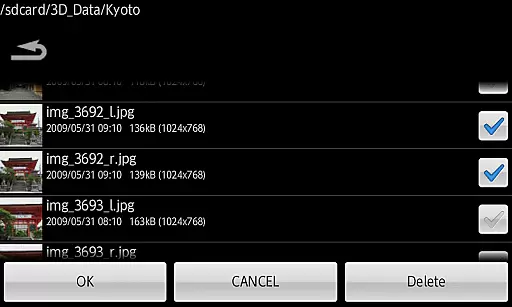
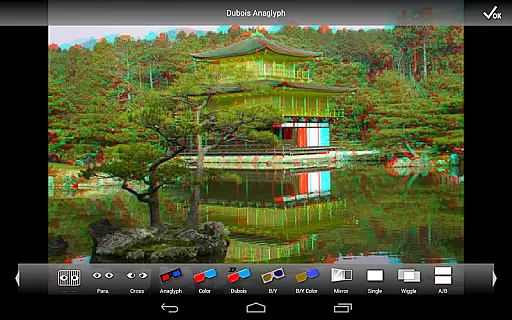
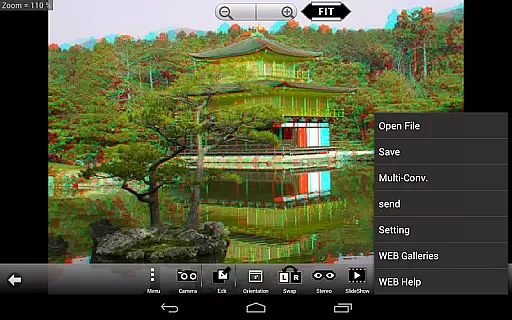
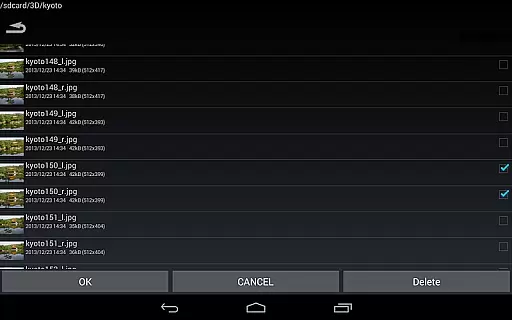
This professional version stands out with exclusive features such as saving edited images, batch conversion, and access to an extensive web gallery with over 1000 images. It also supports multiple display methods like 3D LCD, SBS, Mirror, Wiggle, 2D, and Anaglyph, catering to diverse viewing preferences. Ideal for photography enthusiasts and professionals, 3DSteroid Pro enhances the 3D imaging experience on compatible Android devices.
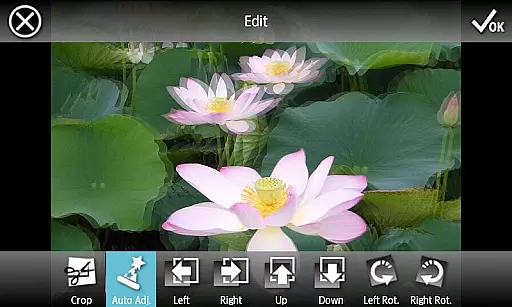
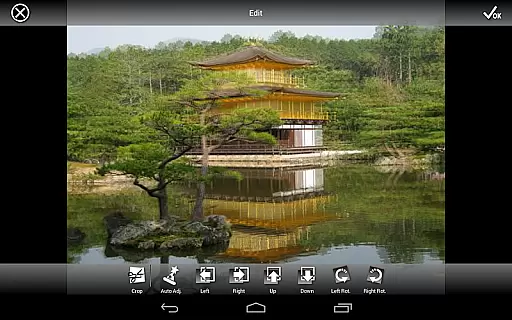
3DSteroid Pro boasts a comprehensive set of features tailored for 3D photography enthusiasts. One of its standout capabilities is the auto-alignment of left/right (L/R) images, which simplifies the process of creating perfectly aligned stereoscopic images. Additionally, the app provides advanced editing tools that allow users to adjust L/R image positions, correct rotation and size errors, ensuring high-quality outputs every time.
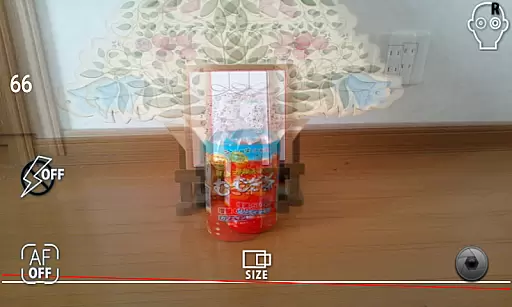
The Pro version offers unique functionalities such as saving edited images directly to the device and performing batch conversions, significantly enhancing workflow efficiency. Users can also enjoy an immersive viewing experience through various display modes including 3D LCD, Side-by-Side (SBS), Mirror, Wiggle, 2D, and Anaglyph. Furthermore, the integrated camera feature enables capturing L/R pictures effortlessly, while the slide show function allows for dynamic presentations of 3D content.
Real-time capture and preview functionality is essential for any photography application, allowing users to see exactly what the camera sees before taking a shot. 3DSteroid Pro offers this feature with its ability to take left/right pictures using the internal camera. This ensures that users can accurately frame their stereoscopic images without any guesswork.
The app provides an intuitive interface for adjusting L/R image positions, correcting rotation and size errors in real time. These adjustments are crucial for creating high-quality 3D images, as they ensure that both perspectives align perfectly when viewed through compatible displays or glasses.
With these capabilities, photographers can experiment freely with stereoscopic photography, knowing that their final output will be precisely as envisioned during capture. The immediate feedback loop enhances creativity and precision, making it easier than ever to produce professional-grade 3D content directly from a mobile device.
While 3DSteroid Pro does not explicitly market itself on AI beauty enhancements, its advanced editing features provide significant value in enhancing naturalness within stereoscopic photos. Users have access to tools for adjusting various aspects of their images post-capture, ensuring each photo looks its best while maintaining authenticity.
This includes options for correcting alignment issues between left and right images, which is critical for preserving the natural depth perception inherent in true 3D photography. By offering precise control over how images are processed and saved, the application empowers creators to enhance their work without compromising original intent or quality.
Ultimately, whether you're capturing landscapes or portraits, the ability to fine-tune every detail results in more engaging and lifelike 3D visuals. This focus on genuine enhancement rather than artificial manipulation sets 3DSteroid Pro apart as a tool for serious enthusiasts looking to push boundaries in photographic realism.
Advanced 3D editing
Batch conversion
Extensive gallery access
Versatile display options
Precise image adjustments
No MPO support
Limited device compatibility
Complex for beginners
Costly compared to free apps
Frequent updates needed

Long exposure camera with computational photography
 2.60
2.60
Perfect photos with body shaping, BG changer and object remover.
3.70
Easily stitch panoramas from multiple photos or video.
4.40
An interval timer to automate photo taking process for timelapse
2.90
Take videos and pictures with the popular TikTok TIME WARP SCAN filter.
4.60
Transform photos into videos! Create realistic or anime-style images easily!
4.50
AI photo enhancer with Sora 2! Enhance, descratch, and colorize your old photos.
4.50
AI-powered video creator by MiniMax - Where ideas meet cinema
4.20
Discover How to Plan any Sun, Moon and Milky Way Photo You Imagine in Seconds
4.70
Photo editor: AI filters, photo enhancer, pic collage maker, AI art generator.
4.80
Easily view, share, delete photos with Gallery.
4.70
A must-have app for landscape photographers
4.60
Cut and paste photo editor & eraser to customize photos easy and swap faces fun
4.50
Create collages easily! Nice pic collage maker & background eraser for Instagram
4.50
Transform Photos: Edit, Beautify and Craft Memories & Make Collages!
4.10
live datamoshing
4.00
Gallery Slideshow is slideshow maker app for slideshow from your gallery photos.
3.90
GCamera allows all GCam features on all phone models! Better photos with GCamera
3.30
Remote control the phone camera shutter from your smartwatch and take a picture
1.60


User Reviews