
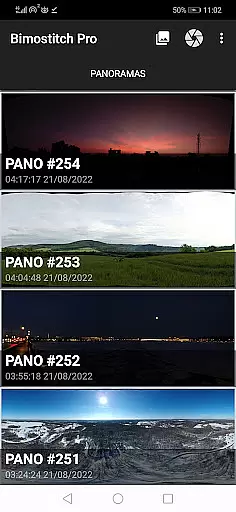
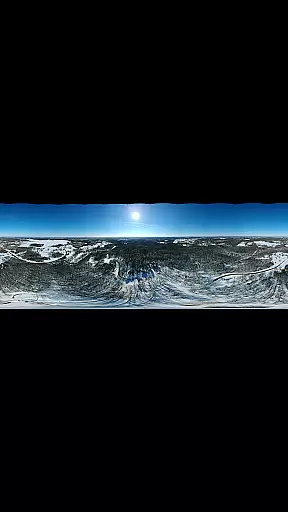
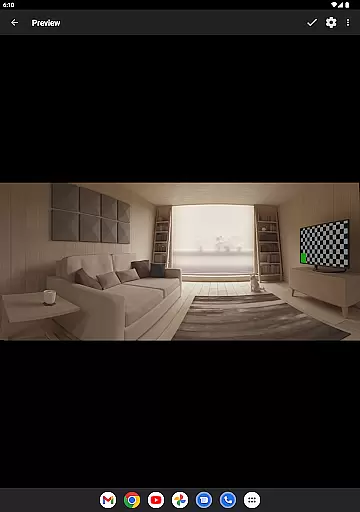
Bimostitch Panorama Pro is a powerful photography app designed to create high-resolution panoramic images directly on your mobile device. The app utilizes advanced stitching algorithms to seamlessly merge overlapping photos into stunning panoramas, supporting single-row, multi-row, vertical, horizontal, 360°, and even photosphere formats. Whether you're capturing landscapes or architectural marvels, this tool ensures professional-quality results without the need for bulky equipment.
One of the standout features of Bimostitch Panorama Pro is its ability to handle up to 200+ photos, producing ultra-high-resolution outputs of up to 1 Gigapixel. It also supports video-to-panorama conversion, making it versatile for various photography styles. With automatic exposure balancing, straightening, and lens distortion compensation, users can achieve perfectly aligned panoramas every time. This makes it an ideal choice for both amateur photographers looking to experiment with panoramas and professionals seeking a portable solution for their projects.
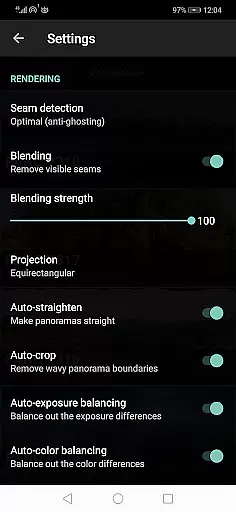
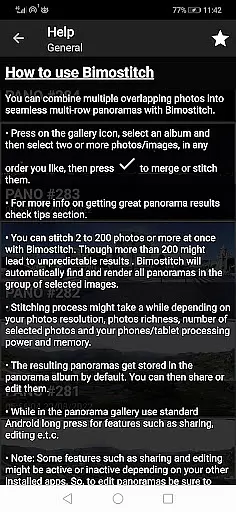
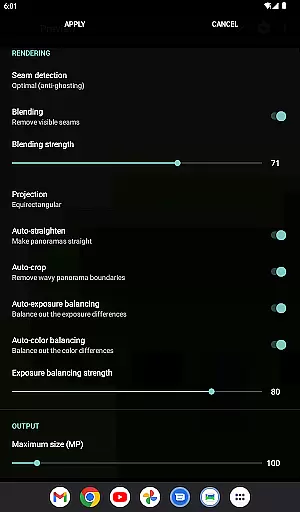
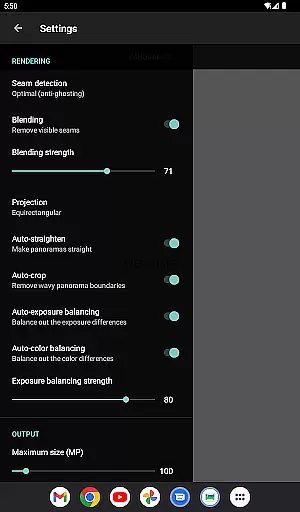
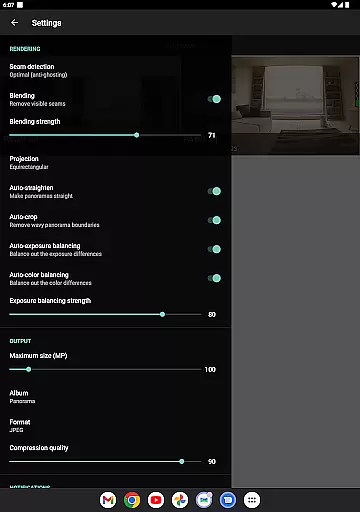
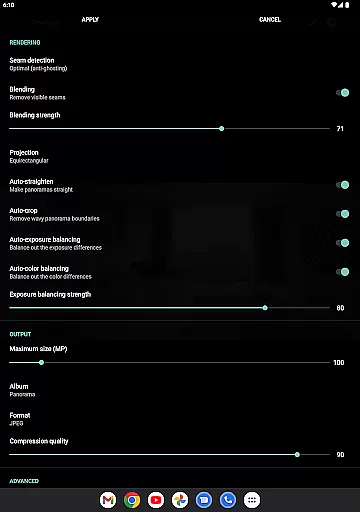
Bimostitch Panorama Pro offers a comprehensive suite of features that cater to all levels of photographers. The app allows users to stitch between 2 to 200+ overlapping photos into breathtaking wide-view panoramas. Its intuitive interface simplifies the process, while advanced functionalities like automatic color balancing, seam detection modes, and blending intensity controls ensure high-quality output. Additionally, the app provides options to save previews and adjust settings such as auto-exposure balancing and lens calibration for fisheye or wide-angle lenses.
For those seeking more control, the app includes pro-level features such as JPEG or PNG output formats, compression for large panoramas, and ultra-high-resolution outputs. Users can also shoot videos with panning motions and convert them into panoramas. The app works offline, requires no special sensors like gyroscopes, and is compatible with photos from DSLRs, drones, or downloaded images. These capabilities make it a versatile tool for creating detailed, professional-grade panoramas right from your smartphone.
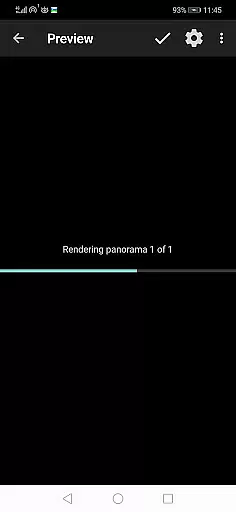
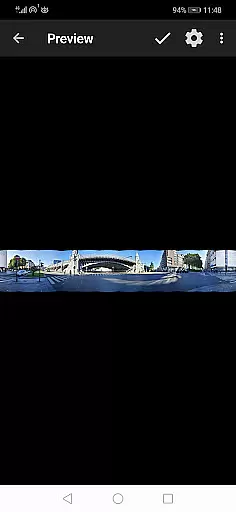
Real-time capture and preview functionality is essential for ensuring that every panorama you create meets your expectations before final processing. Bimostitch Panorama Pro offers an intuitive interface where users can see their images come together in real-time as they select and stitch overlapping photos.
The app's advanced algorithms work seamlessly to match, align, and blend the selected images into a cohesive panorama. This process allows users to make adjustments on the fly, ensuring that the final output is exactly what they envisioned. The ability to view source images while in preview mode further enhances this experience.
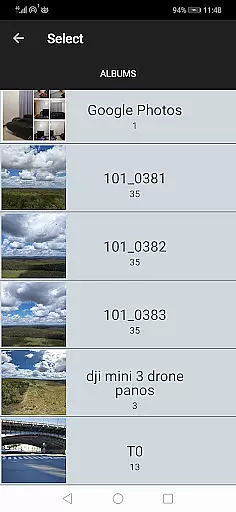
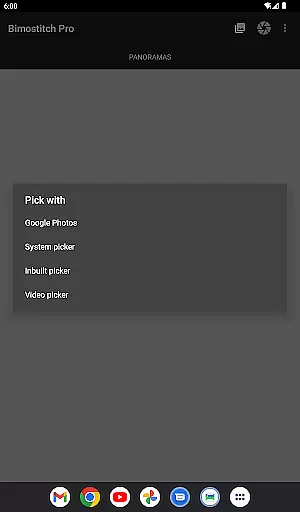
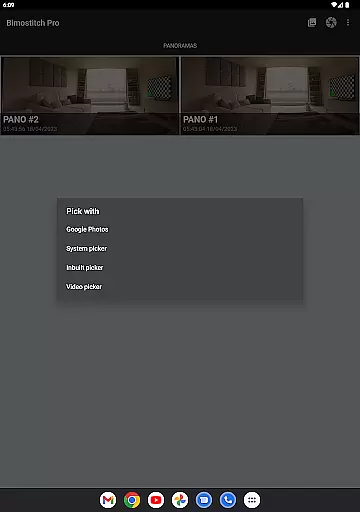
With support for various input methods including built-in photo pickers, external apps like gallery software, or even drones, Bimostitch ensures flexibility and convenience. Users can also shoot videos with panning motions which the app converts into stunning panoramas, providing a dynamic range of creative possibilities.
This real-time feedback loop not only saves time but also improves the quality of the panoramas by allowing immediate corrections and enhancements, making it an invaluable tool for both amateur and professional photographers alike.
AI beauty and enhancement features in photography apps aim to improve image quality without compromising natural aesthetics. Bimostitch Panorama Pro leverages sophisticated AI algorithms to automatically balance exposure, straighten panoramas, and perform color corrections, ensuring that every stitched panorama looks its best.
The app includes auto-color balancing and seam detection modes that optimize the blending of images, maintaining the original quality of source photos. These features help produce high-resolution outputs with minimal distortion, preserving the authenticity of the captured scenes while enhancing their visual appeal.
Bimostitch goes beyond basic enhancements by offering adjustable intensity settings for auto-exposure and color balancing, giving users control over the final look of their panoramas. Additionally, the app supports ultra-high-resolution outputs of up to 1 Gigapixel, ensuring that every detail is crisp and clear.
By combining powerful AI-driven enhancements with user-controlled parameters, Bimostitch delivers natural-looking panoramas that retain the integrity of the original images, making it a top choice for photographers seeking both convenience and quality in their mobile editing tools.
High-quality stitching
Intuitive user interface
Supports 1 Gigapixel output
Offline functionality
Versatile photo sources
Requires 4GB RAM for max resolution
Premium version needed for best features
Processing may take time
Limited free options
Advanced tools may overwhelm beginners

All-in-One Editor & AI Photo Enhancer, Beautify & Retouch, Collage, Cartoonify
 4.20
4.20
Search, tag and rate your way to an organized image gallery
4.40
Android Native system HD camera app. Never been so simple and faster.
4.70
Create AI Photos, Improve and restore quality of blurry, old or damaged pics.
4.20
HD Camera Pro with HD Video shooting, Panorama, Photo editor , Beauty Camera.
4.50
Add a dreamy vibe to your selfies and videos with soft style filters
4.3
AI Photo Editor with 100+ Filters, Effects! Remove BG, Retouch & Photo Enhancer.
4.80
live datamoshing
4.00
RAW video capture with advanced controls
4.40
Collage your moments in one tap: 1000+ layouts, filters, stickers, and texts.
4.90
Light-weight Media Gallery app for Android made with Jetpack Compose
4.60
Easily create custom gifts, cards, photo books & more on the Shutterfly app!
4.60
Effortlessly organize, view and share your photos & videos with Gallery app!
4.40
Luminar: Photo Editor - easy picture editing with AI
4.20
How old age camera Gender Swap App Face Shape Hairstyle App Hair Styler App fun!
4.00
Astrophotography with your smartphone, photo live stacking and much more!
3.90
Create amazing frames with up to five photos. Rounded corners, effects and more!
3.60
Raw Image Viewer. Gallery with support of raw images (.cr3, .cr2, .nef, .raf).
2.00
Photo Album Watch Face shows your favorite pictures as a Watchface.
1.90


User Reviews