
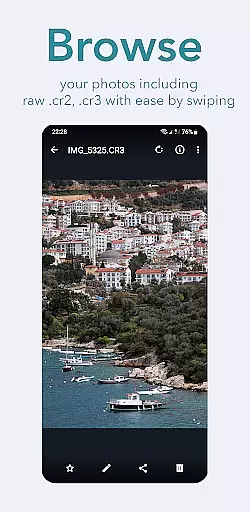
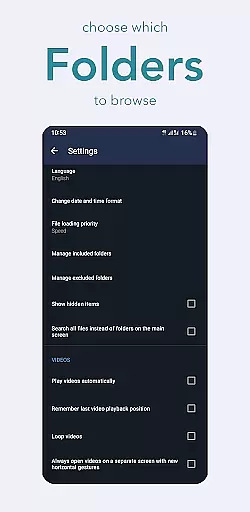
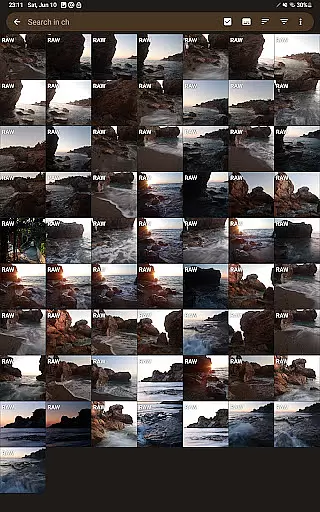
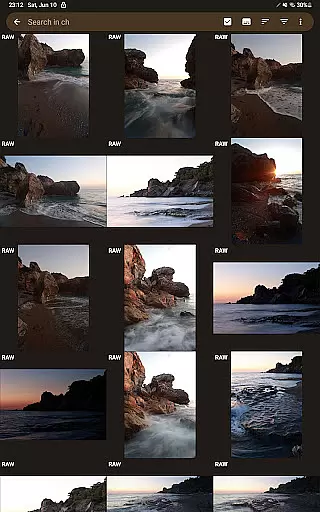
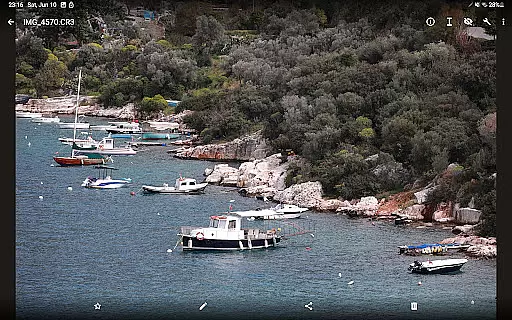
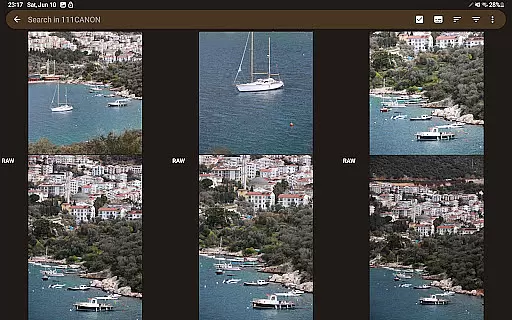
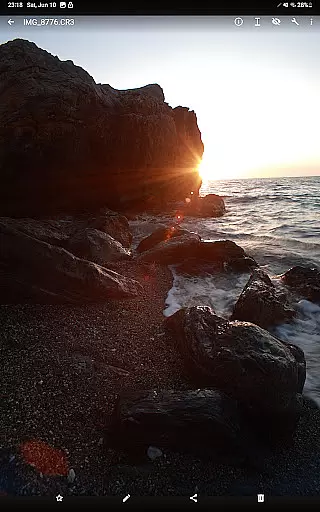
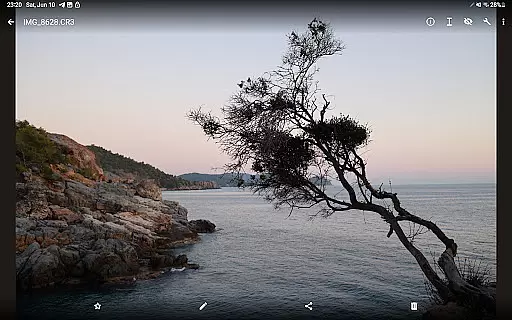

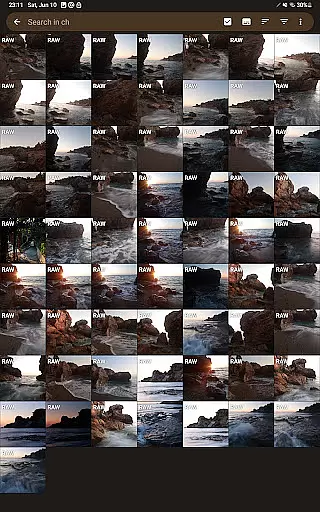
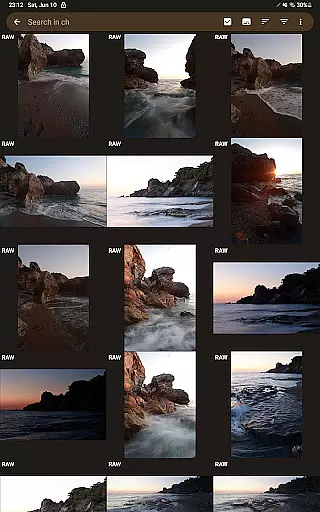
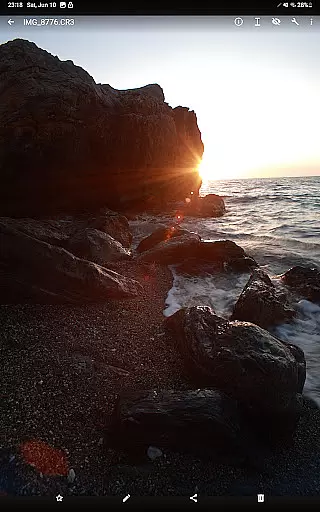
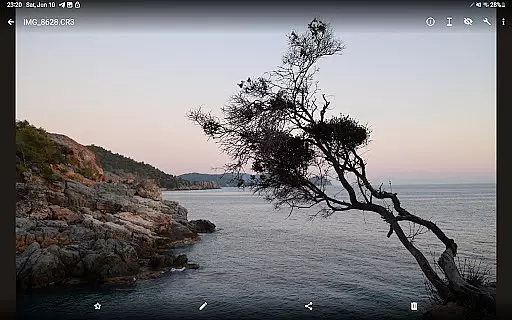

GalleryRAW is a specialized photography application designed for professional photographers and enthusiasts who need to manage and view raw image files on their Android devices. The app supports various raw formats including .cr2, .cr3, .nef, and .raf from leading camera brands like Canon, Nikon, Sony, and Fujifilm.
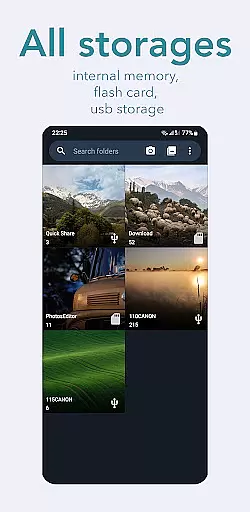
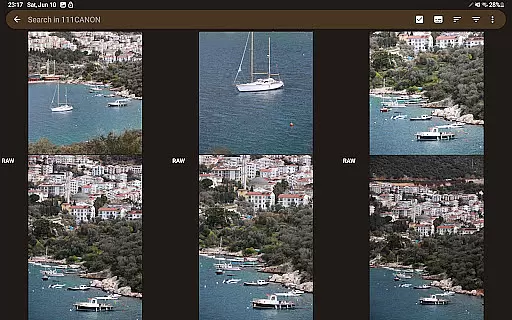
One of the standout features of GalleryRAW is its ability to function as a file manager for raw images. Users can easily import, view, and transfer raw files between USB storage devices and their Android device. This makes it particularly useful for photographers who need to quickly review and select photos from large batches stored on external drives or camera flash cards.
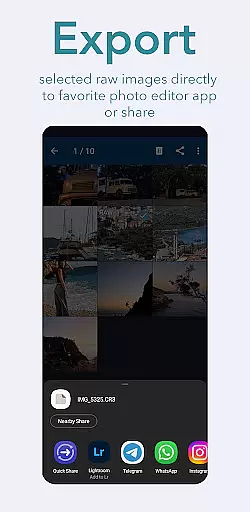
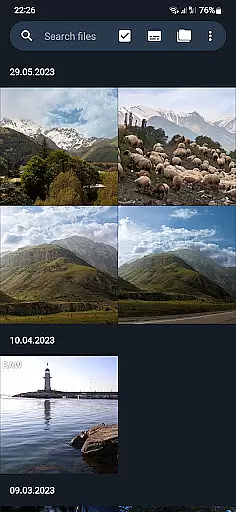
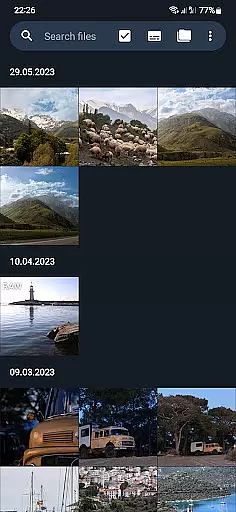
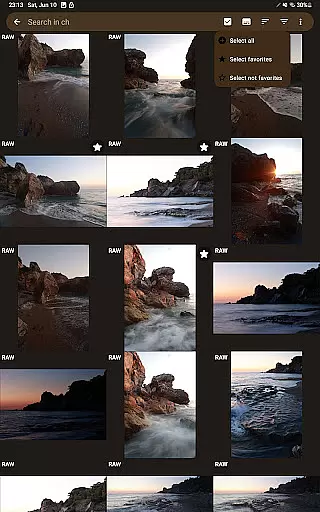
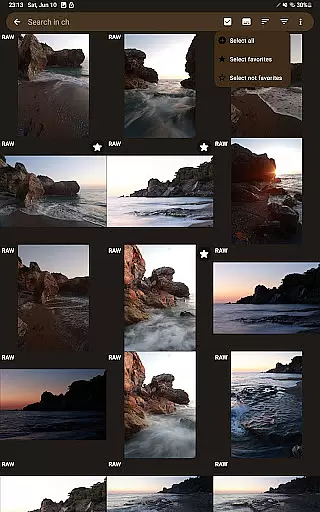
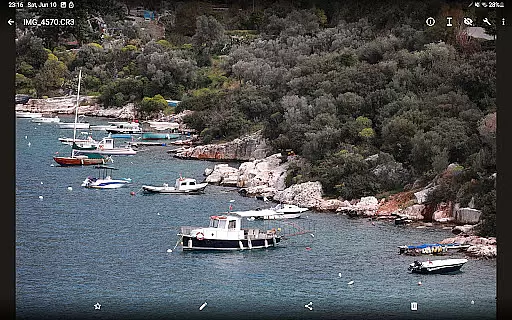
The app's full-screen swipe navigation allows users to efficiently browse through hundreds or even thousands of raw images. After selecting specific photos, users can copy them to the device's internal memory or SD card, while deleting unwanted files from the external storage. This streamlined workflow helps photographers optimize storage space and maintain an organized photo library.
GalleryRAW offers several advanced features that set it apart from other gallery applications. First and foremost is its comprehensive support for multiple raw image formats. Whether you're working with Canon's .cr2/.cr3, Nikon's .nef, Sony's .arw, or Fujifilm's .raf files, this app ensures all your professional-grade images are accessible on your mobile device.
The application's file management capabilities are particularly noteworthy. It allows seamless connection and data transfer between Android devices and various external storage solutions, including HDD/SSD disks and camera flash drives connected via USB adapters. This feature enables photographers to work directly with their original raw files without needing a computer.
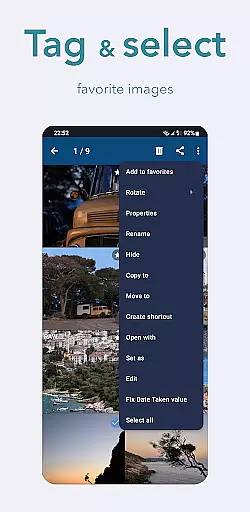
Another key feature is the efficient selection and storage management system. Users can rapidly swipe through large collections of raw images in full-screen mode, select desired photos, and transfer only those to their device's internal memory. The app also provides options to delete unwanted files from external storage, helping photographers maintain optimal storage capacity for future shoots.
GalleryRAW offers a unique real-time capture and preview experience for professional photographers and enthusiasts alike. This feature allows users to instantly view raw image files from Canon, Nikon, Sony, and Fujifilm cameras on their Android devices.
The application supports various raw formats including .cr2, .cr3, .nef, and .raf, ensuring comprehensive compatibility across different camera brands. Users can conveniently swipe through hundreds or even thousands of photos in full-screen mode, making photo selection efficient and intuitive.
With its advanced file management capabilities, GalleryRAW enables seamless transfer of selected images to the device's internal memory or external flash card. This functionality is particularly valuable when working with large volumes of raw files, allowing photographers to optimize storage space on external USB drives.
The real-time preview feature not only enhances workflow efficiency but also helps maintain the original quality of raw images during the viewing and selection process. This ensures that photographers can make informed decisions about which images to keep and which to discard.
While primarily focused on raw image viewing, GalleryRAW incorporates AI-powered enhancement features that maintain the natural quality of photographs. The application's AI algorithms work behind the scenes to optimize image display without compromising the authenticity of raw files.
The AI enhancement system intelligently processes raw images, ensuring that colors, contrast, and details remain true to the original capture. This approach is crucial for professional photographers who require accurate representation of their work during the selection process.
GalleryRAW's enhancement features are designed to be subtle yet effective, providing just enough optimization to make images look their best on mobile devices without introducing artificial elements. This careful balance between enhancement and naturalness preserves the integrity of the original photographs.
Furthermore, the application's AI capabilities extend to efficient file management, helping users organize and select images based on sophisticated analysis of image content and quality. This combination of AI enhancement and practical functionality makes GalleryRAW a valuable tool for managing professional photography workflows.
User-friendly interface
Wide format compatibility
Efficient file management
Fast image viewing
Professional-grade tools
Limited editing features
No cloud integration
Premium version required
Occasional bugs
High storage usage

Photo editor: face & body editor, beauty cam, filters and quality enhancer.
 4.00
4.00
How would you look like with a differently shaped nose, chin or lips?
3.90
Viewfinder, Light meter, Reciprocity failure time, DOF & Bellows Extension
4.60
How old age camera Gender Swap App Face Shape Hairstyle App Hair Styler App fun!
4.00
Create & Edit with AI: AI Remove, Enhance, Retouch, Filter
4.10
Virtual makeup, hair filters & body tuner—edit from face to full body!
4.20
Light-weight Media Gallery app for Android made with Jetpack Compose
4.60
HD Camera Pro with HD Video shooting, Panorama, Photo editor , Beauty Camera.
4.50
Transform Photos: Edit, Beautify and Craft Memories & Make Collages!
4.10
Find time and duration of different sunlight phases at any location
4.90
Create funny photos and videos with the popular Time Warp Scan filter.
4.90
Automatically backup your photos and videos to computer, NAS and Cloud services
4.60
Enhance, retouch & create your story - Share the moment with Photoshop Express.
4.60
Movie camera, supports pro recording settings for filming. Try it and be amazed!
4.50
Edit like a pro with Hypic. Apply filters, AI effects, & magic touch.
4.40
Natural Beauty, Selfie Retouch
4.30
Hair color changer, AI haircut app, fun hair editor and buzz cut filter for all!
3.80
GCamera allows all GCam features on all phone models! Better photos with GCamera
3.30
Add a dreamy vibe to your selfies and videos with soft style filters
4.5


User Reviews