
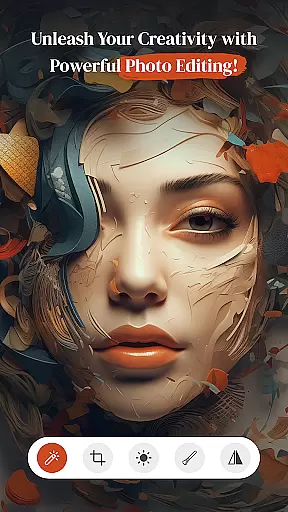

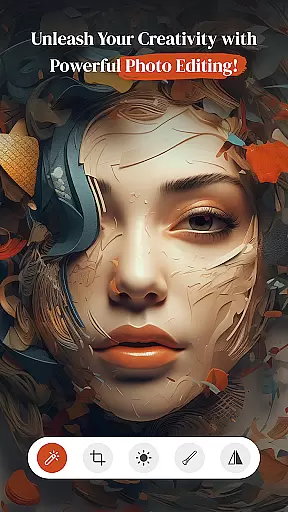

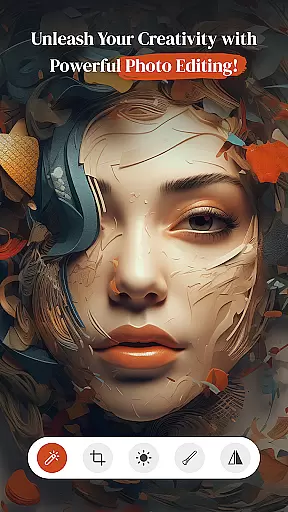

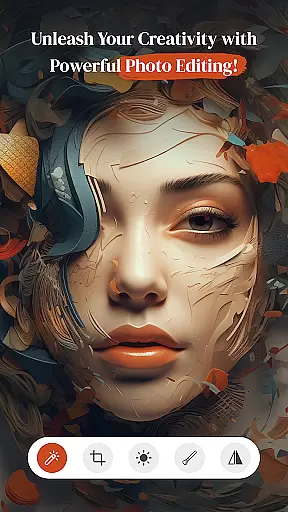

PerfectPic-Photo Edit・Collage is a feature-rich photography app designed to transform your photos into creative masterpieces. With its powerful editing tools, users can easily enhance their images through filters, effects, and contrast adjustments. The app also includes an AI-powered object remover, allowing you to erase unwanted elements from your photos effortlessly.
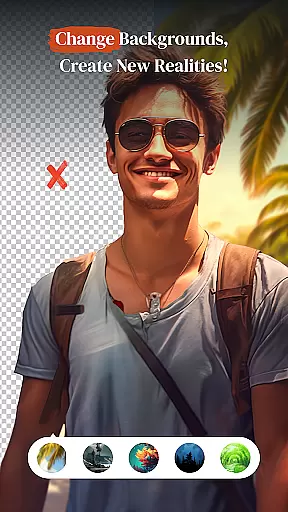
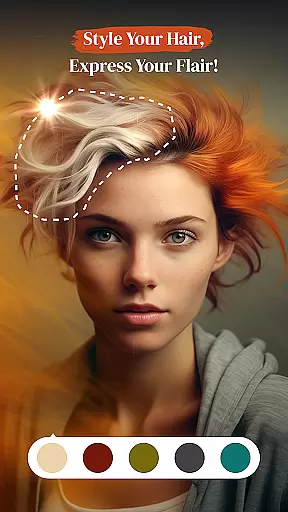
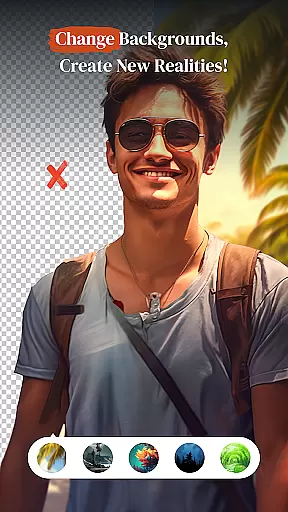
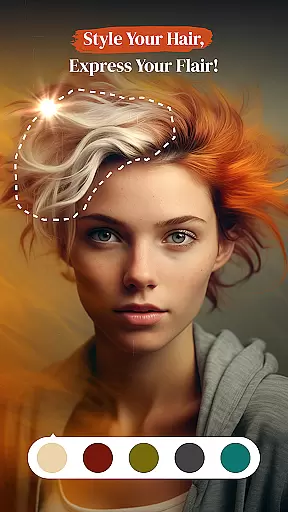
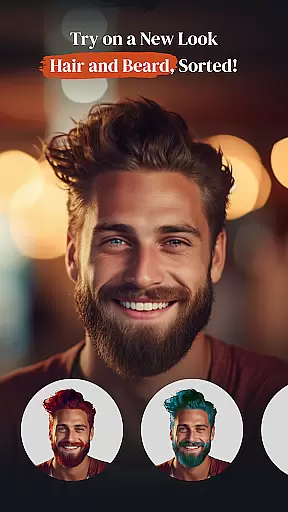
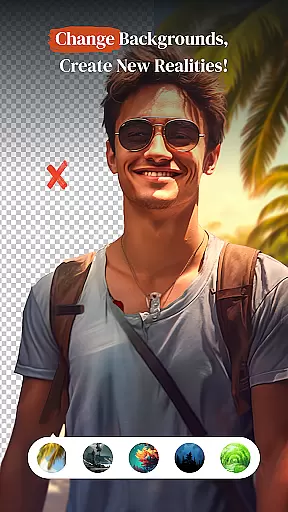
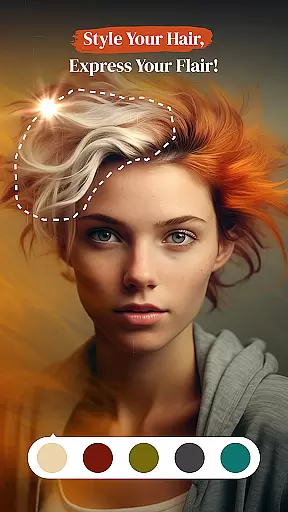
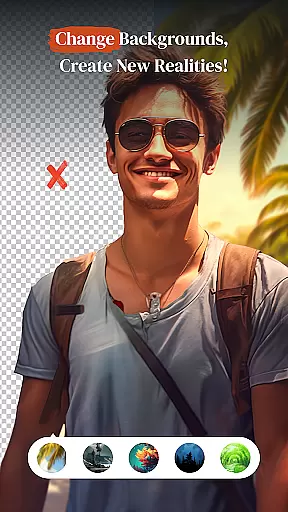
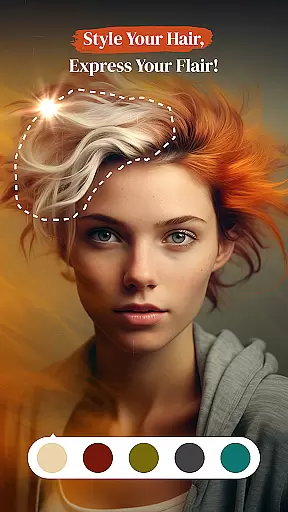
In addition to its photo editing capabilities, PerfectPic offers a background changer tool that lets you remove and replace image backgrounds with ease. Whether you're looking to experiment with hair styles, add makeup, or create collages, this app provides all the necessary features to bring your vision to life. PerfectPic caters to both casual users and professional photographers who want to elevate their photo editing experience.
This app is ideal for anyone seeking to unleash their creativity and produce stunning visuals. From crafting collages to applying beauty enhancements, PerfectPic ensures every photo tells a unique story while maintaining professional quality.
PerfectPic stands out with its diverse range of innovative features tailored for photo enthusiasts. One of its key highlights is the AI-driven object remover, which allows users to delete unwanted objects or distractions from their images seamlessly. This tool ensures clean, polished edits without requiring advanced technical skills.
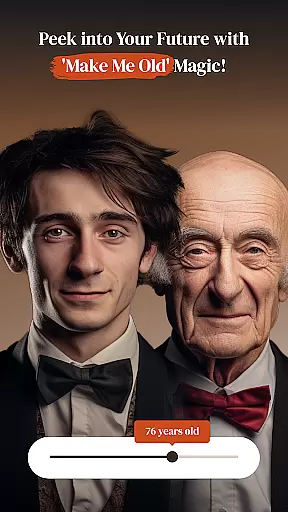
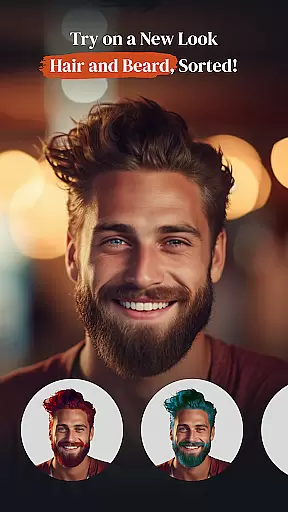
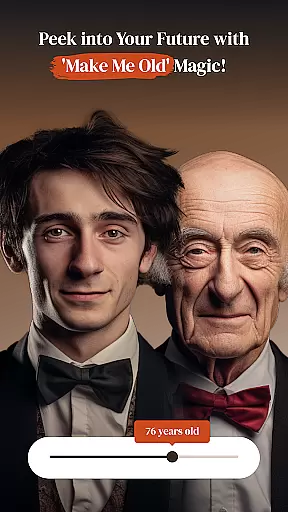
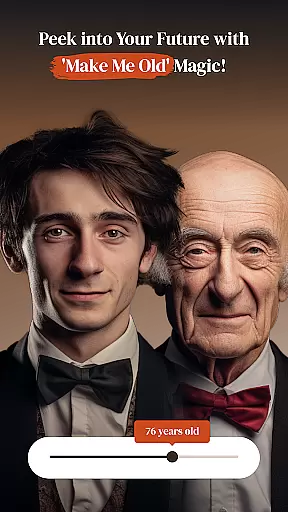
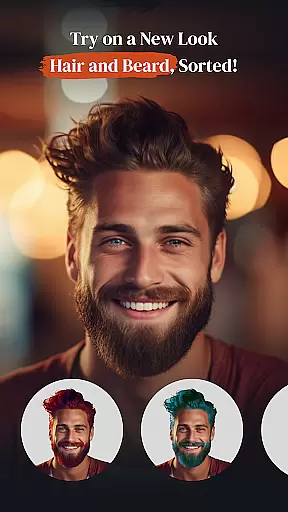
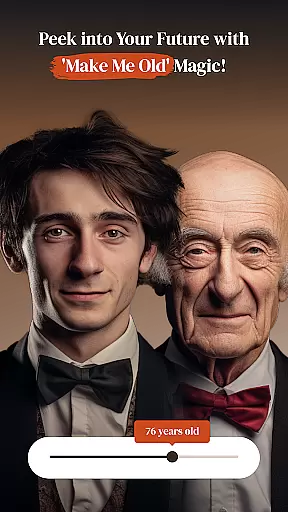
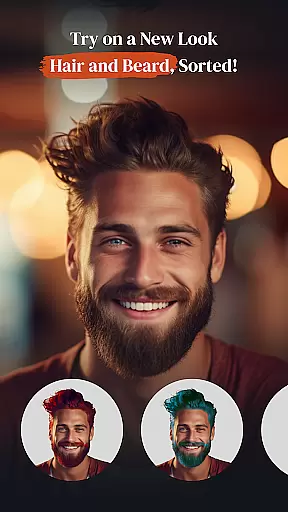
The app also includes a background changer that simplifies the process of removing and replacing image backgrounds. Users can transport their subjects to entirely new settings with just a few taps. Additionally, PerfectPic offers specialized tools like hair & beard styling, makeup application, and an aging effect called 'Make Me Old,' enabling users to explore creative transformations.
For those who love organizing memories, the collage maker feature lets you design beautiful layouts by combining multiple photos. Each function within PerfectPic is crafted to provide intuitive controls and high-quality results, making it a comprehensive solution for all your photo editing needs.
Real-time capture and preview functionality is essential for ensuring that every photo taken meets the user's expectations without delay. PerfectPicuff0dPhoto Editu30fbCollage offers a seamless experience where users can instantly see the results of their shots before committing to them.
The app utilizes advanced processing capabilities to provide immediate feedback on images captured through its interface. This allows photographers to make necessary adjustments on-the-fly, such as tweaking exposure or experimenting with different filters, all while maintaining complete creative control over their work.
With this feature, users gain confidence in their photography skills knowing they can rely on accurate previews. The ability to visualize edits in real time not only saves time but also enhances the overall quality of photos by enabling precise modifications tailored to individual preferences.
Ultimately, PerfectPic empowers creators by bridging the gap between capturing an image and realizing its full potential, making it an indispensable tool for both amateur enthusiasts and professional photographers alike.
AI beauty and enhancement features are designed to elevate the aesthetic appeal of photographs naturally. In PerfectPicuff0dPhoto Editu30fbCollage, these tools go beyond simple retouching; they intelligently analyze facial features to apply enhancements that look genuine and unforced.
The application employs sophisticated algorithms capable of identifying key areas for improvement without compromising the authenticity of the subjectu2019s appearance. Users can expect subtle yet effective touch-ups, such as skin smoothing or blemish removal, which preserve original traits while adding a polished finish.
This approach ensures that edited images retain their unique character, avoiding the overly processed look often associated with digital manipulation. By prioritizing naturalness, PerfectPic caters to those who seek enhanced visuals that still reflect realityu2014a crucial aspect for social media influencers and everyday users aiming for relatable content.
By integrating AI-driven enhancements into its suite of editing options, PerfectPic sets itself apart as a leader in delivering realistic photo improvements, empowering users to present their best selves confidently across various platforms.
User-friendly interface
AI-powered editing tools
Variety of creative features
High-quality photo enhancements
Fun experimental options
Some features may require in-app purchases
Advanced tools could overwhelm beginners
Occasional performance slowdowns
Limited free background choices
Ads may disrupt workflow

1M influencer's special filter
 4.60
4.60
Create & Edit with AI: AI Remove, Enhance, Retouch, Filter
4.10
Natural Beauty, Selfie Retouch
4.30
AI photo editor with hair editor, retouch tools, hair color changer & filters!
4.50
Take videos and pictures with the popular TikTok TIME WARP SCAN filter.
4.60
Amazing Photo Effects - The most fun you can have with your photos!
4.70
Create AI photos & videos with Enhancer; restore, fix, beautify, enhance photos
4.50
Turn photos into cartoons & avatars! - Photo Editor, Cartoon Face!
3.90
Snap photos remotely using your Garmin watch as the camera trigger
4.5
Easily view, share, delete photos with Gallery.
4.70
Automatically backup your photos and videos to computer, NAS and Cloud services
4.60
Create Business Headshots, Polaroid Filter, Retake Photos,Profile Pics,AI Photos
4.50
Trendy TikTok time warp scan funny filter app brings you unique photos & videos.
4.40
Future baby face generator: AI kids generator, kid face! What my baby look like?
4.40
All-in-One Editor & AI Photo Enhancer, Beautify & Retouch, Collage, Cartoonify
4.20
Create AI Photos, Improve and restore quality of blurry, old or damaged pics.
4.20
All-in-One Editor & AI Photo Enhancer, Collage, Cartoonify, Funny Stickers & BGS
4.10
How would you look like with a differently shaped nose, chin or lips?
3.90
Over 800 film simulation recipes for Fujifilm. Black Friday Offer!
4.2


User Reviews