

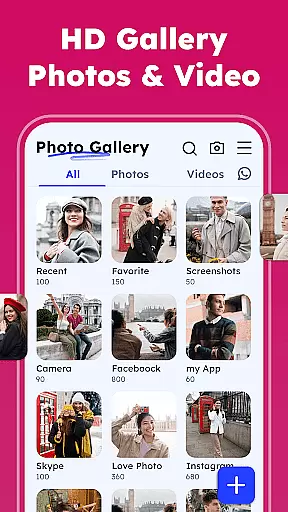


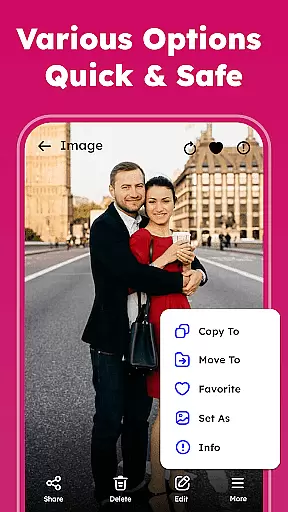
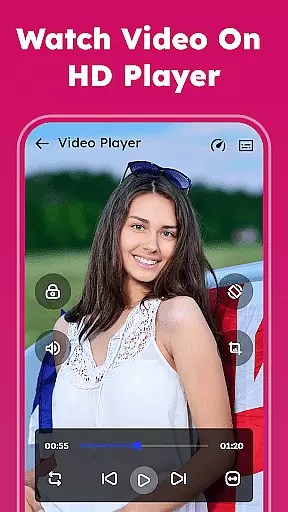
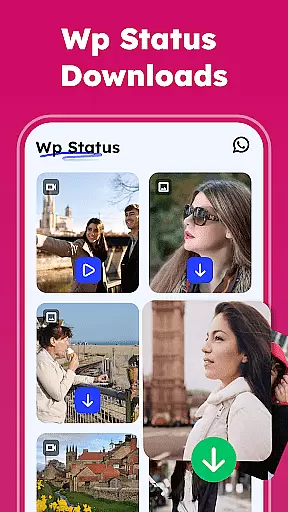

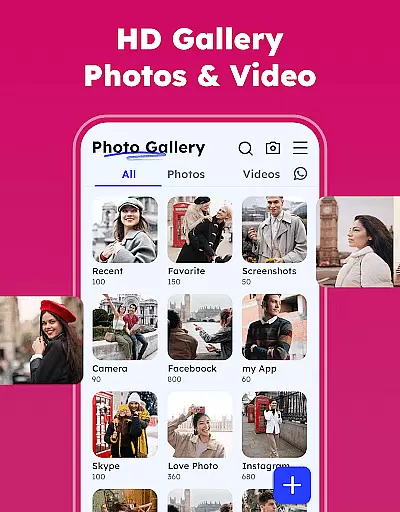

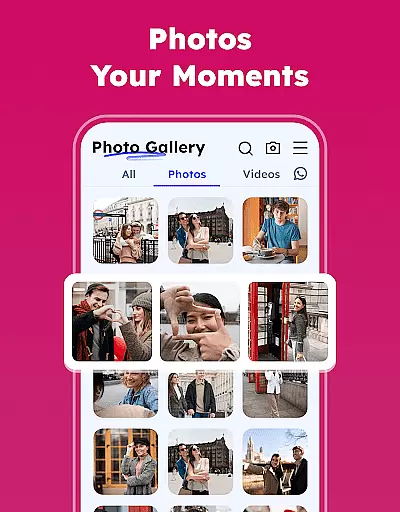
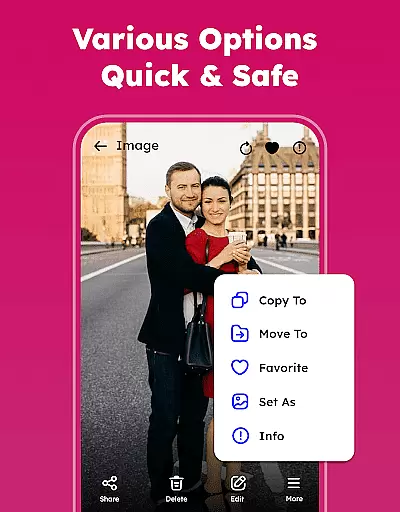
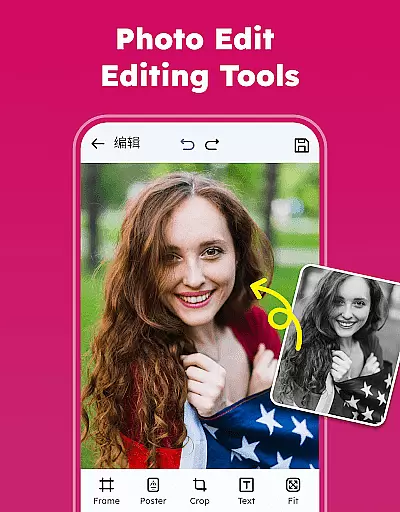
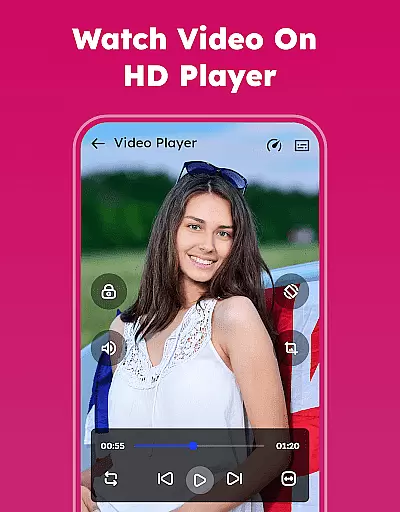
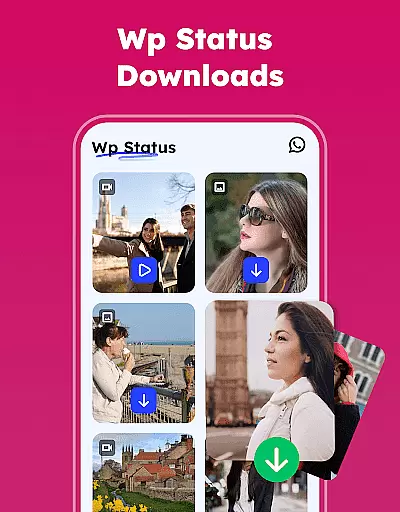

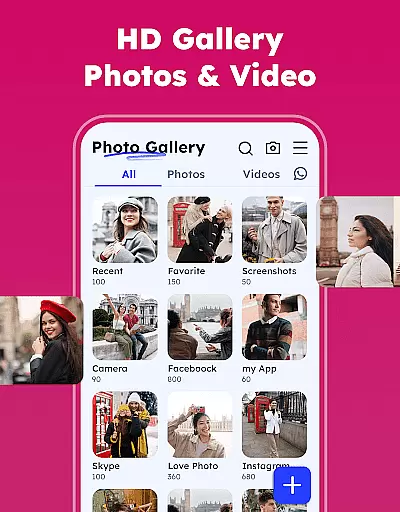

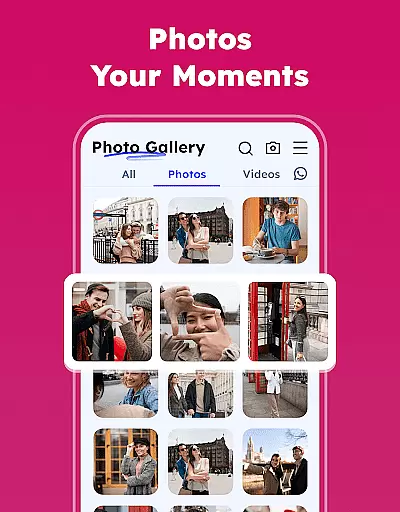
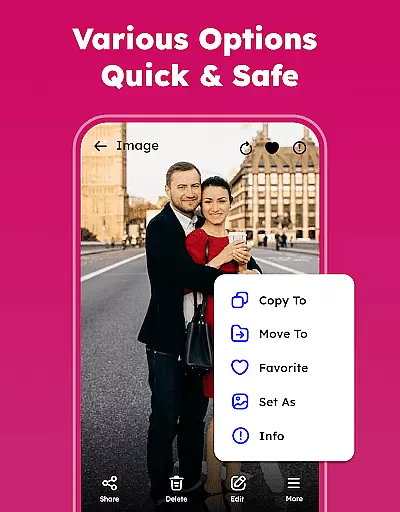
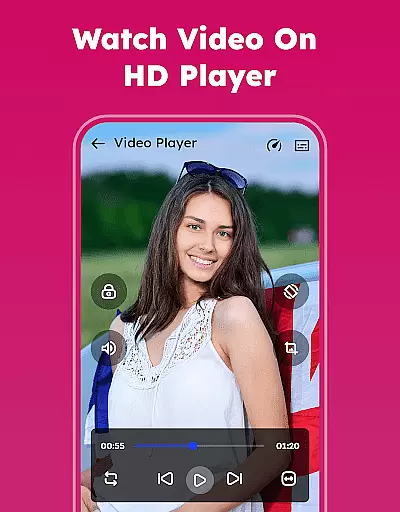
Gallery - Photos & Videos is a feature-rich photography app designed to help users efficiently manage, edit, and protect their media files. This lightweight application offers a comprehensive suite of tools for organizing photos and videos, including password protection, easy sharing options, and advanced editing features. The app's intuitive interface allows users to effortlessly sort and categorize their media by various parameters such as date, size, or category.
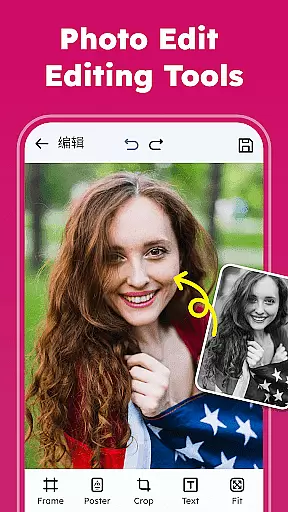
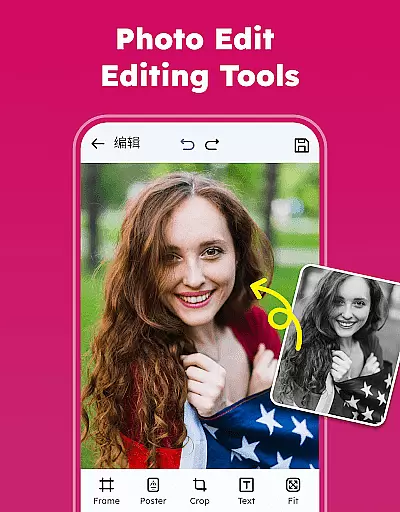
The application stands out through its smart organizational capabilities and security features. Users can create custom albums, remove duplicate files, and even restore accidentally deleted media from the trash. The built-in photo editor provides professional-grade tools for enhancing images, while the gallery lock feature ensures private content remains secure. These functions make it an ideal solution for both casual users and photography enthusiasts who need a reliable way to manage their growing media collections across different devices.
This photography app distinguishes itself through several innovative features that enhance the user experience. The application's core functionality revolves around its powerful organizational tools, enabling users to categorize their media automatically into meaningful groups such as people, places, and events. The sorting system allows for quick access and management of files through multiple organization methods, including name, date, and size-based arrangements.
Security and customization are paramount in this application's design. The gallery lock feature provides robust protection for sensitive media, while the theme customization option lets users personalize their interface with light or dark modes. Advanced editing capabilities include various filters and creative tools, allowing users to enhance their photos professionally. Additionally, the app's offline functionality ensures users can access their media anytime without internet connection, making it particularly valuable for travelers and those in areas with limited connectivity.
Real-time capture and preview functionality is essential for any photography app, allowing users to see exactly what they are capturing before taking the shot. This feature ensures that users can make necessary adjustments to lighting, angle, and composition instantly.
The Gallery - Photos & Videos app offers a seamless real-time capture experience by providing intuitive controls and instant feedback on the screen. Users can easily switch between photo and video modes, apply filters, and adjust settings such as exposure and focus directly from the preview window.
With this capability, users gain the ability to capture high-quality images and videos with confidence. The immediate visual feedback helps in making quick decisions, ensuring that the final media is exactly as desired. This results in better quality photos and videos, enhancing the overall user experience.
Ultimately, the real-time capture and preview feature empowers users to take full control of their photography, making it easier to experiment with different styles and techniques. Whether capturing everyday moments or professional shots, this functionality ensures that users can rely on the app to deliver outstanding results every time.
AI beauty and enhancement features have become a staple in modern photography apps, offering users the ability to enhance their photos naturally without compromising authenticity. These tools leverage advanced algorithms to improve skin tones, remove blemishes, and enhance facial features while maintaining a realistic appearance.
In the Gallery - Photos & Videos app, AI-driven enhancements provide users with a suite of editing options that ensure natural-looking results. From smoothing skin textures to brightening eyes, these features are designed to subtly elevate the quality of photos without making them appear overly processed or artificial.
Users benefit greatly from these enhancements as they can achieve professional-grade edits with minimal effort. The AI technology intelligently identifies areas for improvement and applies enhancements that complement the original image, preserving its unique characteristics and ensuring that the final output looks genuine.
By integrating AI beauty and enhancement tools, the app not only meets the growing demand for sophisticated editing capabilities but also sets itself apart by prioritizing naturalness. This approach resonates well with users who seek to enhance their photos while keeping them true to life, ultimately leading to higher satisfaction and engagement with the app.
User-friendly interface
Advanced security features
Comprehensive editing tools
Offline access capability
Automatic media categorization
Requires storage permissions
Premium features may cost extra
Some features Android 11+ only
Occasional compatibility issues
Interface may feel complex to beginners

Remote control of the phone camera from your Wear OS smartwatch
 3.70
3.70
How would you look like with a differently shaped nose, chin or lips?
3.90
All-in-One Editor & AI Photo Enhancer, Beautify & Retouch, Collage, Cartoonify
4.20
Trendy TikTok time warp scan funny filter app brings you unique photos & videos.
4.40
Photo editor: AI filters, photo enhancer, pic collage maker, AI art generator.
4.80
Be your best in every shot! Fix, edit and retouch your face in selfies & photos.
3.70
Create AI Photos, Improve and restore quality of blurry, old or damaged pics.
4.20
Add a dreamy vibe to your selfies and videos with soft style filters
4.5
AI photo enhancer with Sora 2! Enhance, descratch, and colorize your old photos.
4.50
Find time and duration of different sunlight phases at any location
4.90
Automatically backup your photos and videos to computer, NAS and Cloud services
4.60
A must-have app for landscape photographers
4.60
Enhance, retouch & create your story - Share the moment with Photoshop Express.
4.60
Cut and paste photo editor & eraser to customize photos easy and swap faces fun
4.50
Search, tag and rate your way to an organized image gallery
4.40
Professional photography on your mobile phone
4.20
Photo editor: face & body editor, beauty cam, filters and quality enhancer.
4.00
How old age camera Gender Swap App Face Shape Hairstyle App Hair Styler App fun!
4.00
Create amazing frames with up to five photos. Rounded corners, effects and more!
3.60


User Reviews