
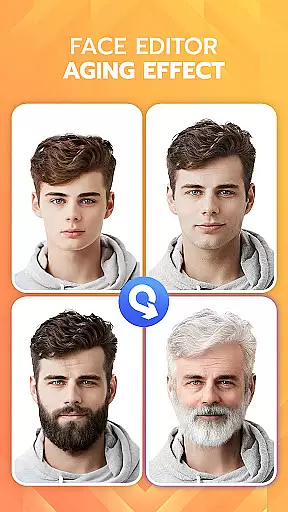
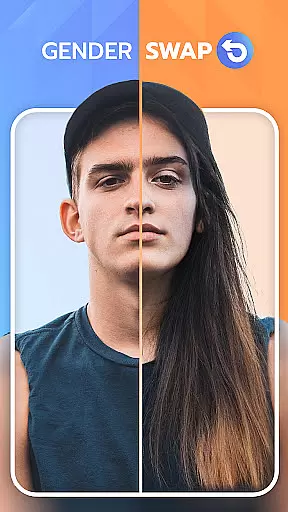
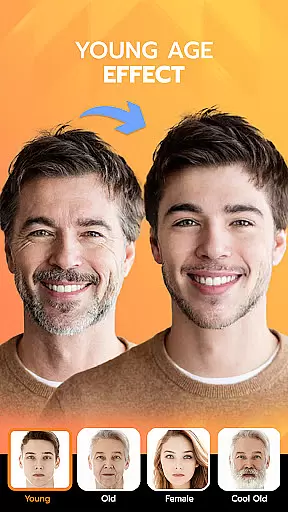
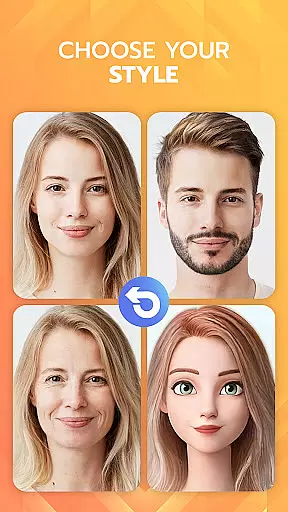
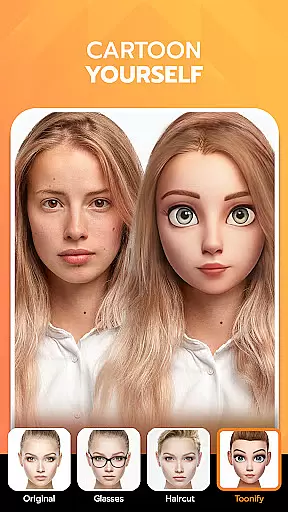
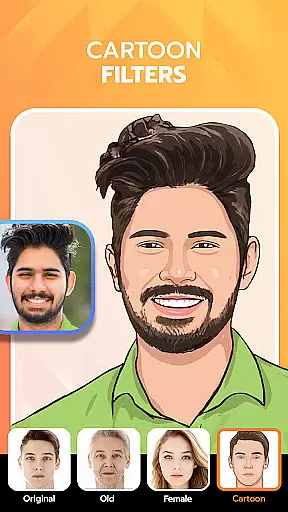
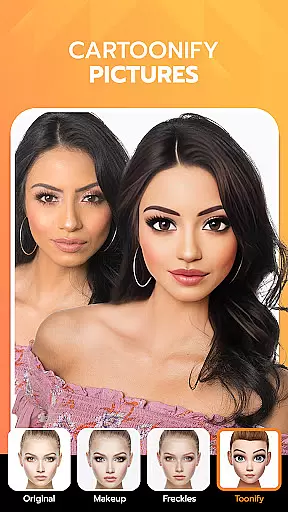
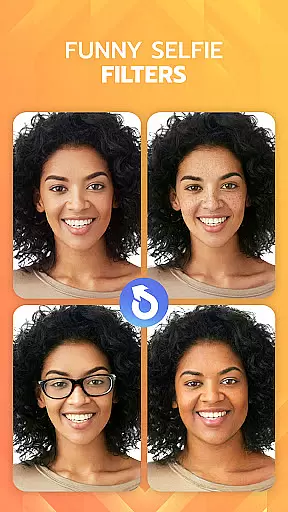
FaceLab is an innovative photography app that allows users to explore various transformations of their facial features through advanced AI technology. The app offers a range of functionalities including age progression, gender swap, hairstyle and hair color changes, and even beard editing.
With its powerful AI algorithms, FaceLab provides realistic simulations of how users might look as they age or with different hairstyles and colors. It also includes a feature to generate images of potential future children, adding a fun and creative aspect to the user experience.
This app is particularly useful for individuals interested in experimenting with their appearance virtually without making any real-life changes. Whether it's curiosity about aging or testing out new looks, FaceLab caters to a wide audience seeking entertainment and personal exploration within the realm of digital photography.
FaceLab stands out in the Photography category due to its comprehensive suite of AI-driven tools designed to alter and enhance facial images. One of its key features is the AI Aging App, which uses sophisticated algorithms to predict and display how a user will appear as they grow older.
In addition to aging simulations, FaceLab offers GenderSwap functionality, enabling users to transform their photos into the opposite gender seamlessly. This feature not only entertains but also educates users on gender differences in facial structures.
The app further extends its capabilities with AI Hairstyle Changer and Hair Color Changer, allowing users to try on different hairstyles and colors virtually. These features are complemented by a Beard Photo Editor, providing options to add or remove facial hair, thus catering to diverse styling preferences and ensuring a personalized experience for every user.
Real-time capture and preview functionality is essential for photography applications as it allows users to see exactly what the camera is capturing before taking a photo. FaceLab offers an intuitive live view that ensures every detail is captured accurately.
The app employs advanced processing algorithms to minimize lag between the camera's view and the screen display. This means users can trust that their photos will reflect precisely what they see in the preview, ensuring high-quality captures every time.
With real-time filters and effects, users can apply various enhancements and see their impact instantly within the preview window. This feature empowers users to make creative decisions on the spot, improving both efficiency and satisfaction with their photographic results.
AI beauty and enhancement features are crucial for modern photography apps, providing users with tools to refine and perfect their images naturally. FaceLab leverages sophisticated AI technology to offer enhancements that maintain the authenticity of the original photo.
The application intelligently identifies facial features and applies adjustments that enhance natural beauty without creating an over-processed look. This approach respects the unique characteristics of each individual while still delivering polished results.
Users benefit from customizable enhancement options that allow them to control the intensity of modifications. Whether smoothing skin texture or adjusting facial contours, FaceLab ensures that all edits appear seamless and true to life, preserving the genuine essence of each portrait.
User-friendly interface
Realistic transformation effects
Wide range of customization options
Fun and engaging features
High-quality image processing
Premium features require payment
Some filters may lack accuracy
Advertisements present in free version
Occasional performance lags
Limited offline functionality

How would you look like with a differently shaped nose, chin or lips?
 3.90
3.90
All-in-One Editor & AI Photo Enhancer, Beautify & Retouch, Collage, Cartoonify
4.20
Search, tag and rate your way to an organized image gallery
4.40
Easily stitch panoramas from multiple photos or video.
4.40
Photo editor: AI filters, photo enhancer, pic collage maker, AI art generator.
4.80
Photo editor & gallery. Crop pictures & edit photos offline, no wifi!
4.50
Fit multiple photos on one post. Create carousels & scroll layouts for Instagram
4.50
AI-powered video creator by MiniMax - Where ideas meet cinema
4.20
The original Rarevision VHS look seen everywhere!
4.70
Create funny photos and videos with the popular Time Warp Scan filter.
4.90
A collection of tools and reference tables for DPs, ACs, DITs and Operators.
4.70
Take videos and pictures with the popular TikTok TIME WARP SCAN filter.
4.60
Light-weight Media Gallery app for Android made with Jetpack Compose
4.60
Create collages easily! Nice pic collage maker & background eraser for Instagram
4.50
A reflected light meter with spot metering and incident light metering.
4.40
RAW video capture with advanced controls
4.40
Create AI Photos, Improve and restore quality of blurry, old or damaged pics.
4.20
Perfect photos with body shaping, BG changer and object remover.
3.70
Professional video recording application with manual controls for filmmakers!
2.80


User Reviews