
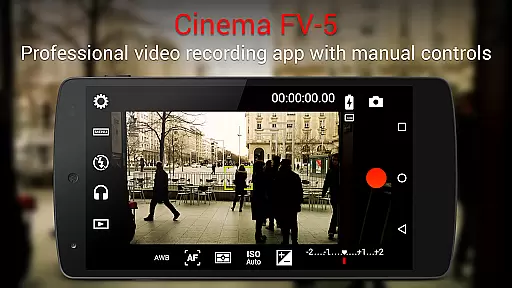
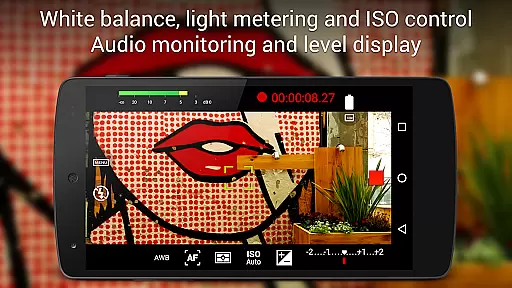
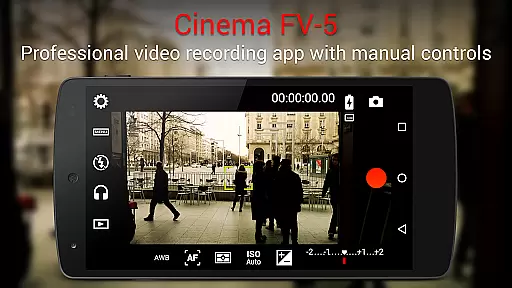
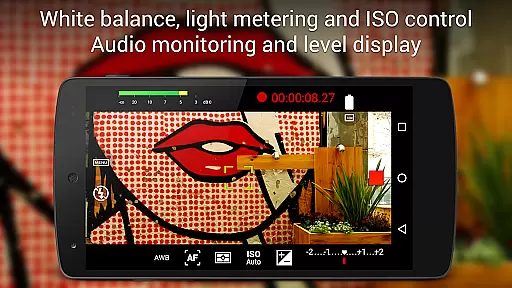
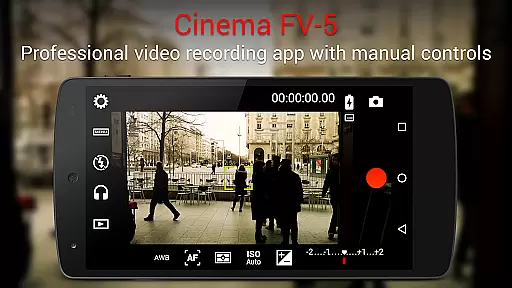
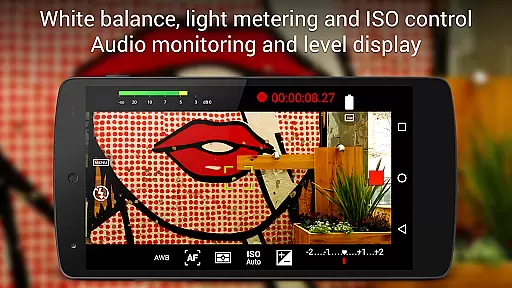
Cinema FV-5 stands as a professional-grade video camera application tailored for mobile devices, offering an extensive suite of manual controls. This app is designed with both enthusiast and professional videographers in mind, enabling users to capture high-quality footage through advanced settings perfect for post-production. With the ability to adjust exposure compensation, ISO, focus modes, and white balance, it provides unparalleled control over video capture.
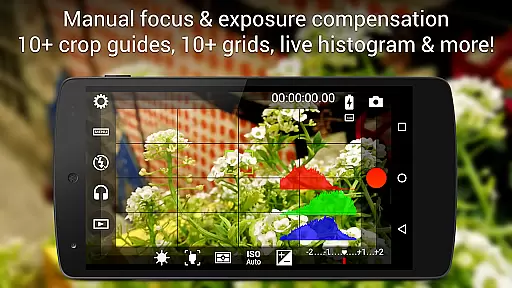
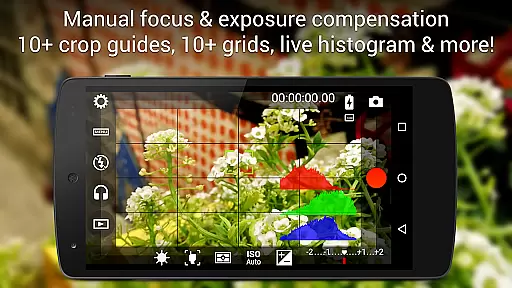
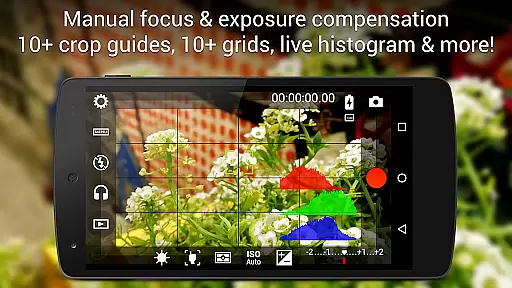
One of Cinema FV-5's standout features is its professional viewfinder, which includes compositing grids, crop guides, and live RGB histograms. Additionally, it supports various audio inputs and codecs, ensuring superior sound quality alongside video. The app also allows for video geotagging and offers powerful organization options for video clips, making it an ideal tool for short- to medium-sized productions.
The true power of Cinema FV-5 lies in its ability to transform any medium- to high-end Android device into a versatile filmmaking tool. By leveraging these professional controls, filmmakers can push their creative boundaries and achieve exceptional results, whether shooting documentaries, short films, or any other video content.
Cinema FV-5 boasts an impressive array of features that cater to professional videography needs. Users can manually adjust all critical image sensor parameters such as ISO, exposure compensation, and white balance, even during recording. This level of control extends to focus adjustments, allowing videographers to lock focus on subjects before and during recordings, ensuring sharp and dynamic shots.
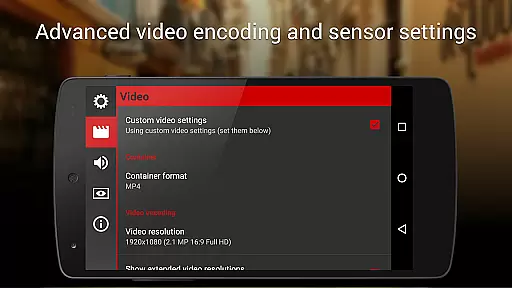
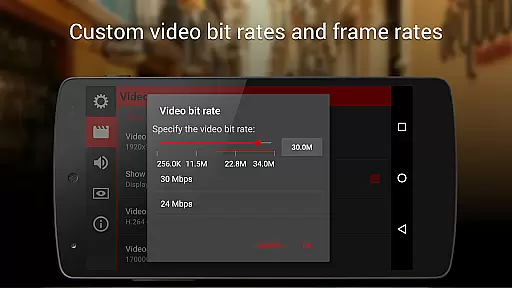
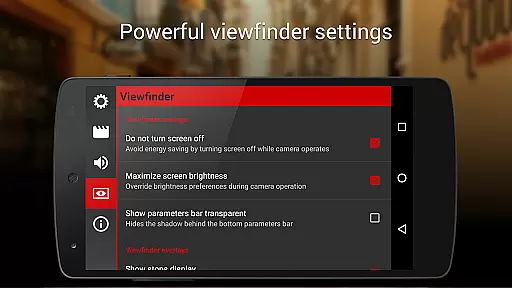
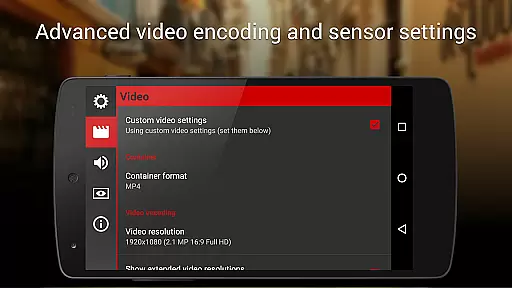
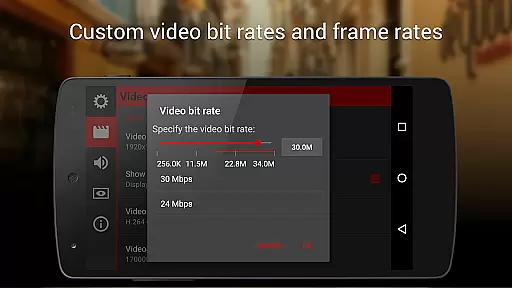
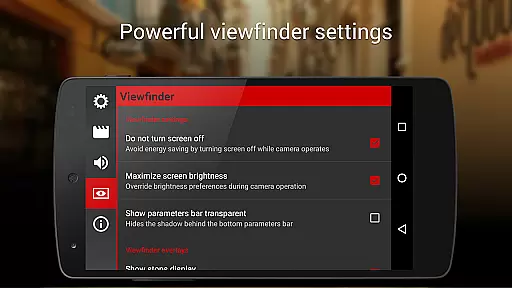
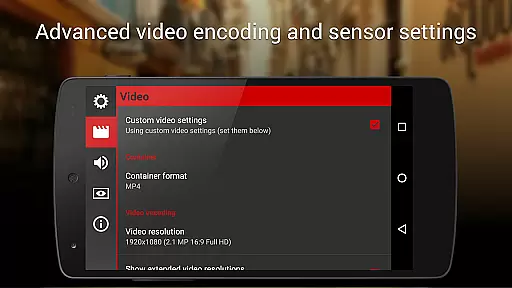
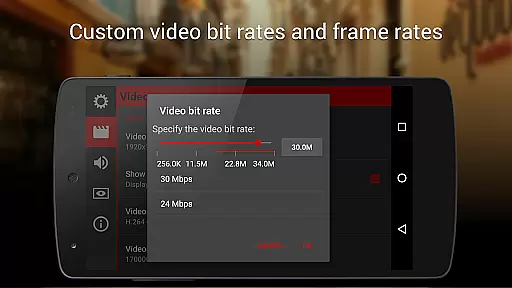
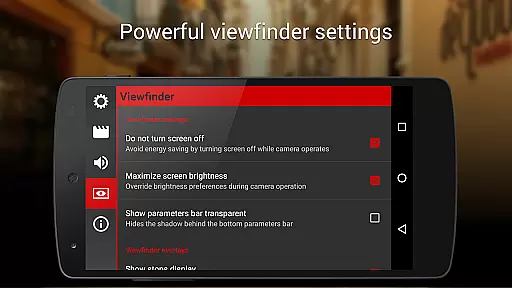
The app's electronic viewfinder is one of the most advanced available, featuring live RGB and luminance histograms, professional sound metering options, and multiple grid overlays. It supports 4K UHD video recording on compatible devices and offers extensive customization for video and audio codecs, bitrates, and sampling rates. These features ensure that every clip meets professional standards and is ready for editing in any non-linear editing (NLE) software.
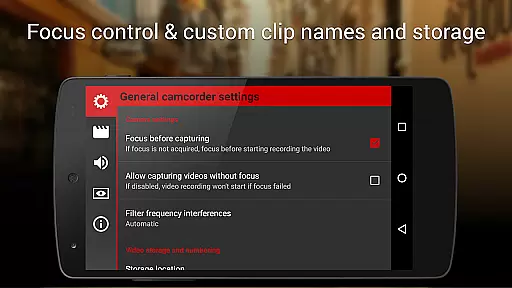
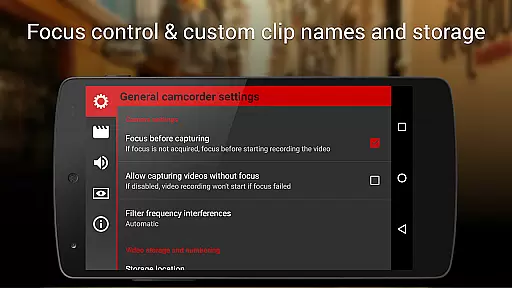
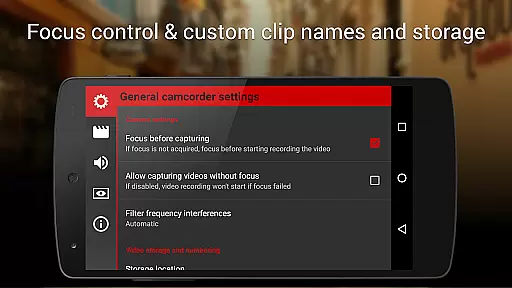
Additional functionalities include assignable camera functions to volume keys, video geotagging, and various autofocus modes. Cinema FV-5 also excels in video clip management, providing customizable file names and storage locations. These robust features make it an indispensable tool for filmmakers who demand precision and flexibility in their mobile videography toolkit.
Cinema FV-5 excels in real-time capture and preview capabilities, offering videographers precise control over their footage. The application provides professional manual controls that allow users to adjust image sensor parameters such as ISO, exposure compensation, and white balance even during recording. This ensures that the video being captured is exactly what the filmmaker envisions, with no post-production surprises.
The app's advanced electronic viewfinder displays live RGB and luminance histograms, enabling accurate exposure adjustments on-the-fly. Videographers can also monitor audio levels with professional sound metering options that show audio peaks and clipping warnings. These features ensure that both video and audio are captured with the highest fidelity, allowing creators to produce professional-grade content directly from their mobile devices.
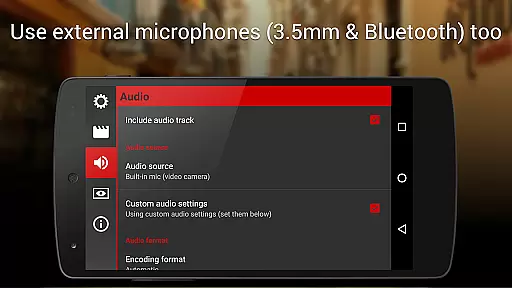
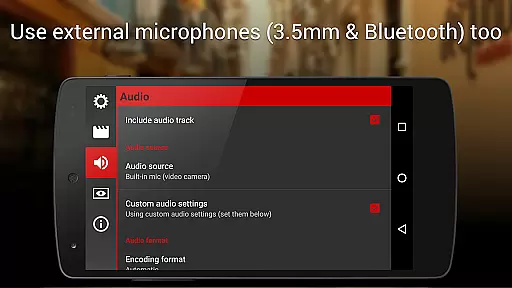
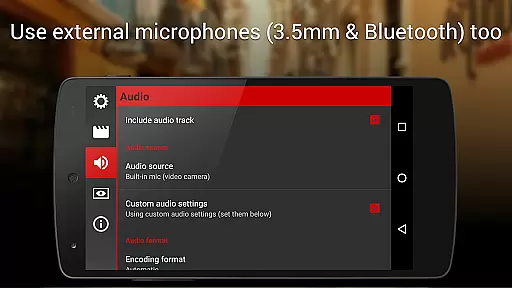
With support for various focus modes, including autofocus, macro, and touch focus, Cinema FV-5 allows users to lock focus on subjects before and during recording. This flexibility ensures sharp and clear visuals, regardless of the shooting environment. Additionally, the ability to use different audio input sources, such as built-in microphones or external Bluetooth headsets, enhances the overall quality of the captured media.
While primarily focused on professional video capture, Cinema FV-5 also incorporates features that enhance the natural beauty of the footage without relying on artificial enhancements. The app's powerful manual controls enable videographers to fine-tune settings like color temperature and exposure, resulting in naturally vibrant and well-balanced images. This approach preserves the authenticity of the scene while still delivering visually stunning results.
The professional viewfinder includes over 10 compositing grids and crop guides, helping filmmakers frame their shots perfectly. Safe area displays ensure that important elements remain within the desired boundaries, maintaining the integrity of the composition. These tools contribute to a more polished final product without resorting to automated beautification effects that can compromise the original intent.
Cinema FV-5 supports recording in 4K UHD resolution on compatible devices, capturing every detail with remarkable clarity. The ability to choose different video and audio codecs, along with adjustable bitrates and sampling rates, gives creators complete control over the technical aspects of their recordings. This level of customization ensures that the final output meets the highest standards of quality while remaining true to the source material.
Professional manual controls
Advanced electronic viewfinder
Supports 4K UHD video
Customizable video settings
Powerful clip organization
Complex for beginners
Requires high-end device
No built-in editor
Premium price point
Limited device compatibility

Search, tag and rate your way to an organized image gallery
 4.40
4.40
Natural Beauty, Selfie Retouch
4.30
HD Camera Pro with HD Video shooting, Panorama, Photo editor , Beauty Camera.
4.50
Movie camera, supports pro recording settings for filming. Try it and be amazed!
4.50
Hair color changer, AI haircut app, fun hair editor and buzz cut filter for all!
3.80
Your personal guide to the sun and moon. Plan ahead, visualize and predict!
4.70
PhotoSync Bundle Add-On License. Enables all features and services in PhotoSync.
4.60
Unlock the full potential of your DJI drone with Litchi
4.50
Solocator stamps photos you take with GPS location, Compass Direction, Date/Time
3.80
Photo prints, cards, & gifts at Walgreens. Easy ordering & fast local pickup !
4.80
Photo editor: AI filters, photo enhancer, pic collage maker, AI art generator.
4.80
See your baby AI baby face generator AI baby maker Face generator babymaker fun!
4.70
Transform photos into videos! Create realistic or anime-style images easily!
4.50
Fit multiple photos on one post. Create carousels & scroll layouts for Instagram
4.50
Use AI Video Generator to turn your words to ai generated videos.
4.50
Transform Photos: Edit, Beautify and Craft Memories & Make Collages!
4.10
Remote control of the phone camera from your Wear OS smartwatch
3.70
Be your best in every shot! Fix, edit and retouch your face in selfies & photos.
3.70
Superimpose one photo on top of another using the original Superimpose app!
3.20


User Reviews