
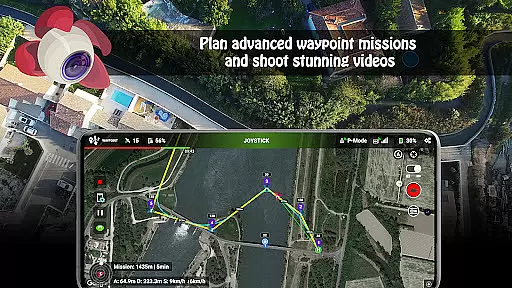
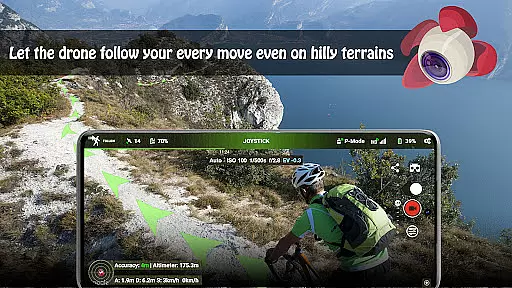
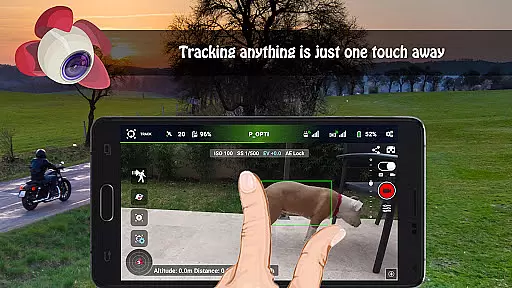
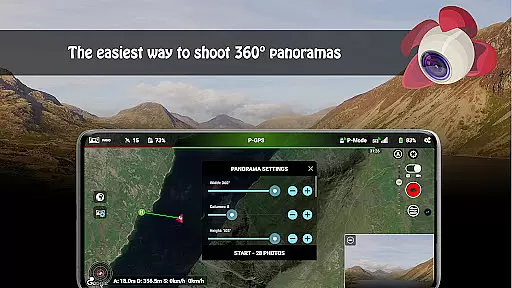

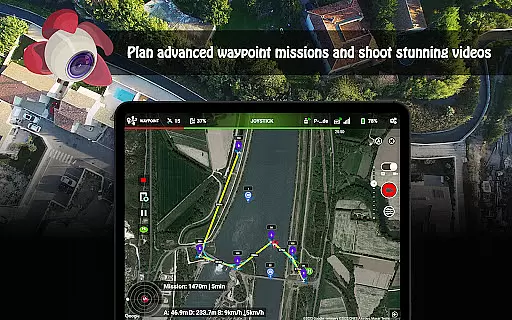
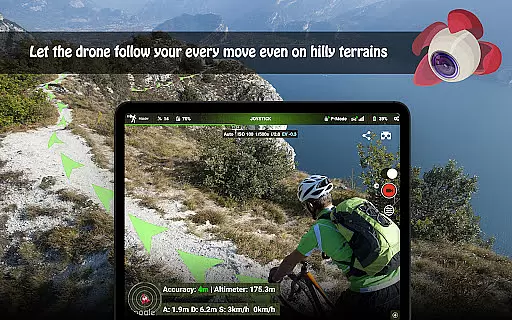
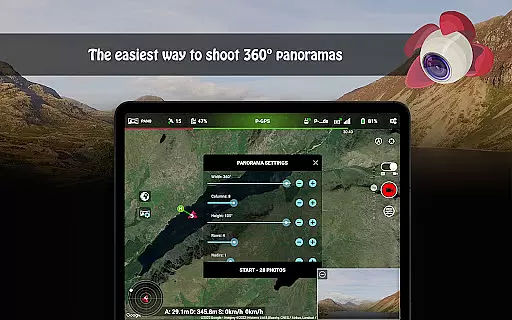
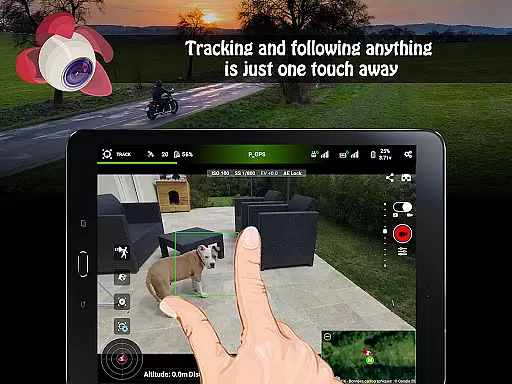

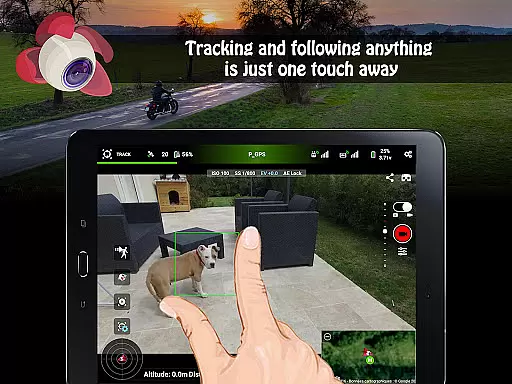

Litchi for DJI Drones is the premier application designed to unlock the full potential of your DJI drone. With compatibility across a wide range of models, Litchi offers an intuitive yet powerful flight experience. The app boasts features such as Waypoint mode, which allows seamless flight plan syncing across all devices, and Panorama mode for capturing stunning aerial shots. Whether you're a professional or a beginner, Litchi's advanced functionalities like Track mode and Follow mode use state-of-the-art computer vision algorithms to ensure your subject is perfectly framed.
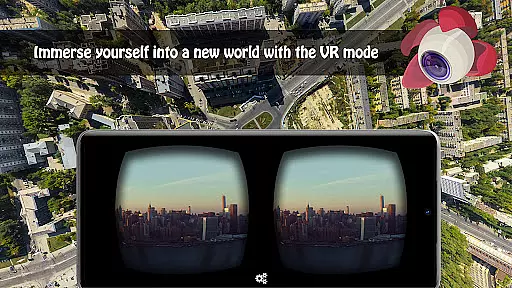
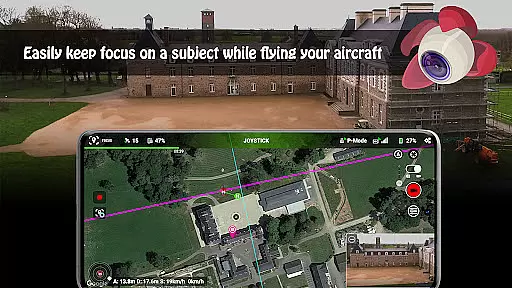
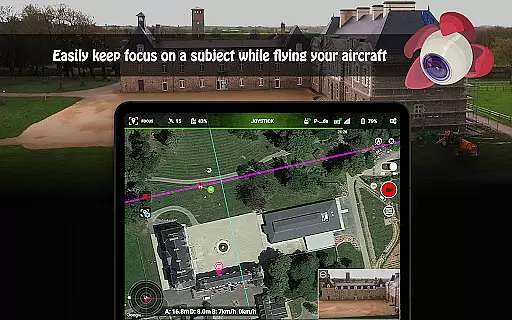
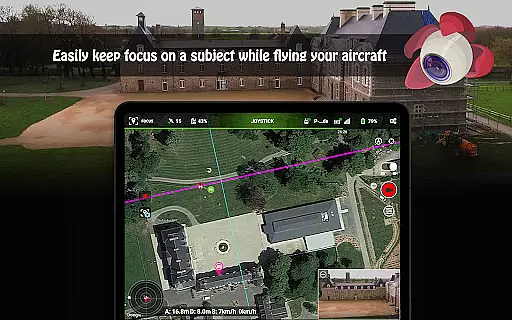
In addition to its autonomous flight capabilities, Litchi provides users with immersive FPV experiences through VR mode, requiring separately sold goggles. Focus mode assists pilots by managing gimbal and yaw controls, allowing them to focus on navigation. Livestreaming to platforms like Facebook, using a second smartphone as a Follow-me target, and custom RC key functions are just a few examples of Litchi's extensive feature set. These tools not only enhance user control but also significantly improve the overall value and utility of your DJI drone, making Litchi an indispensable tool for both hobbyists and professionals alike.
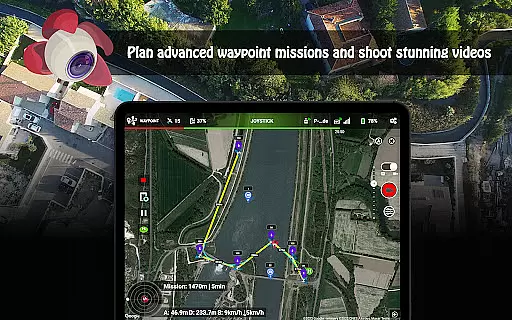
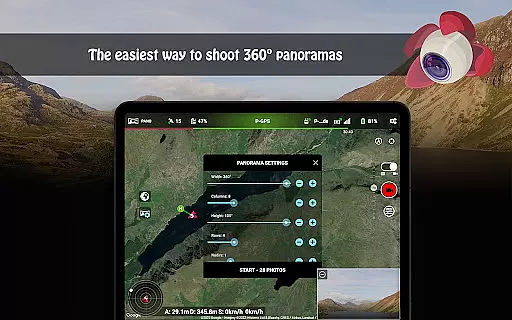
Litchi stands out with its comprehensive suite of features tailored for DJI drone enthusiasts. One of its most notable features is the Waypoint mode, offering an intuitive waypoint engine that syncs flight plans across multiple devices, including PC/Mac. This ensures a consistent and reliable flying experience regardless of the platform used for planning. Additionally, the Panorama mode simplifies the capture of horizontal, vertical, and 360 spherical panoramas, providing users with versatile photography options.
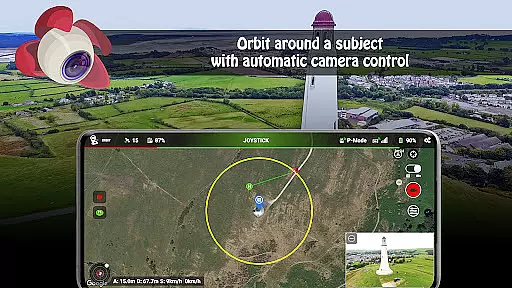
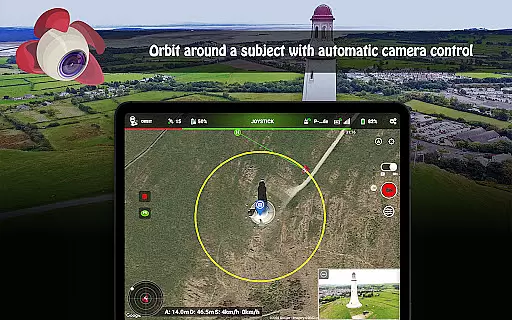
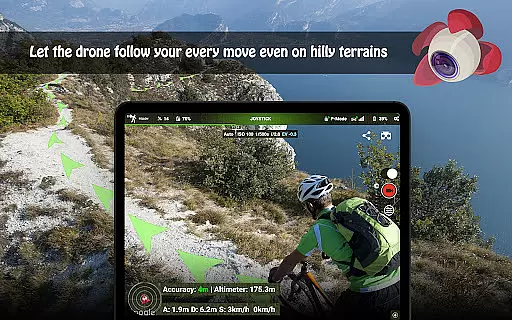
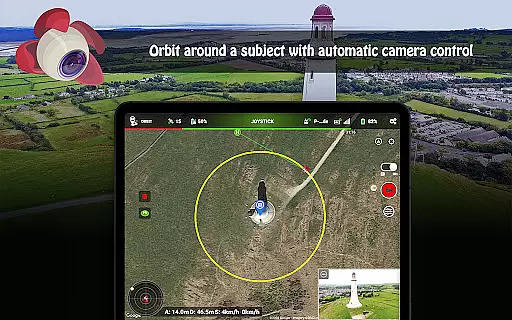
Track mode and Follow mode utilize cutting-edge computer vision algorithms, enabling the drone to understand and frame subjects accurately. For those seeking an immersive experience, VR mode leverages mobile phone technology to deliver a thrilling FPV encounter when paired with compatible goggles. Focus mode enhances piloting by taking control of gimbal and yaw movements, allowing users to concentrate on maneuvering. Moreover, features like Orbit mode, livestreaming capabilities, and support for bluetooth controllers further enrich the user experience, showcasing Litchi's commitment to innovation and user-centric design.
Real-time capture and preview functionality is essential for drone photography, allowing users to see exactly what the camera captures as it happens. Litchi for DJI Drones excels in this area by providing a seamless live feed from the drone's camera directly to the user's device.
The app ensures minimal latency in video transmission, which is crucial when navigating and framing shots. This real-time feedback empowers photographers and videographers to make instant adjustments to their drone's position and camera settings, ensuring they capture the perfect moment every time.
Moreover, Litchi supports advanced features like Waypoint mode and Orbit mode, which can be monitored and adjusted in real time. This combination of live preview with sophisticated flight planning tools makes capturing complex shots more accessible than ever before.
By delivering a reliable and high-quality real-time capture experience, Litchi enhances the overall efficiency of drone operations. Users can now execute precise flights and capture stunning visuals with confidence, knowing exactly what their final output will look like during the entire process.
While primarily focused on drone control and photography, Litchi also incorporates elements of AI beauty and enhancement that ensure captured images and videos maintain a natural look. The app leverages advanced algorithms to enhance visual content without compromising authenticity.
Litchi's post-processing capabilities subtly improve image quality by adjusting lighting, color balance, and sharpness. These enhancements are carefully calibrated to avoid the over-processed appearance that can detract from a photograph's genuineness.
In addition to static image enhancement, Litchi offers features like automatic video recording and panorama mode. These functions utilize AI to optimize settings based on environmental conditions, resulting in consistently high-quality media that retains its natural essence.
By prioritizing natural enhancement over artificial alterations, Litchi provides users with professional-grade results that remain true to life. This approach not only elevates the quality of captured content but also preserves the integrity of the original scene, making it an ideal choice for both amateur enthusiasts and professional content creators.
User-friendly interface
Advanced waypoint planning
Immersive VR experience
Reliable subject tracking
Seamless device syncing
Not compatible with latest drones
Separate goggles required for VR
Internet needed for initial setup
Additional cost for Airdata subscription
Complex features may overwhelm beginners

Effortlessly organize, view and share your photos & videos with Gallery app!
 4.40
4.40
Search, tag and rate your way to an organized image gallery
4.40
Add Watermark - Sign your pictures with a text or logo. Effective, quick, easy!
4.50
Viewfinder, Light meter, Reciprocity failure time, DOF & Bellows Extension
4.60
Be your best in every shot! Fix, edit and retouch your face in selfies & photos.
3.70
The #1 app for B&W film developing featuring an advanced darkroom timer.
4.10
HD Camera Pro with HD Video shooting, Panorama, Photo editor , Beauty Camera.
4.50
USB Storage Access for Photos, Videos, Music and Documents
3.80
Photo & Video Gallery app to manage albums and save WA Status easily.
4.70
Photo prints, cards, & gifts at Walgreens. Easy ordering & fast local pickup !
4.80
Trendy TikTok time warp scan funny filter app brings you unique photos & videos.
4.40
AI portrait generator and polaroid AI selfie, fun AI generated AI photo creator!
4.30
Natural Beauty, Selfie Retouch
4.30
Professional photography on your mobile phone
4.20
Photobooth mini FULL app will allow you to add more fun to your parties
4.00
Pet Camera
3.70
GCamera allows all GCam features on all phone models! Better photos with GCamera
3.30
Long exposure camera with computational photography
2.60
Photo Album Watch Face shows your favorite pictures as a Watchface.
1.90


User Reviews