
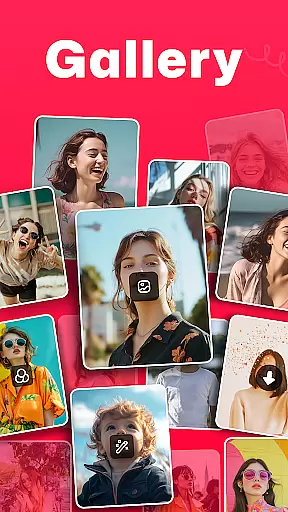
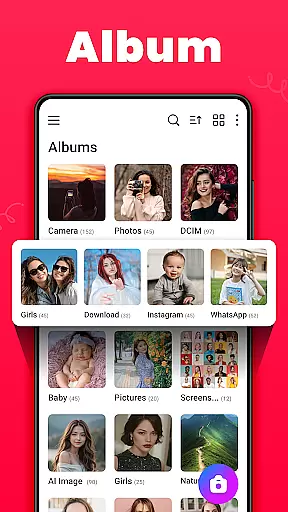

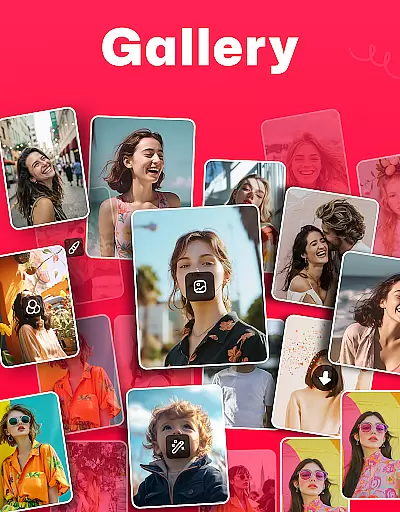
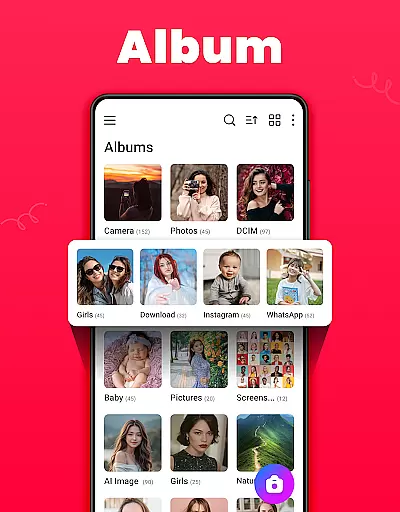
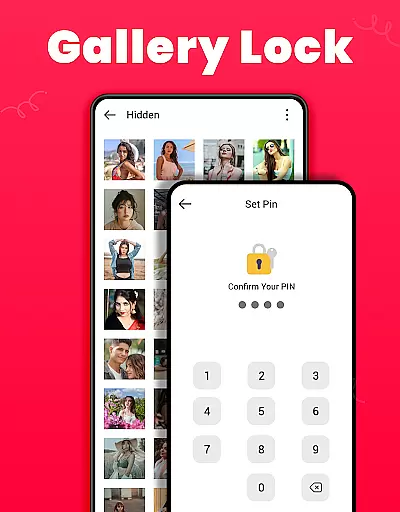
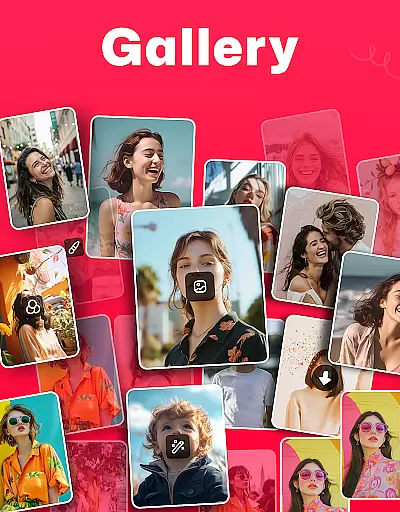
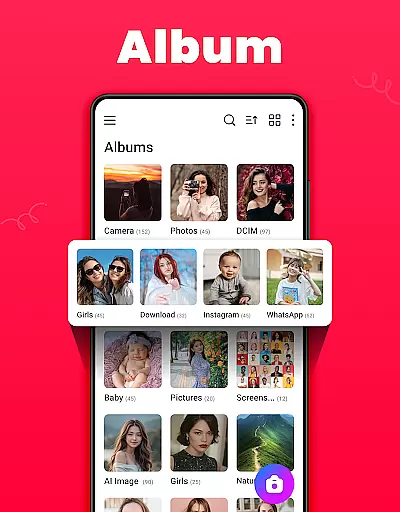
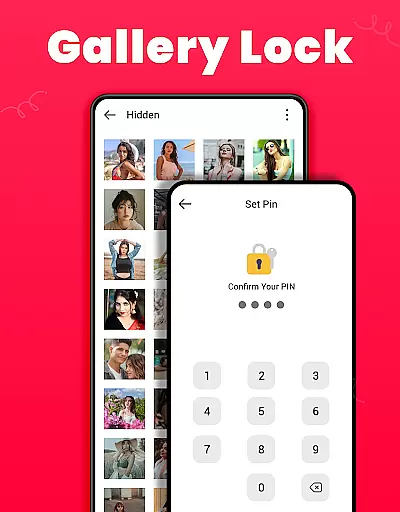
Gallery is a comprehensive offline photo and video management app designed for Android users. This application allows you to organize, edit, and share your media files effortlessly. The app automatically categorizes photos and videos based on their paths, making it easy to locate specific files. Additionally, Gallery offers a secure vault feature where users can protect sensitive content with a PIN or password, ensuring privacy and security.
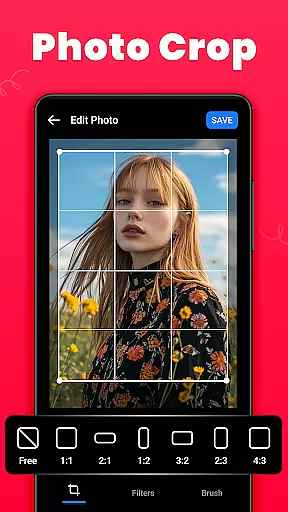
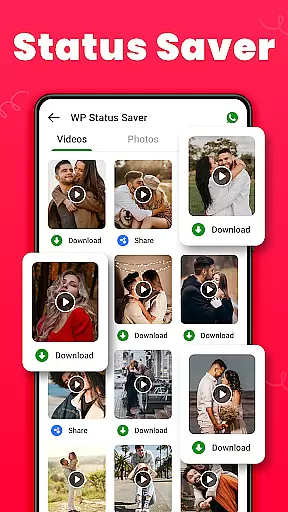
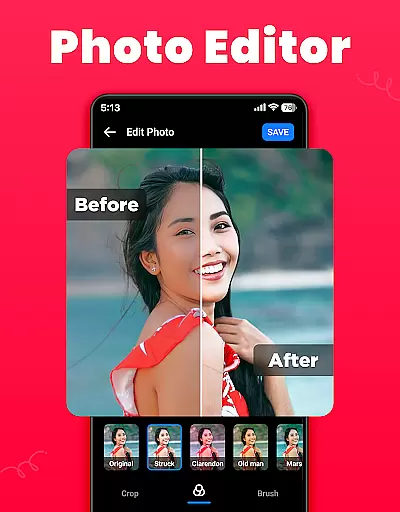
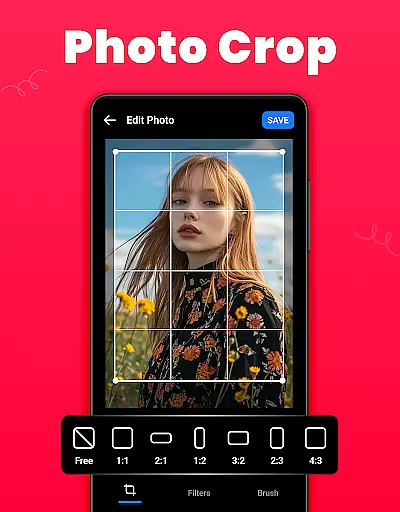
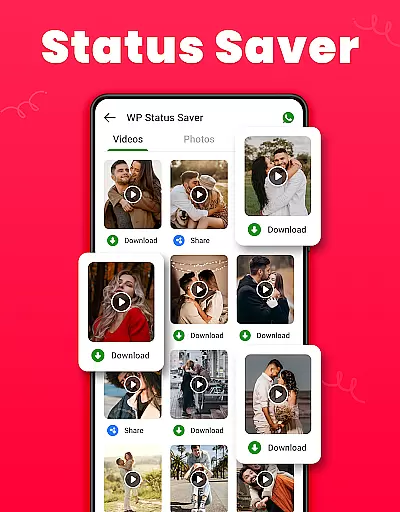
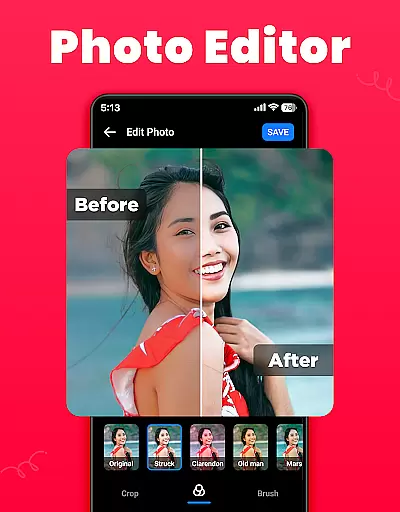
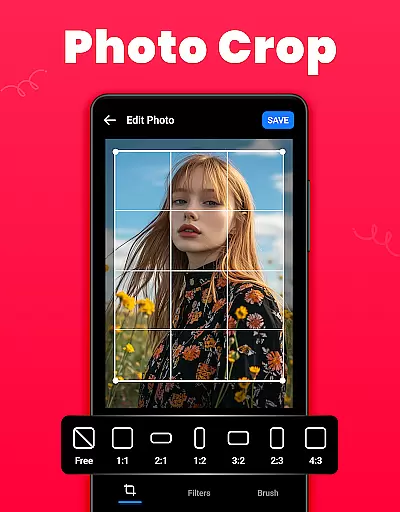
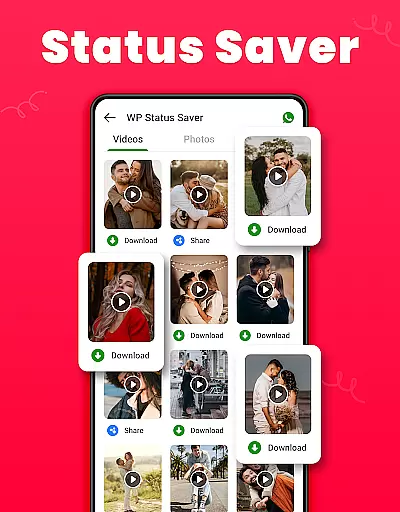
One of the standout features of Gallery is its ability to restore deleted media from a Recycle Bin, providing an extra layer of safety for cherished memories. It also supports WA statuses, allowing users to download and save statuses with a single click. With functionalities like setting wallpapers, creating favorites lists, and editing images using crop, filter, and brush tools, this app caters to both casual and power users who need robust media management capabilities without requiring an internet connection.
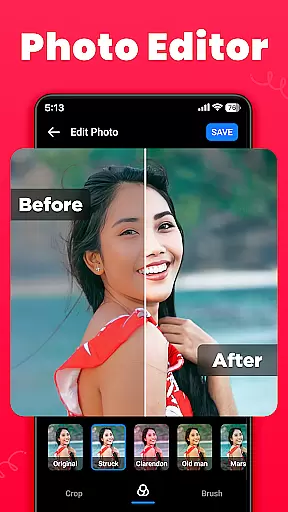
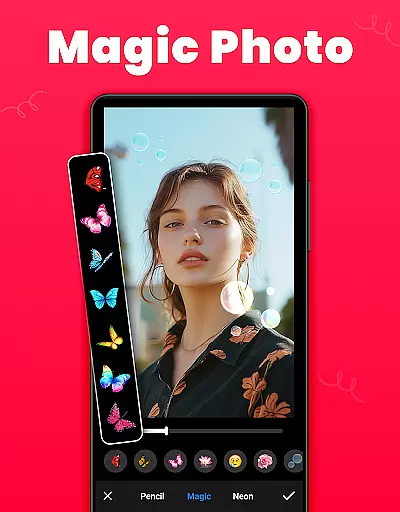
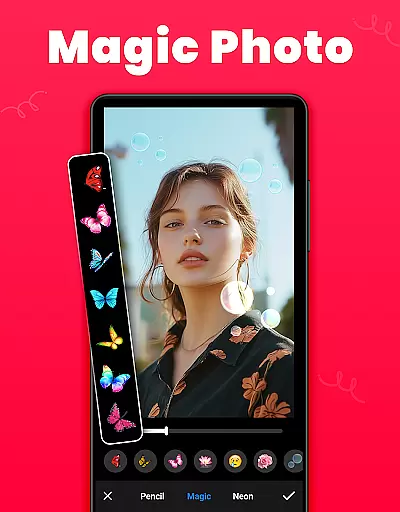
Gallery boasts a wide array of features that enhance the user experience in managing digital media. One of its core functionalities is the smart organization of media files, which are sorted by name, date, path, and other criteria, both in ascending and descending order. Users can browse their files in either list or grid view, offering flexibility in how they interact with their media library. Furthermore, the app provides advanced photo editing tools such as crop, filter, and brush options, enabling users to customize their images to their liking.
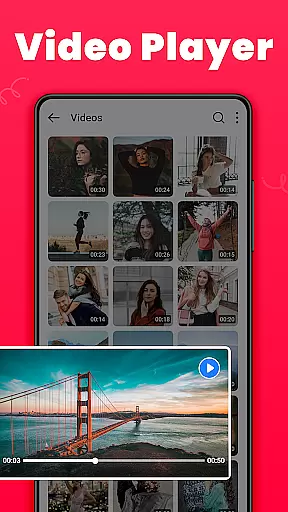
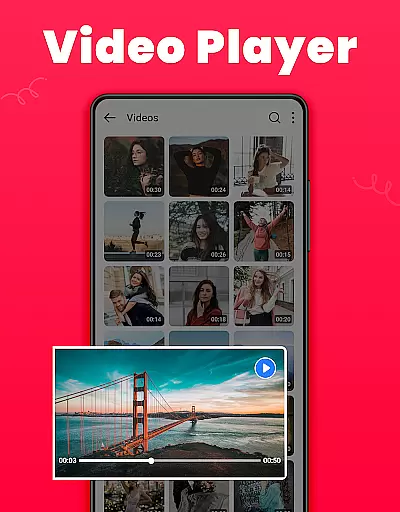
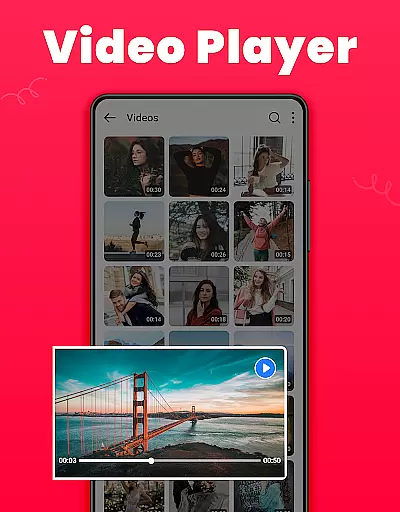
The app's ability to function offline ensures that users can manage their media without needing an internet connection, which is particularly useful when traveling or in areas with limited connectivity. Another innovative feature is the WA status downloader, which allows users to save WhatsApp statuses effortlessly. Moreover, Gallery supports HD video playback and includes a dark mode option for comfortable viewing in low-light conditions. These features collectively make Gallery a versatile tool for anyone looking to maintain an organized and personalized media collection.
Real-time capture and preview functionality is essential for any photography app as it allows users to frame their shots accurately. The Gallery app offers a seamless experience by providing instant feedback on the framing, lighting, and composition of photos or videos before capturing them. This ensures that users can take high-quality pictures without needing to retake shots due to unforeseen issues.
The app's real-time preview feature supports both photo and video modes, enabling users to switch between different modes effortlessly while maintaining a smooth preview experience. With intuitive controls for adjusting settings such as exposure, focus, and white balance directly from the preview screen, users have complete control over how their media will look once captured.
Additionally, the ability to instantly review captured media within the app enhances user satisfaction. Users can quickly assess whether they've achieved the desired outcome and make immediate adjustments if necessary. This saves time and effort, making the entire process more efficient and enjoyable.
By offering robust real-time capture and preview capabilities, the Gallery app empowers users to create stunning visuals confidently. Whether capturing everyday moments or special occasions, this feature ensures that every shot counts, enhancing the overall photography experience.
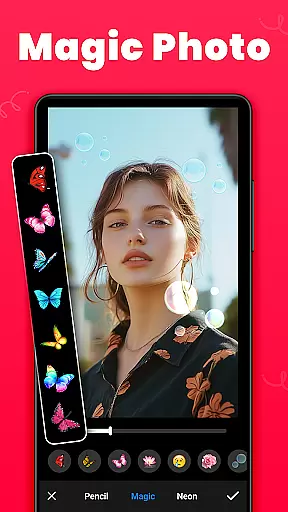
AI beauty and enhancement features are increasingly popular in photography apps, aiming to improve the aesthetic appeal of images naturally. The Gallery app leverages advanced AI algorithms to enhance facial features subtly, ensuring that edits appear genuine rather than overly processed. This approach maintains the authenticity of the subject while still delivering polished results.
Users can apply various enhancements such as skin smoothing, blemish removal, and eye brightening with just a few taps. These tools intelligently detect facial landmarks and apply enhancements selectively, avoiding unnatural artifacts. As a result, portraits retain their original character but with refined details that elevate the overall appearance.
Beyond facial enhancements, the app also includes general photo improvement features like color correction, contrast adjustment, and dynamic range optimization. These AI-driven enhancements work together to produce vibrant yet natural-looking images. By balancing technical precision with artistic subtlety, the app delivers professional-grade results accessible to amateur photographers.
Ultimately, the AI beauty and enhancement features in the Gallery app provide users with powerful tools to perfect their photos without compromising naturalness. This ensures that every edited image reflects the true essence of the moment captured, preserving memories in their most beautiful form.
User-friendly interface
Offline functionality
Secure vault for private media
Recycle Bin for deleted files
WA status downloader
Limited to Android platform
Requires permissions for full functionality
No cloud backup option
Ads may be present
Some features need technical knowledge

A collection of tools and reference tables for DPs, ACs, DITs and Operators.
 4.70
4.70
Photo editor: face & body editor, beauty cam, filters and quality enhancer.
4.00
Search, tag and rate your way to an organized image gallery
4.40
Application for remote controlling DSLR
3.00
Photo Exif Editor allows to view, add and modify EXIF data of multiple photos
4.50
HD Camera Pro with HD Video shooting, Panorama, Photo editor , Beauty Camera.
4.50
Raw Image Viewer. Gallery with support of raw images (.cr3, .cr2, .nef, .raf).
2.00
A unique animation app. Powerful, easy to use, and lots of fun.
4.30
Your Family Calendar + Photos. Manage your Skylight Calendar and Skylight Frame.
4.40
Create funny photos and videos with the popular Time Warp Scan filter.
4.90
Perfect body tune & face app - photo retouch, makeup, slim body & beautify face.
4.80
AI Photo Editor with 100+ Filters, Effects! Remove BG, Retouch & Photo Enhancer.
4.80
Viewfinder, Light meter, Reciprocity failure time, DOF & Bellows Extension
4.60
Unblur, enhance & restore photos with powerful AI photo enhancer tools.
4.60
AI-powered video creator by MiniMax - Where ideas meet cinema
4.20
A light meter for true photographers.
4.20
Catch sunlight, sunrise sunset times and sun phases with the AR sun tracker.
4.10
Turn photos into cartoons & avatars! - Photo Editor, Cartoon Face!
3.90
Add a dreamy vibe to your selfies and videos with soft style filters
4.4


User Reviews