
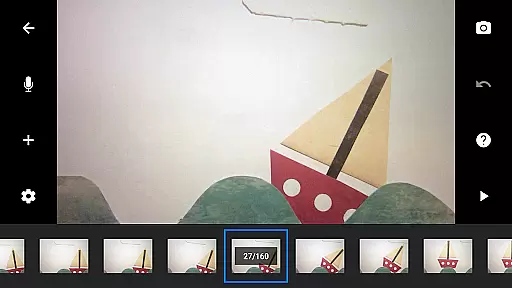
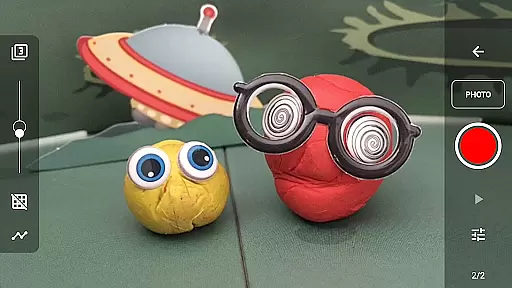
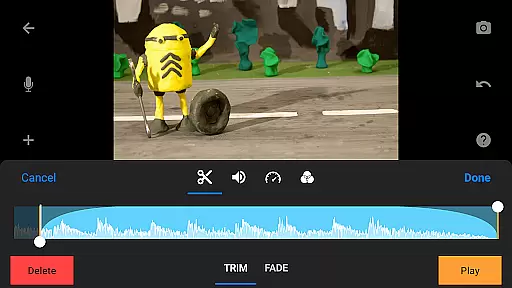
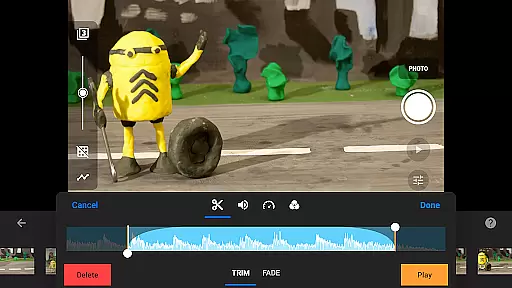
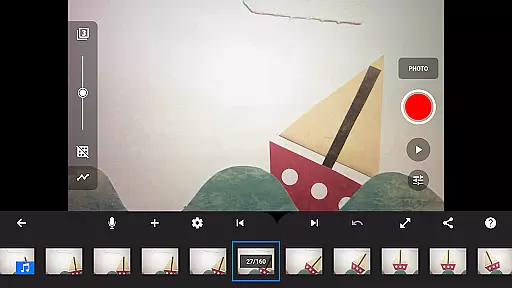
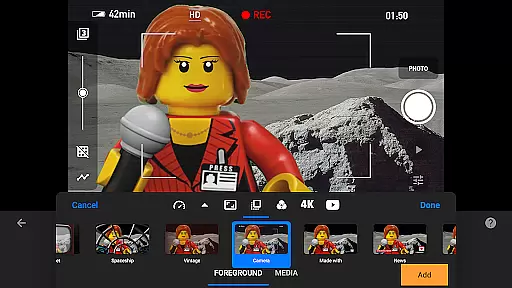
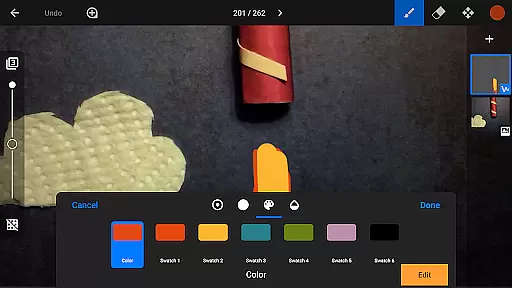
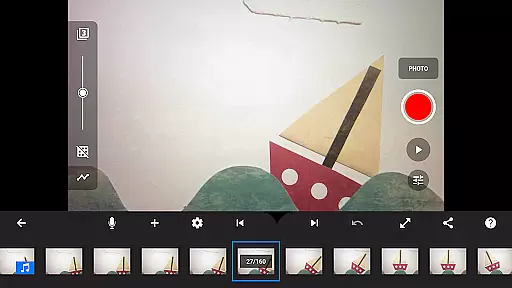
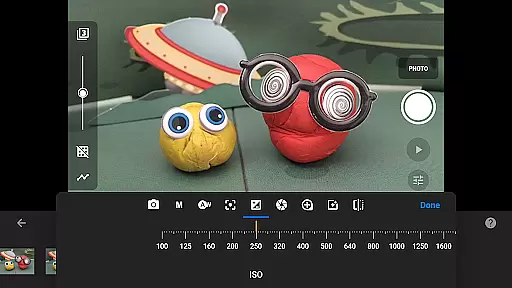
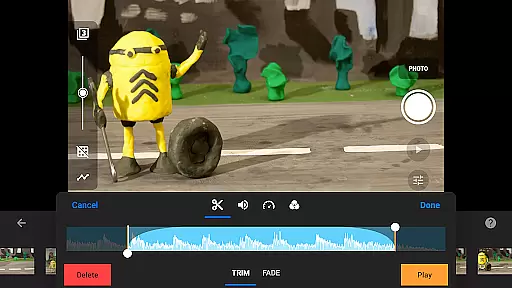
Stop Motion Studio Pro is the ultimate app for stop motion enthusiasts, offering a complete suite of tools to create professional-quality animations. The app features an intuitive interface that makes it easy to produce stunning stop motion videos, even for beginners. With advanced features like overlay mode, animation guides, and interactive timeline, users can precisely control every frame of their movie.
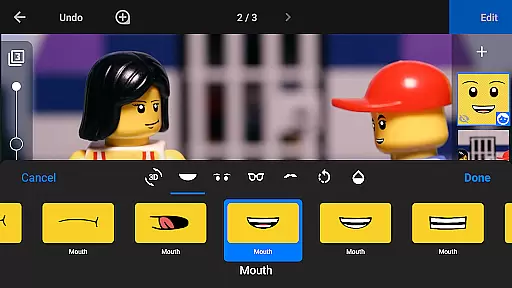
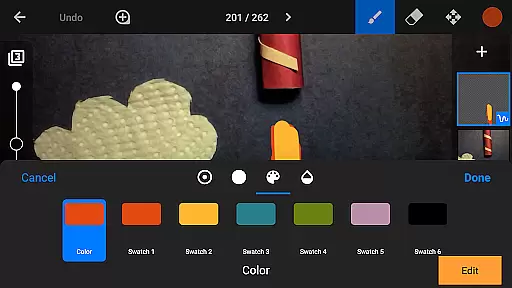
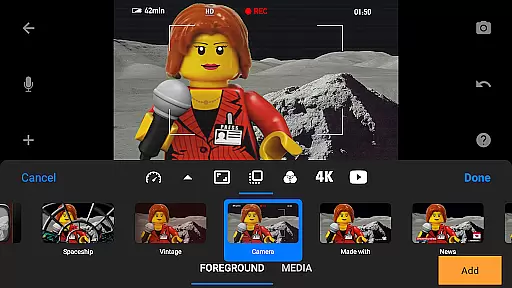
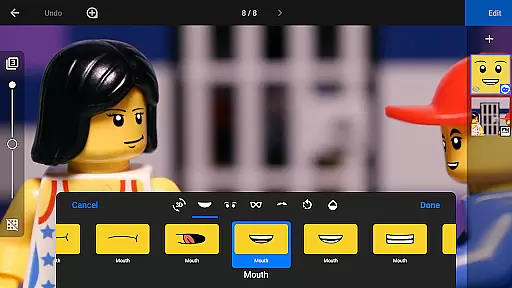
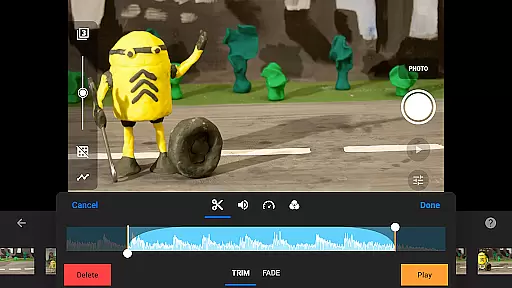
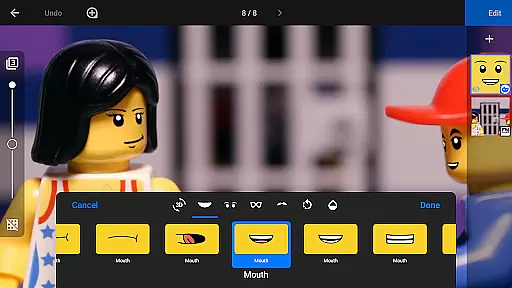
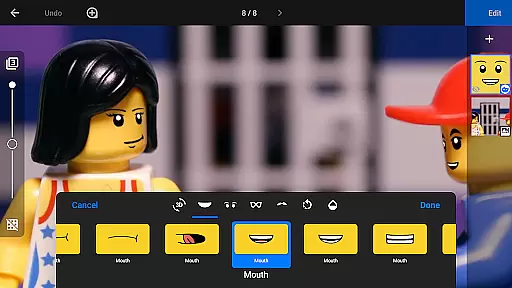
The app excels in creative options, allowing users to add unique titles, video filters, and soundtracks using built-in music or personal audio files. It supports rotoscoping and green screen effects, enabling creators to achieve sophisticated visual results. The powerful image editor provides layer-based editing capabilities, including text addition, facial expression enhancements, and object removal.
Ideal for both hobbyists and professionals, Stop Motion Studio Pro transforms any iOS or Android device into a full-featured animation studio. Whether you're creating short social media clips or working on professional film projects, this app delivers the tools needed to produce high-quality stop motion content efficiently.
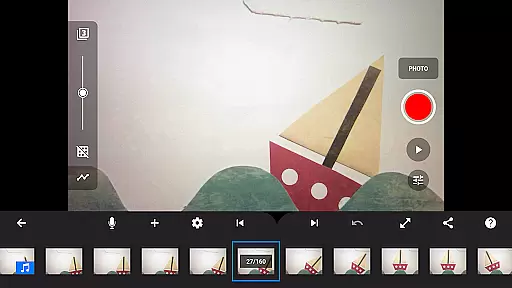
Stop Motion Studio Pro stands out with its comprehensive feature set designed for both casual creators and professional animators. The app's core functionality includes frame manipulation tools that allow users to copy, paste, cut, and insert frames at any position, ensuring precise control over animation sequences. Its interactive timeline helps maintain organization, even with complex projects containing hundreds of frames.
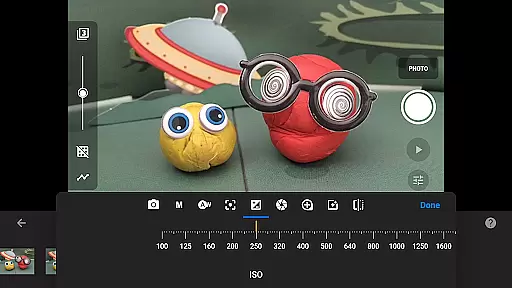
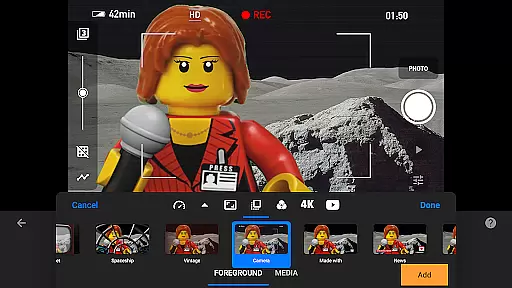
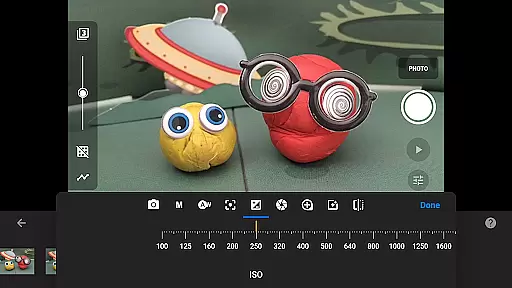
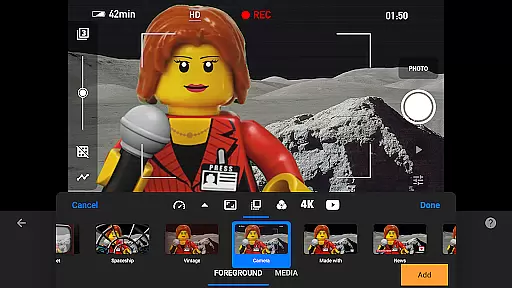
Creative professionals will appreciate the advanced capture features, including adjustable time intervals and full camera controls with manual settings for white balance, focus, exposure, ISO, and shutter speed. The app supports remote camera operation using a second device, expanding creative possibilities. Additionally, the built-in layer-based image editor enables detailed post-production work, from adding speech bubbles to complex image touch-ups.
Sharing and collaboration features make distribution seamless, with support for 4K YouTube uploads, animated GIF creation, and project transfer through cloud services. The app also includes comprehensive learning resources, featuring tutorial videos, detailed manuals, and animation tips, helping users develop their skills while creating professional-grade stop motion animations.
Stop Motion Studio Pro offers a robust real-time capture feature that allows creators to produce stop-motion animations with precision and ease. The app provides full camera control, including adjustable time intervals, manual white balance, focus, exposure settings, ISO, and shutter speed, ensuring every frame is captured exactly as intended.
In addition to its powerful capture capabilities, the app supports using a second device as a remote camera, enhancing the filming experience by providing flexibility in setup and shooting angles. This functionality ensures users can achieve professional-grade shots without requiring expensive equipment.
The real-time preview mode is particularly beneficial for animators who need to see subtle changes between frames. With overlay features showing differences between frames, creators can ensure smooth transitions and maintain consistency throughout their animation projects.
Overall, these capture and preview features empower both amateur and professional animators to bring their creative visions to life with confidence, knowing they have precise control over every aspect of their stop-motion films.
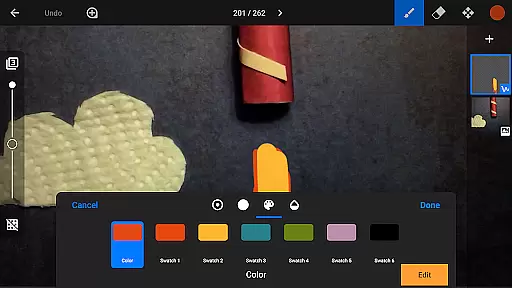
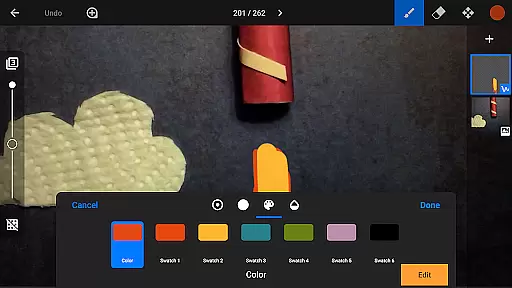
While Stop Motion Studio Pro does not specifically market itself through AI beauty enhancements, it excels in offering natural enhancement tools that elevate the quality of animations. The built-in layer-based image editor allows users to touch up and enhance images, sketch, paint, and even add text or speech bubbles, giving creators versatile options to refine their work.
One standout feature is the green screen capability, which lets animators change the background of scenes seamlessly. This tool enables figures to appear anywhere imaginable, from fantastical landscapes to realistic settings, all while maintaining a natural look that doesn't detract from the authenticity of the animation.
Furthermore, the rotoscoping feature allows for stunning animations by drawing over imported video clips. This technique helps create fluid motion and realistic movements, adding a layer of sophistication to any project without relying on artificial intelligence.
By focusing on practical and creative tools rather than AI-driven enhancements, Stop Motion Studio Pro ensures that the final output remains true to the animator's vision, delivering high-quality, naturally enhanced animations that captivate audiences.
User-friendly interface
Advanced editing tools
Comprehensive feature set
Professional output quality
Extensive learning resources
Steep learning curve
High storage requirements
Limited free version
Occasional performance issues
Complex for beginners

Remote control of the phone camera from your Wear OS smartwatch
 3.70
3.70
All-in-One Editor & AI Photo Enhancer, Beautify & Retouch, Collage, Cartoonify
4.20
Virtual makeup, hair filters & body tuner—edit from face to full body!
4.20
Photo editor: AI filters, photo enhancer, pic collage maker, AI art generator.
4.80
Create AI Photos, Improve and restore quality of blurry, old or damaged pics.
4.20
Automatically backup your photos and videos to computer, NAS and Cloud services
4.60
Amazing Photo Effects - The most fun you can have with your photos!
4.70
AI-powered video creator by MiniMax - Where ideas meet cinema
4.20
Your Family Calendar + Photos. Manage your Skylight Calendar and Skylight Frame.
4.40
Enhance, upscale, and transform your images — on your device, without limits
4.70
AI photo editor with hair editor, retouch tools, hair color changer & filters!
4.50
HD Camera Pro with HD Video shooting, Panorama, Photo editor , Beauty Camera.
4.50
Create AI photos & videos with Enhancer; restore, fix, beautify, enhance photos
4.50
Fit multiple photos on one post. Create carousels & scroll layouts for Instagram
4.50
Easily stitch panoramas from multiple photos or video.
4.40
How old age camera Gender Swap App Face Shape Hairstyle App Hair Styler App fun!
4.00
Gallery Slideshow is slideshow maker app for slideshow from your gallery photos.
3.90
Pet Camera
3.70
Be your best in every shot! Fix, edit and retouch your face in selfies & photos.
3.70


User Reviews