
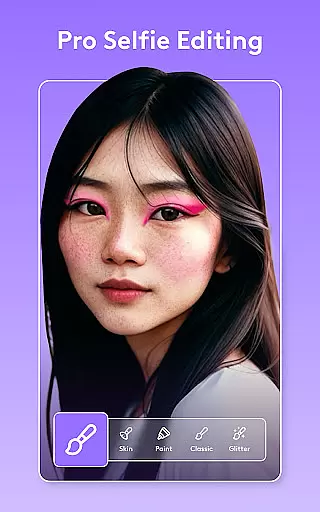
Facetune is a powerful AI-driven photo and video editing application designed to transform your digital content with minimal effort. This app allows users to enhance their photos and videos through advanced retouching tools, one-tap fixes, and customizable options that cater to both beginners and professionals. Whether you're perfecting a quick selfie or creating polished headshots, Facetune provides the necessary tools to achieve standout results.
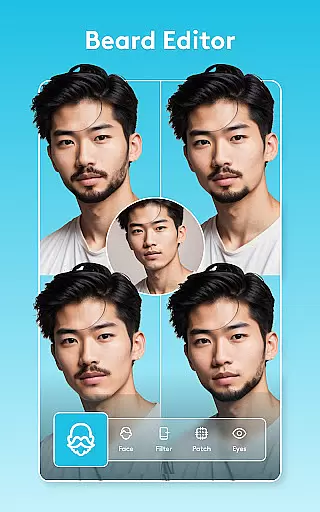
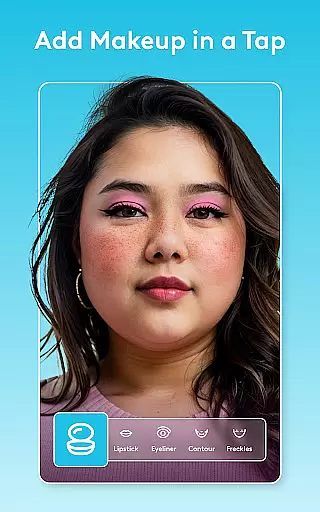
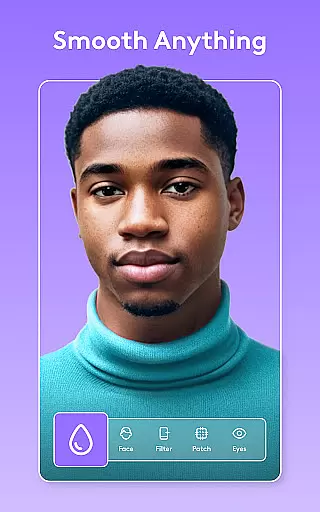
One of the key strengths of Facetune is its versatility. The app offers features such as skin smoothing, eye brightening, makeup application, and even hair color changes. It also includes video editing capabilities, allowing users to apply filters and retouch entire clips seamlessly. With Facetune, you can refresh your style, experiment with new looks, and create professional-quality content for social media platforms like Instagram.
The true value of Facetune lies in its accessibility and ease of use. You don't need to be a professional editor to achieve high-quality results. Its intuitive interface and intelligent AI tools make it possible for anyone to enhance their digital presence effortlessly. Whether you're an influencer, a content creator, or simply someone who wants to look their best in photos and videos, Facetune is the ultimate solution for all your editing needs.
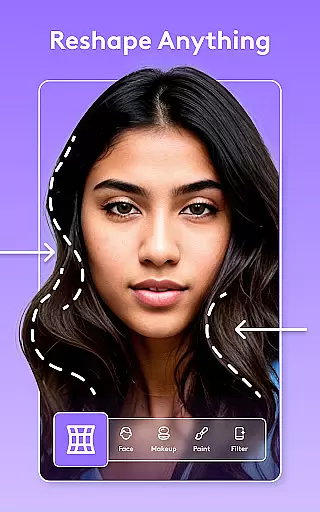
Facetune stands out due to its rich set of features tailored for both photo and video editing. One of the most notable aspects is its AI-powered tools, which allow users to perform tasks ranging from simple one-tap enhancements to detailed manual adjustments. These tools include skin smoothing, teeth whitening, blemish removal, and reshaping features, giving users complete control over their edits.
In addition to photo editing, Facetune offers robust video editing capabilities. Users can apply filters, retouch faces, and adjust lighting across entire videos instantly. The app also supports background blurring and swapping, adding studio-like effects to your content. Another innovative feature is the AI headshot tool, which generates professional-looking headshots with just a single tap, making it ideal for resumes or professional profiles.
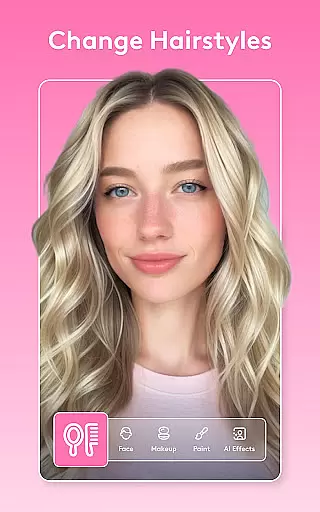
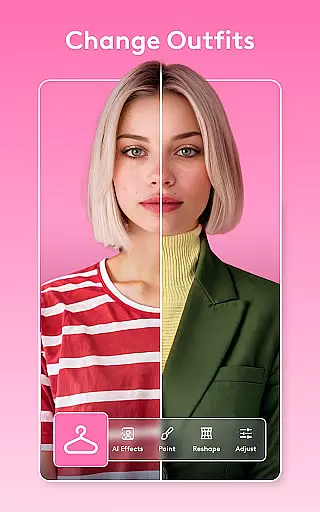
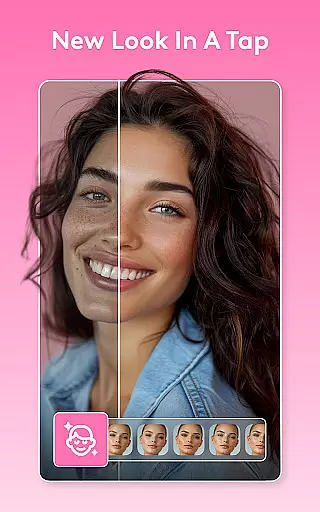
Facetune's creative flexibility extends to experimenting with new styles. The app allows users to try on different hairstyles, change eye or hair color, and apply various makeup filters. These features not only enhance natural beauty but also let users explore bold new looks. With continuous updates and improvements, Facetune ensures that its tools remain cutting-edge, providing users with an evolving suite of creative possibilities.
Real-time capture and preview functionality is essential for ensuring that users can see the results of their edits immediately. Facetune offers this feature, allowing users to witness transformations as they apply various editing tools.
The app's real-time capabilities are powered by advanced AI algorithms that process changes instantly, providing a seamless editing experience. This ensures that users can make precise adjustments to their photos and videos without any lag, enhancing the overall workflow.
With real-time previews, users gain the confidence to experiment with different styles and effects, knowing they can revert or tweak their changes on the fly. This immediate feedback loop is invaluable for both amateur editors looking to learn and professionals needing efficiency.
Ultimately, Facetune's real-time capture and preview features empower users to produce high-quality content swiftly, making it an indispensable tool for anyone keen on elevating their photo and video editing game.
Facetune stands out in the realm of AI beauty and enhancement by prioritizing natural-looking results. The app employs sophisticated AI models designed to enhance facial features and skin tones while maintaining authenticity.
Users can leverage tools like skin smoothing, teeth whitening, and eye brightening, all calibrated to preserve the unique characteristics of each individual. This approach avoids the over-processed look often associated with digital enhancements, offering a more genuine aesthetic.
The AI-driven makeup and hair color changers further exemplify this commitment to natural beauty. These features allow users to experiment with new styles confidently, knowing that the outcomes will appear realistic and flattering.
By focusing on natural enhancement, Facetune not only boosts user satisfaction but also sets a standard for ethical and responsible photo editing, ensuring that every edit enhances rather than distorts the original image.
User-friendly interface
Advanced AI tools
Versatile editing options
Professional results
Regular updates
Premium version costly
Heavy on storage
Subscription required
Learning curve for new users
Occasional bugs

Photobooth mini FULL app will allow you to add more fun to your parties
 4.00
4.00
Create & Edit with AI: AI Remove, Enhance, Retouch, Filter
4.10
Virtual makeup, hair filters & body tuner—edit from face to full body!
4.20
Photo prints, cards, & gifts at Walgreens. Easy ordering & fast local pickup !
4.80
Take videos and pictures with the popular TikTok TIME WARP SCAN filter.
4.60
Create amazing frames with up to five photos. Rounded corners, effects and more!
3.60
Professional quality photo edits with the new Snapseed.
4.00
Smart, light, and fast photo and video gallery
4.30
Edit photos with the picture generator: PS2 & AI Clay filters, cartoon effects.
4.50
Amazing Photo Effects - The most fun you can have with your photos!
4.70
Add Watermark - Sign your pictures with a text or logo. Effective, quick, easy!
4.50
Create AI photos & videos with Enhancer; restore, fix, beautify, enhance photos
4.50
AI photo enhancer with Sora 2! Enhance, descratch, and colorize your old photos.
4.50
Fit multiple photos on one post. Create carousels & scroll layouts for Instagram
4.50
Trendy TikTok time warp scan funny filter app brings you unique photos & videos.
4.40
A reflected light meter with spot metering and incident light metering.
4.40
RAW video capture with advanced controls
4.40
Natural Beauty, Selfie Retouch
4.30
The #1 app for B&W film developing featuring an advanced darkroom timer.
4.10


User Reviews