
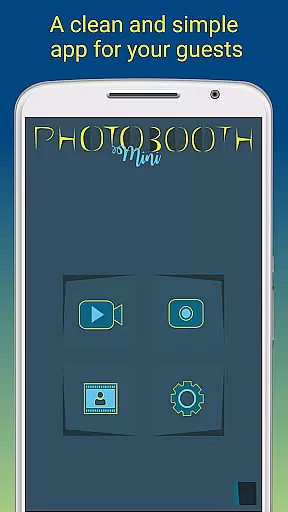
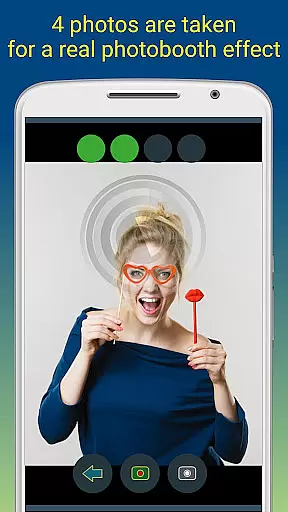
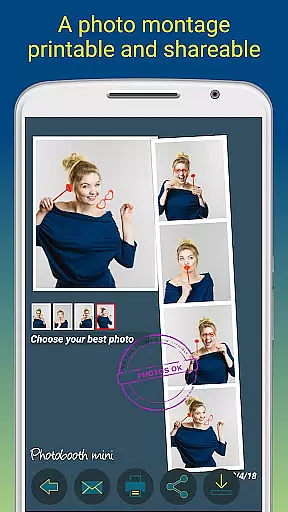
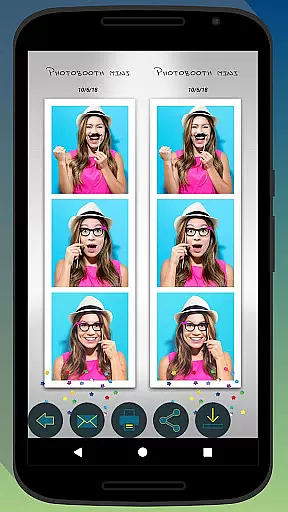
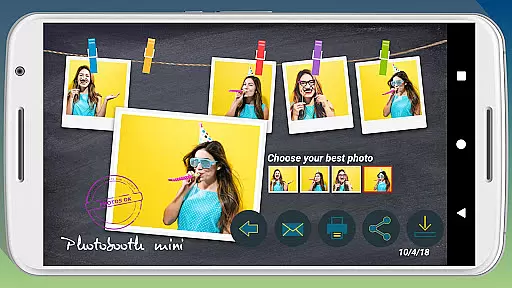
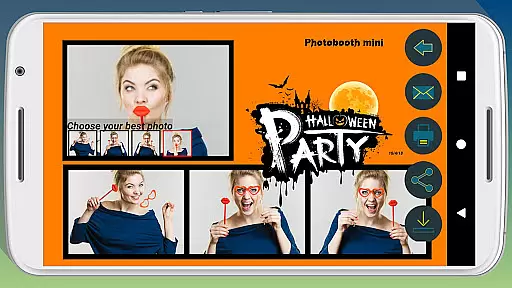
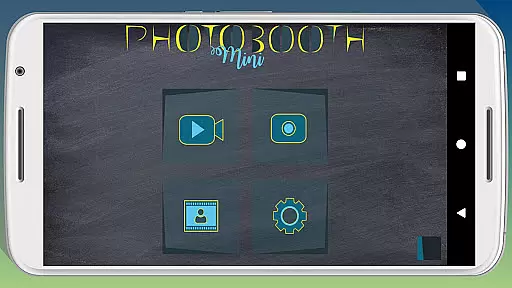
Photobooth mini FULL is a feature-rich photography app designed to capture fun moments at parties and events. The application offers full-screen preview functionality that adapts to the user's distance, mimicking a real photo booth experience. With options like a timer, multiple picture captures, and video messaging, it ensures an engaging experience. Users can also add personalized text and dates to their photos, making memories more special.
The app stands out with its ability to remain active for extended periods, making it perfect for social gatherings. It supports direct printing, sharing, and emailing of photos, ensuring captured moments are easily distributed among friends. Additionally, its offline email queuing system guarantees no request is lost, even without an internet connection at the event venue.
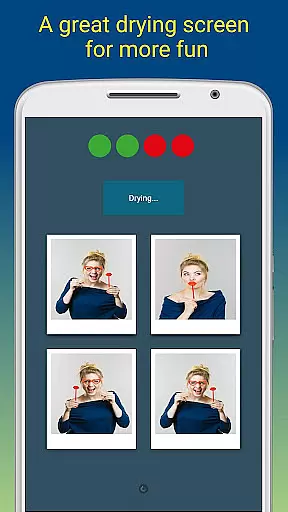
Photobooth mini FULL boasts several notable features that enhance the photography experience. Its full-screen preview adjusts based on the user's distance, providing an authentic photo booth feel. The app includes a timer function and allows taking multiple pictures in one session, adding to the fun. A unique drying feature with blowing sound effects adds a playful touch to the photo-taking process.
Customization is key with Photobooth mini FULL. Users can modify background images, configure timers, and adjust various settings to suit their needs. This flexibility makes it ideal for different event types. Moreover, the app facilitates easy sharing and printing options, allowing users to distribute photos instantly. Its capability to queue emails for later sending when a network is available ensures all guest requests are fulfilled.
Photobooth mini FULL offers a real-time capture and preview feature that ensures users can take high-quality, funny pictures with ease. This functionality is crucial for capturing moments accurately and providing immediate feedback to users.
The app's full-screen preview is intelligently adapted to the distance of the face, mimicking a real photo booth experience. Users can zoom in or out using the volume buttons, and the chosen distance is maintained, ensuring consistent image quality and framing.
With this feature, users benefit from an intuitive interface that remains active during parties, making it accessible to everyone. The application's ability to work continuously for days allows for capturing as many photos as desired without interruptions.
This real-time capture and preview capability enhances user engagement by allowing friends to print, share, and email photos directly from the app, preserving memories instantly and effortlessly.
Photobooth mini FULL incorporates AI beauty and enhancement features that ensure natural-looking edits to photos. This aspect is vital for users who want their pictures to look polished yet authentic.
The app uses advanced algorithms to apply enhancements such as skin smoothing, blemish removal, and color correction. These adjustments are subtle and designed to maintain the original essence of the photo, avoiding the over-processed look.
Users gain significant advantages from this feature, including the ability to customize images with text overlays and date stamps while retaining a natural appearance. The app's configurability extends to replacing background images, adapting to various themes and settings.
Ultimately, Photobooth mini FULL's AI beauty enhancements provide a seamless blend of technology and artistry, ensuring every captured moment is both beautiful and genuine, enhancing the overall user experience.
User-friendly interface
Highly customizable settings
Offline email queuing system
Engaging photo features
Suitable for long events
May require external printer setup
Interface might seem complex initially
Limited to specific use cases
Some features need internet eventually
Premium version costs extra

Effortlessly organize, view and share your photos & videos with Gallery app!
 4.40
4.40
Professional video recording application with manual controls for filmmakers!
2.80
Cut and paste photo editor & eraser to customize photos easy and swap faces fun
4.50
What celebrity do you look like? Celebs will find your celebrity match!
4.10
Perfect body tune & face app - photo retouch, makeup, slim body & beautify face.
4.80
USB Storage Access for Photos, Videos, Music and Documents
3.80
RAW video capture with advanced controls
4.40
A unique animation app. Powerful, easy to use, and lots of fun.
4.30
Discover How to Plan any Sun, Moon and Milky Way Photo You Imagine in Seconds
4.70
Pro version: AR sun/moon tracker for any date. Tool for photographers & planners
4.90
AI Photo Editor with 100+ Filters, Effects! Remove BG, Retouch & Photo Enhancer.
4.80
Your personal guide to the sun and moon. Plan ahead, visualize and predict!
4.70
Discover & download millions of art for The Frame TV or Hisense CanvasTV
4.60
Shooting photos and records video easily and efficient with professional Camera
4.30
Turn your phone into a professional camera - full DSLR manual photography
4.30
Catch sunlight, sunrise sunset times and sun phases with the AR sun tracker.
4.10
Astrophotography with your smartphone, photo live stacking and much more!
3.90
Hair color changer, AI haircut app, fun hair editor and buzz cut filter for all!
3.80
Perfect photos with body shaping, BG changer and object remover.
3.70


User Reviews