
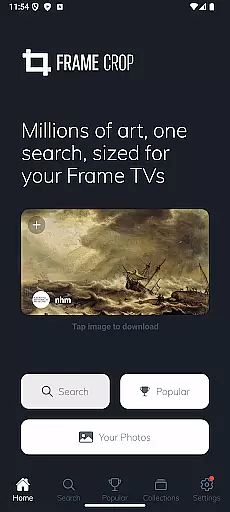
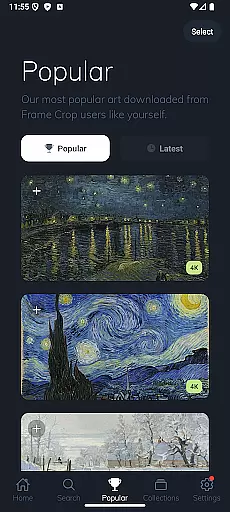
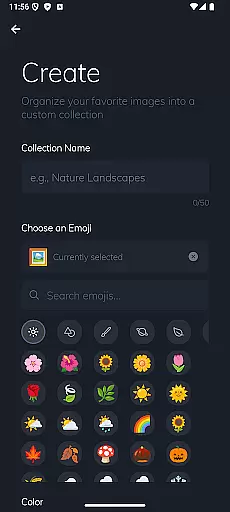
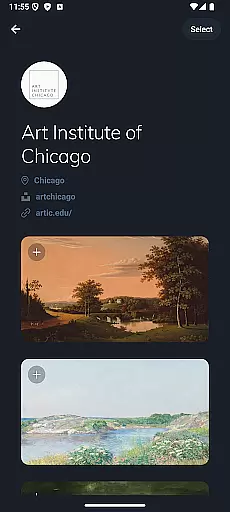
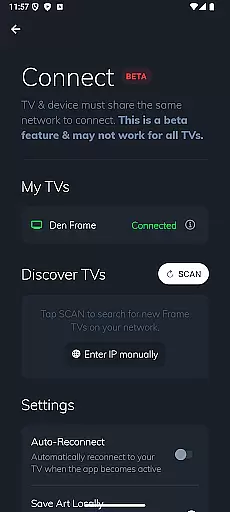
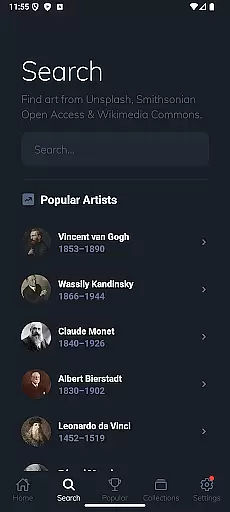
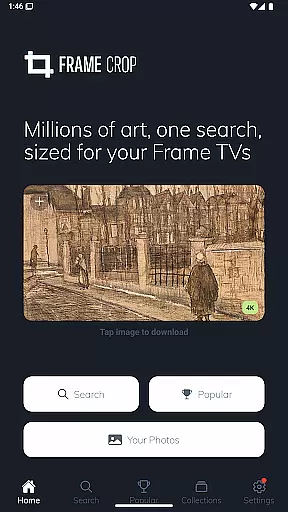
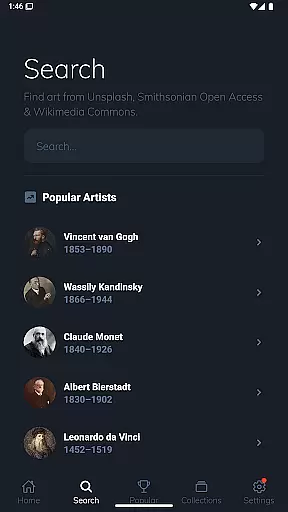
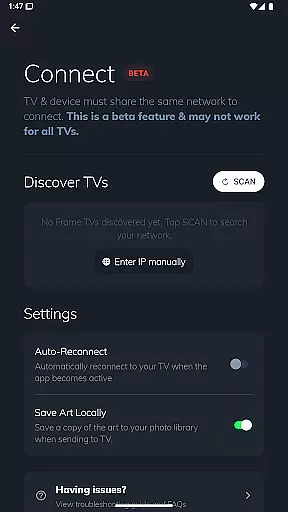

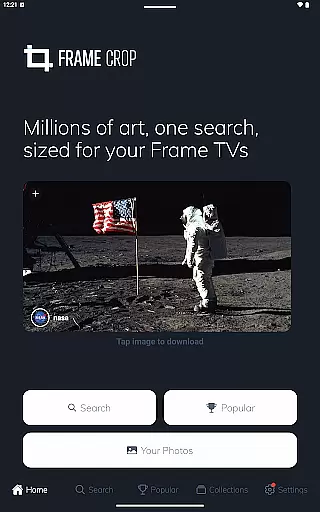
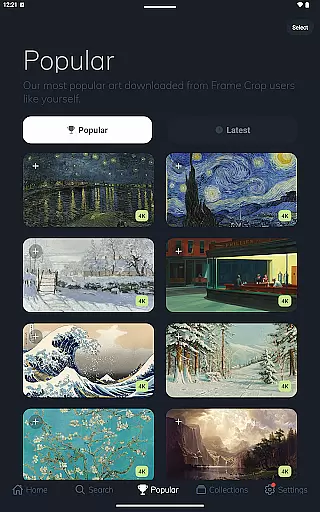
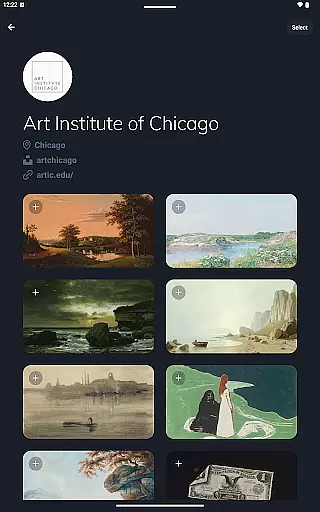
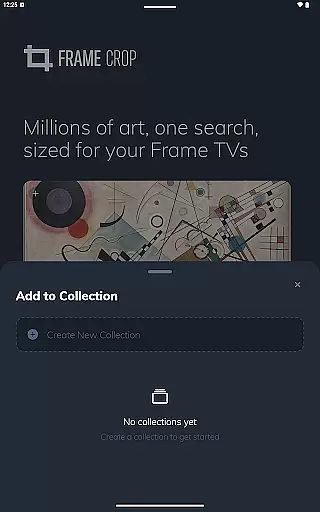
Frame Crop is a specialized application designed for Samsung Frame TV and Hisense CanvasTV owners who wish to enhance their viewing experience with personalized artwork. The app allows users to browse, crop, and download high-quality images from renowned libraries such as Smithsonian and Unsplash. With its intuitive cropping tools, users can effortlessly adjust photos to fit the unique borderless display of their TVs.
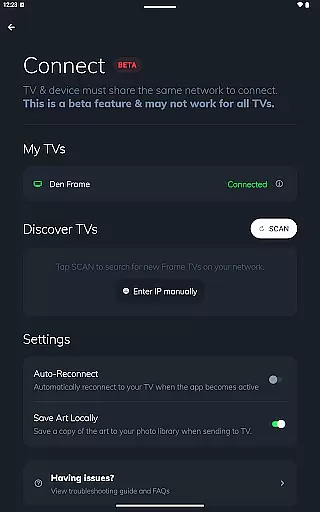
Beyond just displaying personal photos, Frame Crop offers access to thousands of professional artworks and stunning landscapes, making it easy to match the displayed art with one's mood or home decor. Whether showcasing travel memories or famous paintings, this app transforms any living space into an elegant gallery. Its seamless integration with SmartThings further enhances user convenience.
Frame Crop stands out with its powerful yet user-friendly features tailored specifically for art enthusiasts and photography lovers. The app provides intuitive photo editing tools that allow precise cropping to ensure every image perfectly fits the unique aspect ratio of Samsung Frame TVs and Hisense CanvasTVs. This feature is particularly beneficial for users with portrait-mounted TVs.
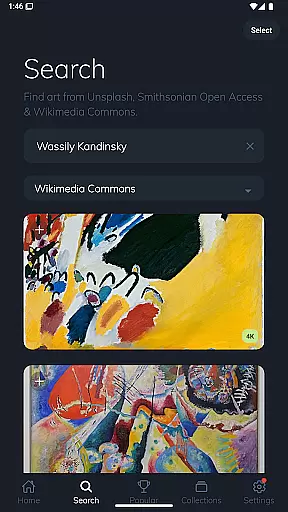
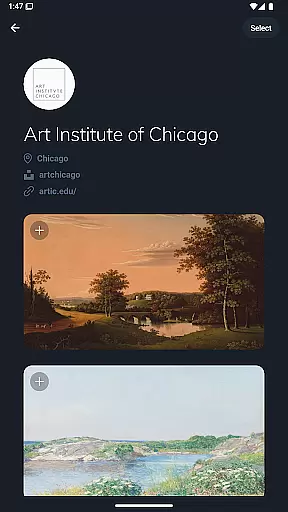
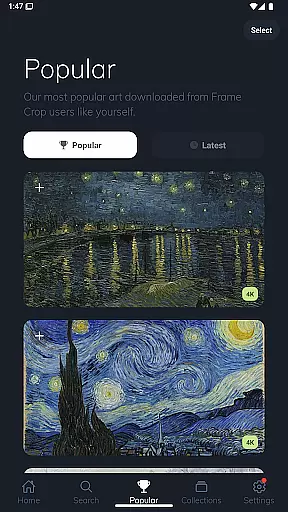
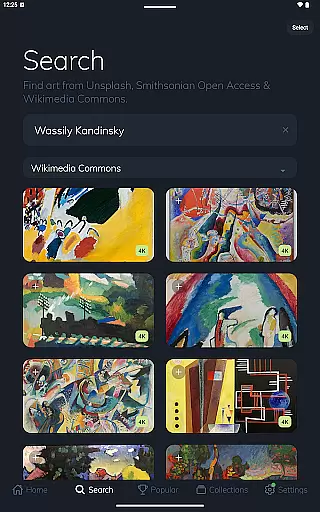
In addition to supporting various image orientations, Frame Crop grants access to extensive libraries including Smithsonian Open Access, Unsplash, and Wikimedia Commons. These platforms offer a diverse selection of art, landscapes, animals, and more. Users can easily search and browse through thousands of high-resolution images, ensuring there's always something new to display. The ability to switch art using the SmartThings app adds another layer of customization and control.
Real-time capture and preview functionality is essential for photography apps like Frame Crop, allowing users to see exactly how their selected artwork or photos will appear on their Samsung Frame TV or Hisense CanvasTV. This feature ensures that every image displayed fits perfectly within the borderless display, maintaining aspect ratios and visual appeal.
Frame Crop achieves this by providing intuitive cropping tools that enable users to adjust images precisely. Whether it's a professional painting from the Smithsonian Open Access collection or personal travel photos, users can effortlessly match their mood or home decor with real-time previews of each adjustment.
The value of this feature lies in its ability to enhance user experience by offering immediate feedback. Users can experiment with different compositions and styles without any guesswork, ensuring that the final display meets their expectations. This seamless integration of technology not only simplifies the process but also enriches the overall aesthetic of the living space.
AI beauty and enhancement features are crucial for elevating the quality of displayed images. In Frame Crop, these tools work to optimize artwork and photos specifically for the high-resolution screens of Samsung Frame TVs and Hisense CanvasTVs. By leveraging advanced algorithms, the app enhances details while preserving the natural essence of the original content.
This application supports an extensive range of enhancements, including color correction, contrast adjustments, and sharpness improvements. These modifications ensure that every piece of art, whether sourced from Unsplash or personal collections, looks vibrant and true-to-life on the big screen.
For users, this means transforming ordinary visuals into stunning displays that captivate viewers. The AI-driven enhancements provide a level of customization that aligns with individual preferences, making it easy to create a personalized and captivating viewing experience. With Frame Crop, enjoying museum-quality art at home has never been more accessible or visually pleasing.
User-friendly interface
Extensive art library
Precise cropping tools
SmartThings integration
High-resolution images
Limited to specific TV models
Requires internet connection
Premium content may cost extra
Occasional bugs reported
Not available on all platforms

Remote control of the phone camera from your Wear OS smartwatch
 3.70
3.70
Add Watermark - Sign your pictures with a text or logo. Effective, quick, easy!
4.50
Create funny photos and videos with the popular Time Warp Scan filter.
4.90
Application for remote controlling DSLR
3.00
Cut and paste photo editor & eraser to customize photos easy and swap faces fun
4.50
Raw Image Viewer. Gallery with support of raw images (.cr3, .cr2, .nef, .raf).
2.00
Unblur, enhance & restore photos with powerful AI photo enhancer tools.
4.60
live datamoshing
4.00
RAW video capture with advanced controls
4.40
Perfect body tune & face app - photo retouch, makeup, slim body & beautify face.
4.80
Amazing Photo Effects - The most fun you can have with your photos!
4.70
Easily create custom gifts, cards, photo books & more on the Shutterfly app!
4.60
Edit like a pro with Hypic. Apply filters, AI effects, & magic touch.
4.40
A reflected light meter with spot metering and incident light metering.
4.40
Smart, light, and fast photo and video gallery
4.30
AI-powered video creator by MiniMax - Where ideas meet cinema
4.20
Gallery Slideshow is slideshow maker app for slideshow from your gallery photos.
3.90
Superimpose one photo on top of another using the original Superimpose app!
3.20
Photo Album Watch Face shows your favorite pictures as a Watchface.
1.90


User Reviews