
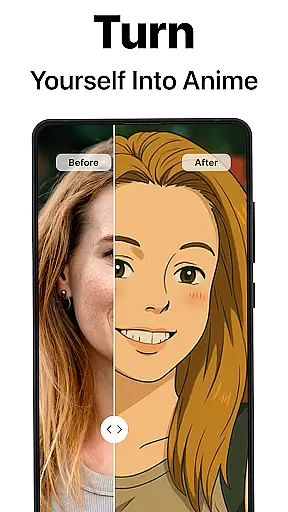
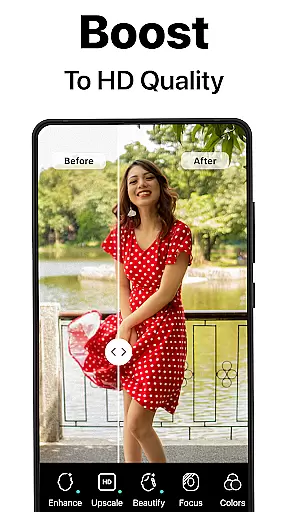
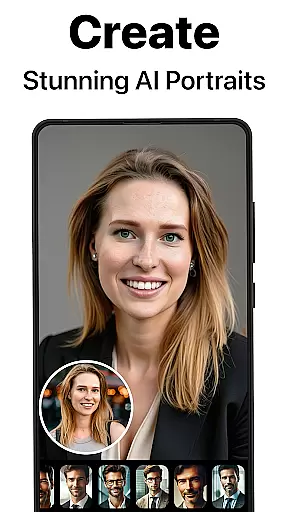
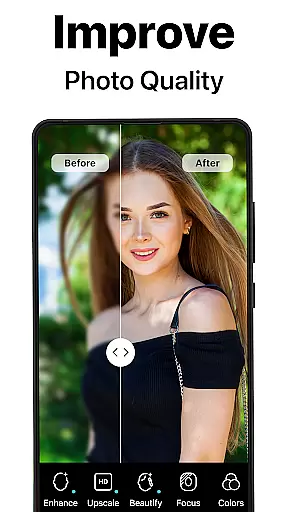
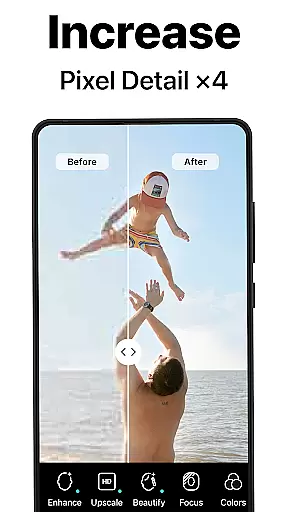
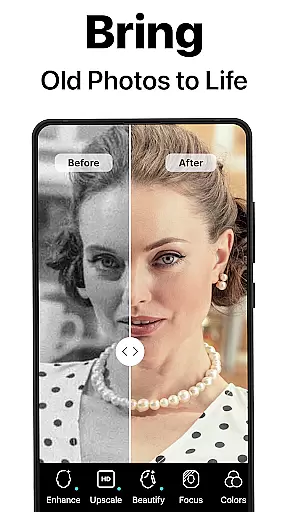
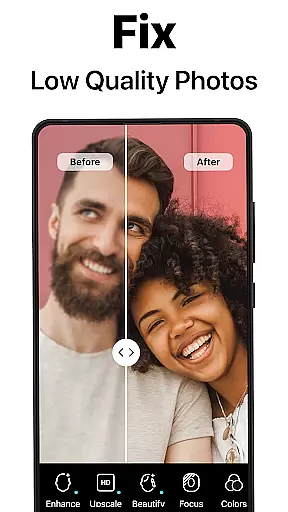
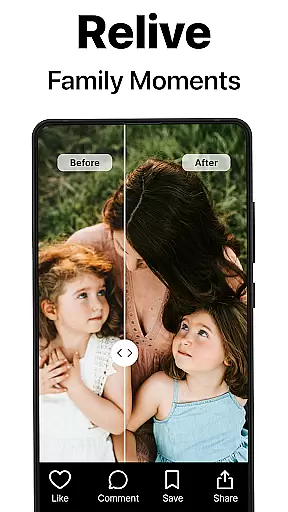
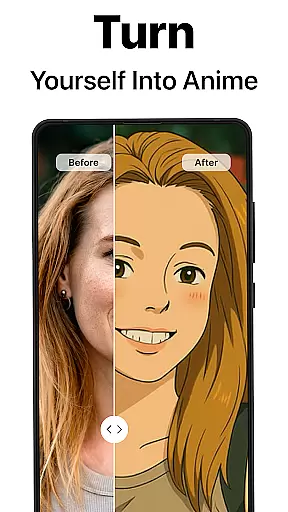
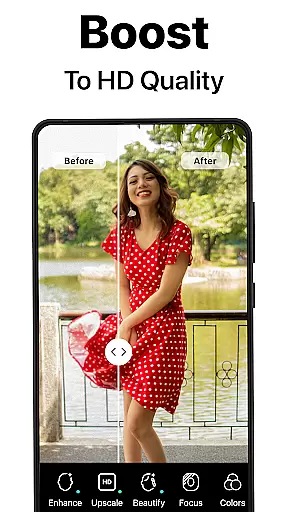
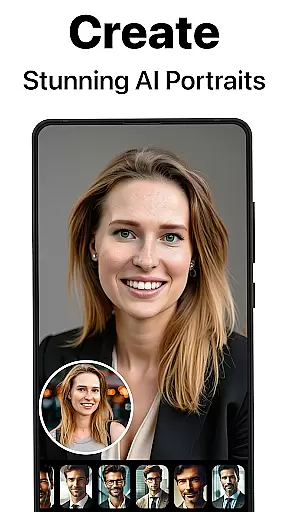
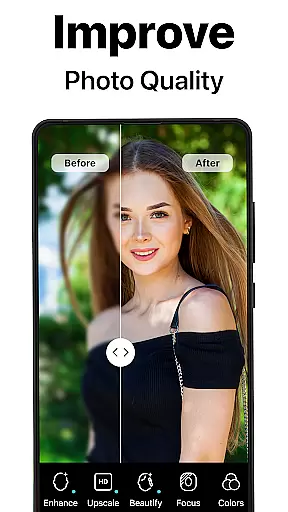
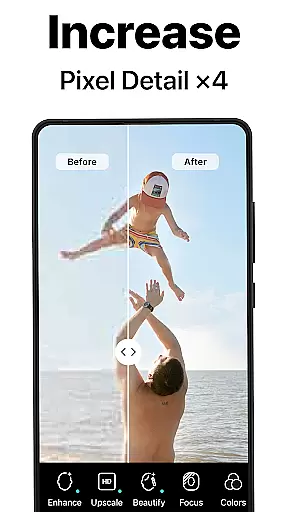
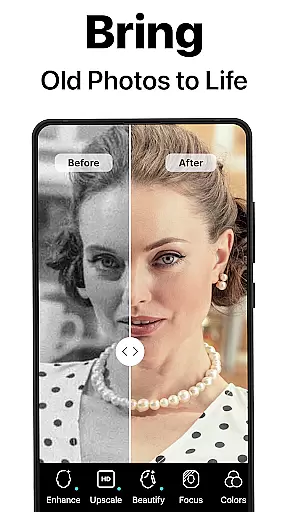
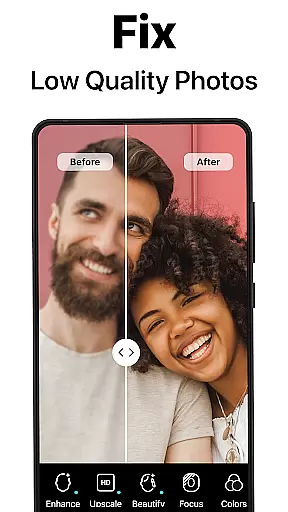
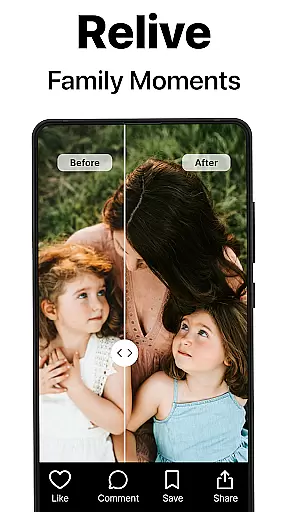
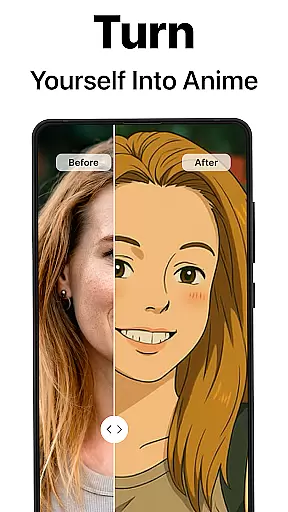
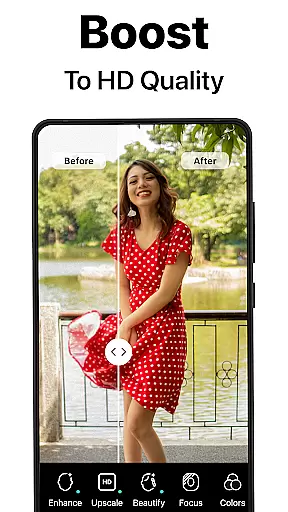
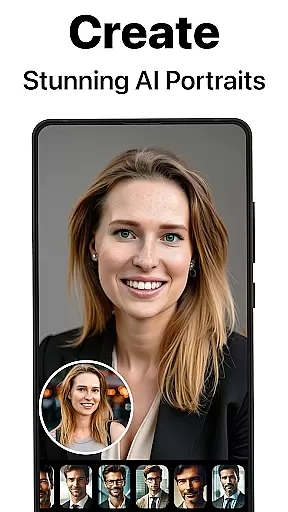
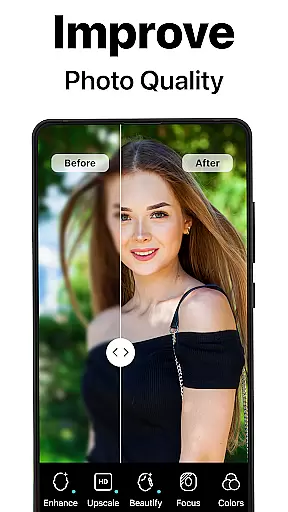
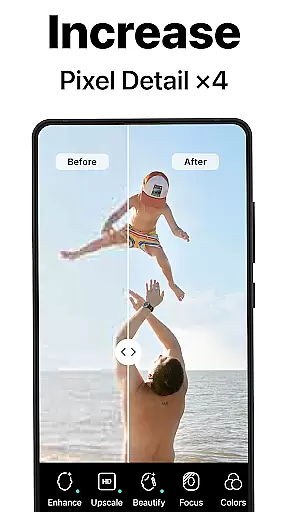
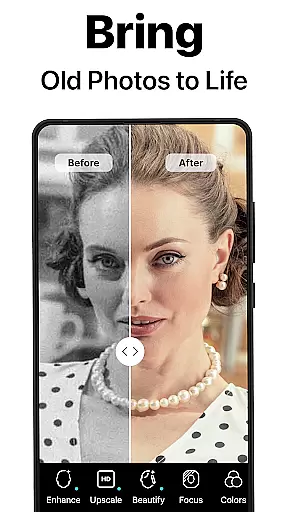
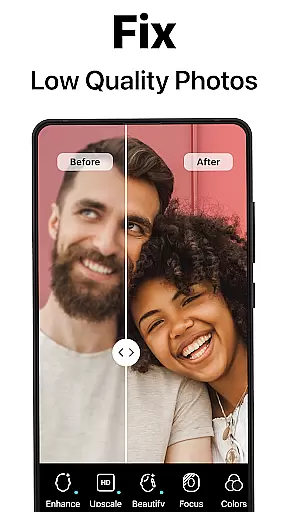
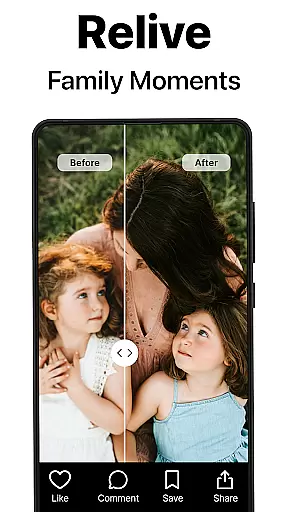
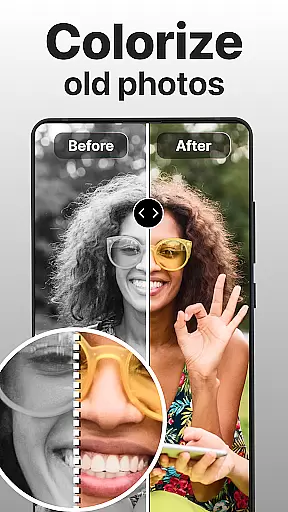
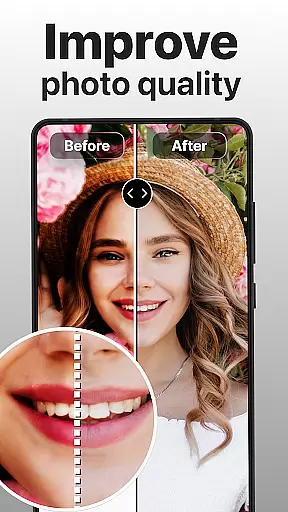
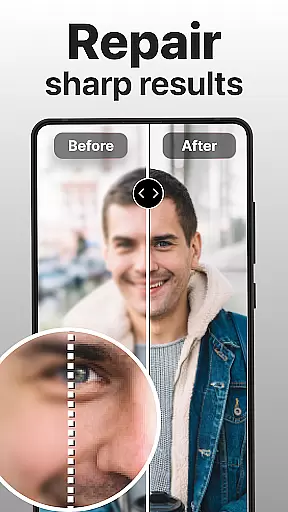
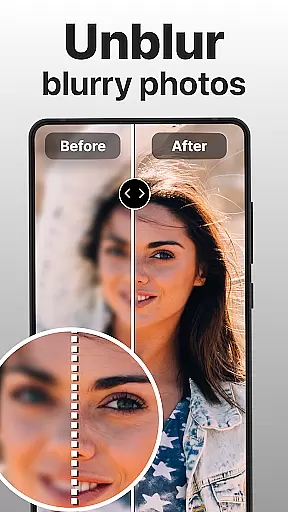
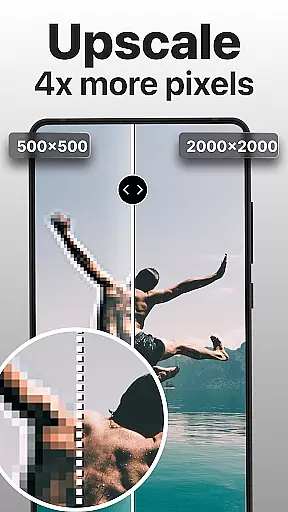
PhotoBoost is a revolutionary photography app that uses advanced AI technology to enhance, restore, and transform your photos. The app specializes in sharpening blurry images, reviving pixelated photos, and colorizing old black-and-white pictures. With its cutting-edge AI Avatars feature, users can create stunning artistic portraits and themed selfies in seconds. Whether you're looking to restore cherished family memories or generate creative social media content, PhotoBoost delivers professional-quality results with remarkable speed.
The app's versatility makes it suitable for various needs, from repairing damaged photos to generating unique AI-generated avatars inspired by art styles, fantasy themes, or pop culture trends. Its powerful tools like photo upscaling, side-by-side comparisons, and vibrant color restoration ensure every photo looks its best. Designed for both casual users and professionals, PhotoBoost is the ultimate solution for anyone seeking to elevate their photography experience.
PhotoBoost stands out with its comprehensive suite of features designed to meet diverse photo editing needs. At its core is the AI-powered enhancement tool that instantly sharpens blurry images and improves low-resolution photos, making them ready for sharing on social media or printing. Another standout feature is the ability to restore old and damaged photos, including scratch removal and colorization, which helps preserve precious memories in stunning detail.
The AI Avatars functionality takes creativity to the next level, offering hundreds of customizable styles ranging from festive holiday themes to iconic art-inspired designs. Users can also experiment with advanced upscaling, which enlarges images without losing quality, perfect for high-resolution projects. Additionally, the app provides intuitive comparison tools to showcase "before and after" transformations, giving users a clear view of the enhancements made. These innovative features make PhotoBoost an indispensable tool for photographers, designers, and hobbyists alike.
Real-time capture and preview functionality is essential for ensuring that every photo taken meets the user's expectations. PhotoBoost excels in this area by providing instantaneous feedback on images as they are captured, allowing users to make necessary adjustments before finalizing their shots.
The app leverages advanced AI technology to enhance the clarity and quality of photos during the capture process. This ensures that even if the original shot is suboptimal, the enhanced preview will highlight the potential improvements, thus guiding users to achieve better results.
Users benefit from this feature by being able to immediately see how their photos will look after enhancement, which saves time and effort in post-processing. The ability to visualize the final output in real-time significantly enhances the overall photography experience.
Ultimately, PhotoBoost's real-time capture and preview feature empowers users to take control of their photography, ensuring that each image not only meets but exceeds their standards, resulting in professional-quality photos every time.
AI beauty and enhancement naturalness refers to the app's ability to improve the aesthetic appeal of photos without making them appear overly processed or artificial. PhotoBoost achieves this delicate balance through sophisticated AI algorithms that intelligently enhance facial features while maintaining a natural look.
The app offers tools that can smooth skin textures, brighten eyes, and whiten teeth, all while preserving the unique characteristics of the subject. This ensures that enhanced photos retain their authenticity and do not fall into the trap of looking plasticky or unrealistic.
For users, this means they can achieve polished and attractive portraits that still look like genuine representations of themselves or their subjects. Whether itu2019s for social media posts or professional headshots, the enhancements provide a level of refinement that boosts confidence without compromising truthfulness.
By focusing on natural-looking enhancements, PhotoBoost sets itself apart from other photo editing apps, offering users a reliable tool for creating stunning yet believable images that stand out in any context.
User-friendly interface
Fast processing speed
Versatile editing options
Unique AI Avatars
High-quality results
Paid subscription required
Limited free trial
Advanced tools may overwhelm beginners
Internet connection needed
Occasional bugs reported

Long exposure camera with computational photography
 2.60
2.60
Pet Camera
3.70
Take videos and pictures with the popular TikTok TIME WARP SCAN filter.
4.60
Transform photos into videos! Create realistic or anime-style images easily!
4.50
AI photo enhancer with Sora 2! Enhance, descratch, and colorize your old photos.
4.50
Collage your moments in one tap: 1000+ layouts, filters, stickers, and texts.
4.90
RAW video capture with advanced controls
4.40
Snap photos remotely using your Garmin watch as the camera trigger
4.0
Your personal guide to the sun and moon. Plan ahead, visualize and predict!
4.70
Photo editor: AI filters, photo enhancer, pic collage maker, AI art generator.
4.80
A collection of tools and reference tables for DPs, ACs, DITs and Operators.
4.70
1M influencer's special filter
4.60
Create collages easily! Nice pic collage maker & background eraser for Instagram
4.50
Shooting photos and records video easily and efficient with professional Camera
4.30
Natural Beauty, Selfie Retouch
4.30
A light meter for true photographers.
4.20
Gallery Slideshow is slideshow maker app for slideshow from your gallery photos.
3.90
USB Storage Access for Photos, Videos, Music and Documents
3.80
Hair color changer, AI haircut app, fun hair editor and buzz cut filter for all!
3.80


User Reviews