
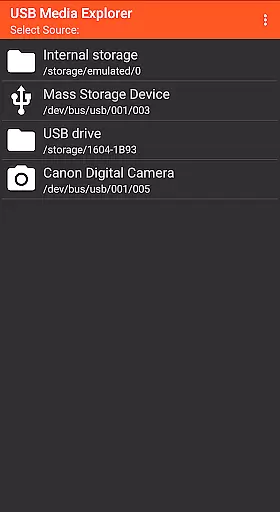
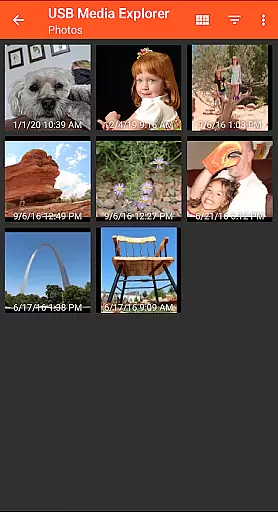
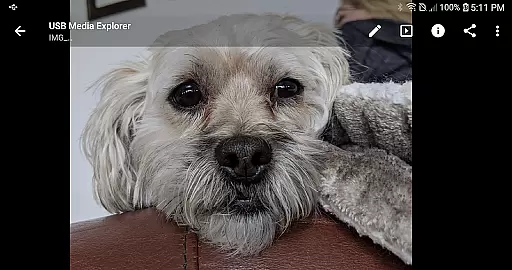
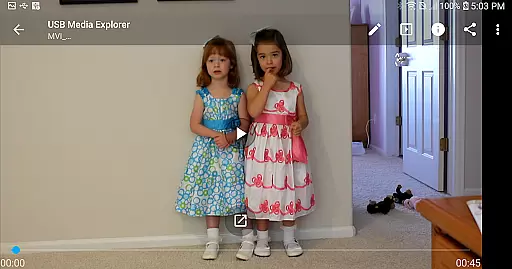
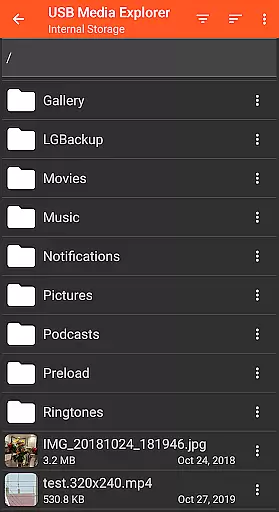
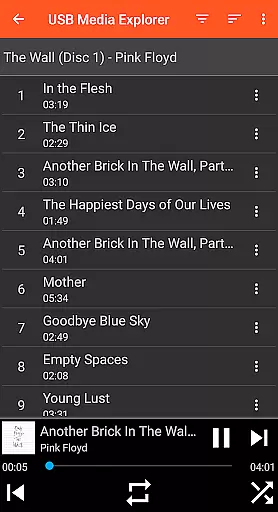
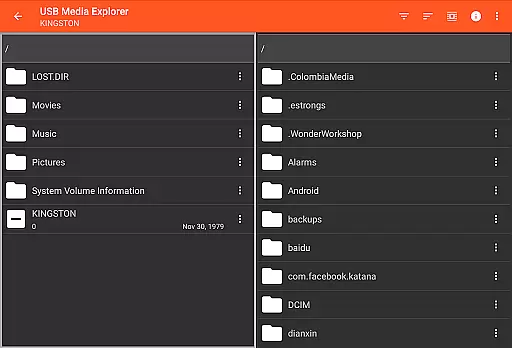
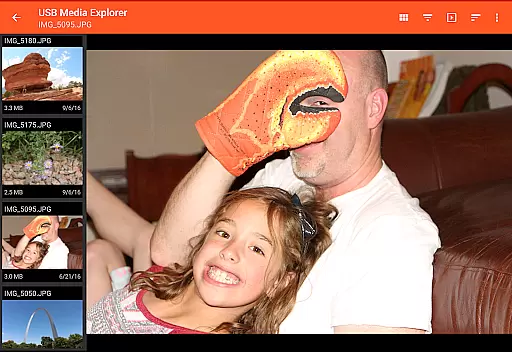
USB Media Explorer (UME) is a versatile photography app that enables users to view photos, stream videos, listen to music, and manage documents from various USB storage devices. With specialized viewing modes for different media types, it offers a comprehensive solution for photographers and content creators. The app supports full-size photo and video viewing without the need for importing, making it ideal for professionals who require quick access to their media files.
The application works seamlessly with multiple devices including flash drives, card readers, hard drives, and cameras. Its intuitive interface allows users to copy files to and from USB devices effortlessly. Whether you're a photographer needing to review RAW images on-the-go or a videographer streaming footage directly from external storage, USB Media Explorer provides a reliable and efficient solution across Android devices.
USB Media Explorer stands out with its specialized screens tailored for different media types. The app features dedicated interfaces for photos, videos, music, documents, and file management, ensuring optimal viewing and organization. Users can enjoy full-size media previews without the hassle of importing files, thanks to its innovative direct-view technology.
One of the key strengths of this app is its broad device compatibility. It supports various storage devices including flash drives, card readers, external hard drives, and cameras. The app also enables bi-directional file transfers between USB devices and Android smartphones or tablets. Additionally, its support for both JPEG and RAW image formats makes it particularly valuable for professional photographers who demand high-quality previews of their work.
USB Media Explorer offers a unique real-time capture and preview feature that allows users to view photos and stream videos directly from USB storage devices without the need for importing. This functionality is crucial for photographers and videographers who require immediate access to their files on the go.
The application supports both Jpeg and Raw photo formats, ensuring that professionals can work with high-quality images directly from their cameras or storage devices. The ability to view full-size photos and videos without importing saves valuable time and storage space on your Android device.
Users benefit from specialized viewing screens designed specifically for different media types, providing an optimized experience whether they are working with photos, videos, music, or documents. This ensures that creative professionals can efficiently manage and review their work while maintaining the integrity of their original files.
This real-time access feature significantly enhances workflow efficiency, allowing users to quickly copy files to and from USB devices, making it an indispensable tool for anyone working with large media files in the field.
While USB Media Explorer does not focus heavily on AI beauty enhancements, it provides essential tools for managing and viewing media files with natural quality preservation. The app ensures that all photos and videos maintain their original quality when viewed or transferred, offering a form of enhancement through accurate representation rather than artificial modification.
For video files, the application supports various formats natively compatible with Android, while also recommending third-party players like VLC for unsupported formats such as AVI, Dolby, DTS, and WMV. This approach guarantees that users can enjoy their media content in its most authentic form, preserving the creator's intended visual and audio experience.
Although the app doesn't apply AI-based beautification filters, its robust file management system and support for RAW image formats enable users to work with professional-grade materials. This makes it particularly valuable for photographers and videographers who prioritize maintaining the natural characteristics of their original captures.
By focusing on genuine media representation rather than artificial enhancements, USB Media Explorer delivers a reliable solution for professionals seeking to preserve the authenticity of their work while utilizing advanced mobile technology.
User-friendly interface
Wide device compatibility
Direct file viewing
Bi-directional file transfer
RAW image support
Limited native format support
External power may be required
No live image device support
Proprietary protocol limitations
Commercial DVD restrictions

Easily stitch panoramas from multiple photos or video.
 4.40
4.40
Professional video recording application with manual controls for filmmakers!
2.80
What celebrity do you look like? Celebs will find your celebrity match!
4.10
Gallery Slideshow is slideshow maker app for slideshow from your gallery photos.
3.90
See your baby AI baby face generator AI baby maker Face generator babymaker fun!
4.70
AI photo enhancer with Sora 2! Enhance, descratch, and colorize your old photos.
4.50
Hair color changer, AI haircut app, fun hair editor and buzz cut filter for all!
3.80
A light meter for true photographers.
4.20
Effortlessly make high-quality GIFs from images & videos without any watermarks.
4.70
The original Rarevision VHS look seen everywhere!
4.70
Easily create custom gifts, cards, photo books & more on the Shutterfly app!
4.60
Create collages easily! Nice pic collage maker & background eraser for Instagram
4.50
Photo editor & gallery. Crop pictures & edit photos offline, no wifi!
4.50
Effortlessly organize, view and share your photos & videos with Gallery app!
4.40
AI portrait generator and polaroid AI selfie, fun AI generated AI photo creator!
4.30
All-in-One Editor & AI Photo Enhancer, Beautify & Retouch, Collage, Cartoonify
4.20
Create AI Photos, Improve and restore quality of blurry, old or damaged pics.
4.20
Photo editor: face & body editor, beauty cam, filters and quality enhancer.
4.00
HD Photo gallery and photo manager to edit, hide private photos, videos & albums
4.0


User Reviews