
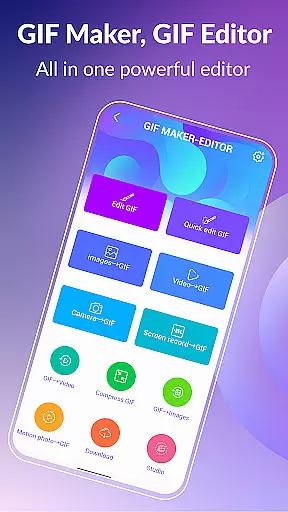
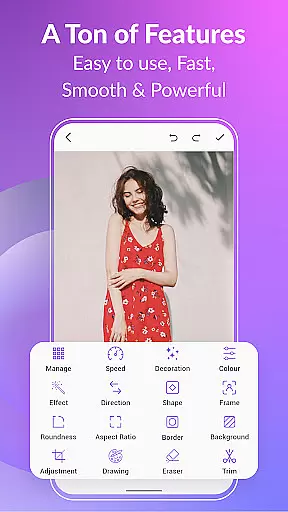
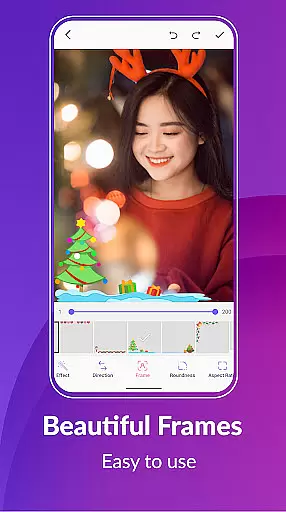
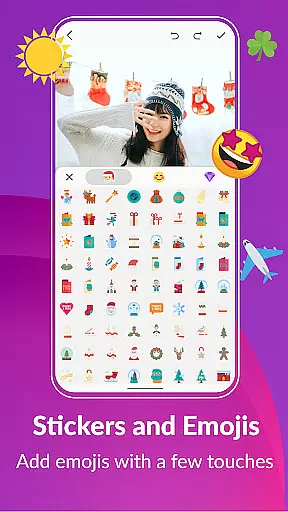
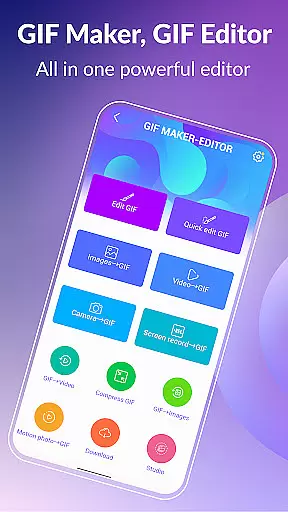
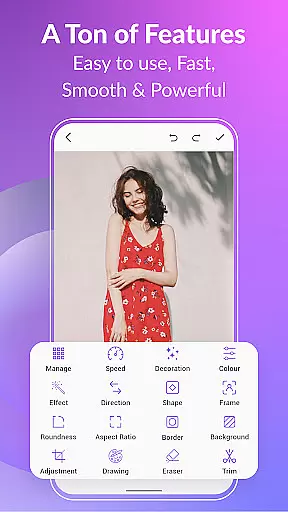
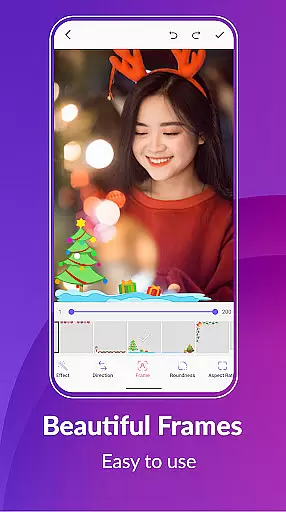
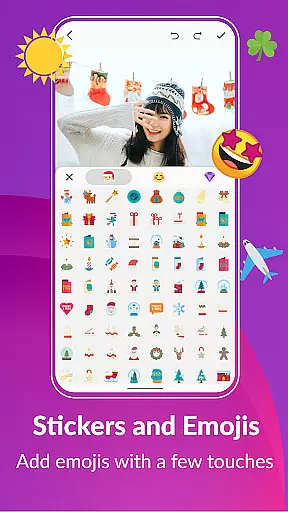
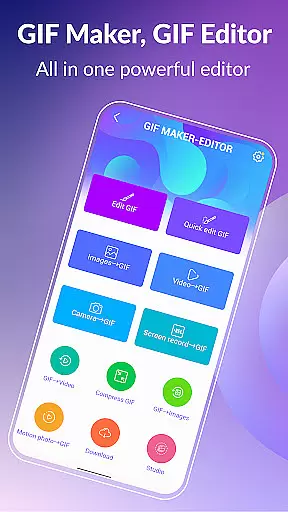

GIF Maker & GIF Editor Pro is a comprehensive tool for creating and editing high-quality animated GIFs without watermarks. This app supports up to 600 frames and HD resolution of 720x1280 pixels, making it ideal for users who want to transform images, videos, screen recordings, and existing GIFs into stunning animations.
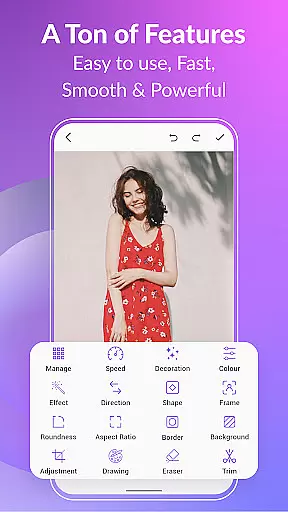
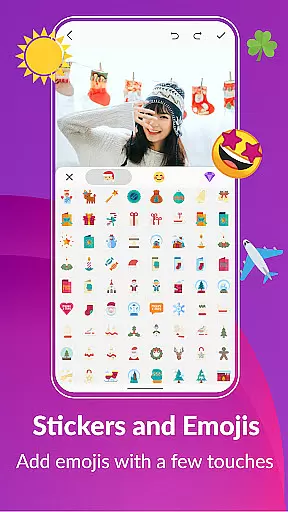
With an intuitive interface and support for multiple video and image formats including PNG, JPEG, MP4, MPEG, FLV, 3GP, and GIF, the app allows extensive customization. Users can enjoy features like cropping, resizing, speed adjustment, adding emojis, filters, trimming, stickers, aspect ratio modification, and more. Whether you're looking to create GIFs from videos or images, this app provides all the necessary tools.
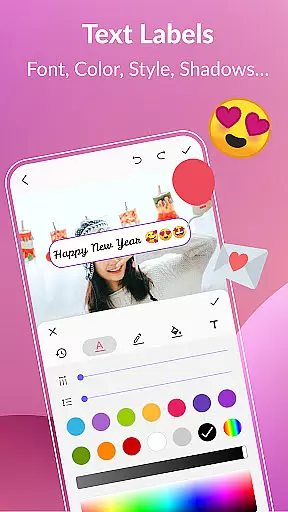
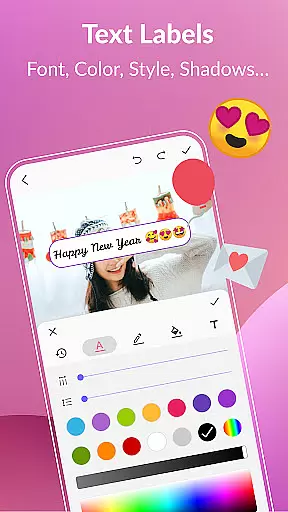
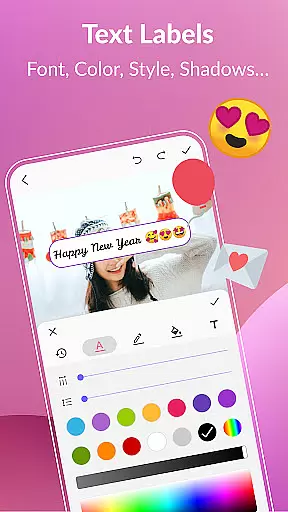
The app's versatility extends to its language support, covering 22 languages, and its ability to compress GIFs, convert them to videos, add backgrounds, apply effects, and insert text labels. It also offers sharing capabilities on popular platforms like WhatsApp, Facebook, and Twitter, ensuring your creations reach a wide audience.
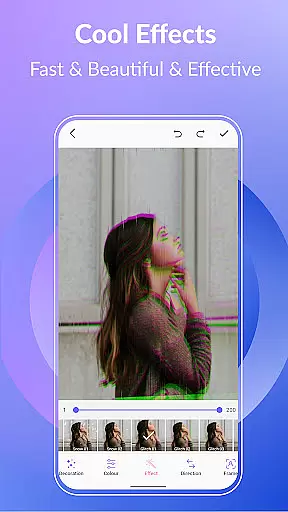
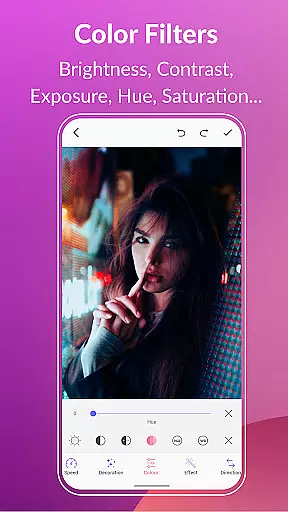
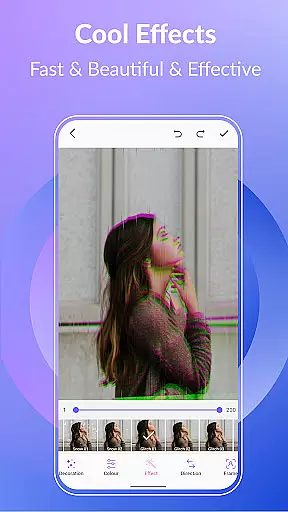
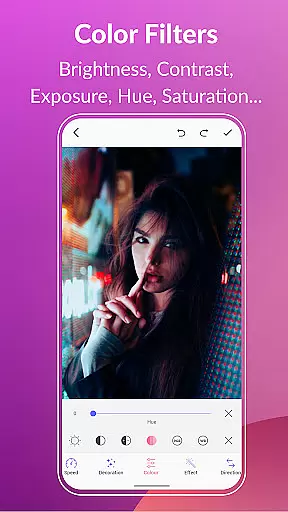
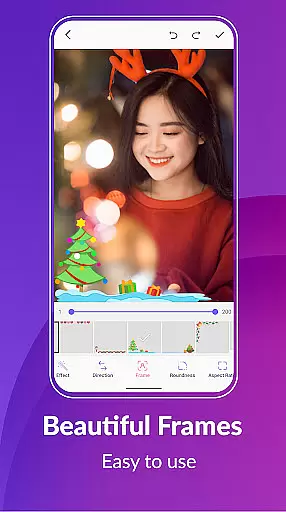
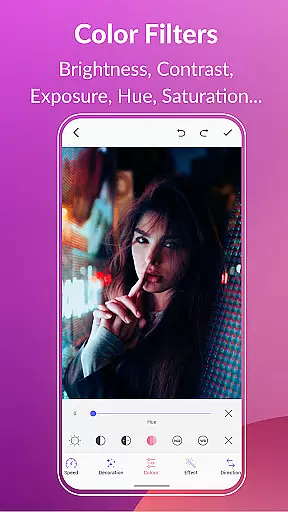
GIF Maker & GIF Editor Pro stands out with its robust feature set tailored for both casual users and professionals. The app supports advanced editing options such as frame extraction, color filter adjustments (brightness, contrast, exposure), and applying stylish effects like 1977, Amaro, and Brannan. These features ensure that every GIF you create is unique and visually appealing.
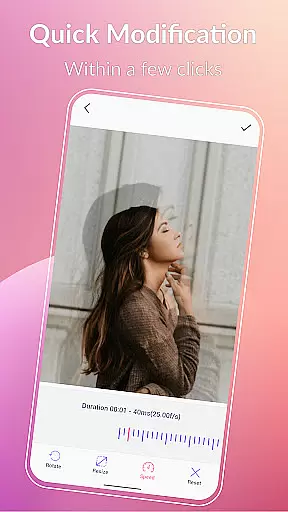
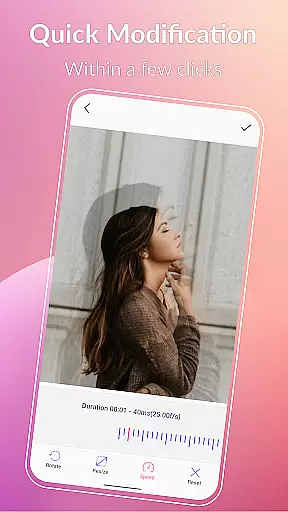
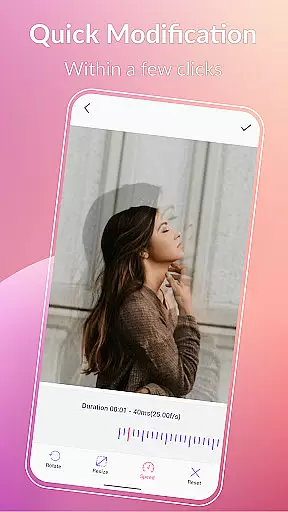
One of the key highlights is the ability to manage and edit your entire GIF collection within the app. You can easily view, modify, and organize all your GIFs directly on your device. Additionally, the app includes quick modification tools that allow resizing, adjusting play speed, and changing background settings to transparent, solid colors, gradients, or blurred effects.
Sharing your creations is seamless with integration into major social media platforms. You can post your GIFs or converted videos on WhatsApp, Facebook, Messenger, Twitter, and others. With support for multiple languages and a user-friendly interface, GIF Maker & GIF Editor Pro ensures that anyone can unleash their creativity regardless of their technical expertise.
Real-time capture and preview functionality is essential for any photography app, allowing users to see exactly what their final GIF will look like as they create it. With GIF Maker, GIF Editor Pro, the real-time capture feature enables users to record or import videos and instantly convert them into high-quality animated GIFs.
The application supports a wide array of formats including MP4, MPEG, FLV, 3GP, and more, ensuring that no matter the source, the quality is preserved in the conversion process. The preview function gives an accurate representation of the final output, with options to adjust settings such as speed, crop, and filters before finalizing the GIF.
Users benefit from this feature by having complete control over the creation process, which saves time and effort in editing after the GIF is made. This immediate feedback loop enhances the creative process, enabling creators to produce content that precisely matches their vision.
Ultimately, the real-time capture and preview capabilities of GIF Maker, GIF Editor Pro empower users to craft professional-grade animations with confidence, knowing exactly how the end product will appear and perform across various platforms.
AI beauty and enhancement features are revolutionizing the way we refine images and animations within photo editing applications. GIF Maker, GIF Editor Pro incorporates advanced AI algorithms to enhance the natural beauty of GIFs without compromising their authenticity.
This app provides a suite of tools including color filters, text labels, stickers, and effects that leverage AI to intelligently adjust elements such as brightness, contrast, and saturation. These adjustments serve to highlight the best aspects of a GIF while maintaining a realistic appearance.
For users, this means the ability to elevate their creations with just a few taps, adding polish and professionalism to their work. The AI enhancements are designed to be subtle yet effective, ensuring that the original essence of the content is preserved.
By integrating AI-driven beauty and enhancement tools, GIF Maker, GIF Editor Pro sets itself apart as a sophisticated choice for creators who demand both quality and authenticity in their visual storytelling.
User-friendly interface
High-quality output
Extensive format support
Versatile editing tools
Multi-language support
Paid version only
Advanced features may overwhelm beginners
Limited free trial options
Occasional performance lags
Large file sizes for high-quality GIFs

A collection of tools and reference tables for DPs, ACs, DITs and Operators.
 4.70
4.70
Photobooth mini FULL app will allow you to add more fun to your parties
4.00
All-in-One Editor & AI Photo Enhancer, Collage, Cartoonify, Funny Stickers & BGS
4.10
Photo prints, cards, & gifts at Walgreens. Easy ordering & fast local pickup !
4.80
Automatically backup your photos and videos to computer, NAS and Cloud services
4.60
Unblur, enhance & restore photos with powerful AI photo enhancer tools.
4.60
Astrophotography with your smartphone, photo live stacking and much more!
3.90
Pro version: AR sun/moon tracker for any date. Tool for photographers & planners
4.90
The original Rarevision VHS look seen everywhere!
4.70
Find time and duration of different sunlight phases at any location
4.90
Amazing Photo Effects - The most fun you can have with your photos!
4.70
1M influencer's special filter
4.60
AI photo editor with hair editor, retouch tools, hair color changer & filters!
4.50
Movie camera, supports pro recording settings for filming. Try it and be amazed!
4.50
A reflected light meter with spot metering and incident light metering.
4.40
Future baby face generator: AI kids generator, kid face! What my baby look like?
4.40
Shooting photos and records video easily and efficient with professional Camera
4.30
Professional camera app that brings DSLR manual photography controls to Android.
4.20
Create amazing frames with up to five photos. Rounded corners, effects and more!
3.60


User Reviews