
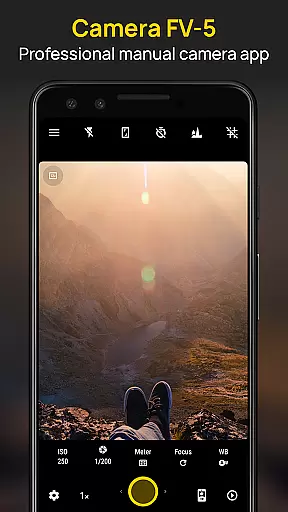
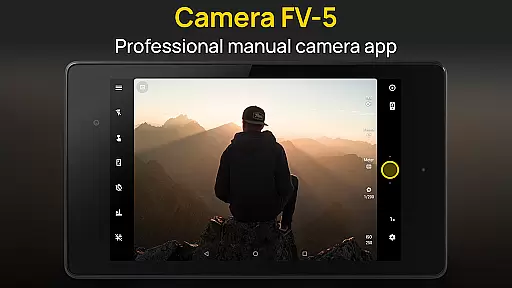
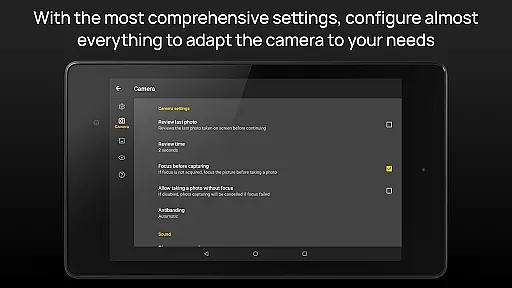
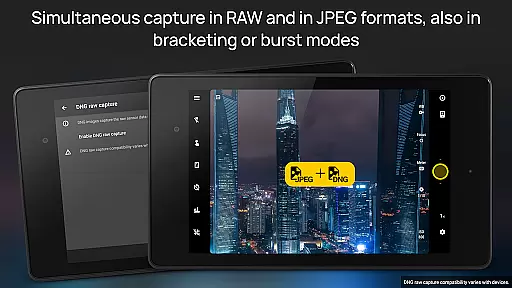
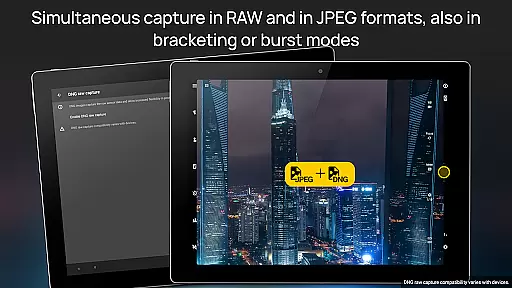
Camera FV-5 is a professional-grade camera application designed for mobile devices, offering DSLR-like manual controls. This app is tailored for photography enthusiasts and professionals who seek to capture high-quality raw images for post-processing. With features such as adjustable exposure compensation, ISO settings, light metering modes, focus options, white balance adjustments, and program mode selections, Camera FV-5 provides users with extensive control over their photography. The app supports various photo formats including JPEG, true 16-bit RAW in DNG format, and lossless PNG, making it versatile for different types of photographic needs.
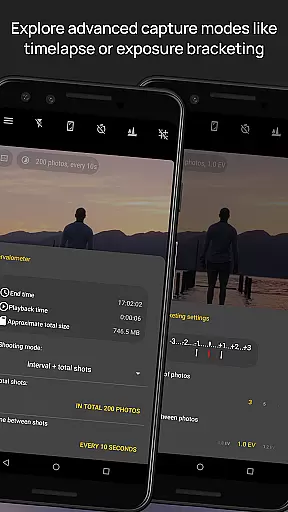
The interface includes a DSLR-like viewfinder that displays real-time exposure data, aperture settings, and EV information. It also offers advanced functionalities like exposure bracketing, intervalometer for timelapse photography, and long exposure support up to 30 seconds. Additionally, the app allows for manual shutter speed adjustments, digital zoom using multitouch gestures, and an electronic viewfinder with live RGB histogram. These features ensure that photographers can achieve precise control over every aspect of their photos, similar to using a traditional DSLR camera.
Camera FV-5 is ideal for capturing detailed and creative shots, whether you're taking night photos or creating stunning timelapses. Its comprehensive set of tools and customizable settings make it a powerful companion for both amateur and professional photographers looking to enhance their mobile photography experience.
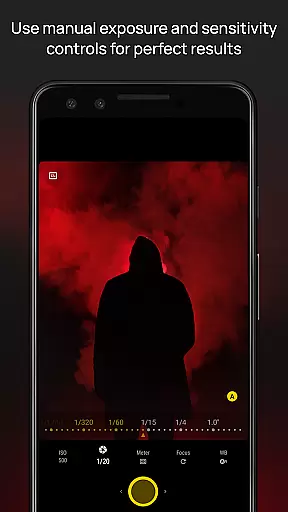
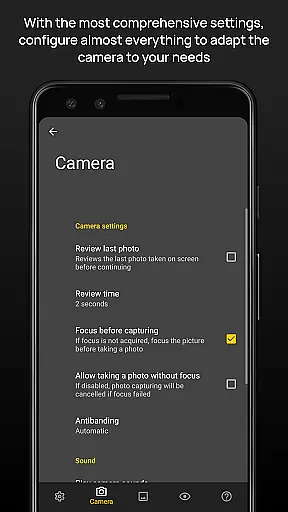
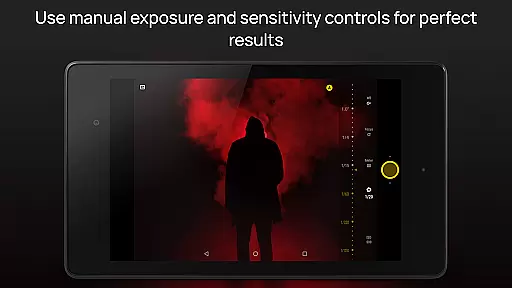
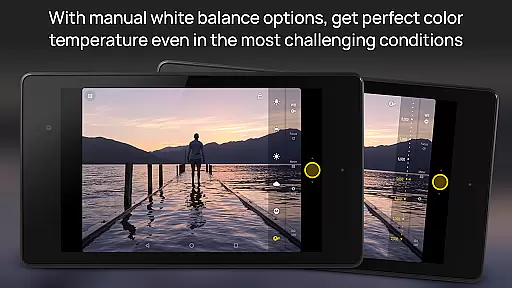
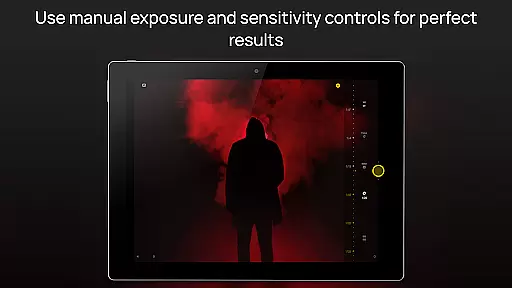
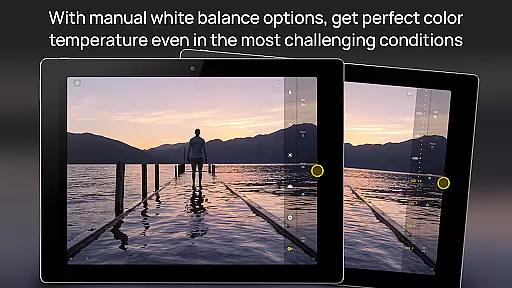
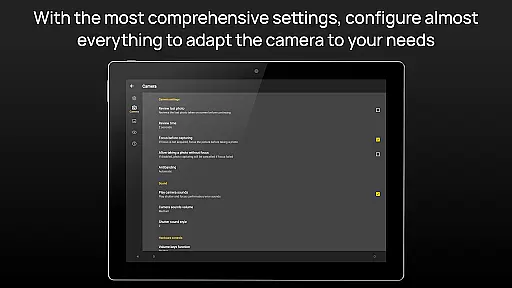
Camera FV-5 stands out with its rich array of features designed to give users unparalleled control over their mobile photography. One of its key features is the ability to adjust all photographic parameters manually, including exposure compensation, ISO, light metering mode, focus mode, white balance, and program mode. This level of control allows photographers to fine-tune each shot according to their specific needs and preferences, ensuring optimal image quality.
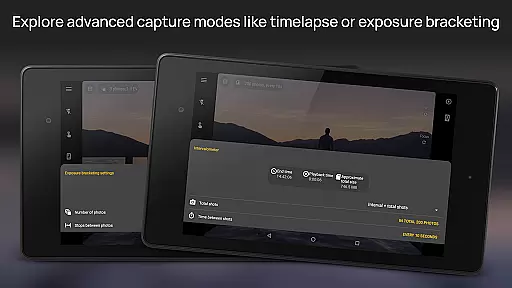
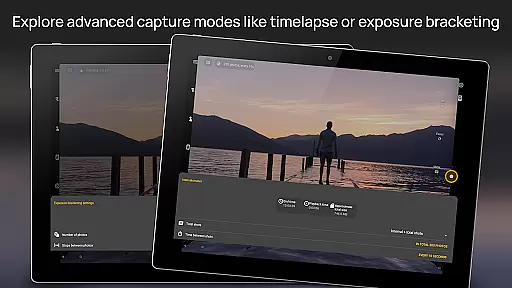
The app's DSLR-like viewfinder is another standout feature, providing real-time feedback on exposure time, aperture, and stops display with EV and bracketing settings. This functionality helps users make informed decisions about their camera settings while shooting. Additionally, Camera FV-5 offers full-fledged exposure bracketing, enabling users to capture multiple frames at different exposures, which is particularly useful for HDR photography. The built-in intervalometer further enhances this capability by allowing users to create stunning timelapses and time-controlled picture series.
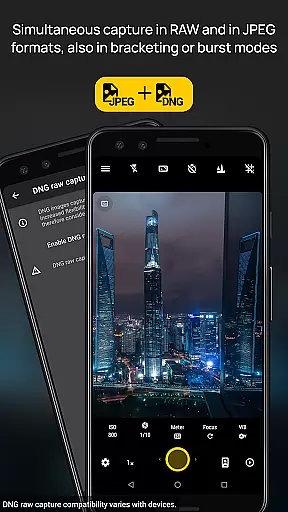
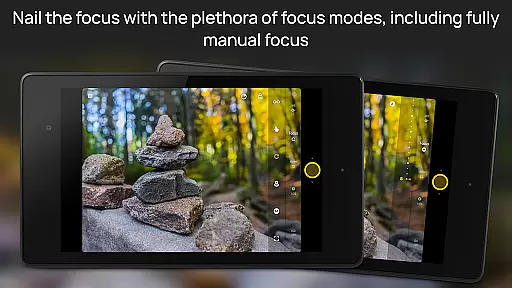
Other notable features include support for long exposure photography, which is perfect for capturing night scenes and light trails, and compatibility with various photo formats such as JPEG, true 16-bit RAW in DNG format, and lossless PNG. The app also supports manual shutter speeds ranging from 1/80000 to 2 seconds and includes advanced focusing options like autofocus lock, autoexposure lock, and auto white balance lock. These features collectively provide users with a robust set of tools to explore their creativity and produce professional-quality images directly from their mobile devices.
Real-time capture and preview functionality is essential for photographers who need precise control over their shots. Camera FV-5 excels in this area by providing a DSLR-like viewfinder display that shows critical information such as exposure time, aperture, and stops with EV and bracketing settings in real-time.
The application supports manual adjustments of various photographic parameters including ISO, light metering mode, focus mode, and white balance. This allows photographers to fine-tune their settings while observing the changes directly on the screen, ensuring that they achieve the desired effect before capturing the image.
Additionally, Camera FV-5 offers advanced features like live RGB histogram and multiple grid overlays, enhancing the photographer's ability to compose and adjust images accurately. These tools contribute to a seamless shooting experience, enabling users to capture high-quality photos with confidence.
By delivering an intuitive and responsive real-time preview, Camera FV-5 empowers photographers to take full advantage of their device's capabilities, resulting in professional-grade photographs that can be post-processed to stunning results.
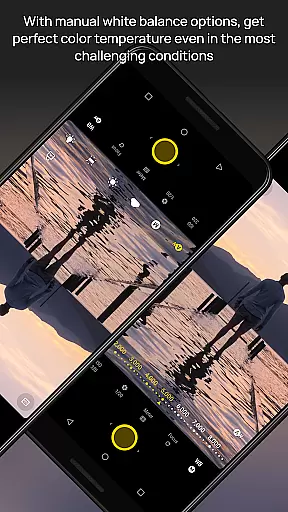
While Camera FV-5 focuses primarily on professional-grade manual controls, it also incorporates AI beauty and enhancement features that maintain naturalness in photo edits. The app provides options for adjusting color temperature, exposure compensation, and other parameters that can subtly enhance the subject without appearing artificial.
One notable feature is the ability to shoot in true 16-bit RAW in DNG format, which preserves the original details and colors of the image. This allows for more natural post-processing enhancements that respect the authenticity of the captured moment, avoiding the overly processed look common in many mobile photography apps.
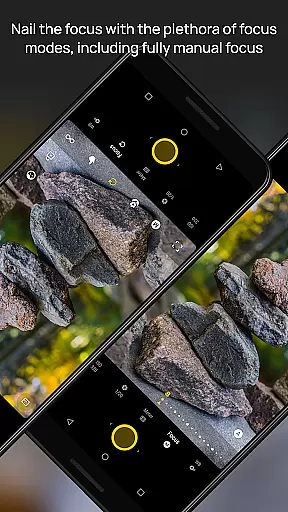
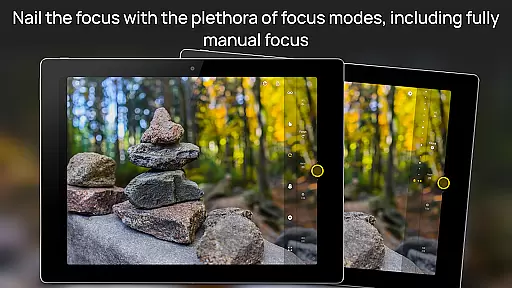
Furthermore, the app includes advanced focusing modes such as manual focus and infinity focus, along with autoexposure and auto white balance locks. These features ensure that the enhancements are applied evenly across the frame, maintaining the natural aesthetics of the photograph.
Overall, Camera FV-5 strikes a balance between powerful editing tools and maintaining the natural essence of the captured image, making it an excellent choice for photographers seeking both control and authenticity in their mobile photography.
DSLR-like controls
RAW photo support
Advanced exposure settings
Intervalometer for timelapses
Customizable file names
Limited device compatibility
No automatic scene modes
Complex for beginners
Requires Android 5.0+
Geotagging disabled by default

Perfect photos with body shaping, BG changer and object remover.
 3.70
3.70
Application for remote controlling DSLR
3.00
Perfect body tune & face app - photo retouch, makeup, slim body & beautify face.
4.80
Cartoon and artistic effects for your photos and videos
4.70
HD Camera Pro with HD Video shooting, Panorama, Photo editor , Beauty Camera.
4.50
Automatically backup your photos and videos to computer, NAS and Cloud services
4.60
GCamera allows all GCam features on all phone models! Better photos with GCamera
3.30
Luminar: Photo Editor - easy picture editing with AI
4.20
A unique animation app. Powerful, easy to use, and lots of fun.
4.30
Photo editor: AI filters, photo enhancer, pic collage maker, AI art generator.
4.80
Easily view, share, delete photos with Gallery.
4.70
Safe & smart flight with Go Fly drone controller for 40+ drone camera, zone map
4.50
Cut and paste photo editor & eraser to customize photos easy and swap faces fun
4.50
Effortlessly organize, view and share your photos & videos with Gallery app!
4.40
RAW video capture with advanced controls
4.40
AI portrait generator and polaroid AI selfie, fun AI generated AI photo creator!
4.30
Natural Beauty, Selfie Retouch
4.30
All-in-One Editor & AI Photo Enhancer, Beautify & Retouch, Collage, Cartoonify
4.20
Hair color changer, AI haircut app, fun hair editor and buzz cut filter for all!
3.80


User Reviews