
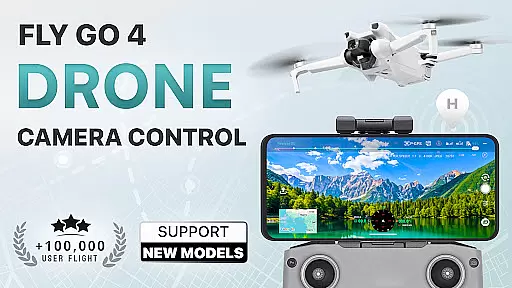
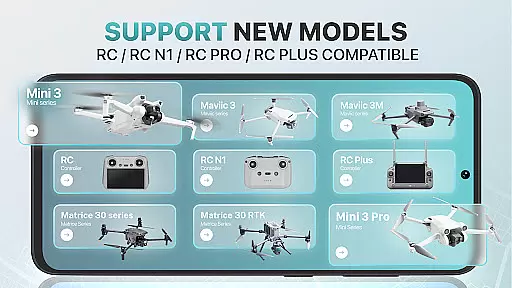
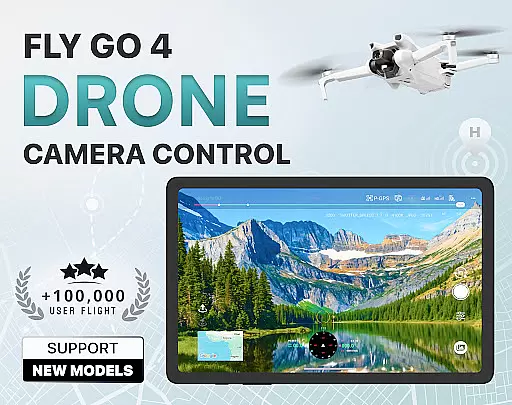
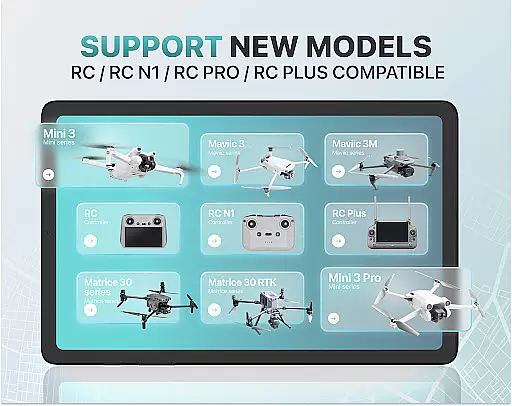
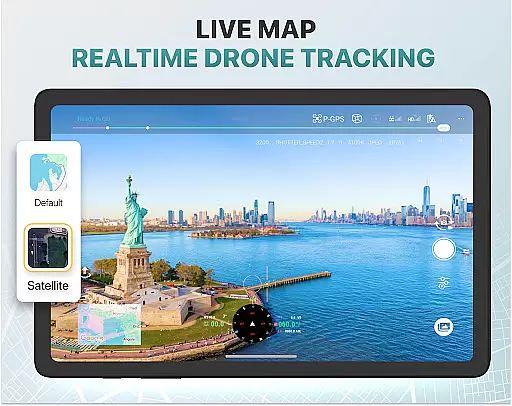
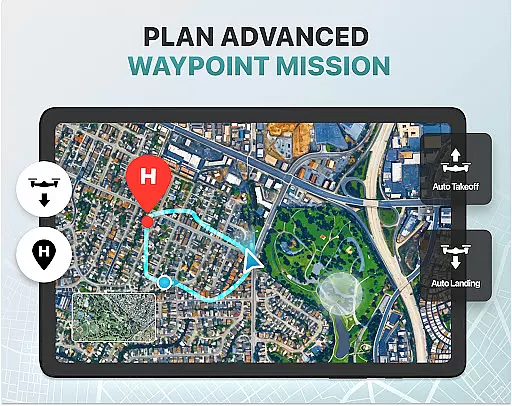
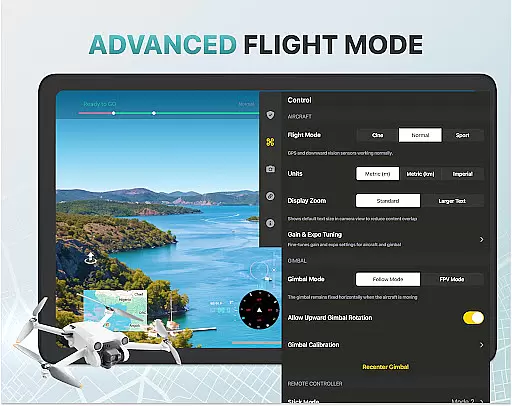
Fly Go 4 Drone Camera Control is a comprehensive drone management app designed for both amateur and professional UAV pilots. The app offers seamless compatibility with a wide range of drones, including popular models like DJI Mini 3, Matrice 350 RTK, and more. With its intuitive interface, users can effortlessly control their drones directly from their mobile devices.
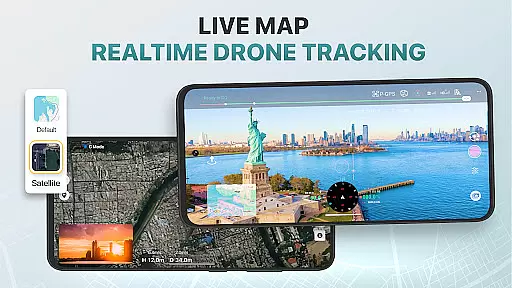
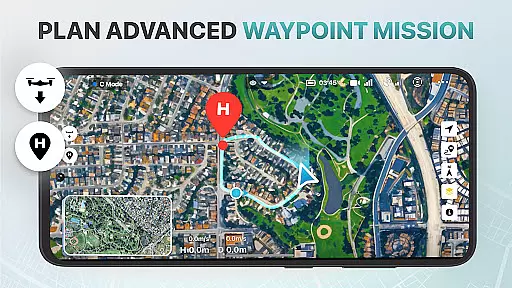
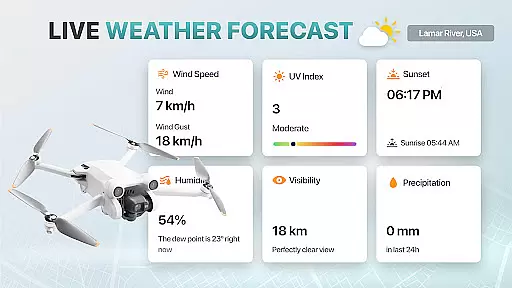
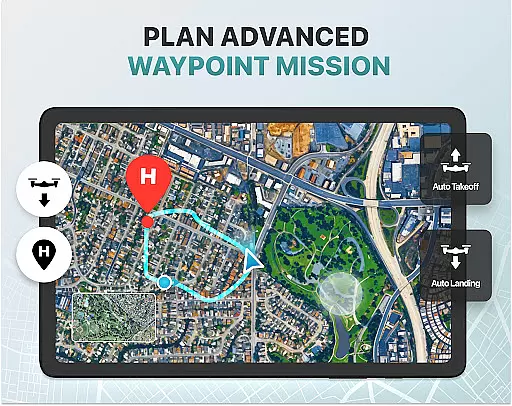
Key features include real-time camera feed, weather updates for optimal flying conditions, and no-fly zone alerts to ensure safe operations. Additionally, the app provides advanced tools such as gimbal direction adjustment, exposure graph controls, and smart media export options. Whether capturing panoramic images or tracking your drone's location via GPS, Fly Go 4 ensures a smooth and reliable experience.
This app is particularly useful for aerial photographers and videographers who need precise control over their drone’s camera settings while ensuring safety and compliance with airspace regulations. Its extensive feature set makes it an essential tool for maximizing the potential of your drone photography projects.
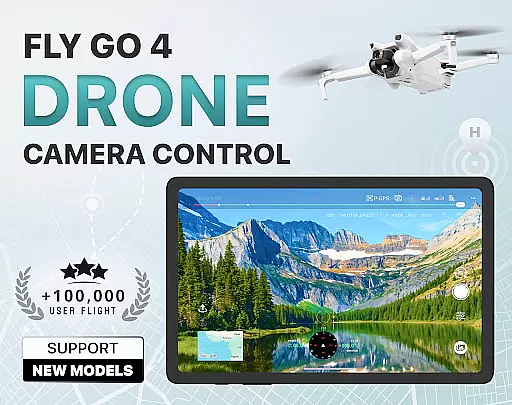
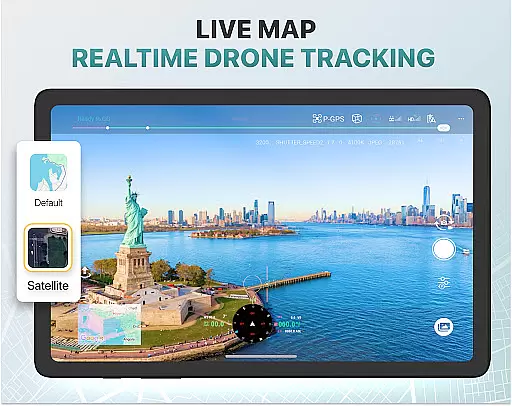
The Fly Go 4 Drone Camera Control app stands out with its robust feature set tailored for modern drone enthusiasts. One of its core strengths is the real-time camera feed functionality, which allows users to view lag-free video streams directly on their phone screens. This enables precise maneuvering and capture of high-quality aerial footage, making it ideal for both beginners and experienced pilots.
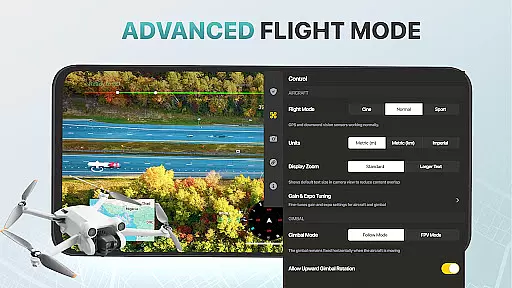
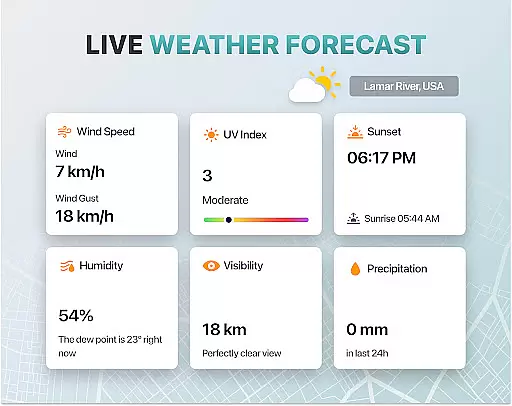
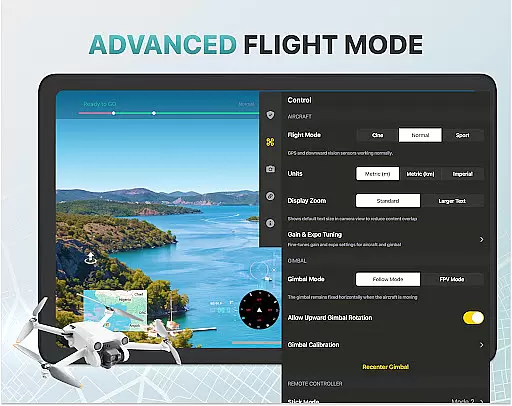
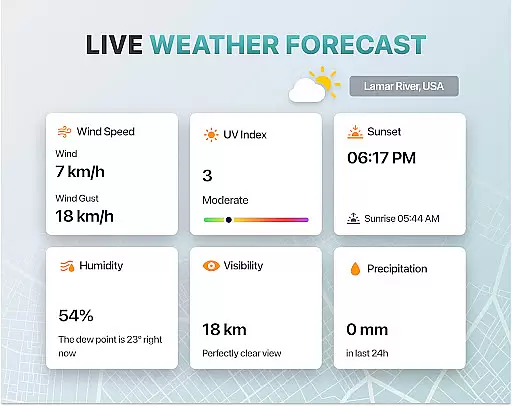
Another notable feature is the app's intelligent flight modes, which simplify complex maneuvers and enhance the flying experience. Users can also access detailed weather forecasts to plan safe flights and receive instant alerts about restricted airspaces. The Find My Drone function adds an extra layer of security by helping users locate their drones using GPS tracking in case of emergencies.
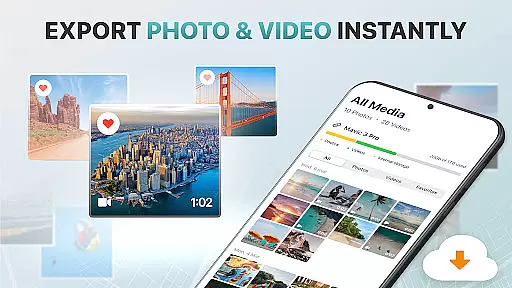
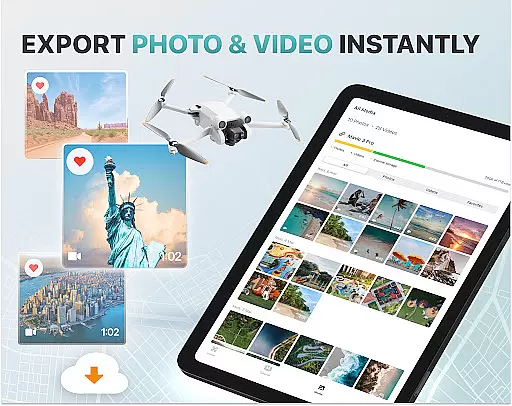
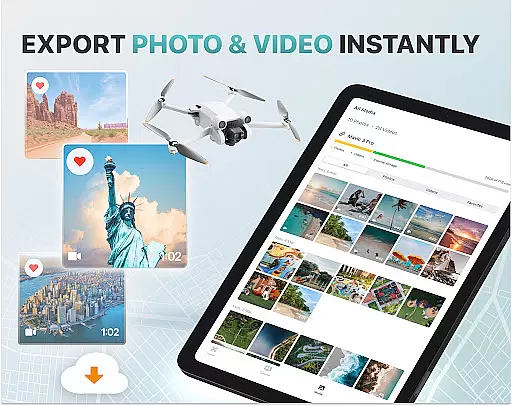
Additionally, the app supports various file formats for easy media export and sharing. With compatibility across multiple drone models and an array of advanced tools like gimbal adjustments and exposure graphs, Fly Go 4 empowers users to fully customize their drone operations. These capabilities make it a versatile solution for anyone looking to elevate their drone photography and videography skills.
Real-time capture and preview functionality is essential for drone photography, allowing users to see exactly what the drone's camera is capturing as it happens. The Go Fly Drone Controller Pro app excels in this area by providing a seamless live video feed directly to your phone screen.
This feature ensures that every shot or video taken with your drone is framed perfectly, offering precision control over the composition of your aerial footage. With minimal lag, pilots can make real-time adjustments to capture the best possible images without delay.
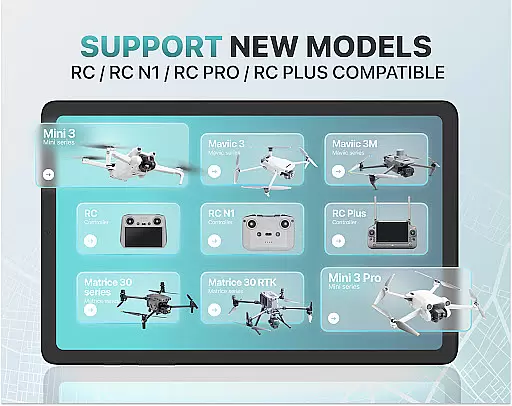
The app supports a wide range of drones, including popular models like DJI Mini 3 and Matrice 350 RTK, ensuring compatibility across devices. This extensive support means that no matter which drone model you own, you'll have access to high-quality, real-time previews of your shots.
By delivering a reliable and responsive live stream, the Go Fly Drone Controller Pro enhances the overall flying experience, making it easier than ever to achieve professional-grade results from your drone photography endeavors.
AI beauty and enhancement features are increasingly important in photography apps, and the Go Fly Drone Controller Pro incorporates these tools to elevate the quality of captured images naturally. While primarily designed for drone control, the app includes intelligent post-processing capabilities that enhance photos without compromising their authenticity.
These AI-powered enhancements automatically adjust settings such as exposure, color balance, and sharpness, ensuring that every image looks its best while maintaining a natural appearance. By avoiding excessive digital manipulation, the app preserves the original essence of each photograph, resulting in more genuine-looking visuals.
For users who require advanced editing options, the app also offers detailed control over camera settings through an on-screen exposure graph. This allows for precise adjustments during capture, further enhancing the natural beauty of the final output.
Whether you're a beginner or an experienced pilot, these AI-driven enhancements ensure that your aerial photography stands out with vibrant yet realistic colors and clarity, adding significant value to your creative projects.
User-friendly interface
Wide drone compatibility
Real-time camera feed
Advanced gimbal controls
Comprehensive weather updates
Premium subscription required
Limited free trial period
No iOS support
Occasional connectivity issues
Complex for beginners

Search, tag and rate your way to an organized image gallery
 4.40
4.40
Find time and duration of different sunlight phases at any location
4.90
Pet Camera
3.70
Perfect body tune & face app - photo retouch, makeup, slim body & beautify face.
4.80
Movie camera, supports pro recording settings for filming. Try it and be amazed!
4.50
Add a dreamy vibe to your selfies and videos with soft style filters
4.5
Easily create custom gifts, cards, photo books & more on the Shutterfly app!
4.60
Use AI Video Generator to turn your words to ai generated videos.
4.50
Edit photos with the picture generator: PS2 & AI Clay filters, cartoon effects.
4.50
Create funny photos and videos with the popular Time Warp Scan filter.
4.90
See your baby AI baby face generator AI baby maker Face generator babymaker fun!
4.70
Easily view, share, delete photos with Gallery.
4.70
Photo Exif Editor allows to view, add and modify EXIF data of multiple photos
4.50
AI photo enhancer with Sora 2! Enhance, descratch, and colorize your old photos.
4.50
[3DSteroid Pro] is a stereoscopic application for Android.
4.30
Turn your phone into a professional camera - full DSLR manual photography
4.30
Professional photography on your mobile phone
4.20
Create & Edit with AI: AI Remove, Enhance, Retouch, Filter
4.10
Photo editor: face & body editor, beauty cam, filters and quality enhancer.
4.00


User Reviews