
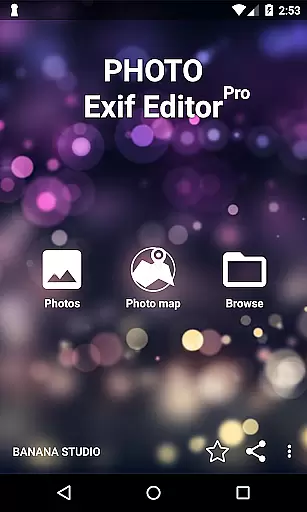
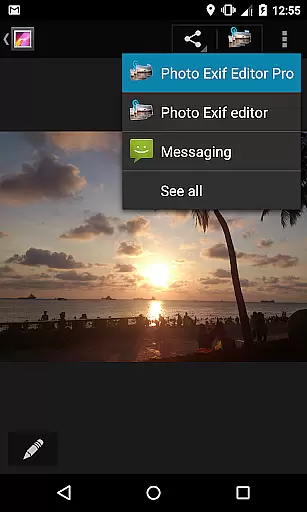
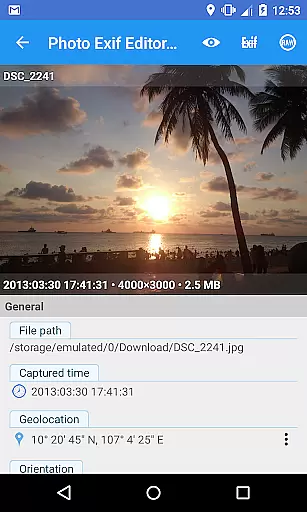
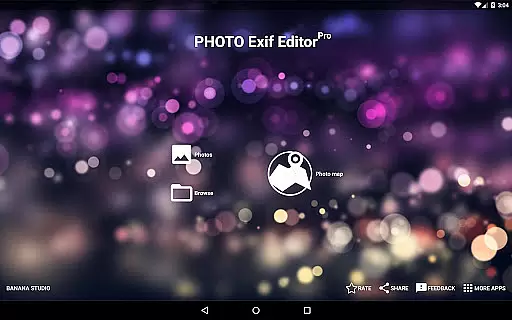
Photo Exif Editor Pro is a powerful tool for photographers and enthusiasts who need to manage the metadata of their images. This application allows users to view, add, and modify Exif data in photos, providing essential details about camera settings, location, and other image properties.
The app features an intuitive interface that makes it easy to correct missing information or update existing data. With support for various file formats including JPG, PNG, and RAW, Photo Exif Editor Pro ensures comprehensive compatibility. Whether you're organizing your photo library or preparing images for professional use, this app offers the necessary tools to handle your Exif data efficiently.
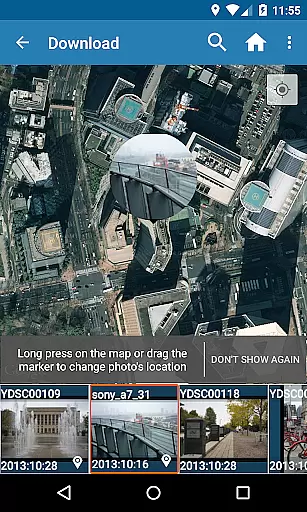
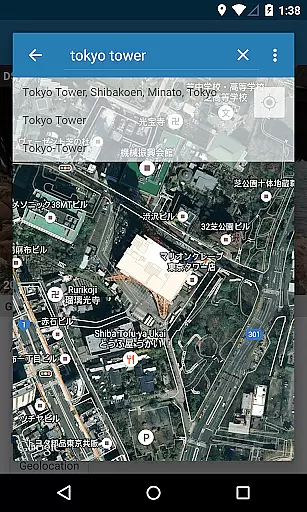
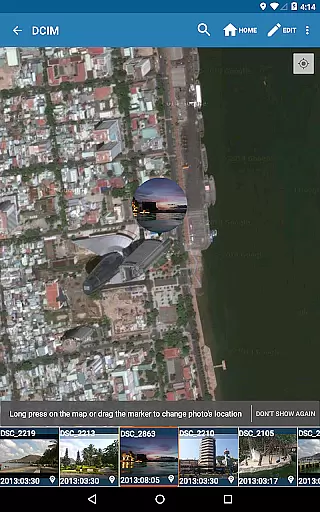
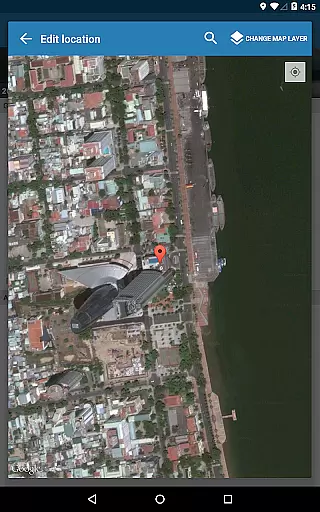
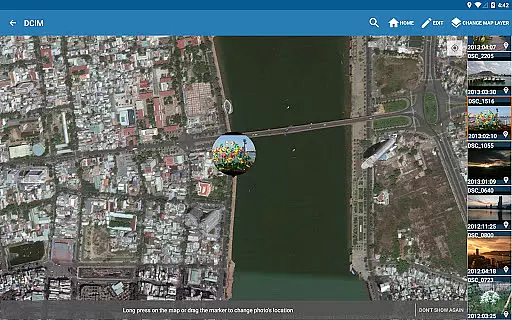
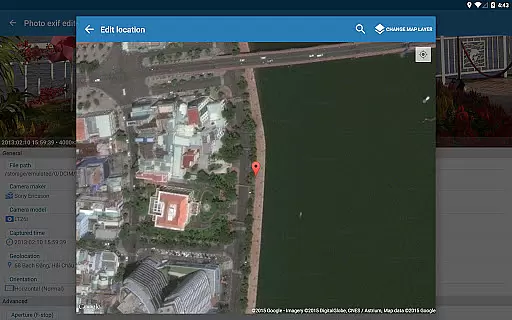
One notable feature is the ability to edit GPS tags using Google Maps, allowing users to accurately document where each photo was taken. The pro version also includes advanced capabilities like batch editing and full raw data viewing, making it an indispensable tool for serious photographers.
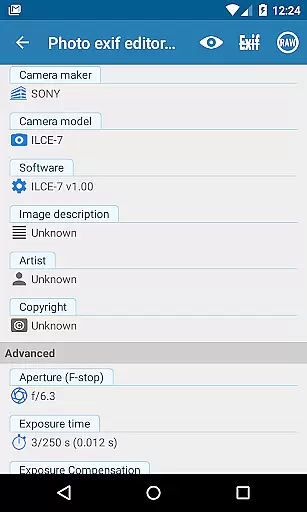
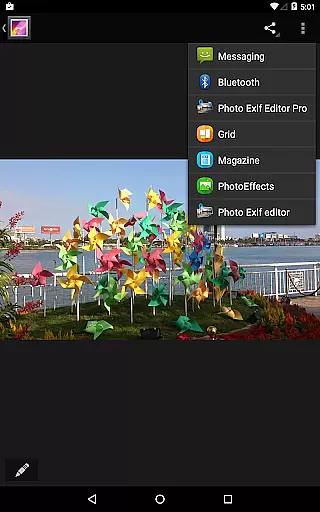
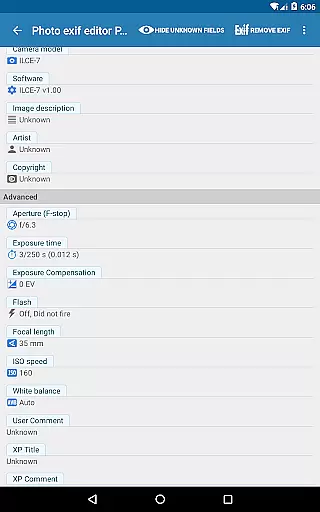
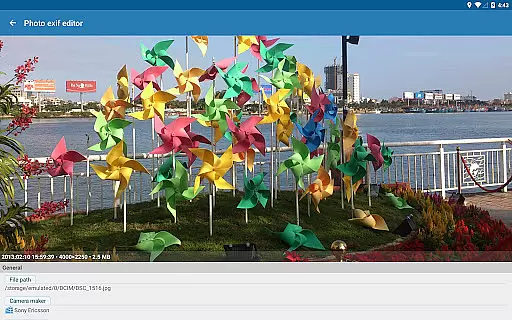
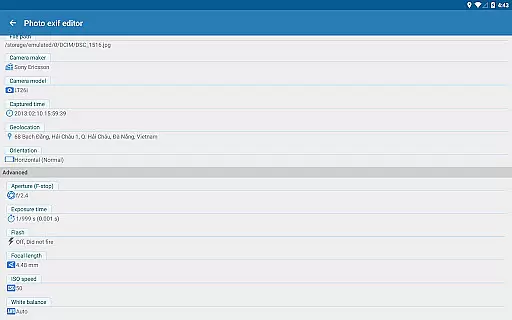
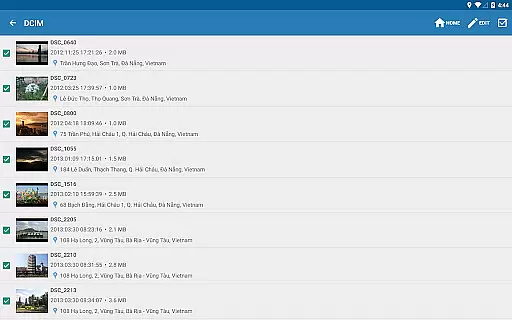
Photo Exif Editor Pro stands out with its robust set of features designed for detailed Exif data management. Users can browse and view Exif information directly from Android Gallery or through the app's integrated photo browser. This functionality provides quick access to critical metadata such as camera model, aperture, shutter speed, and ISO settings.
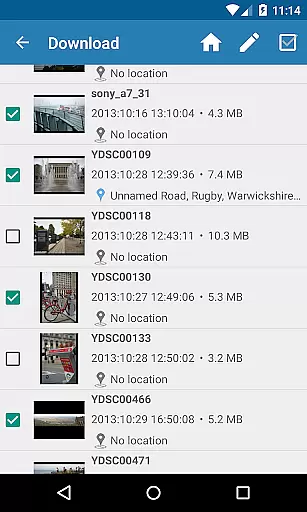
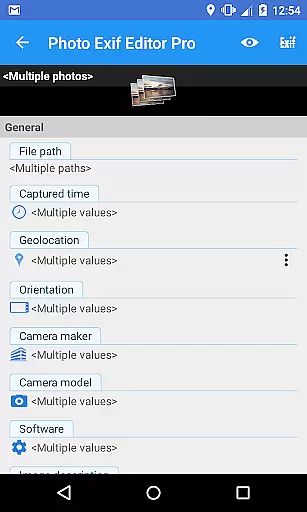
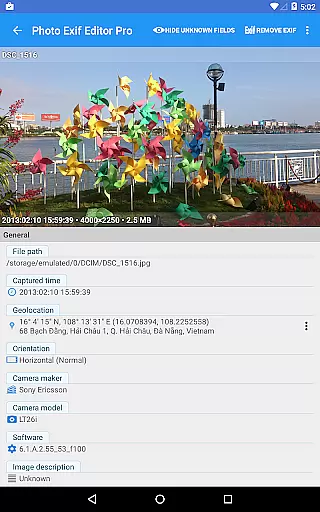
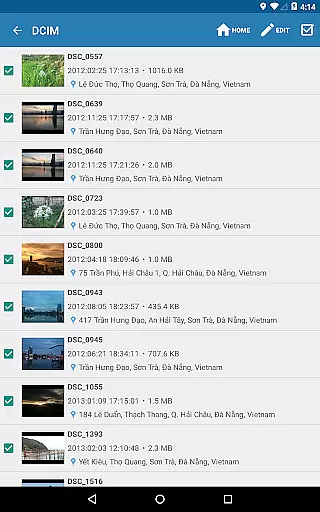
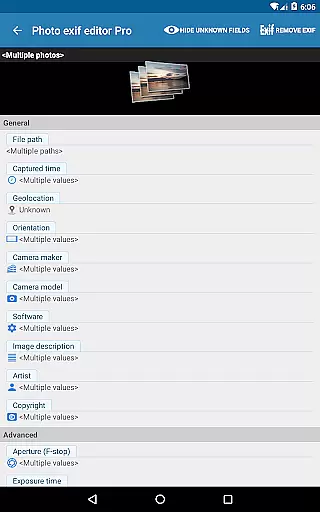
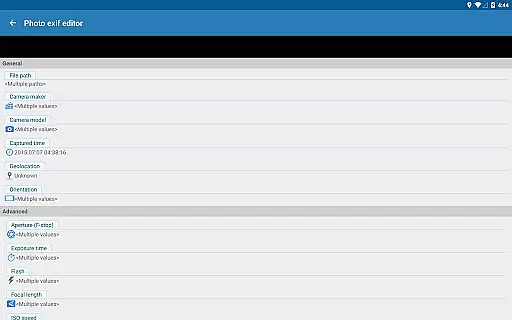
A key advantage is the ability to perform batch editing on multiple photos simultaneously. This saves significant time when managing large photo collections. Additionally, users can add or correct location data using Google Maps integration, ensuring accurate geotagging. The app supports editing of numerous Exif tags including camera maker, captured time, orientation, focal length, and white balance.
Advanced users will appreciate the option to view complete raw Exif data, offering deeper insights into image properties. With no ads and forthcoming enhancements, Photo Exif Editor Pro delivers professional-grade tools in a user-friendly package.
Real-time capture and preview functionality is essential for photography applications as it allows users to see exactly what the camera sees before taking a shot. This ensures that users can make necessary adjustments to achieve the desired composition and lighting.
Photo Exif Editor Pro provides an intuitive interface where users can not only view but also modify Exif data in real time. This feature empowers photographers to correct missing information or adjust settings such as orientation, aperture, and shutter speed on the fly.
The ability to instantly preview changes made to Exif tags like camera model, captured time, and GPS location enhances the overall user experience. It saves time and effort by eliminating guesswork and allowing immediate feedback on modifications.
By integrating these capabilities, Photo Exif Editor Pro stands out by offering professionals and enthusiasts alike a powerful tool for managing their photo metadata with precision and ease.
AI beauty and enhancement features are becoming increasingly popular in photography apps, providing users with tools to improve image quality while maintaining a natural look. These enhancements range from skin smoothing to color correction, ensuring photos appear polished yet authentic.
Although Photo Exif Editor Pro focuses primarily on editing Exif data, its potential future updates hint at incorporating advanced AI-driven enhancements. The planned merger of EXIF Pro - ExifTool for Android's features suggests upcoming capabilities might include intelligent photo editing options.
For now, users benefit from precise control over their images' metadata, which indirectly supports better photo management. Accurate Exif information aids in organizing and retrieving images based on specific criteria, thus complementing any direct AI enhancements.
As technology advances, maintaining the balance between enhanced aesthetics and natural appearance will be crucial. Users can anticipate that Photo Exif Editor Pro will continue evolving to meet these demands effectively.
User-friendly interface
Batch editing capability
Comprehensive Exif tag support
Google Maps integration
No advertisements
Limited to Android platform
External storage issues on older devices
Requires network connection
Premium version cost
Location permission needed

Effortlessly organize, view and share your photos & videos with Gallery app!
 4.40
4.40
AI portrait generator and polaroid AI selfie, fun AI generated AI photo creator!
4.30
Photo editor: face & body editor, beauty cam, filters and quality enhancer.
4.00
Viewfinder, Light meter, Reciprocity failure time, DOF & Bellows Extension
4.60
Create & Edit with AI: AI Remove, Enhance, Retouch, Filter
4.10
Be your best in every shot! Fix, edit and retouch your face in selfies & photos.
3.70
Superimpose one photo on top of another using the original Superimpose app!
3.20
Create amazing frames with up to five photos. Rounded corners, effects and more!
3.60
Professional photography on your mobile phone
4.20
Cartoon and artistic effects for your photos and videos
4.70
Automatically backup your photos and videos to computer, NAS and Cloud services
4.60
Unblur, enhance & restore photos with powerful AI photo enhancer tools.
4.60
Trendy TikTok time warp scan funny filter app brings you unique photos & videos.
4.40
Easily stitch panoramas from multiple photos or video.
4.40
Future baby face generator: AI kids generator, kid face! What my baby look like?
4.40
RAW video capture with advanced controls
4.40
live datamoshing
4.00
Astrophotography with your smartphone, photo live stacking and much more!
3.90
Hair color changer, AI haircut app, fun hair editor and buzz cut filter for all!
3.80


User Reviews