
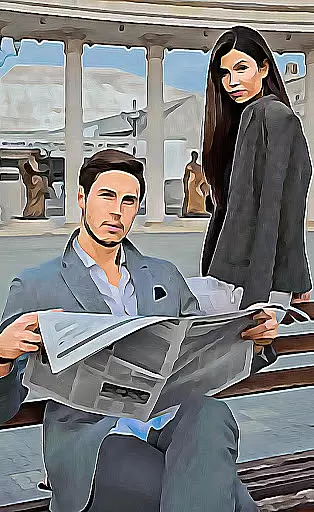
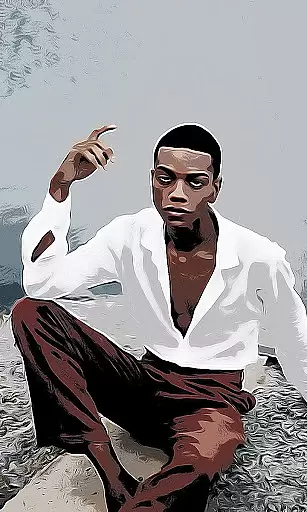
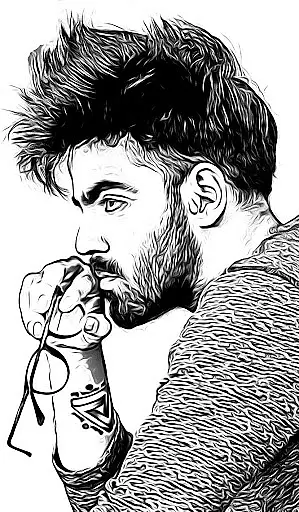
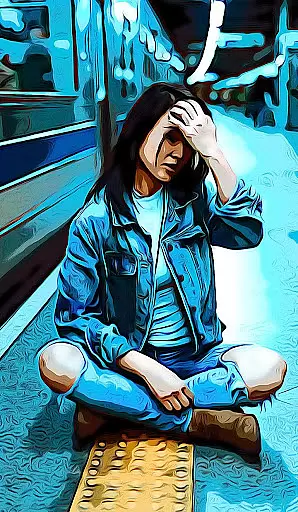
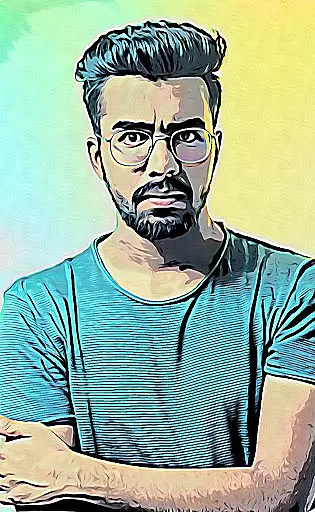
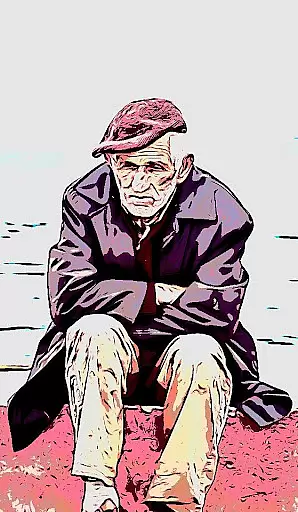
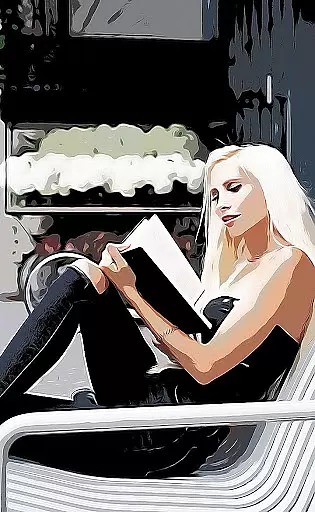
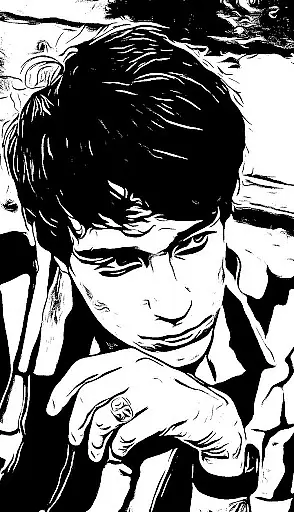
Cartoon Photo PRO is a premium photography application that allows users to transform their photos into artistic creations. The app offers a range of impressive photo effects including cartoon, sketch, oil painting, and pencil drawing transformations.
With real-time effects and the ability to apply filters to existing photos, this app caters to both amateur photographers looking to enhance their images and enthusiasts seeking creative expression. Compatible with both front and back cameras, it also supports pinch-to-zoom and auto-focus features for optimal photo capture.
Whether you're an artist wanting to visualize your photos differently or someone who enjoys sharing unique images on social media, Cartoon Photo PRO provides a simple yet powerful toolset to create stunning visuals.
Cartoon Photo PRO stands out with its diverse feature set tailored for photography enthusiasts. One key feature is the real-time effect application, allowing users to preview and capture photos with artistic filters instantly.
The app includes numerous premium effects such as thermal vision, crosshatch, and various cartoon styles. Users can choose between applying these effects to existing gallery photos or capturing new images directly through the app's camera interface.
Additional functionalities include support for both front and back phone cameras, pinch-to-zoom navigation, and one-touch photo saving. Sharing options are integrated seamlessly, enabling easy distribution of edited photos across social platforms or via direct messaging.
Real-time capture and preview functionality is essential for photography applications as it allows users to see the effects applied instantly through their device's camera. This feature ensures that users can make immediate adjustments before taking a photo.
Cartoon Photo PRO offers real-time effects application, enabling users to preview various artistic filters such as cartoon, sketch, and oil painting styles directly through the camera interface. The app supports both back and front cameras, providing flexibility in capturing selfies or other subjects with equal ease.
The ability to pinch to zoom further enhances the user experience by allowing detailed framing of shots without losing quality. With auto-focus support activated by tapping anywhere on the screen, users can ensure their subject is always sharp and well-defined in the final image.
AI beauty and enhancement features are increasingly popular in photography apps, offering tools that improve photo quality while maintaining a natural look. These enhancements range from skin smoothing to color correction, ensuring photos look polished but not over-processed.
Cartoon Photo PRO includes many premium photo effects that leverage AI technology to transform regular photos into artistic masterpieces. Users can choose from an array of impressive filters like thermal vision, crosshatch, pencil drawings, and more, each designed to add unique flair without compromising authenticity.
By saving images quickly with just one touch or sharing them directly with friends, Cartoon Photo PRO streamlines the process of creating and distributing visually stunning artwork. This seamless integration of advanced AI capabilities with intuitive controls makes it stand out among similar applications.
Ad-free experience
Real-time effects
Wide selection of filters
User-friendly interface
High-quality image output
Premium version cost
Occasional processing delays
Limited free features
Device compatibility issues
Learning curve for beginners

1M influencer's special filter
 4.60
4.60
All-in-One Editor & AI Photo Enhancer, Collage, Cartoonify, Funny Stickers & BGS
4.10
Photo editor: AI filters, photo enhancer, pic collage maker, AI art generator.
4.80
Photo Exif Editor allows to view, add and modify EXIF data of multiple photos
4.50
See your baby AI baby face generator AI baby maker Face generator babymaker fun!
4.70
Professional quality photo edits with the new Snapseed.
4.00
Smart, light, and fast photo and video gallery
4.30
A light meter for true photographers.
4.20
The original Rarevision VHS look seen everywhere!
4.70
Perfect body tune & face app - photo retouch, makeup, slim body & beautify face.
4.80
Your personal guide to the sun and moon. Plan ahead, visualize and predict!
4.70
Enhance, retouch & create your story - Share the moment with Photoshop Express.
4.60
PhotoSync Bundle Add-On License. Enables all features and services in PhotoSync.
4.60
Effortlessly organize, view and share your photos & videos with Gallery app!
4.40
AI portrait generator and polaroid AI selfie, fun AI generated AI photo creator!
4.30
Natural Beauty, Selfie Retouch
4.30
Transform Photos: Edit, Beautify and Craft Memories & Make Collages!
4.10
Application for remote controlling DSLR
3.00
Photo Album Watch Face shows your favorite pictures as a Watchface.
1.90


User Reviews