
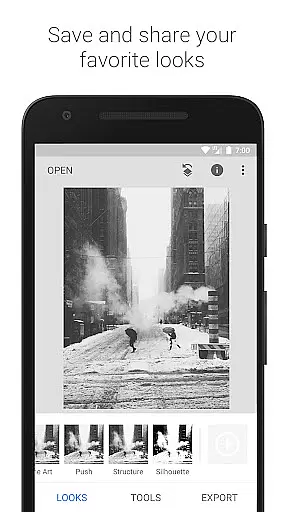
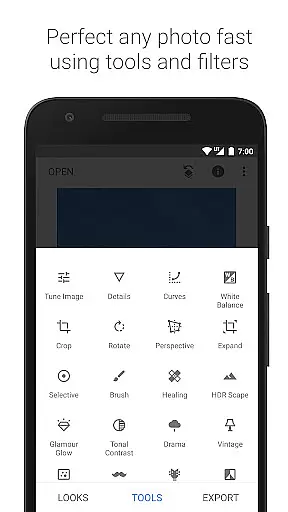
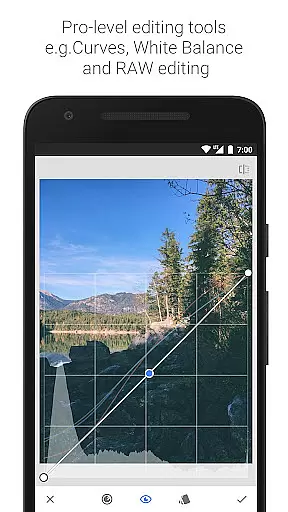
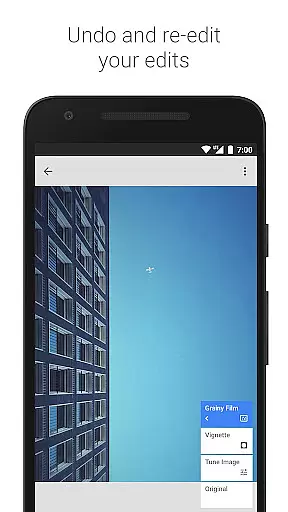
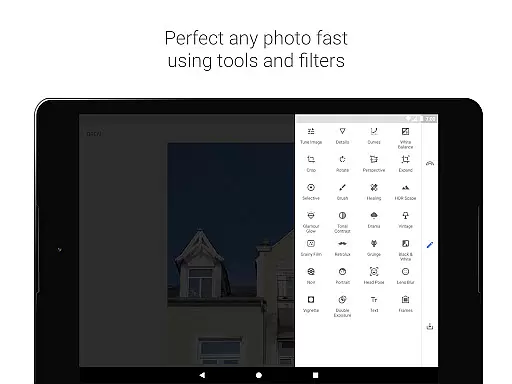
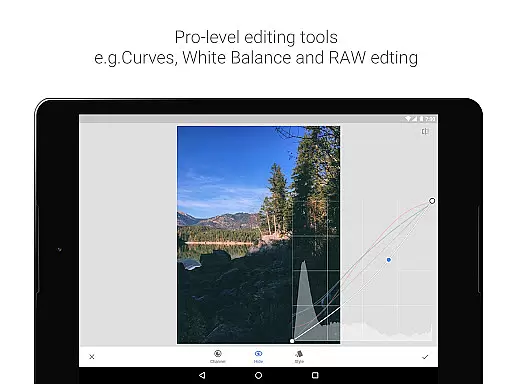
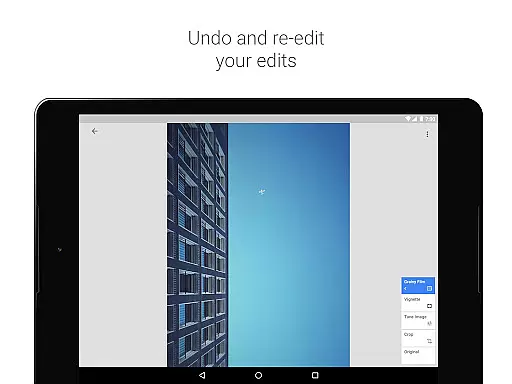
Snapseed is a comprehensive photo editing application developed by Google, offering professional-grade tools for both amateur and expert photographers. The app provides 29 powerful tools and filters, including Healing, HDR, Perspective correction, and RAW file support, enabling users to enhance their images with precision.
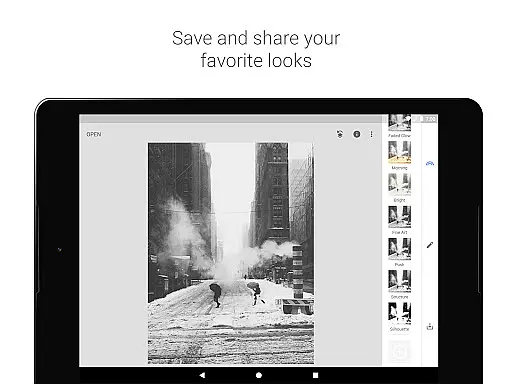
One of Snapseed's standout features is its selective filter brush and the ability to save personalized looks for future use. Whether you're adjusting exposure, cropping images, or adding creative effects like lens blur and vintage film styles, the app delivers complete control over every edit. This makes it an ideal solution for perfecting photos for social media, portfolios, or personal projects.
Snapseed offers an extensive range of advanced features that cater to all photo editing needs. With tools like RAW Develop, users can open and tweak DNG files while saving edits non-destructively. The Tune Image feature allows precise adjustments to exposure and color balance, while the Healing tool removes unwanted elements seamlessly.
The app also includes innovative options such as Face Enhance, which focuses on improving facial details, and Double Exposure for blending two images creatively. Each tool is designed to provide fine-tuned control, ensuring professional results. Additionally, Snapseed supports JPG and RAW formats, making it versatile for various photography workflows.
Snapseed offers a robust real-time capture and preview feature that allows photographers to see adjustments as they are made. This immediate feedback is crucial for making precise edits without guesswork.
The application supports both JPG and RAW files, providing flexibility in capturing images with different levels of quality and detail. This ensures that users can work with the best possible starting point for their editing process.
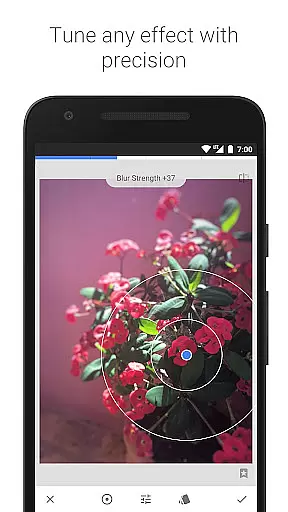
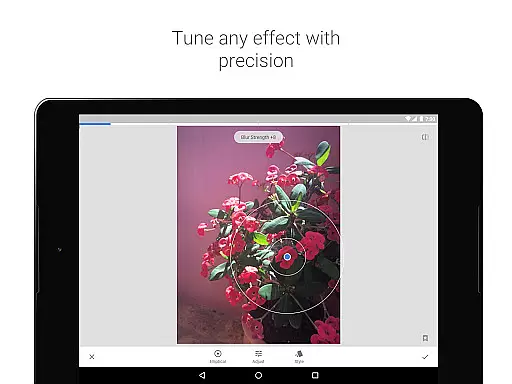
With its selective filter brush and control point technology, Snapseed enables users to apply enhancements exactly where they are needed. This level of precision ensures that every part of the image can be perfected according to the photographer's vision.
Furthermore, the ability to save personal looks and apply them to new photos streamlines the editing process, allowing for consistency across multiple images. This feature is particularly beneficial for professional photographers who need to maintain a uniform style for client projects.
Snapseed incorporates advanced AI beauty and enhancement features that elevate photo editing to new heights. These tools are designed to enhance natural beauty without over-processing, preserving the authenticity of the original image.
The Glamour Glow and Tonal Contrast filters are prime examples of how Snapseed balances enhancement with realism. They add a fine glow and selectively boost details, ensuring that portraits and landscapes look refined yet true to life.
Additionally, the Healing tool removes unwanted elements from photos seamlessly. Whether it's an uninvited photobomber or an unsightly object, this feature helps clean up images while maintaining their natural appearance.
By offering precise control over brightness levels through the Curves tool and adding realistic film grain with the Grainy Film filter, Snapseed ensures that every edit enhances the image naturally. This dedication to maintaining the integrity of the photograph makes Snapseed a top choice for discerning photographers.
User-friendly interface
Extensive editing tools
RAW file support
Customizable filters
Free to use
Steep learning curve
Overwhelming for beginners
Limited automated options
No real-time collaboration
Occasional glitches

Create funny photos and videos with the popular Time Warp Scan filter.
 4.90
4.90
How old age camera Gender Swap App Face Shape Hairstyle App Hair Styler App fun!
4.00
All-in-One Editor & AI Photo Enhancer, Collage, Cartoonify, Funny Stickers & BGS
4.10
Natural Beauty, Selfie Retouch
4.30
AI Photo Editor with 100+ Filters, Effects! Remove BG, Retouch & Photo Enhancer.
4.80
Smart, light, and fast photo and video gallery
4.30
Your personal guide to the sun and moon. Plan ahead, visualize and predict!
4.70
Professional camera app that brings DSLR manual photography controls to Android.
4.20
Enhance, upscale, and transform your images — on your device, without limits
4.70
Easily view, share, delete photos with Gallery.
4.70
A must-have app for landscape photographers
4.60
Safe & smart flight with Go Fly drone controller for 40+ drone camera, zone map
4.50
AI photo editor with hair editor, retouch tools, hair color changer & filters!
4.50
Photo Exif Editor allows to view, add and modify EXIF data of multiple photos
4.50
Photo editor & gallery. Crop pictures & edit photos offline, no wifi!
4.50
Shooting photos and records video easily and efficient with professional Camera
4.30
The #1 app for B&W film developing featuring an advanced darkroom timer.
4.10
An interval timer to automate photo taking process for timelapse
2.90
Raw Image Viewer. Gallery with support of raw images (.cr3, .cr2, .nef, .raf).
2.00


User Reviews