

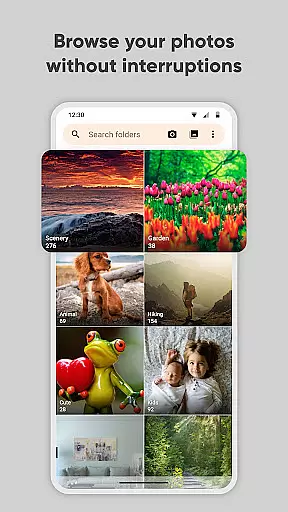
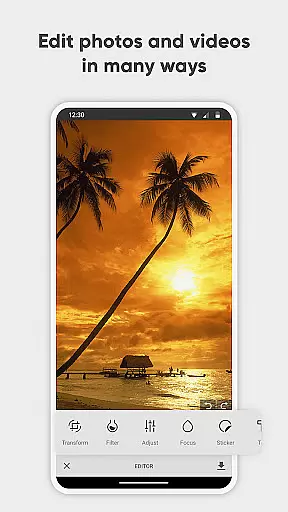
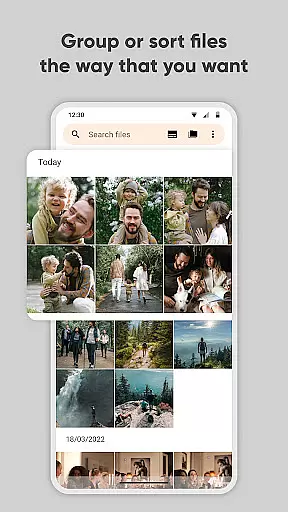
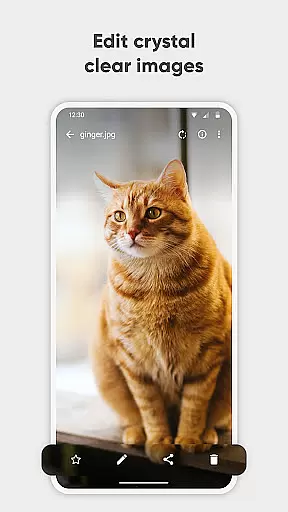
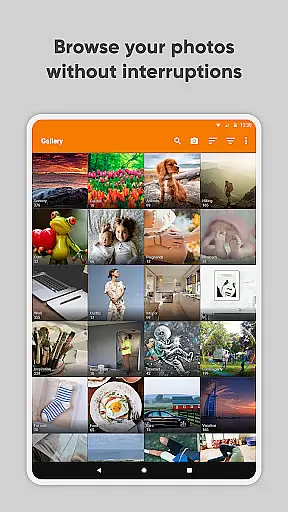
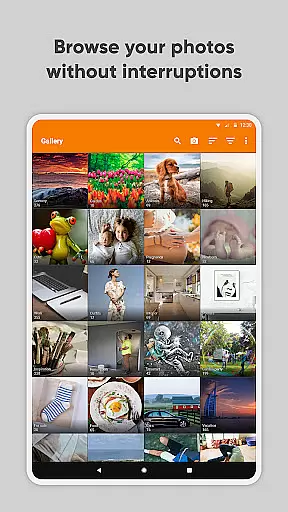
Simple Gallery Pro is a comprehensive photography app designed to enhance the way you manage and edit your media files on Android. This app combines an intuitive interface with powerful features, allowing users to browse, organize, and edit photos and videos efficiently. With support for a wide range of file formats including JPEG, PNG, MP4, and RAW, it ensures compatibility and flexibility for various user needs.
One of the standout features of Simple Gallery Pro is its advanced photo editing capabilities. Users can effortlessly crop, rotate, flip, and resize images, as well as apply stylish filters to enhance their photos. Additionally, the app offers unique functionalities such as the ability to recover accidentally deleted files and create hidden galleries for sensitive content, making it not only a gallery app but also a secure photo vault.
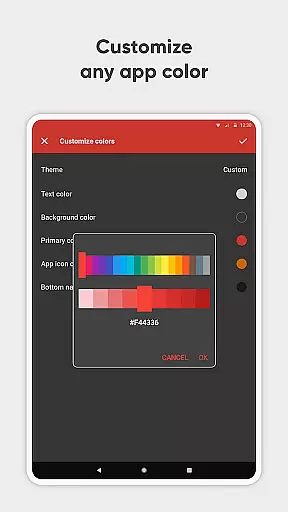
The app's customization options allow users to tailor the interface and functionality to their preferences, ensuring a personalized experience. With no ads or unnecessary permissions, coupled with open-source availability, Simple Gallery Pro provides a private, secure, and stable environment for managing your digital memories.
Simple Gallery Pro stands out with its extensive feature set tailored for photography enthusiasts and casual users alike. The app supports a vast array of file types, including common formats like JPEG and PNG, as well as more specialized formats such as RAW and SVG. This versatility ensures that users can work with any type of media file without compatibility issues.
A key highlight is the app's advanced photo editor, which simplifies the editing process through intuitive gestures. Users can easily perform tasks such as cropping, rotating, flipping, and resizing images. Moreover, the app includes various filters and effects to enhance photos instantly. The inclusion of features like file recovery and hidden galleries adds an extra layer of security and convenience, protecting valuable memories from accidental loss.
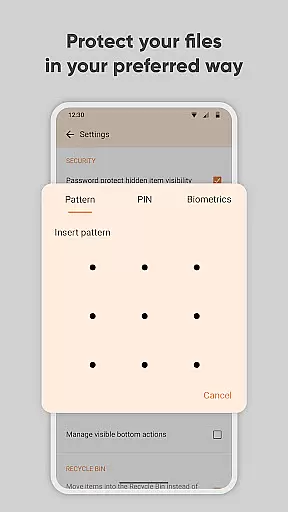
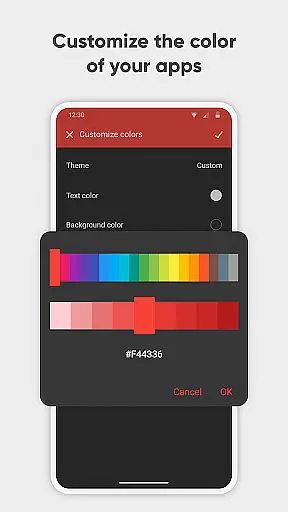
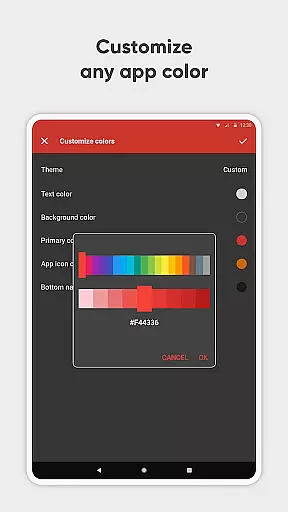
Customization is at the heart of Simple Gallery Pro, enabling users to modify the UI and toolbars according to their preferences. Whether it's adjusting the layout or changing color schemes, the app empowers users to create a personalized gallery experience. Additionally, privacy is prioritized with options to secure the app using a PIN, pattern, or fingerprint scanner, ensuring that personal content remains protected.
Real-time capture and preview functionality is essential for ensuring that users can accurately frame and capture their desired images without delay. Simple Gallery Pro offers a seamless experience by providing instant feedback on the screen, allowing users to see exactly what they are capturing as they adjust settings or compose their shots.
The app supports various file formats including JPEG, PNG, and even RAW files, giving photographers the flexibility to work with their preferred format. This versatility ensures that whether you're snapping quick photos or engaging in more professional photography, the real-time preview feature helps you achieve the best results every time.
With intuitive gestures and easy-to-use controls, users can quickly make adjustments to their images during the capture process. This immediate interaction enhances the overall user experience, making photo-taking not only efficient but also enjoyable.
By offering advanced customization options, Simple Gallery Pro allows users to tailor the real-time capture and preview settings to their specific needs. Whether it's adjusting the grid lines for better composition or tweaking exposure settings, the app empowers users to take full control of their photography experience.
AI beauty and enhancement features have become increasingly popular in photography apps, aiming to improve image quality while maintaining a natural look. Simple Gallery Pro leverages advanced AI algorithms to enhance photos subtly, ensuring that edits appear realistic rather than over-processed.
The app provides a range of filters and editing tools that utilize AI technology to automatically adjust elements such as lighting, color balance, and skin tones. These enhancements help bring out the best in each photo without compromising its authenticity, preserving the original mood and atmosphere captured at the moment.
One of the standout aspects of Simple Gallery Pro is its commitment to delivering natural-looking enhancements. Users can apply these AI-driven adjustments with confidence, knowing that their edited images will retain a lifelike appearance. This approach caters to both casual photographers looking for quick touch-ups and professionals seeking precise control over their edits.
Additionally, the appu2019s customizable interface allows users to fine-tune the level of AI enhancement applied to their photos. By offering this flexibility, Simple Gallery Pro ensures that everyone from beginners to seasoned photographers can achieve the perfect balance between enhanced aesthetics and genuine representation.
User-friendly interface
Extensive file format support
Advanced photo editing tools
Secure file recovery options
Highly customizable settings
Limited social sharing options
No cloud backup integration
Basic video editing features
Occasional performance lags
Requires manual updates

Perfect photos with body shaping, BG changer and object remover.
 3.70
3.70
Photobooth mini FULL app will allow you to add more fun to your parties
4.00
Cut and paste photo editor & eraser to customize photos easy and swap faces fun
4.50
How old age camera Gender Swap App Face Shape Hairstyle App Hair Styler App fun!
4.00
Edit like a pro with Hypic. Apply filters, AI effects, & magic touch.
4.40
Unblur, enhance & restore photos with powerful AI photo enhancer tools.
4.60
A light meter for true photographers.
4.20
Professional camera app that brings DSLR manual photography controls to Android.
4.20
Discover & download millions of art for The Frame TV or Hisense CanvasTV
4.60
Collage your moments in one tap: 1000+ layouts, filters, stickers, and texts.
4.90
Create collages easily! Nice pic collage maker & background eraser for Instagram
4.50
Search, tag and rate your way to an organized image gallery
4.40
[3DSteroid Pro] is a stereoscopic application for Android.
4.30
What celebrity do you look like? Celebs will find your celebrity match!
4.10
Create & Edit with AI: AI Remove, Enhance, Retouch, Filter
4.10
Professional quality photo edits with the new Snapseed.
4.00
How would you look like with a differently shaped nose, chin or lips?
3.90
Application for remote controlling DSLR
3.00
Add a dreamy vibe to your selfies and videos with soft style filters
4.0


User Reviews