
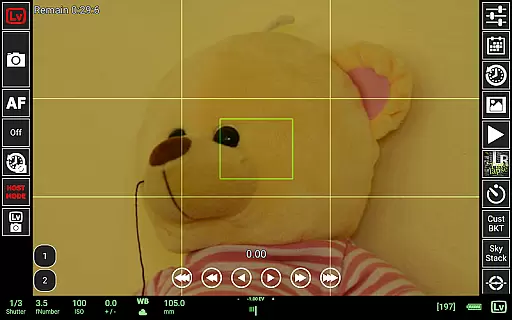
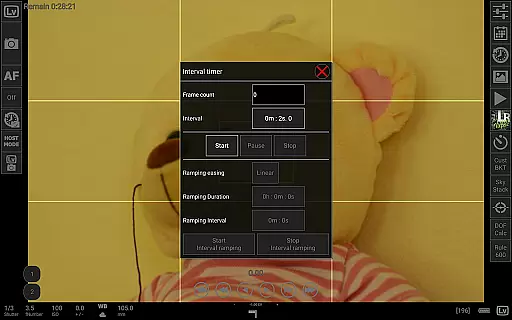
qDslrDashboard is a powerful photography application designed for DSLR and mirrorless camera enthusiasts. This app allows users to control Nikon, Canon, and Sony cameras remotely using an Android device. With support for USB OTG adapters and wireless connectivity options like portable routers or WU-1a/1b adapters, it provides versatile connection methods. qDslrDashboard is ideal for photographers who need advanced control over their camera settings while shooting in challenging environments.
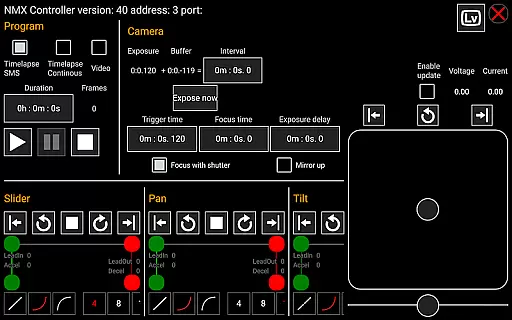
The app offers professional-grade features such as synchronized capture, live view with histogram analysis, manual focus adjustment, and time-lapse creation with advanced controls. It also supports image transfer, RAW and JPG preview, and even integration with motion controllers like Dynamic Perception NMX via Bluetooth LE. Whether you're capturing astrophotography or conducting complex studio shoots, qDslrDashboard ensures precision and convenience.
qDslrDashboard stands out with its extensive feature set tailored for professional photographers. One of its key highlights is the ability to connect multiple cameras simultaneously, enabling synchronized captures that are perfect for 3D photography or multi-angle shots. The app's live view functionality includes tools like histograms and manual focus adjustments, which help achieve optimal image quality during shoots.
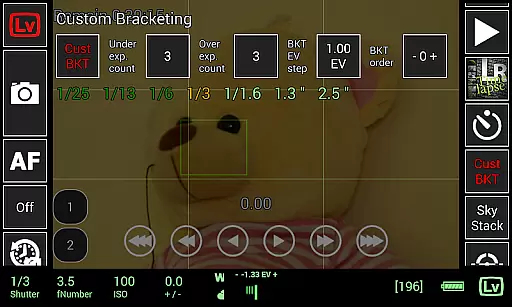
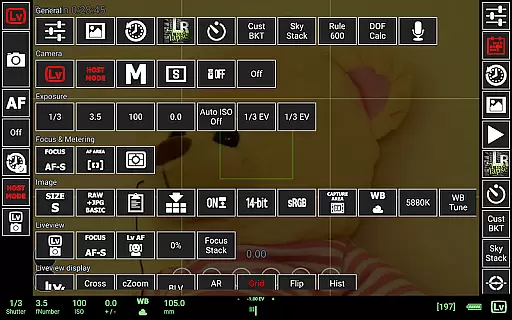
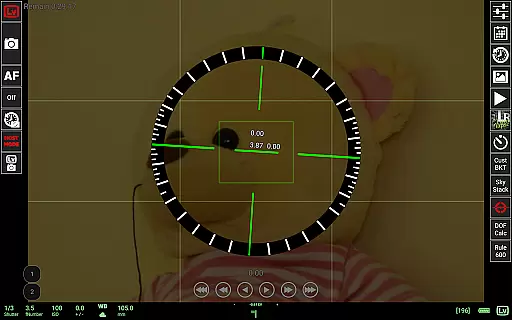
In addition to remote camera control, qDslrDashboard offers specialized tools such as custom bracketing, focus stacking, and time-lapse modes with customizable parameters. For astrophotographers, features like the Rule600 calculator and Sky Stacking Helper simplify complex calculations. The app also integrates with external devices like Arduino boards and supports LRTimelapse workflows, making it a comprehensive solution for both amateur and professional use cases.
Real-time capture and preview functionality is essential for photographers who need precise control over their shots. qDslrDashboard offers a comprehensive solution that allows users to connect their Nikon, Canon DSLR, or Sony mirrorless camera via USB OTG adapter or wireless network.
The application enables remote capture with synchronized shooting across multiple cameras. This feature ensures that photographers can maintain consistency in their work while operating from different angles or locations. The live view mode provides an immediate visual feedback loop, which is crucial for adjusting settings on the fly.
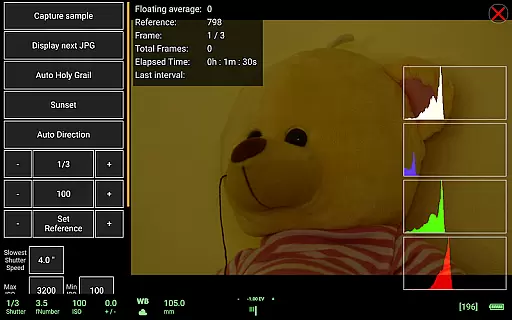
Additionally, qDslrDashboard supports advanced features such as live view histogram and manual focus movement during live view sessions. These tools empower photographers to fine-tune their images before capturing them, reducing post-processing time and enhancing overall image quality.
While primarily focused on professional photography controls, qDslrDashboard also includes features that enhance image quality through intelligent processing. Although not traditionally categorized under AI beauty enhancements, its capabilities extend to improving natural aesthetics in captured images.
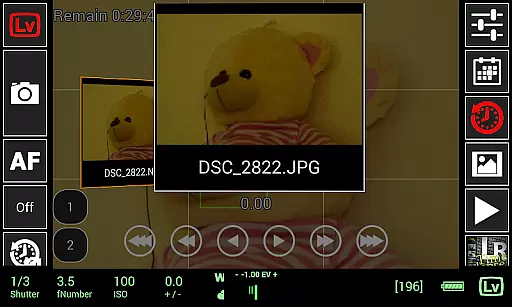
The application's ability to preview both JPG and RAW images allows photographers to assess the true colors and details of their shots without any artificial enhancements. This approach preserves the authenticity of each photograph while still offering powerful editing options.
Furthermore, qDslrDashboardu2019s DoF calculator and Rule600 calculator assist in achieving perfectly balanced compositions. By providing accurate depth-of-field calculations and exposure guidance, these tools contribute to naturally beautiful photographs without relying on heavy post-production effects.
User-friendly interface
Wide camera compatibility
Advanced time-lapse tools
Live view with histogram
Wireless control options
Requires USB OTG adapter
Complex setup process
Limited free features
No iOS version available
High learning curve

Remote control of the phone camera from your Wear OS smartwatch
 3.70
3.70
Photobooth mini FULL app will allow you to add more fun to your parties
4.00
An interval timer to automate photo taking process for timelapse
2.90
Photo prints, cards, & gifts at Walgreens. Easy ordering & fast local pickup !
4.80
Over 800 film simulation recipes for Fujifilm. Black Friday Offer!
4.2
Photo Exif Editor allows to view, add and modify EXIF data of multiple photos
4.50
Create amazing frames with up to five photos. Rounded corners, effects and more!
3.60
AI photo enhancer with Sora 2! Enhance, descratch, and colorize your old photos.
4.50
Welcome to ProShot, the most powerful camera app on Android.
4.20
Create AI photos & videos with Enhancer; restore, fix, beautify, enhance photos
4.50
Easily stitch panoramas from multiple photos or video.
4.40
Edit like a pro with Hypic. Apply filters, AI effects, & magic touch.
4.40
Smart, light, and fast photo and video gallery
4.30
Virtual makeup, hair filters & body tuner—edit from face to full body!
4.20
AI-powered video creator by MiniMax - Where ideas meet cinema
4.20
Catch sunlight, sunrise sunset times and sun phases with the AR sun tracker.
4.10
How would you look like with a differently shaped nose, chin or lips?
3.90
Gallery Slideshow is slideshow maker app for slideshow from your gallery photos.
3.90
Raw Image Viewer. Gallery with support of raw images (.cr3, .cr2, .nef, .raf).
2.00


User Reviews