
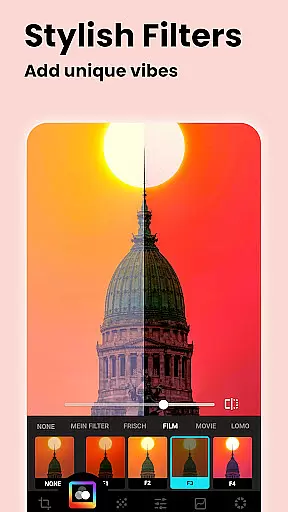
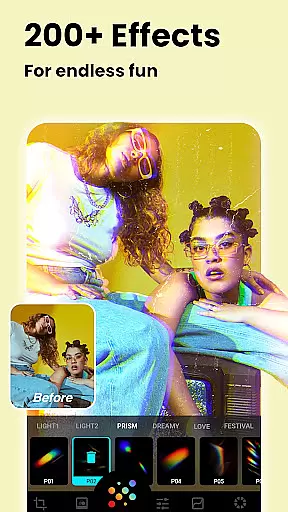
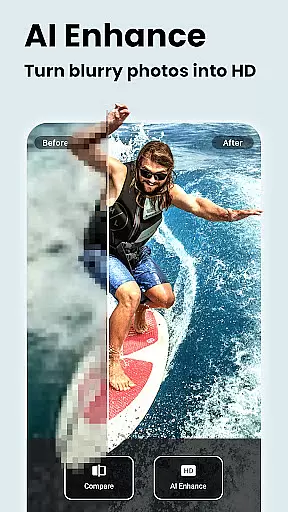
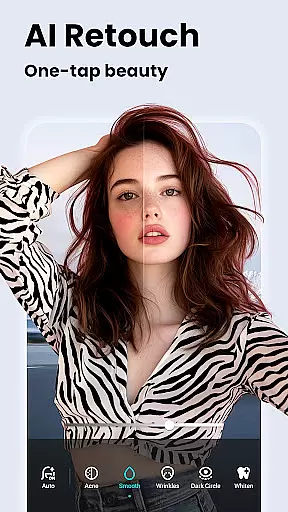


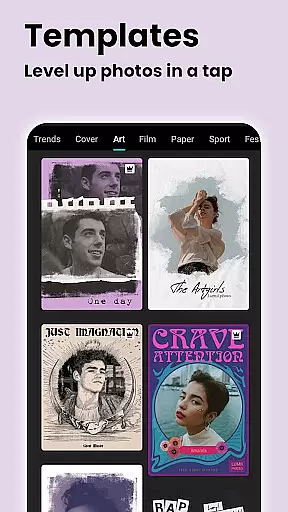


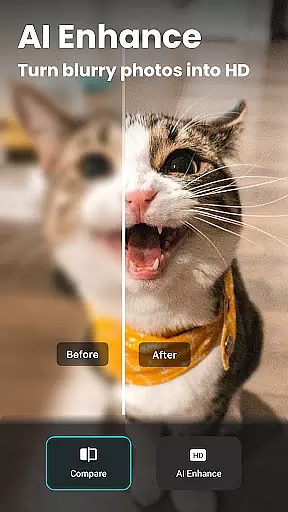
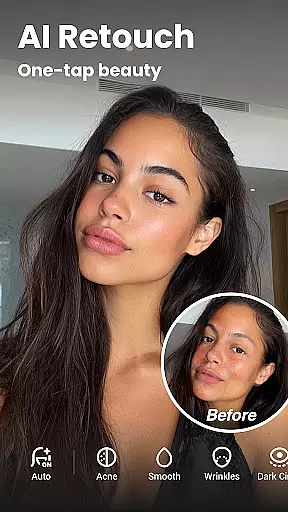

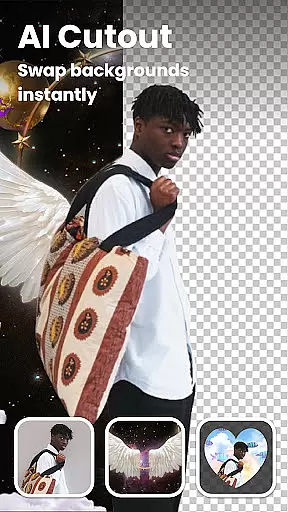


Lumii is a powerful AI Photo Editor that combines professional tools with smart AI editing features. Easily enhance photo quality, remove backgrounds, retouch selfies, and apply 100+ trendy photo filters and effects to edit photos.
Create artistic, high-quality photos effortlessly — no professional skills required. As one of the best photo maker and presets photography apps, Lumii makes photo editing simple, fast, and fun. No ads while editing.
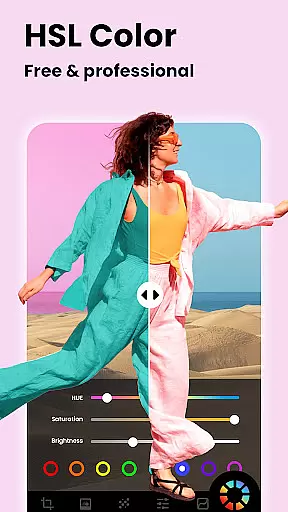
Lumii offers a wide range of features including customizable photo filters, 100+ photo effects, auto background eraser, useful & fun AI edits, BG blur, bokeh & mosaic, free HSL color, curves for photos, adding text to photos, double exposure, basic photo editing tools, glitch photo editor, trendy templates, and photo editing history & draft.
With all these powerful and distinctive features, Lumii helps you become an expert in photo editing and discover endless fun during the time.
Real-time capture and preview functionality is essential for ensuring that users can see the results of photo edits instantly. This feature allows photographers to make precise adjustments while observing the changes in real-time, enhancing the overall editing experience.
Lumii's AI Photo Editor provides an intuitive real-time preview system. As users apply filters, effects, or retouch photos, they can immediately see how these modifications impact the image. This instant feedback loop empowers users to fine-tune their edits with accuracy.
The benefit of real-time capture and preview is significant. Users can experiment with different styles and settings without any lag, making the editing process both efficient and enjoyable. It eliminates guesswork, allowing even beginners to achieve professional-looking results.
With Lumii's real-time capabilities, users gain confidence in their editing skills. The immediate visual feedback ensures that the final output matches their creative vision, leading to higher satisfaction and more engaging content creation.
AI beauty and enhancement features focus on improving the natural appearance of photos without making them look overly processed. This balance is crucial for maintaining authenticity while still achieving polished results.
Lumii offers advanced AI tools like skin smoothing, teeth whitening, and blemish removal. These features use sophisticated algorithms to enhance portraits naturally. For instance, the AI Retouch function can automatically smooth skin texture while preserving natural details, ensuring that edited photos remain lifelike.
The advantage of Lumii's AI enhancements lies in its subtlety and precision. Users can transform their images with just one tap, achieving professional-grade edits that enhance beauty without appearing artificial. This approach appeals to those who value genuine aesthetics.
By prioritizing natural enhancement, Lumii helps users create stunning yet authentic visuals. Whether editing selfies or professional portraits, the app ensures that every photo reflects true beauty, boosting user confidence and engagement.
User-friendly interface
Advanced editing tools
AI-powered enhancements
Variety of filters and effects
Free to use
Some features may require in-app purchases
Interface can be overwhelming for beginners
Occasional bugs reported
Limited customer support
High system requirements

Long exposure camera with computational photography
 2.60
2.60
Find time and duration of different sunlight phases at any location
4.90
An interval timer to automate photo taking process for timelapse
2.90
What celebrity do you look like? Celebs will find your celebrity match!
4.10
Edit like a pro with Hypic. Apply filters, AI effects, & magic touch.
4.40
Light-weight Media Gallery app for Android made with Jetpack Compose
4.60
Automatically backup your photos and videos to computer, NAS and Cloud services
4.60
See your baby AI baby face generator AI baby maker Face generator babymaker fun!
4.70
Professional quality photo edits with the new Snapseed.
4.00
Easily view, share, delete photos with Gallery.
4.70
A collection of tools and reference tables for DPs, ACs, DITs and Operators.
4.70
AI photo editor with hair editor, retouch tools, hair color changer & filters!
4.50
Photo Exif Editor allows to view, add and modify EXIF data of multiple photos
4.50
Trendy TikTok time warp scan funny filter app brings you unique photos & videos.
4.40
AI portrait generator and polaroid AI selfie, fun AI generated AI photo creator!
4.30
Professional photography on your mobile phone
4.20
GCamera allows all GCam features on all phone models! Better photos with GCamera
3.30
Professional video recording application with manual controls for filmmakers!
2.80
Snap photos remotely using your Garmin watch as the camera trigger
4.2


User Reviews