
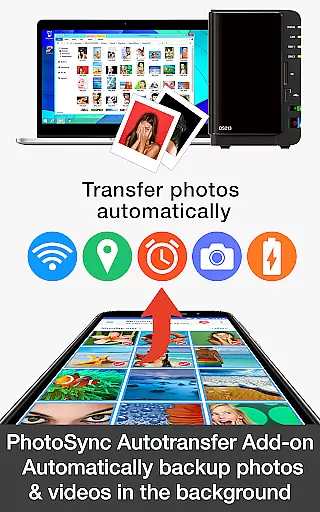
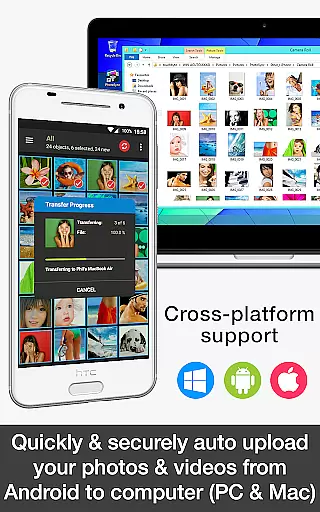
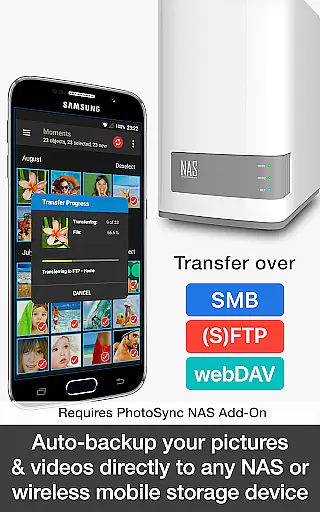

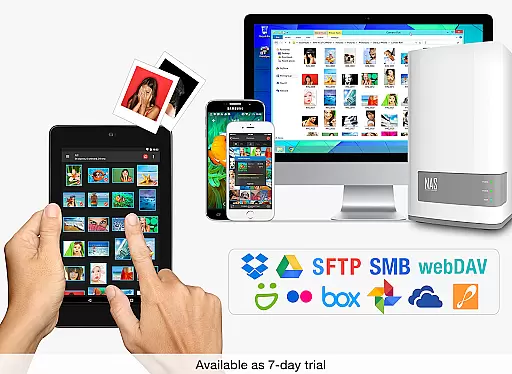
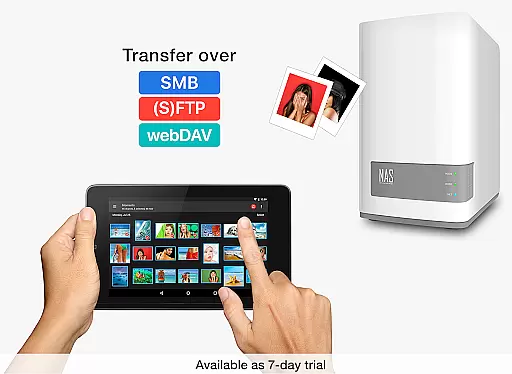
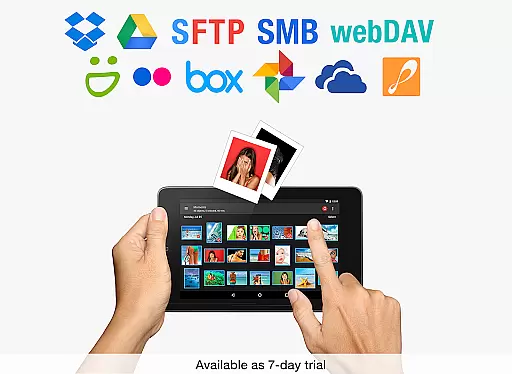
PhotoSync Autotransfer Add-On is an advanced activation license that enhances the free version of PhotoSync by adding automatic wireless photo and video backup capabilities while removing ads. This add-on allows users to effortlessly back up their media files in the background to computers, private clouds, NAS devices, and supported cloud services.
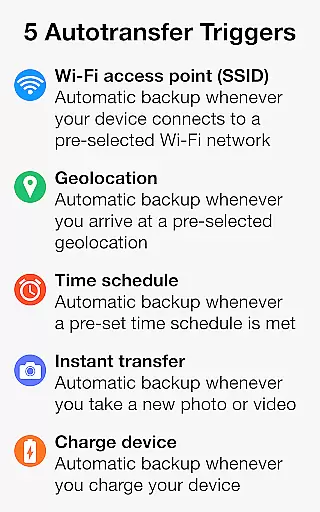
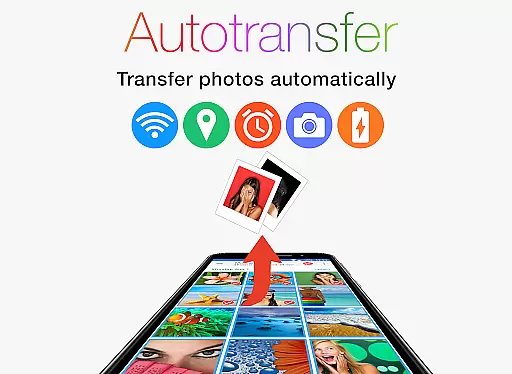
The application supports five configurable Autotransfer triggers including Wi-Fi access points, geolocation, time schedules, device charging, and taking photos. With over 10,000 positive reviews and millions of successful transfers, PhotoSync has established itself as a reliable cross-platform solution available on Android, iOS, Windows, and Mac.
Whether you're looking to secure your precious memories or streamline your workflow, PhotoSync Autotransfer ensures total user control with customizable options tailored to individual needs.
PhotoSync Autotransfer Add-On offers a comprehensive suite of features designed for seamless media management. The core functionality revolves around its ability to automatically and wirelessly back up photos and videos from Android devices to various destinations such as computers, NAS devices, and cloud services.
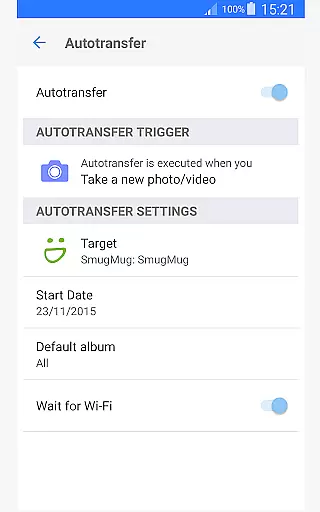
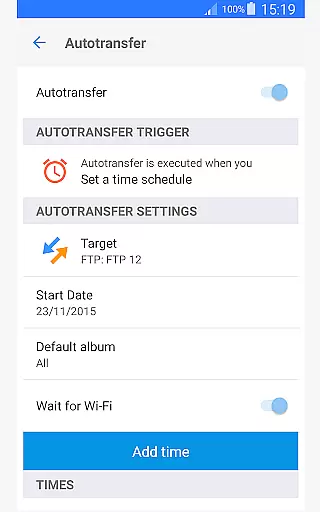
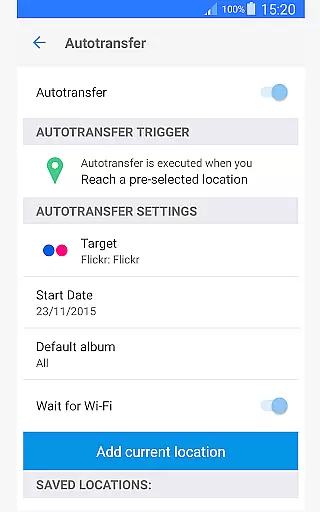
Users can choose from five Autotransfer triggers: instant transfer upon capturing new media, Wi-Fi network-based transfer when connected to specific SSIDs, location-based transfer when arriving at designated spots, trigger-based transfer when the device is charged, and scheduled transfers based on preset times. These options ensure flexibility and convenience tailored to different usage scenarios.
In addition to supporting direct transfers over Wi-Fi or portable hotspots, PhotoSync also integrates with major cloud services like Dropbox, Google Drive, and OneDrive through optional add-ons. This versatility makes it an indispensable tool for anyone seeking efficient and secure media backups.
Real-time capture and preview functionality is essential for ensuring that every photo or video taken meets the desired quality standards. PhotoSync Autotransfer Add-On excels in this area by providing users with reliable automatic background transfers.
This application ensures that your photos and videos are captured and immediately backed up without any user intervention. The app supports various triggers like Wi-Fi access points, geolocation, and device charging, which means you won't miss a moment while managing your files.
Users benefit from the seamless integration of real-time previews, allowing them to review their media instantly after capture. This feature not only saves time but also enhances the overall user experience by offering peace of mind that all content is securely stored.
The true value lies in its ability to automatically sync media across multiple platforms and devices. Whether backing up to a computer, private cloud, or NAS, PhotoSync ensures that your data is always up-to-date and accessible from anywhere.
AI beauty and enhancement features have become increasingly popular for refining images while maintaining a natural look. Although PhotoSync Autotransfer Add-On focuses primarily on automatic backups, it indirectly supports these enhancements by ensuring high-quality original files are always available for editing.
By wirelessly backing up photos and videos, the app preserves the integrity of the original files, making it easier to apply AI-driven enhancements later. Users can leverage third-party applications to beautify their images, knowing that the untouched originals are safely stored.
This approach offers flexibility and control over how and when to enhance media. With five configurable autotransfer triggers, including instant transfer upon capturing a photo, users can ensure they always have the best version of their content ready for editing.
Ultimately, the emphasis on secure and customizable backup solutions empowers users to focus on creating and enhancing their media without worrying about data loss or corruption. This results in a more streamlined and efficient workflow for both casual photographers and professionals alike.
User-friendly interface
Secure data transfer
Flexible scheduling options
Cross-platform compatibility
Comprehensive support
Paid add-ons required
Limited free features
Complex setup process
Occasional sync issues
High system requirements

AI portrait generator and polaroid AI selfie, fun AI generated AI photo creator!
 4.30
4.30
Gallery show photo, video, slideshow, is perfect 3D effect private photo albums.
4.80
Safe & smart flight with Go Fly drone controller for 40+ drone camera, zone map
4.50
Easily stitch panoramas from multiple photos or video.
4.40
HD Photo gallery and photo manager to edit, hide private photos, videos & albums
4.5
HD Camera Pro with HD Video shooting, Panorama, Photo editor , Beauty Camera.
4.50
A reflected light meter with spot metering and incident light metering.
4.40
Professional quality photo edits with the new Snapseed.
4.00
Solocator stamps photos you take with GPS location, Compass Direction, Date/Time
3.80
Amazing Photo Effects - The most fun you can have with your photos!
4.70
Android Native system HD camera app. Never been so simple and faster.
4.70
Easily create custom gifts, cards, photo books & more on the Shutterfly app!
4.60
Use AI Video Generator to turn your words to ai generated videos.
4.50
Edit like a pro with Hypic. Apply filters, AI effects, & magic touch.
4.40
Shooting photos and records video easily and efficient with professional Camera
4.30
All-in-One Editor & AI Photo Enhancer, Collage, Cartoonify, Funny Stickers & BGS
4.10
Catch sunlight, sunrise sunset times and sun phases with the AR sun tracker.
4.10
Application for remote controlling DSLR
3.00
Long exposure camera with computational photography
2.60


User Reviews