
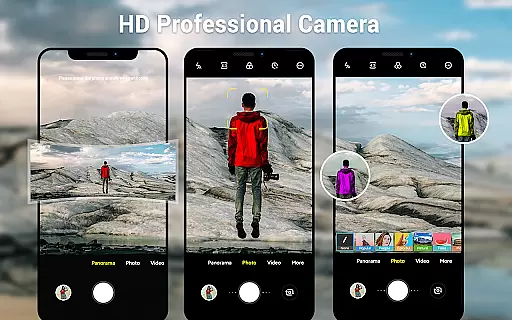
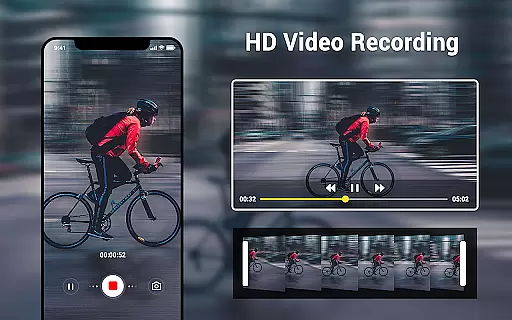
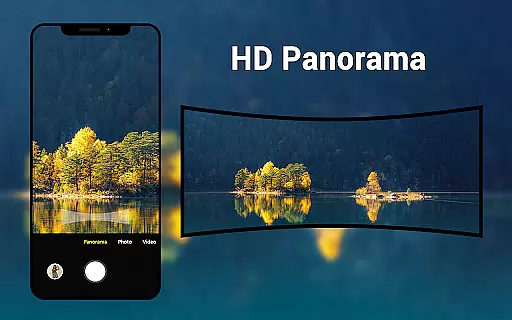
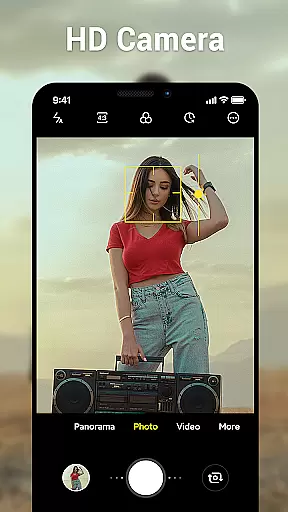
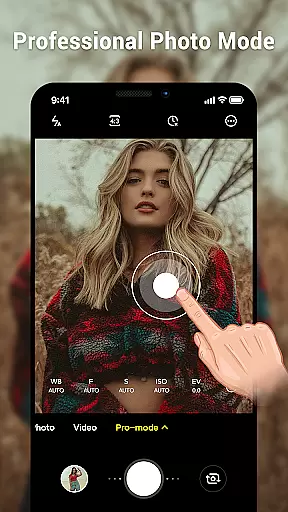
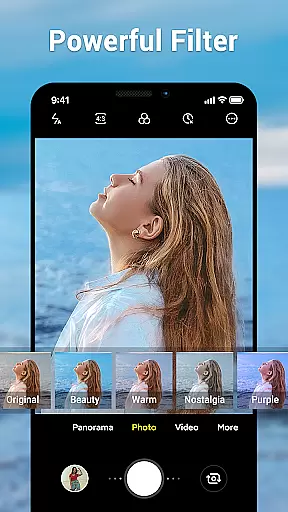
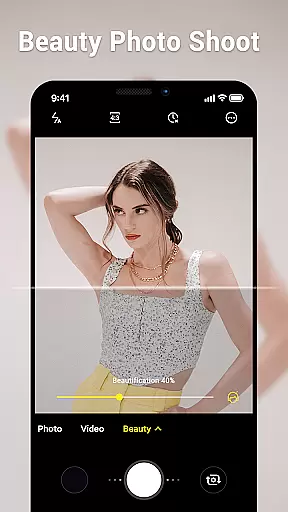
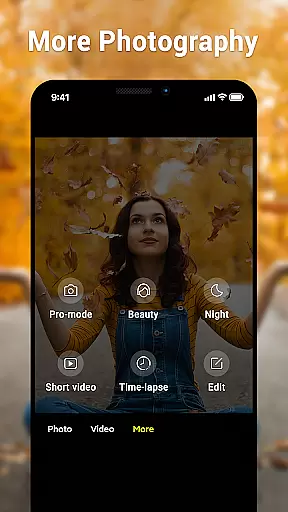
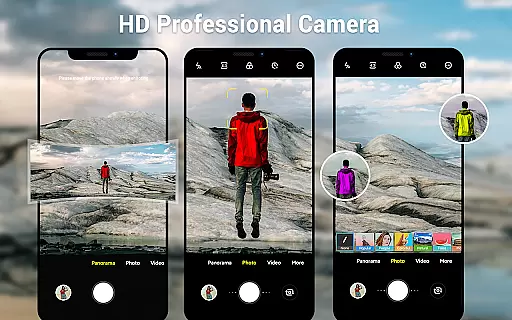
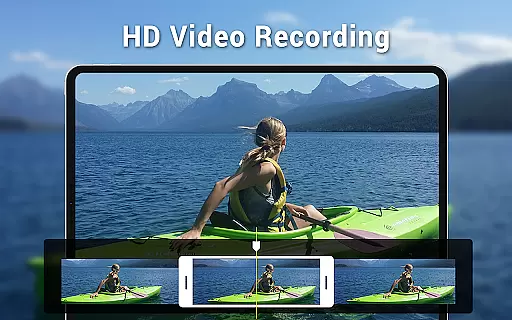
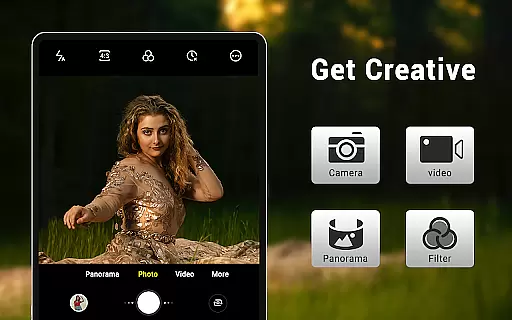
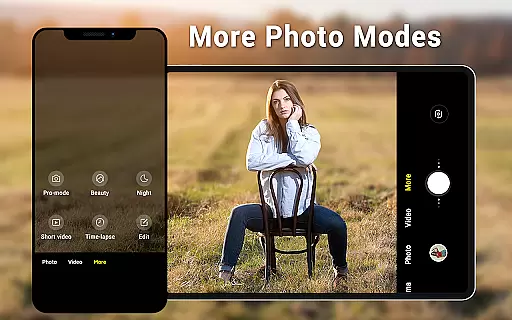
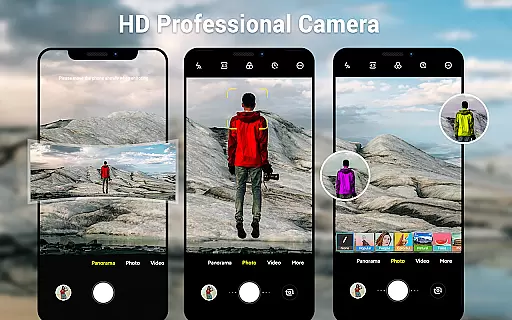
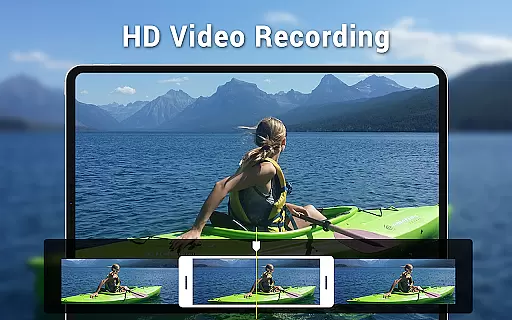
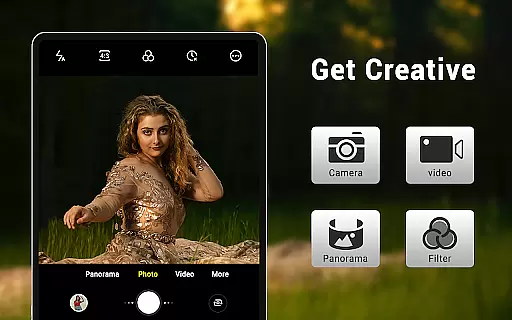
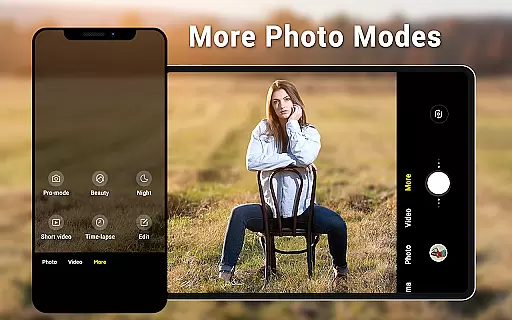
Camera for Android is a native system HD camera application designed to provide users with a simple and efficient way to capture high-quality photos and videos. The app supports multiple shooting modes including standard camera, video recording, and smart panorama, making it versatile for various photography needs.
One of the standout features is its ability to utilize all the advantages of your Android device, ensuring excellent image quality through advanced settings like white balance, exposure control, and screen mode adjustments. Whether you're using a phone or tablet, the dynamic user interface adapts seamlessly to your device's screen size.
This app is particularly useful for users who want a reliable camera app that offers professional-grade features without unnecessary complexity. It's an ideal choice for capturing moments in everyday life, traveling, or special events where photo quality matters.
Camera for Android boasts an impressive array of features that cater to both casual and more demanding photographers. With three distinct modes - camera, video recorder, and panorama - users can easily switch between different types of content creation. The pinch-to-zoom functionality and countdown timer add convenience and flexibility to the shooting experience.
The app provides extensive customization options, allowing users to adjust picture quality, white balance (including incandescent, fluorescent, auto, daylight, and cloudy settings), and screen modes (action, night, sunset, play). These professional-grade controls enable users to optimize their photography based on different lighting conditions and creative preferences.
Additional notable features include location targeting, configurable volume keys, and support for wide-screen pictures. The app's foundation on native Android camera code ensures optimal performance and reliability, while its Apache License compliance guarantees transparency and security. This combination of advanced features and system integration makes Camera for Android a compelling choice for mobile photography enthusiasts.
Real-time capture and preview functionality is essential for ensuring that users can accurately frame and capture their desired shots without delay. The Camera for Android app excels in this area by providing a seamless experience that leverages the full capabilities of your device's hardware.
This application offers an intuitive interface that dynamically adjusts based on whether you're using a phone or tablet, ensuring optimal performance across devices. With features like pinch-to-zoom, exposure control, and various white balance settings such as Incandescent, Fluorescent, Auto, Daylight, and Cloudy, users have precise control over their photography.
The value to users is significant; they can instantly see the effects of different settings before taking a photo. This immediate feedback allows for quick adjustments, resulting in higher quality images without the need for post-processing. Additionally, options like countdown timers and configurable volume keys enhance the overall usability, making it easier than ever to take excellent photos.
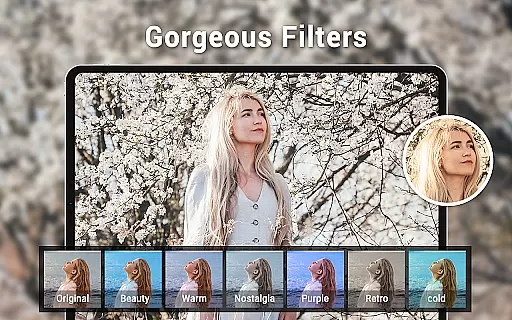
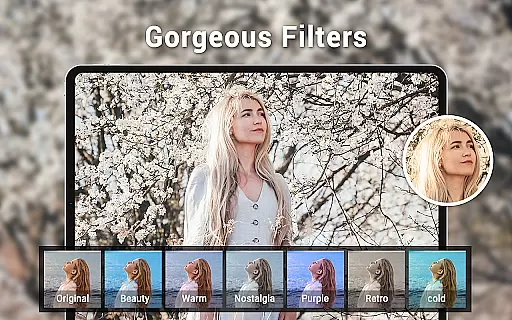
AI beauty and enhancement features are becoming increasingly popular in photography apps, offering users the ability to improve their photos with natural-looking effects. While Camera for Android focuses primarily on native system functionalities, it still provides several tools that contribute to enhancing image quality while maintaining authenticity.
Among its key features are picture quality settings, wide screen picture modes, and various screen mode settings including Action, Night, Sunset, and Play. These options allow users to tailor their shooting experience according to different environments and lighting conditions, ensuring that each photo captures the moment as vividly as possible.
For those who appreciate simplicity and efficiency, this app meets diverse user needs without overwhelming them with unnecessary complexities. By focusing on core functionalities and leveraging the native Android camera code, Camera for Android ensures that enhancements remain subtle yet effective, preserving the original essence of every shot while subtly improving overall aesthetics.
User-friendly interface
High-quality images
Versatile shooting modes
Advanced customization options
Native system performance
Limited unique features
No built-in editing tools
Basic panorama stitching
Occasional stability issues
Interface could be outdated

Application for remote controlling DSLR
 3.00
3.00
Cartoon and artistic effects for your photos and videos
4.70
Superimpose one photo on top of another using the original Superimpose app!
3.20
Light-weight Media Gallery app for Android made with Jetpack Compose
4.60
Gallery Slideshow is slideshow maker app for slideshow from your gallery photos.
3.90
A reflected light meter with spot metering and incident light metering.
4.40
Create AI photos & videos with Enhancer; restore, fix, beautify, enhance photos
4.50
Future baby face generator: AI kids generator, kid face! What my baby look like?
4.40
The original Rarevision VHS look seen everywhere!
4.70
Find time and duration of different sunlight phases at any location
4.90
Discover & download millions of art for The Frame TV or Hisense CanvasTV
4.60
Safe & smart flight with Go Fly drone controller for 40+ drone camera, zone map
4.50
Search, tag and rate your way to an organized image gallery
4.40
Shooting photos and records video easily and efficient with professional Camera
4.30
All-in-One Editor & AI Photo Enhancer, Beautify & Retouch, Collage, Cartoonify
4.20
All-in-One Editor & AI Photo Enhancer, Collage, Cartoonify, Funny Stickers & BGS
4.10
Catch sunlight, sunrise sunset times and sun phases with the AR sun tracker.
4.10
GCamera allows all GCam features on all phone models! Better photos with GCamera
3.30
Add a dreamy vibe to your selfies and videos with soft style filters
4.4


User Reviews