
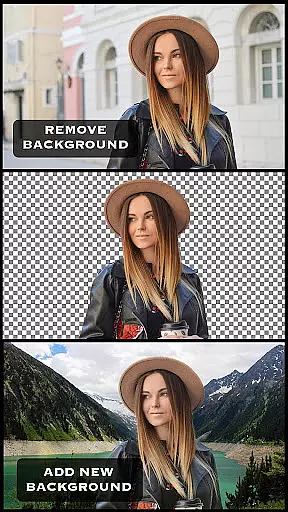
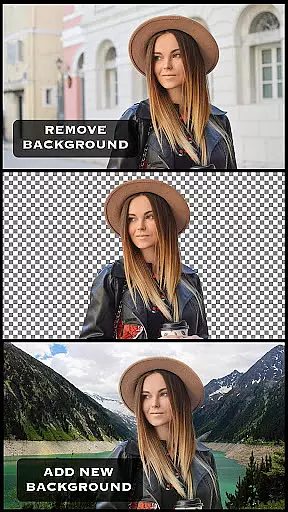
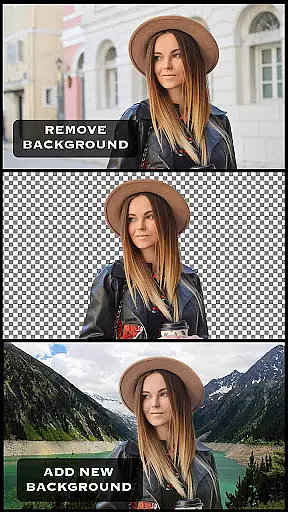
Superimpose is a powerful mobile application designed for photo editing enthusiasts who want to create professional-grade superimposed or juxtaposed images directly on their iPhone. With just a few taps, users can overlay one photo on top of another without the need for a computer or expensive software.
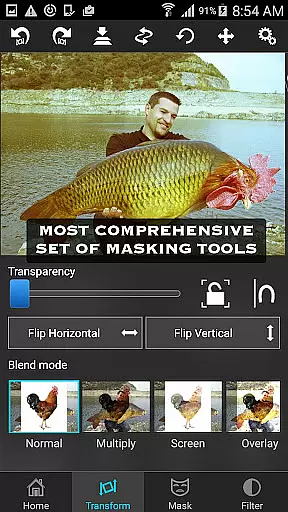
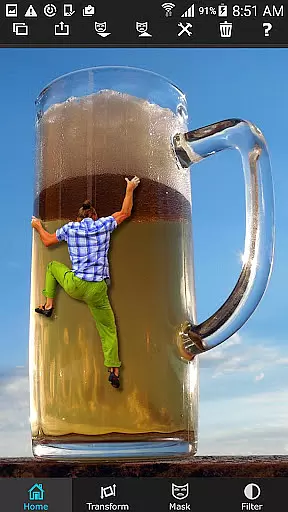
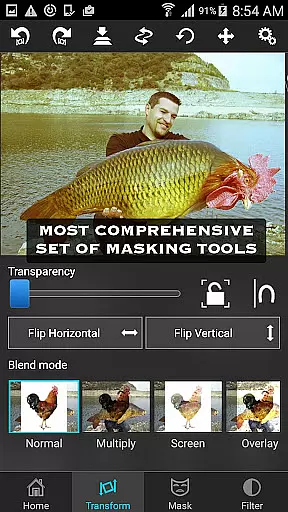
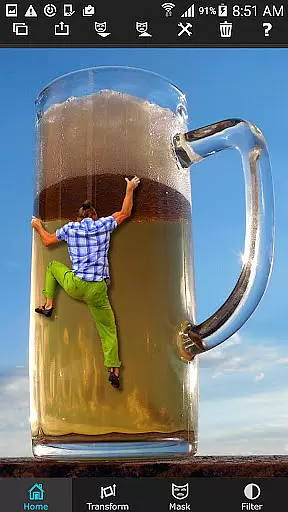
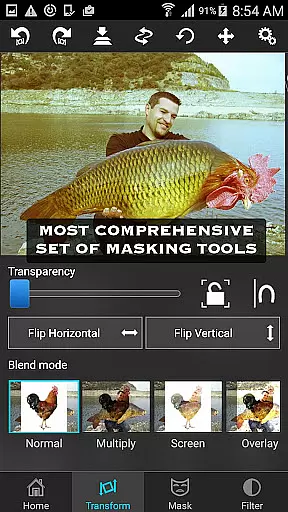
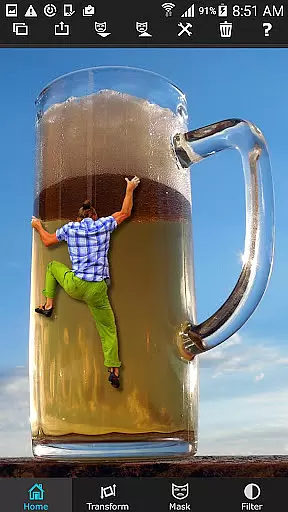
The app offers a comprehensive suite of tools including masking, smoothening, moving, scaling, resizing, rotating, and flipping images. Additionally, it allows for color adjustments such as exposure, contrast, hue, and saturation to seamlessly blend images. Whether you're looking to perform simple cut/copy/paste operations or more advanced tasks like blending textures or creating double exposures with adjustable transparency and 18 blending modes, Superimpose has got you covered.
Ideal for both casual hobbyists and serious photographers, this app enables creative expression and sharing of stunning compositions that are sure to impress friends and followers alike.
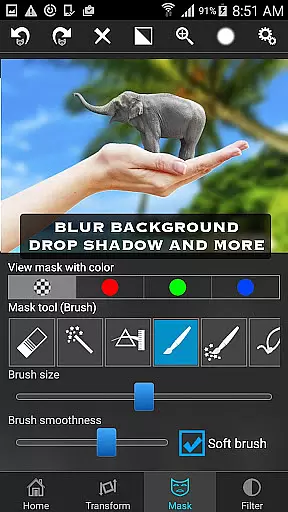
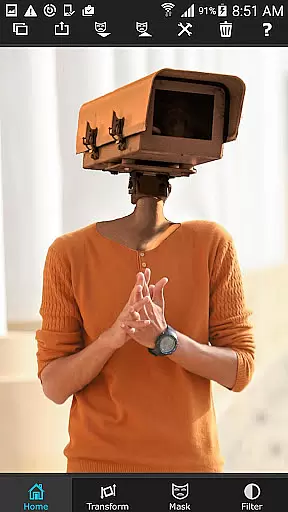
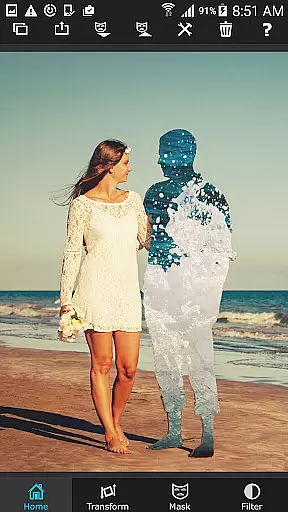
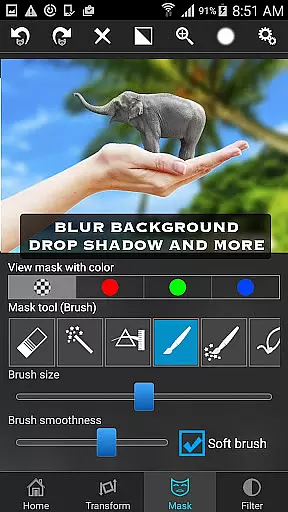
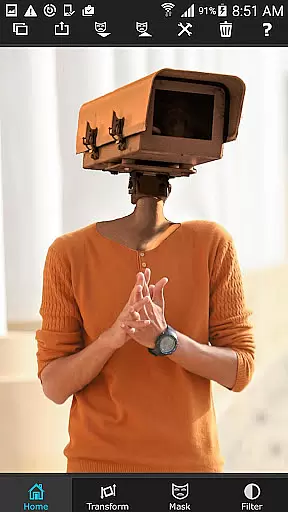
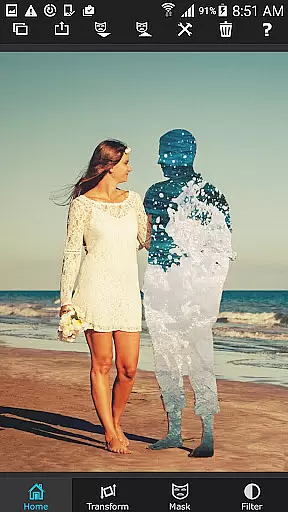
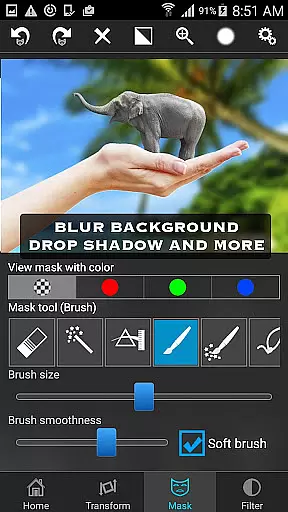
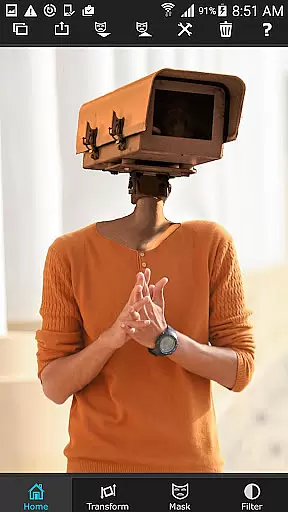
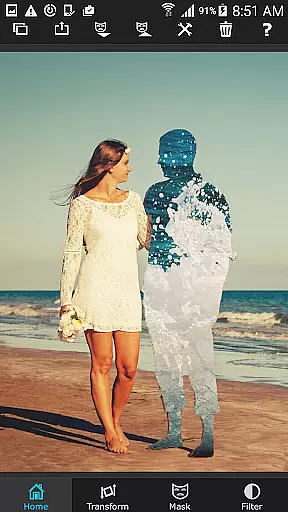
Superimpose stands out with its robust set of features tailored for detailed photo manipulation. The app provides an extensive range of masking tools including brush, lasso, global color similarity, rectangle, ellipse, linear, bi-linear, and radial gradient masking. These tools allow users to precisely mask out unwanted portions of the foreground image, making it transparent to reveal the background.
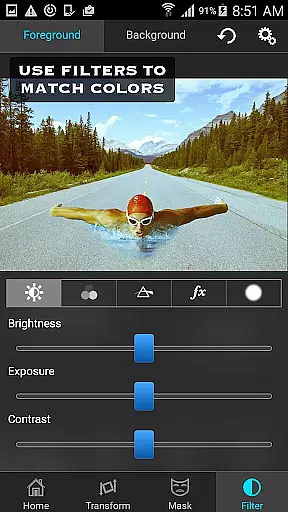
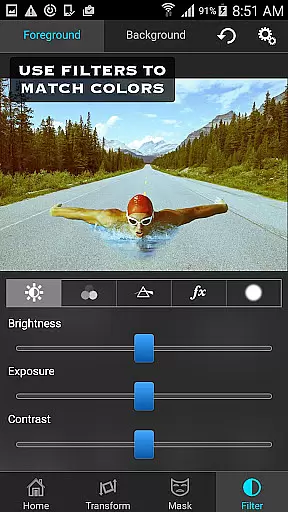
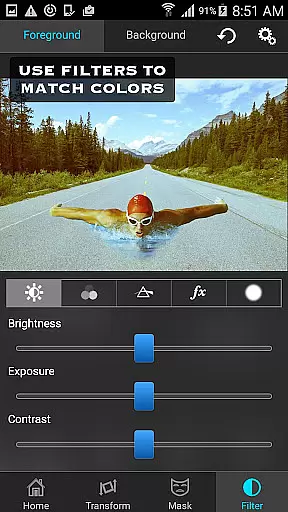
In addition to masking, the app includes a smoothen tool to refine edges, ensuring a natural blend between images. Users can also adjust various parameters such as colors, exposure, contrast, hue, and saturation to match the foreground and background images perfectly. The ability to move, scale, resize, rotate, and flip the foreground ensures accurate placement on the background image.
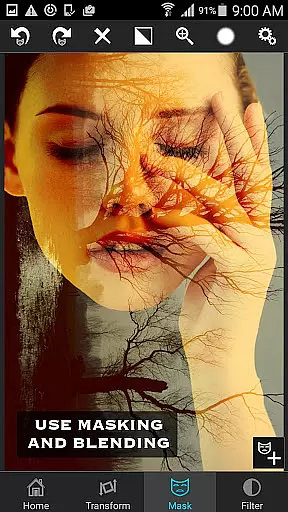
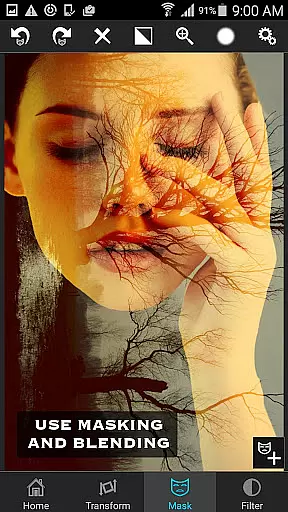
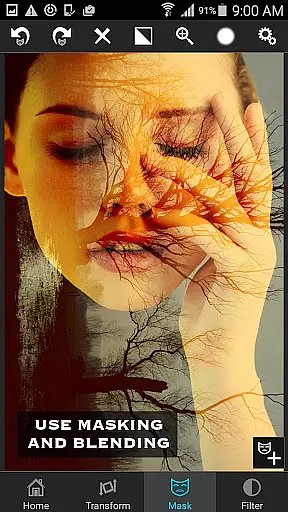
For those interested in more sophisticated editing techniques, Superimpose supports blending textures, overlaying borders, and performing double exposures with adjustable transparency and 18 blending modes. This versatility makes it an indispensable tool for anyone looking to elevate their photo editing skills.
Real-time capture and preview functionality is essential for photography apps as it allows users to see the results of their edits instantly. Superimpose offers this feature, enabling users to witness their creative visions come to life without delay.
The app provides a dynamic interface where users can load background and foreground images, then immediately view changes as they apply various masking tools and adjustments. This instant feedback loop enhances the creative process, allowing for quick iterations and refinements.
With real-time previews, users can adjust colors, exposure, contrast, hue, and saturation with precision. The immediate visual feedback ensures that both foreground and background images are color-matched seamlessly, providing professional-grade results with just a few taps.
This feature not only saves time but also significantly improves user satisfaction by delivering instant results, making photo editing more accessible and enjoyable on mobile devices.
AI beauty and enhancement features in photography apps aim to improve image quality while maintaining a natural look. Superimpose incorporates advanced AI algorithms to ensure that all enhancements appear genuine and not over-processed.
Users can leverage a wide range of masking tools such as brush, lasso, and gradient options to make precise edits. These tools are powered by AI to intelligently detect and mask out unwanted portions of images, revealing the underlying layers smoothly and naturally.
In addition to basic editing, the app supports serious photo editing tasks like blending textures, overlaying borders, and double exposure effects. With adjustable transparency and 18 blending modes, users can achieve sophisticated outcomes that retain the original essence of the photos.
By focusing on natural enhancement, Superimpose ensures that edited images look realistic and pleasing, enhancing user experience and meeting the high standards expected from modern photography applications.
User-friendly interface
Comprehensive masking tools
Advanced color adjustments
Versatile blending modes
High-quality results
Limited to iOS devices
No Android version available
Some features may require practice
Advanced tools might overwhelm beginners
Premium price point

All-in-One Editor & AI Photo Enhancer, Beautify & Retouch, Collage, Cartoonify
 4.20
4.20
Shooting photos and records video easily and efficient with professional Camera
4.30
How old age camera Gender Swap App Face Shape Hairstyle App Hair Styler App fun!
4.00
Edit like a pro with Hypic. Apply filters, AI effects, & magic touch.
4.40
Photo prints, cards, & gifts at Walgreens. Easy ordering & fast local pickup !
4.80
Photo editor: AI filters, photo enhancer, pic collage maker, AI art generator.
4.80
AI Photo Editor with 100+ Filters, Effects! Remove BG, Retouch & Photo Enhancer.
4.80
A unique animation app. Powerful, easy to use, and lots of fun.
4.30
Welcome to ProShot, the most powerful camera app on Android.
4.20
Gallery show photo, video, slideshow, is perfect 3D effect private photo albums.
4.80
Your personal guide to the sun and moon. Plan ahead, visualize and predict!
4.70
1M influencer's special filter
4.60
Transform photos into videos! Create realistic or anime-style images easily!
4.50
Effortlessly organize, view and share your photos & videos with Gallery app!
4.40
Future baby face generator: AI kids generator, kid face! What my baby look like?
4.40
Turn photos into cartoons & avatars! - Photo Editor, Cartoon Face!
3.90
Raw Image Viewer. Gallery with support of raw images (.cr3, .cr2, .nef, .raf).
2.00
Add a dreamy vibe to your selfies and videos with soft style filters
4.1
Snap photos remotely using your Garmin watch as the camera trigger
4.4


User Reviews