
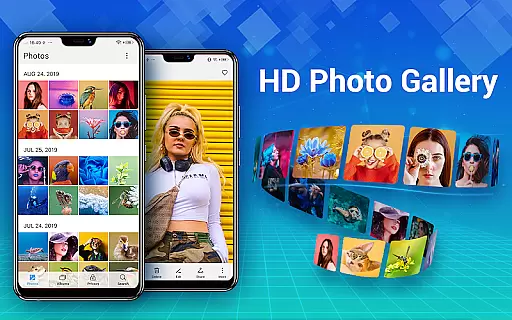
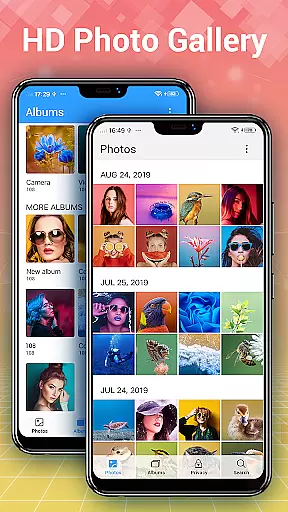
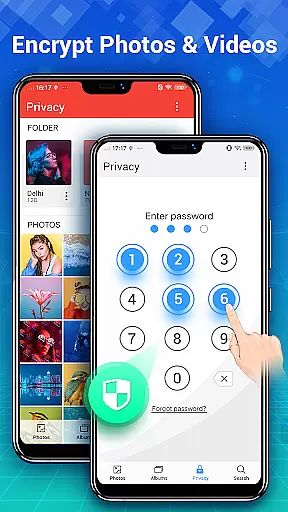
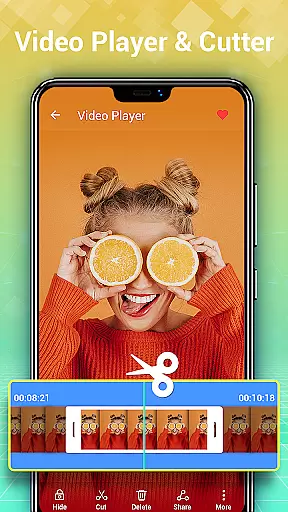
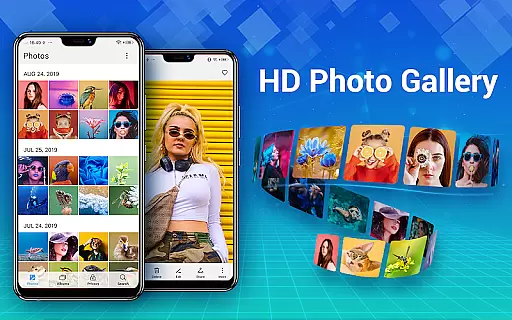
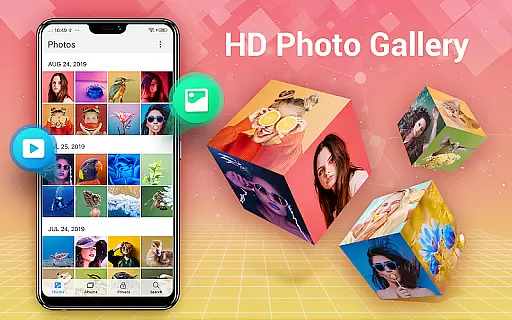
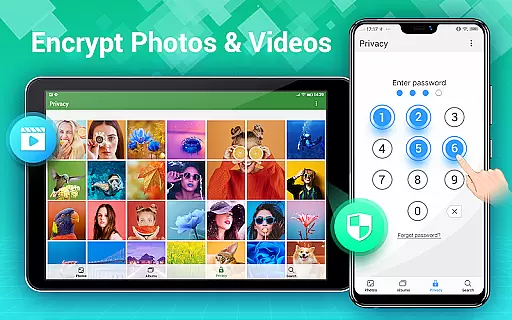
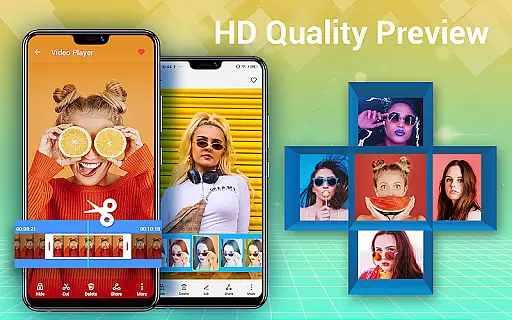
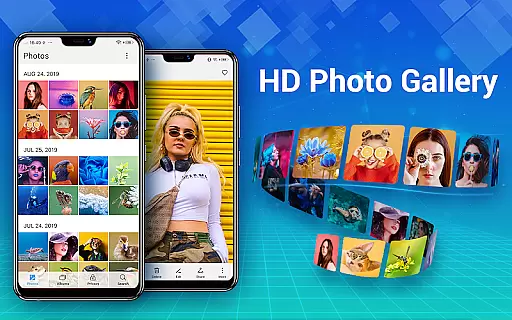
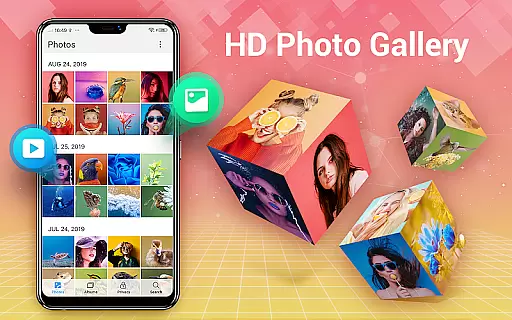
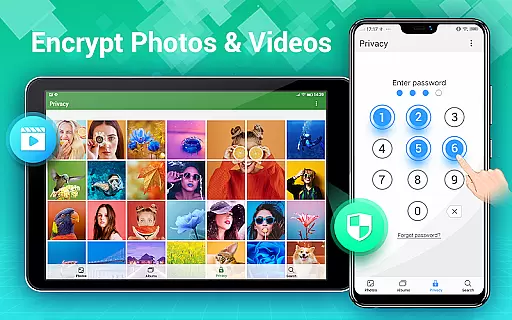
Photo Gallery is a comprehensive photography app designed for Android users, offering an all-in-one solution for managing photos and videos. This app automatically organizes your media files into albums, supports HD browsing, and allows easy sharing. It also features a secure vault to protect private content with password encryption, ensuring your sensitive media remains confidential.
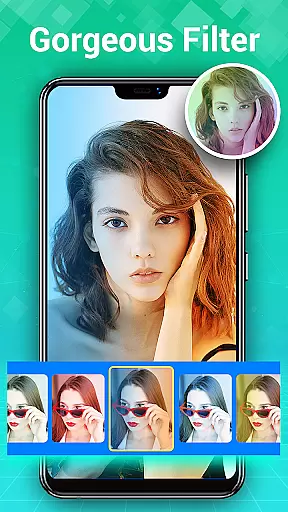
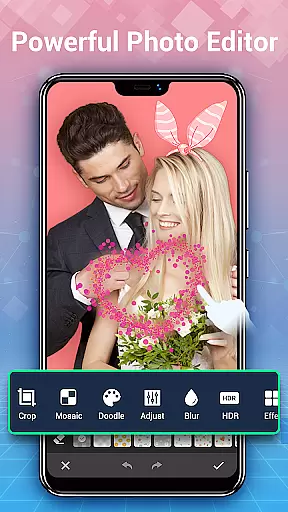
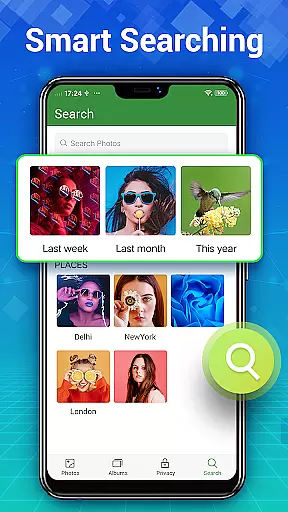
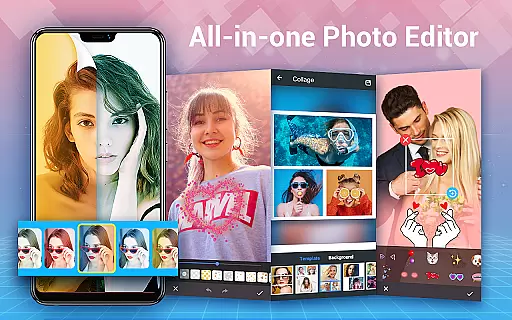
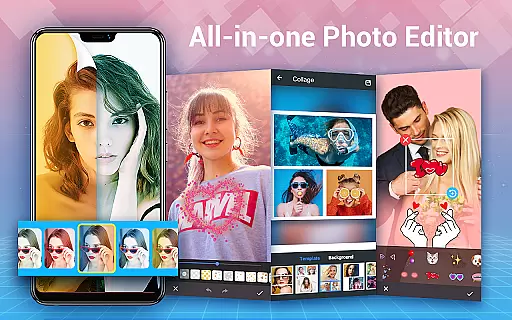
In addition to its organizational capabilities, Photo Gallery provides powerful editing tools. Users can enhance their images with one-tap filters, adjust lighting, add stylish stickers, text, or doodles, and create stunning photo collages. The app supports both free-style and grid-style collage templates, making it versatile for creative projects. With slideshow playback, quick search functions, and the ability to sort by date, size, or name, this app ensures a seamless user experience.
Whether you're looking to manage your photo library, edit images like a professional, or safeguard personal content, Photo Gallery delivers exceptional functionality. Its intuitive interface and offline capabilities make it ideal for users who want a reliable, feature-rich gallery app without needing constant internet access.
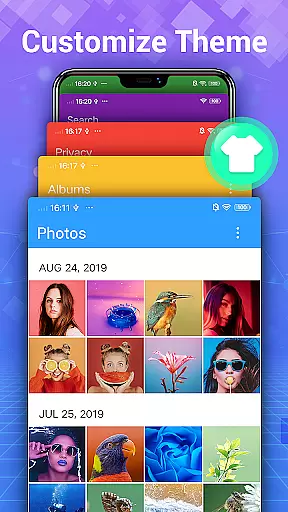
Photo Gallery stands out with its robust set of features tailored for photographers and everyday users alike. One of its core strengths is automatic organization, which categorizes photos and videos by date, albums, and favorites, significantly reducing the time spent on file management. The app also supports folder-based organization, including external SD cards, allowing users to customize how their media is stored and accessed.
The app's security features are equally impressive. Photo Gallery includes a private vault where users can hide and encrypt sensitive photos and videos. These files remain invisible in the system gallery and other apps, accessible only through a password. This ensures complete privacy for personal or confidential content. Additionally, the app offers a trash feature that retains deleted files for a customizable period, providing a safety net against accidental deletions.
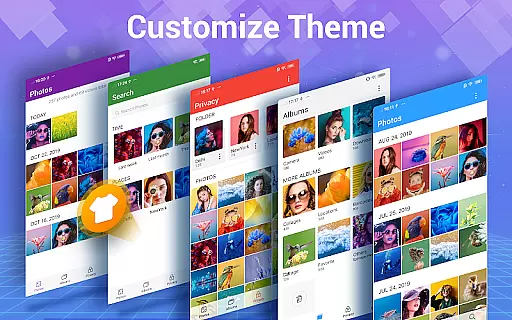
For creative enthusiasts, Photo Gallery doubles as a photo editor and collage maker. It provides advanced editing tools such as auto-enhance, lighting adjustments, blur effects, and artistic filters. Users can also create visually appealing collages using various templates and backgrounds. With slideshow playback, sorting options, and rich customization settings, Photo Gallery empowers users to take full control of their media while delivering professional-grade results.
Real-time capture and preview functionality is essential for photography apps, allowing users to see exactly what the camera captures before taking a shot. Photo Gallery - Album, Vault offers this feature with its advanced camera integration, ensuring that every photo or video taken reflects precisely what is seen on the screen.
This app provides users with instant feedback on their shots, including exposure, focus, and composition adjustments in real time. Such responsiveness enhances the photography experience by enabling users to make necessary changes immediately, thus improving the quality of their photos and videos.
With real-time filters and editing options available directly within the viewfinder, users can apply creative effects instantly. This immediate visualization helps photographers at any level to experiment with styles and settings, making it easier to capture the perfect moment without post-processing delays.
The ability to preview and adjust settings like ISO, white balance, and shutter speed in real time ensures that users can adapt quickly to changing lighting conditions or photographic opportunities. This flexibility empowers both amateur and professional photographers to produce high-quality work consistently.
AI beauty and enhancement features are increasingly popular in photography apps, aiming to improve photo quality while maintaining natural aesthetics. Photo Gallery - Album, Vault incorporates sophisticated AI algorithms that enhance facial features, skin tones, and overall image clarity without appearing artificial or over-processed.
The app's AI-driven enhancements intelligently detect faces and key features, applying subtle adjustments that highlight natural beauty. These enhancements include skin smoothing, blemish removal, and eye brightening, all calibrated to preserve authenticity and avoid the overly edited look often associated with digital enhancements.
Users benefit from customizable enhancement levels, allowing them to choose the degree of modification applied to their photos. This personalization ensures that each image retains its unique character while benefiting from professional-grade touch-ups that enhance rather than overshadow the original subject.
By focusing on naturalness, Photo Gallery - Album, Vault delivers enhanced images that look polished yet genuine. This approach not only boosts user confidence in sharing their photos but also elevates the overall standard of mobile photography, making high-quality edits accessible to everyone.
User-friendly interface
Advanced editing tools
Secure vault encryption
Automatic organization
Offline functionality
Requires storage permission
Limited cloud integration
Premium features locked
Occasional ads
Heavy on resources

Photo editor: AI filters, photo enhancer, pic collage maker, AI art generator.
 4.80
4.80
Be your best in every shot! Fix, edit and retouch your face in selfies & photos.
3.70
Over 800 film simulation recipes for Fujifilm. Black Friday Offer!
4.3
The #1 app for B&W film developing featuring an advanced darkroom timer.
4.10
Automatically backup your photos and videos to computer, NAS and Cloud services
4.60
Turn photos into cartoons & avatars! - Photo Editor, Cartoon Face!
3.90
Effortlessly make high-quality GIFs from images & videos without any watermarks.
4.70
A unique animation app. Powerful, easy to use, and lots of fun.
4.30
Welcome to ProShot, the most powerful camera app on Android.
4.20
Enhance, upscale, and transform your images — on your device, without limits
4.70
Unblur, enhance & restore photos with powerful AI photo enhancer tools.
4.60
Add Watermark - Sign your pictures with a text or logo. Effective, quick, easy!
4.50
Edit like a pro with Hypic. Apply filters, AI effects, & magic touch.
4.40
RAW video capture with advanced controls
4.40
AI portrait generator and polaroid AI selfie, fun AI generated AI photo creator!
4.30
Natural Beauty, Selfie Retouch
4.30
How would you look like with a differently shaped nose, chin or lips?
3.90
Hair color changer, AI haircut app, fun hair editor and buzz cut filter for all!
3.80
Superimpose one photo on top of another using the original Superimpose app!
3.20


User Reviews