
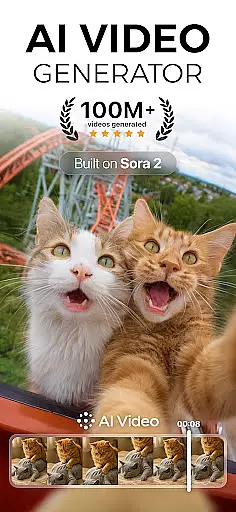
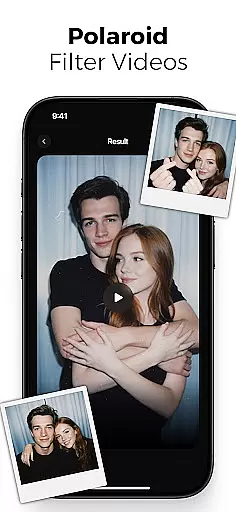
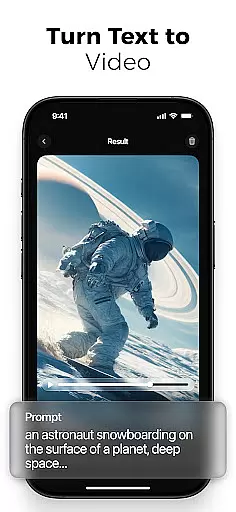
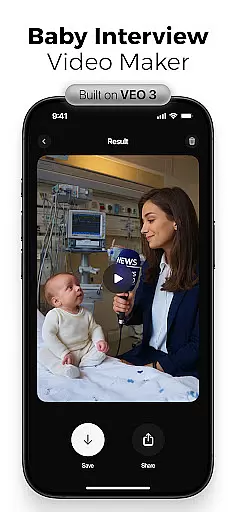
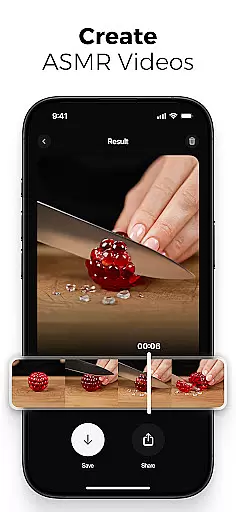
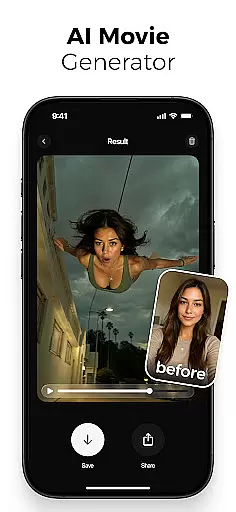
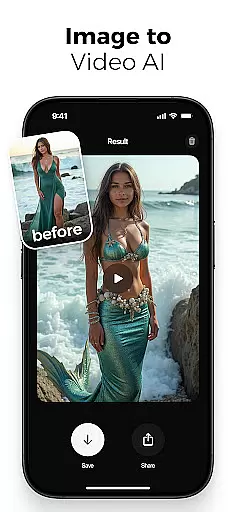
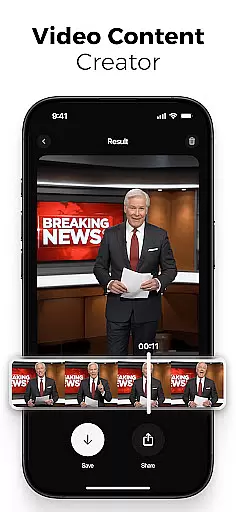
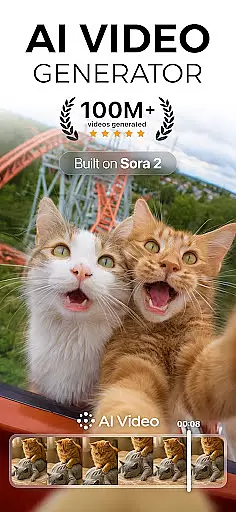
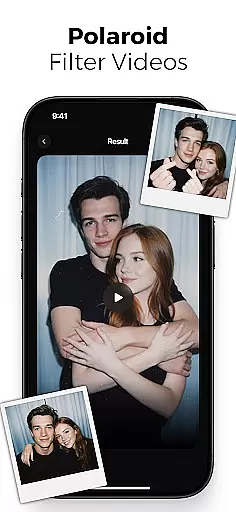
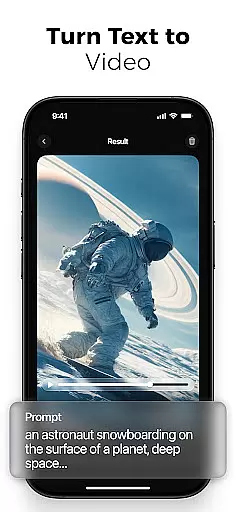
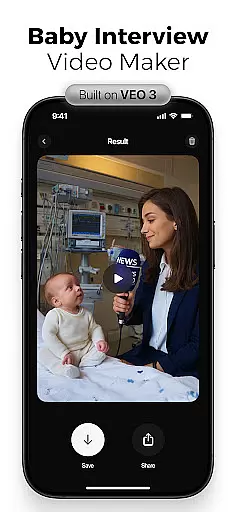
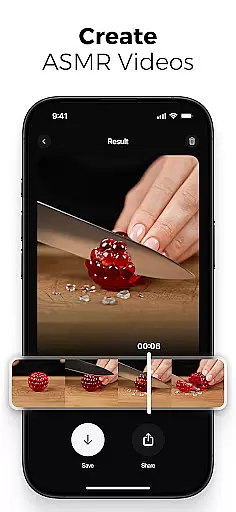
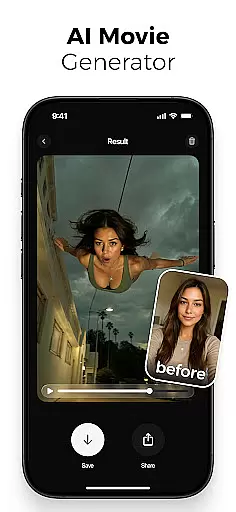
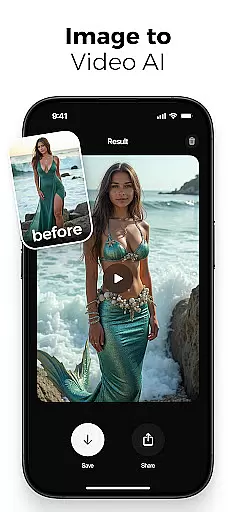
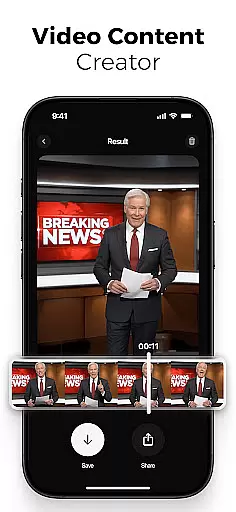
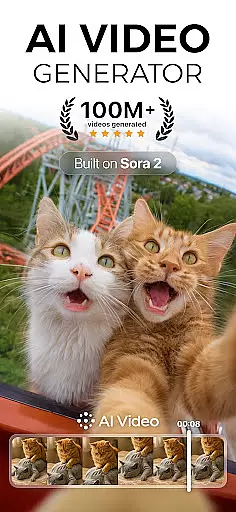
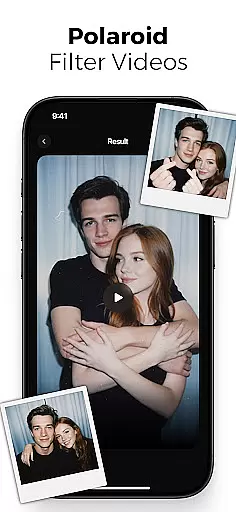
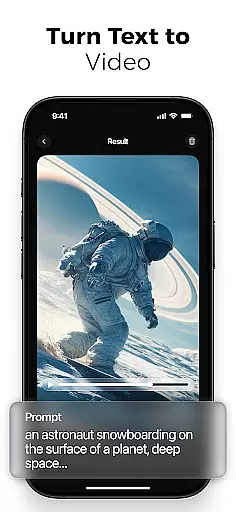
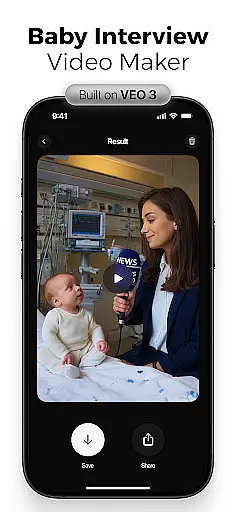
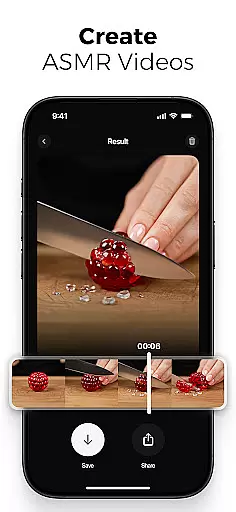
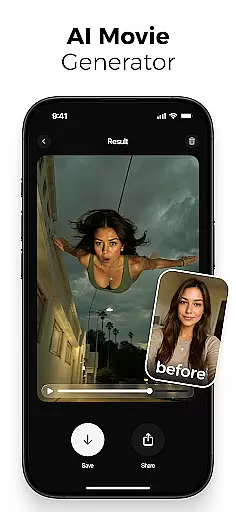
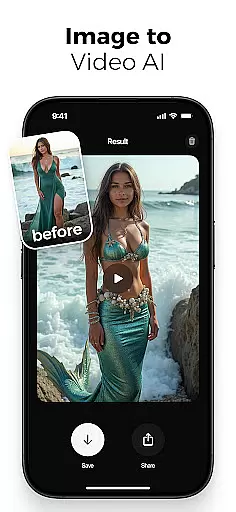
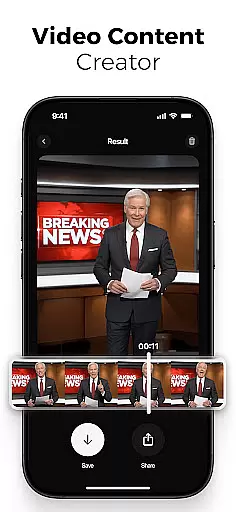
AI Video is a revolutionary photography app that transforms static images and text into dynamic, high-quality animated videos. This all-in-one AI video generator allows users to create stunning visuals with minimal effort, featuring advanced tools like polaroid filters, character animations, and realistic facial expressions.
The app's powerful AI engine, powered by Google DeepMind's Veo3 model, understands context and emotions to produce emotionally rich characters and scenes. With an intuitive drag-and-drop interface, customizable animation flows, and automatic lip-sync capabilities, AI Video makes professional-grade video creation accessible to everyone.
Whether you're a content creator looking to generate viral reels or an educator needing to explain complex concepts, AI Video provides the perfect solution for creating engaging visual content across platforms like TikTok, Instagram Reels, and YouTube Shorts.
AI Video stands out with its comprehensive suite of features designed for effortless video creation. The app's AI-powered text-to-video generator converts simple prompts into fully animated scenes, while the image-to-video creator brings still photos to life with natural motion and expression.
Advanced animation tools include customizable character actions with realistic emotions, built-in voiceover generation, and automatic lip-syncing. Users can access an extensive media library containing backgrounds, sound effects, and cinematic filters, plus special effects like mermaid transformations and skydiving actions powered by Google's Veo3 Fast Model.
The app's editing capabilities cater to both beginners and professionals, offering precise control over scene transitions, timing, and animation flow. With HD video export options optimized for various devices and formats, AI Video ensures your creations look stunning on any platform.
Real-time capture and preview functionality is essential for any photography app, allowing users to see exactly what their final output will look like while setting up a shot. AI Video offers this feature by providing live feedback on video compositions as they are created.
The application leverages advanced AI models such as Google DeepMindu2019s Veo3 to interpret the context and emotions of the scene being captured. This ensures that every frame not only meets technical standards but also conveys the intended mood and story.
Users benefit from real-time adjustments to filters, transitions, and character animations, which can be fine-tuned before finalizing the video. This immediate visual feedback empowers creators to make informed decisions quickly, enhancing both efficiency and creative control.
Ultimately, the real-time capture and preview feature in AI Video transforms the video creation process into an intuitive and dynamic experience, enabling users to produce high-quality content with confidence and precision.
AI beauty and enhancement features have become a staple in modern photography apps, offering tools to refine and perfect images and videos. AI Video stands out by focusing on the naturalness of these enhancements, ensuring that edits enhance rather than overshadow the original content.
The app employs sophisticated algorithms to analyze facial expressions and emotions, applying enhancements that maintain authenticity. Whether it's smoothing skin textures or adjusting lighting, the changes are subtle yet effective, preserving the subject's genuine appearance.
Creators can customize the level of enhancement, choosing from a range of options that suit different styles and preferences. This flexibility allows for personalized edits that align with the creator's vision, whether they aim for a polished professional look or a more candid aesthetic.
By prioritizing natural enhancement, AI Video ensures that the final output remains true to the original intent, delivering visually appealing results without compromising on realism. This approach not only enhances the quality of the content but also respects the integrity of the subjects being captured.
User-friendly interface
Powerful AI engine
Versatile creation tools
High-quality output
Time-saving features
Subscription required
Learning curve
Resource intensive
Limited free features
Occasional bugs

Remote control of the phone camera from your Wear OS smartwatch
 3.70
3.70
Effortlessly organize, view and share your photos & videos with Gallery app!
4.40
Photo Album Watch Face shows your favorite pictures as a Watchface.
1.90
Long exposure camera with computational photography
2.60
Perfect photos with body shaping, BG changer and object remover.
3.70
HD Photo gallery and photo manager to edit, hide private photos, videos & albums
4.4
Viewfinder, Light meter, Reciprocity failure time, DOF & Bellows Extension
4.60
Create AI photos & videos with Enhancer; restore, fix, beautify, enhance photos
4.50
Hair color changer, AI haircut app, fun hair editor and buzz cut filter for all!
3.80
Photo editor: AI filters, photo enhancer, pic collage maker, AI art generator.
4.80
Add Watermark - Sign your pictures with a text or logo. Effective, quick, easy!
4.50
Cut and paste photo editor & eraser to customize photos easy and swap faces fun
4.50
AI photo editor with hair editor, retouch tools, hair color changer & filters!
4.50
Photo editor & gallery. Crop pictures & edit photos offline, no wifi!
4.50
AI photo enhancer with Sora 2! Enhance, descratch, and colorize your old photos.
4.50
RAW video capture with advanced controls
4.40
The #1 app for B&W film developing featuring an advanced darkroom timer.
4.10
GCamera allows all GCam features on all phone models! Better photos with GCamera
3.30
Add a dreamy vibe to your selfies and videos with soft style filters
4.2


User Reviews