
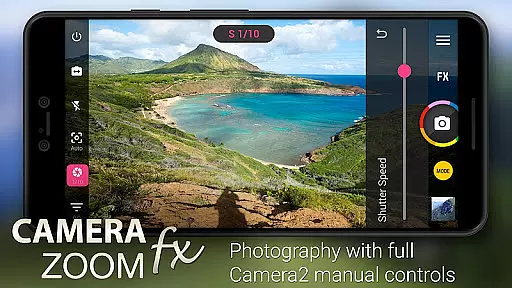
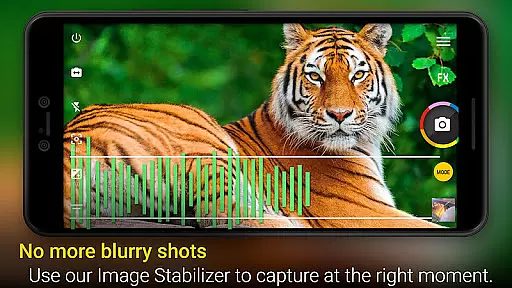
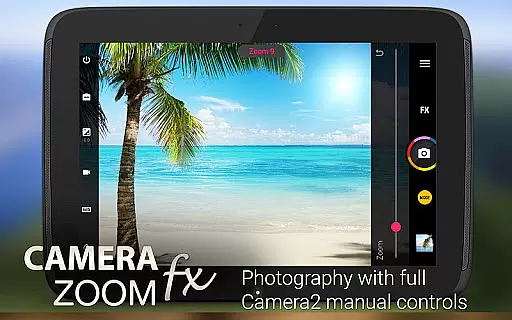
Camera ZOOM FX Premium is a feature-rich photography app that transforms your Android device into a professional-grade camera. With advanced manual controls and Camera2 API support, it allows users to adjust ISO, shutter speed, and focus distance for optimal photo quality. The app also supports RAW capture on compatible devices, making it ideal for photographers who require maximum editing flexibility.
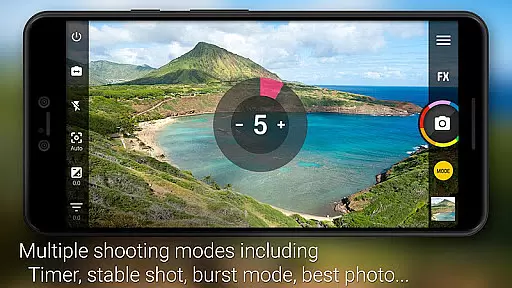
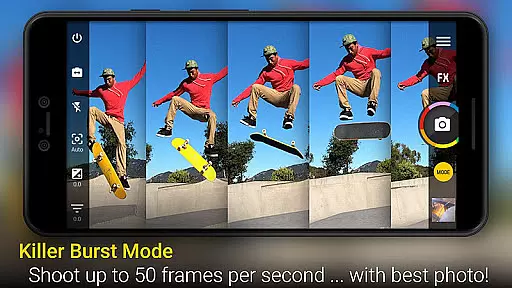
Beyond its manual controls, the app offers creative tools like photo filters, collage creation, and photo composition guides. Whether you're capturing action shots, time-lapses, or HDR images, Camera ZOOM FX Premium delivers exceptional performance with its fast burst mode and stable shot functionality. Its intuitive interface and customizable options make it suitable for both amateur and professional photographers looking to elevate their mobile photography experience.
One of the standout features of Camera ZOOM FX Premium is its extensive set of manual controls powered by the Camera2 API. Users can fine-tune settings such as ISO, exposure, and shutter speed, enabling them to capture DSLR-quality images directly from their smartphones. Additionally, the app supports RAW capture, which preserves more image data for post-processing.
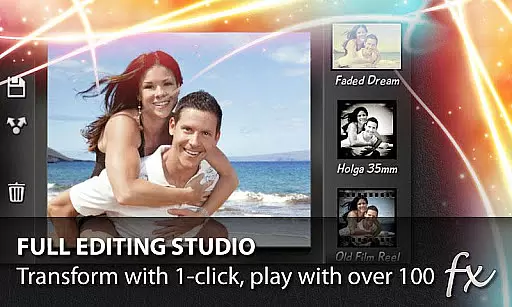
The app also includes creative modes and tools designed to enhance the photography experience. For instance, users can create collages, apply over 100 effects like Vignette and Retro filters, and utilize features such as Stable Shot and Time Lapse. With added functionalities like voice activation, tilt-shift filters, and grid overlays, Camera ZOOM FX Premium provides a versatile platform for capturing and editing high-quality photos.
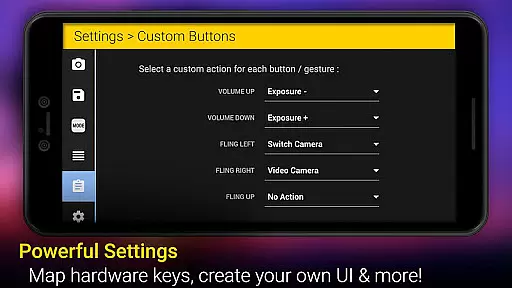
Another notable aspect is the ability to customize the user experience. From specifying button orders in the interface to assigning actions to hardware buttons, the app ensures a personalized workflow. This level of customization, combined with its powerful performance and speed, makes Camera ZOOM FX Premium a top choice for mobile photographers seeking precision and creativity.
Real-time capture and preview functionality is essential for ensuring that users can accurately frame and adjust their shots before taking a photo. Camera ZOOM FX Premium offers an exceptional real-time preview experience, allowing photographers to see exactly what the camera sensor is capturing.
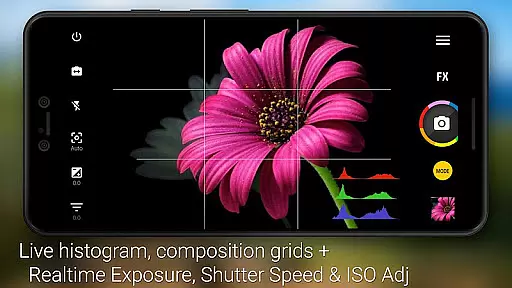
This app leverages advanced processing capabilities to provide a seamless live view, which is crucial for making on-the-fly adjustments. With features like 360 Horizon level and grid overlays, users can perfect their photo composition in real time, ensuring professional-quality results every time they shoot.
The benefits of this feature are numerous. Users can take advantage of manual DSLR controls, including ISO, focus distance, and shutter speed settings, all while viewing their adjustments instantly on the screen. This immediate feedback empowers users to experiment with different settings and improve their photography skills without any guesswork.
Ultimately, the real-time capture and preview feature in Camera ZOOM FX Premium enhances the overall user experience by providing tools that mimic the functionalities of professional cameras. This ensures that whether you're shooting action shots or stable shots, you have the control and precision needed to capture the perfect moment.
AI beauty and enhancement features are increasingly popular in photography apps, offering users the ability to enhance their photos with natural-looking effects. Camera ZOOM FX Premium stands out by providing AI-powered enhancements that maintain the authenticity of the original image while improving its aesthetic appeal.
This app includes a variety of filters and effects such as Vignette, Retro, Holga, Bokeh, Lomo, and Hipster, which utilize AI to ensure that enhancements look realistic and not over-processed. The AI technology intelligently applies adjustments, ensuring that skin tones, lighting, and other elements remain true to life.
Users benefit from these sophisticated AI enhancements by achieving professional-grade photo edits effortlessly. Whether it's smoothing skin textures or adding artistic touches, the appu2019s AI ensures that each modification enhances the photo naturally, preserving the integrity of the original shot.
In summary, Camera ZOOM FX Premiumu2019s AI beauty and enhancement features offer users powerful tools to elevate their photography. By maintaining naturalness in edits, the app ensures that every photo retains its genuine essence, resulting in stunning yet authentic images that stand out.
Advanced manual controls
Supports RAW capture
Fast burst mode
Wide range of effects
Customizable UI
No iOS version available
Complex for beginners
Some features device-specific
Occasional bugs reported
Premium price tag

How would you look like with a differently shaped nose, chin or lips?
 3.90
3.90
Edit like a pro with Hypic. Apply filters, AI effects, & magic touch.
4.40
Android Native system HD camera app. Never been so simple and faster.
4.70
Create Business Headshots, Polaroid Filter, Retake Photos,Profile Pics,AI Photos
4.50
Photo Exif Editor allows to view, add and modify EXIF data of multiple photos
4.50
Future baby face generator: AI kids generator, kid face! What my baby look like?
4.40
Enhance, retouch & create your story - Share the moment with Photoshop Express.
4.60
Astrophotography with your smartphone, photo live stacking and much more!
3.90
Edit photos with the picture generator: PS2 & AI Clay filters, cartoon effects.
4.50
Create funny photos and videos with the popular Time Warp Scan filter.
4.90
Your personal guide to the sun and moon. Plan ahead, visualize and predict!
4.70
Discover & download millions of art for The Frame TV or Hisense CanvasTV
4.60
Movie camera, supports pro recording settings for filming. Try it and be amazed!
4.50
Shooting photos and records video easily and efficient with professional Camera
4.30
live datamoshing
4.00
Hair color changer, AI haircut app, fun hair editor and buzz cut filter for all!
3.80
An interval timer to automate photo taking process for timelapse
2.90
HD Photo gallery and photo manager to edit, hide private photos, videos & albums
4.2
Add a dreamy vibe to your selfies and videos with soft style filters
4.0


User Reviews