
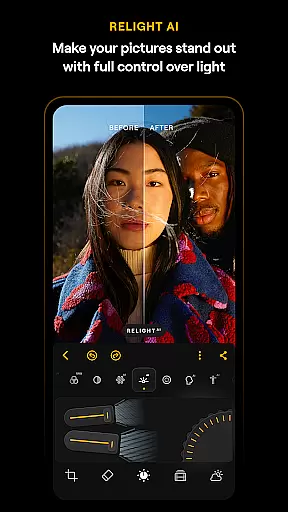
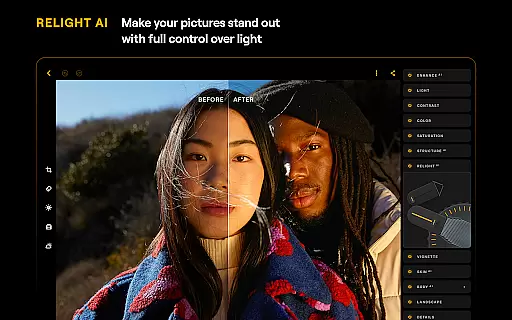
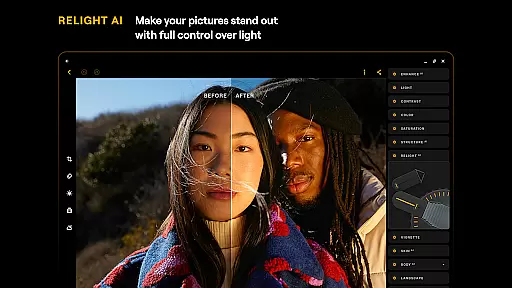
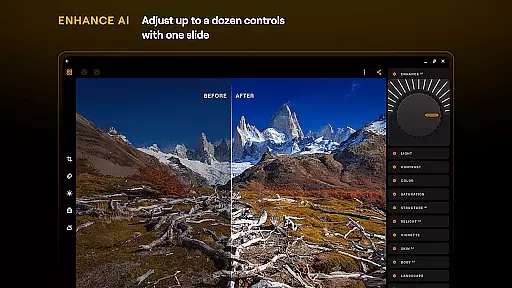
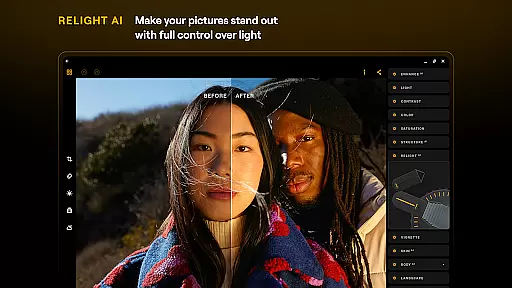
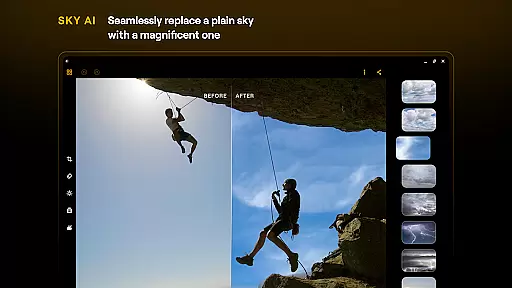
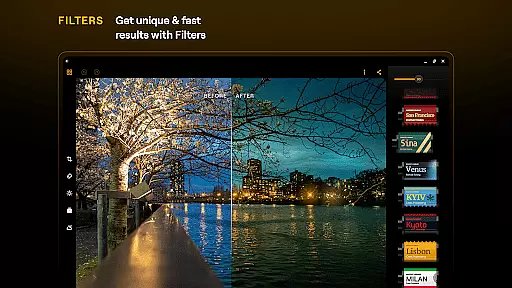
Luminar: Photo Editor is a comprehensive mobile photo editing solution designed for both Android and ChromeOS users. This application combines powerful AI-driven tools with an intuitive, gesture-based interface that makes photo editing accessible to everyone. The app's standout feature is its collection of Smart AI enhancements, including SkyAI, EnhanceAI, StructureAI, RelightAI, SkinAI, and BodyAI, each serving a unique purpose in improving image quality and aesthetics.
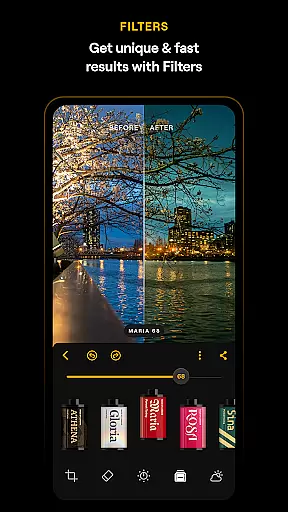
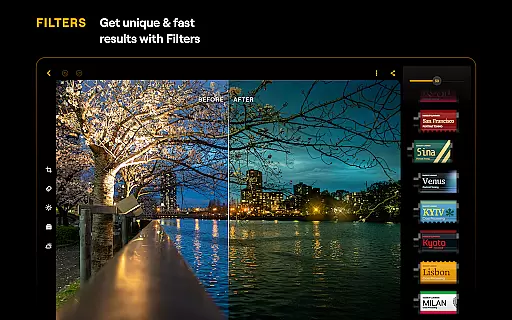
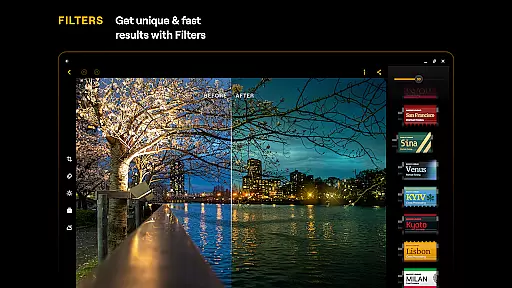
With Luminar, you get an all-in-one photo editing powerhouse that offers advanced features like Curves for precise color adjustments, Details for enhancing clarity, Crop for perfect composition, Landscape for transforming outdoor shots, Monochrome for stunning black-and-white effects, Erase for removing unwanted elements, and Photo Filters for creative styling. Supporting RAW file editing, the app ensures maximum quality and flexibility for professional photographers while maintaining ease of use for beginners.
The app is optimized for devices running Android 11 or later and ChromeOS with Android Runtime support, providing a seamless experience across different devices. Whether you're editing on your phone during a commute or working on a Chromebook at home, Luminar delivers a responsive and engaging interface that adapts to your creative needs.
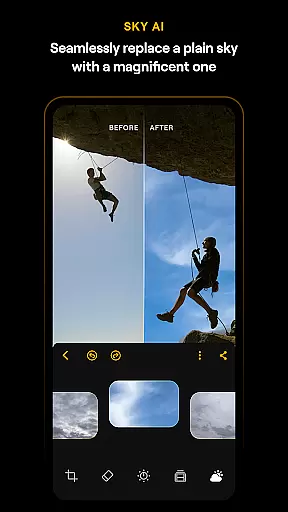
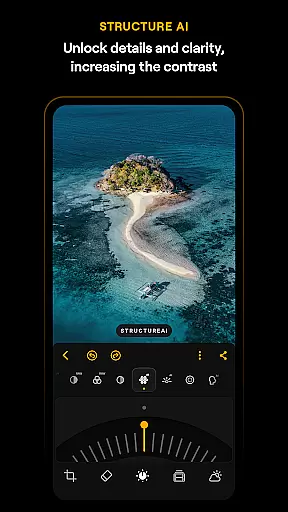
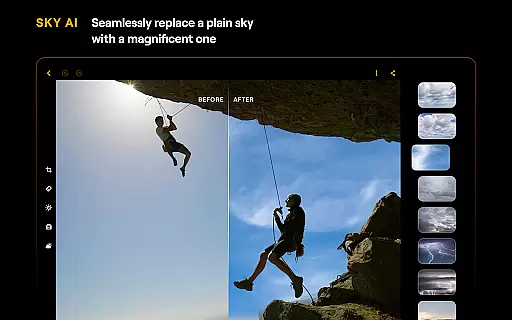
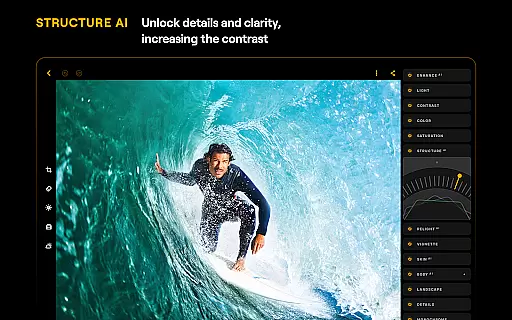
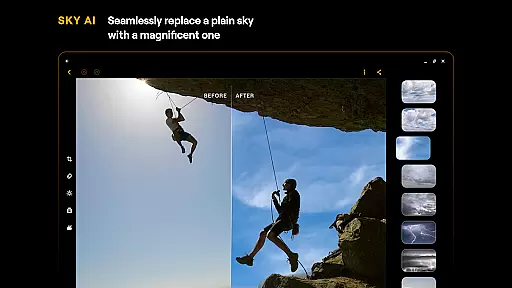
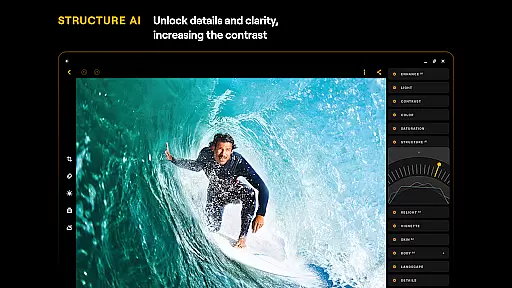
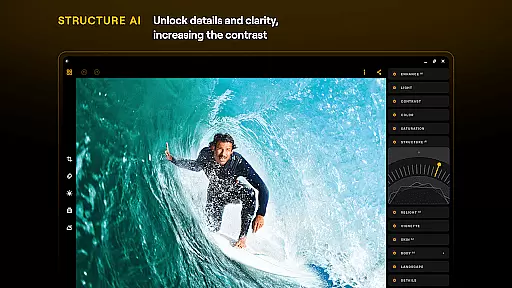
Luminar: Photo Editor distinguishes itself through its innovative use of artificial intelligence in photo editing. The app's AI tools are not just automated filters but sophisticated algorithms that understand image content and apply enhancements accordingly. For instance, SkyAI intelligently replaces skies, while StructureAI brings out hidden details without creating artifacts. These features work together to produce professional-grade results with minimal effort.
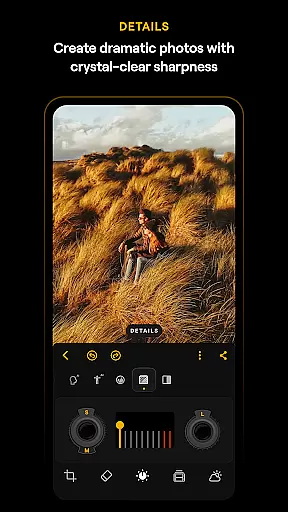
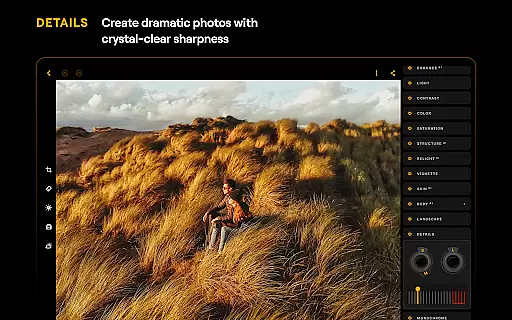
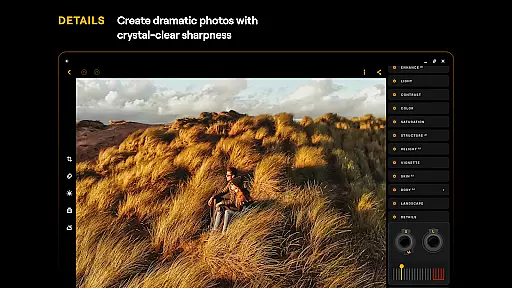
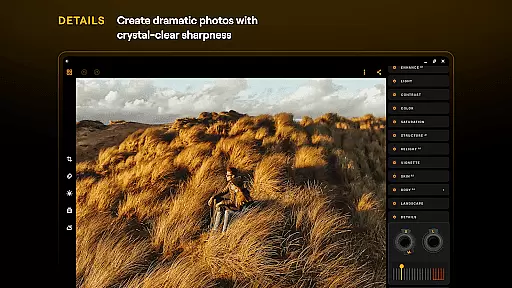
Beyond its AI capabilities, Luminar offers a complete suite of traditional editing tools that give users precise control over their edits. The Curves tool allows for detailed tone adjustments, while the Details feature enhances image sharpness without introducing noise. The app's support for RAW files means photographers can work with uncompressed images, preserving the highest possible quality throughout the editing process. Additionally, the intuitive interface design, featuring responsive sliders and realistic touch feedback, makes these advanced tools accessible even to novice editors.
What sets Luminar apart is how it seamlessly integrates professional-grade tools with user-friendly features. The app's compatibility with both Android and ChromeOS devices expands its usability, allowing users to maintain consistent editing workflows across multiple devices. With subscription options ranging from monthly to lifetime licenses, plus a free trial period, users can choose the plan that best suits their needs while enjoying regular updates and improvements to the app's functionality.
Real-time capture and preview functionality is essential for ensuring that users can immediately see the results of their photo edits. Luminar: Photo Editor offers a seamless experience where every adjustment made is instantly reflected in the preview window. This immediate feedback allows users to fine-tune their images with precision, ensuring that the final output matches their creative vision.
The application's interface is designed to respond realistically to touch, featuring smoothly gliding sliders and spinning dials. These interactive elements provide tactile feedback through motion and sound, enhancing the overall user experience. Such responsiveness not only makes the editing process more engaging but also significantly reduces the learning curve for new users.
With Luminar's real-time capabilities, photographers can experiment with different effects and adjustments without any lag. Whether it's tweaking color balance, applying filters, or using advanced AI tools like SkyAI and EnhanceAI, users can observe changes instantly. This feature empowers creators to make informed decisions quickly, thus speeding up the workflow and boosting productivity.
Ultimately, the real-time capture and preview feature in Luminar: Photo Editor ensures that users have unparalleled control over their editing process. By delivering an intuitive and responsive interface, the app enables both amateur and professional photographers to achieve their desired results efficiently and effectively.
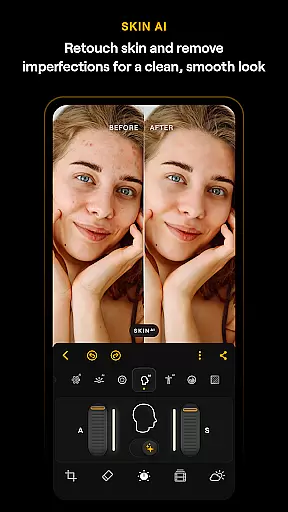
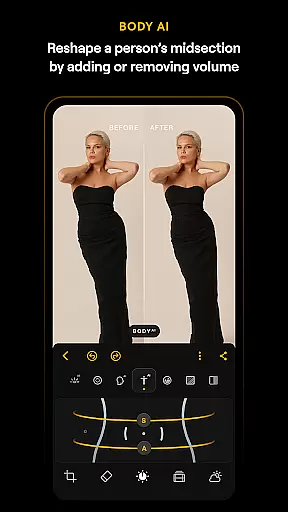
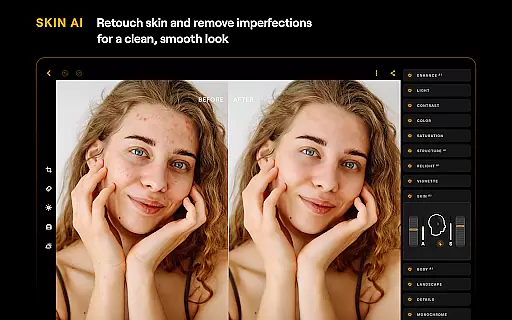
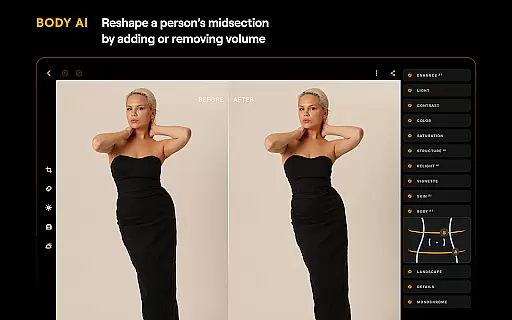
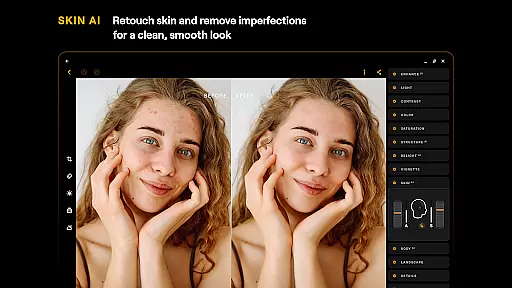
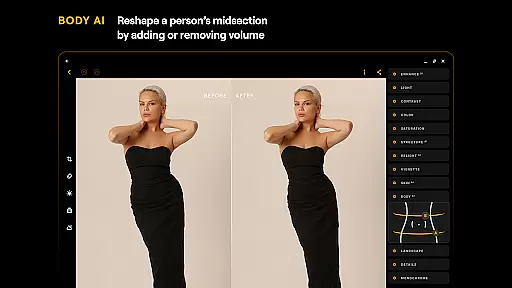
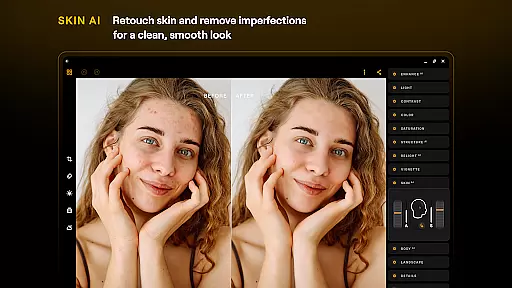
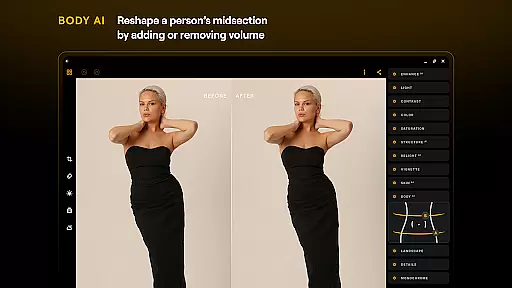
AI-driven beauty and enhancement features are becoming increasingly popular in photo editing applications, and Luminar: Photo Editor stands out with its natural approach. The app employs advanced algorithms such as SkinAI and BodyAI to automatically retouch skin and adjust body proportions while maintaining a realistic appearance. This ensures that edited photos look authentic rather than overly processed.
SkinAI works by smoothing out imperfections on the subjectu2019s skin without losing texture details, resulting in a clean yet lifelike finish. Meanwhile, BodyAI allows for subtle reshaping of the midsection, adding or removing volume in a way that looks natural. These tools help users enhance their subjects' features while preserving their unique characteristics.
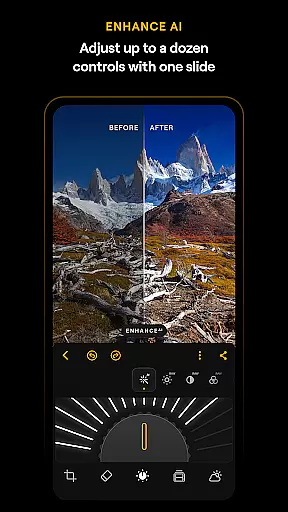
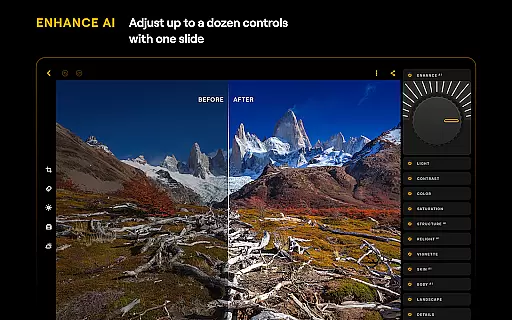
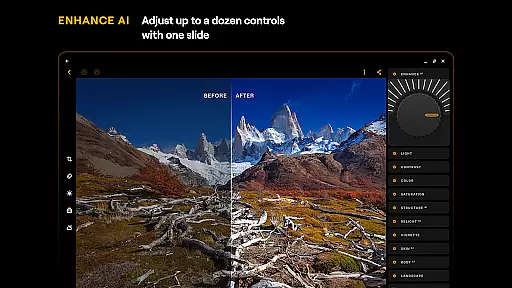
In addition to these specialized AI functions, Luminar provides comprehensive enhancement options like EnhanceAI, which adjusts color, tone, and clarity with a single slide. Users can achieve professional-grade results within seconds, making high-quality photo editing accessible even to beginners. The combination of these powerful tools ensures that every edit enhances the image naturally.
By focusing on natural enhancement, Luminar: Photo Editor caters to users who value authenticity in their photographs. Whether you're retouching portraits or enhancing landscapes, the app's AI-driven features deliver stunning yet believable results, empowering users to create visually appealing images that retain their original essence.
Powerful AI tools
User-friendly interface
Advanced editing features
Supports RAW files
Cross-platform compatibility
Paid subscription required
Resource-intensive processing
Steep learning curve
Limited free features
Occasional performance issues

Long exposure camera with computational photography
 2.60
2.60
Pet Camera
3.70
Perfect body tune & face app - photo retouch, makeup, slim body & beautify face.
4.80
Photo editor: AI filters, photo enhancer, pic collage maker, AI art generator.
4.80
AI photo editor with hair editor, retouch tools, hair color changer & filters!
4.50
Photo Exif Editor allows to view, add and modify EXIF data of multiple photos
4.50
Professional photography on your mobile phone
4.20
PhotoSync Bundle Add-On License. Enables all features and services in PhotoSync.
4.60
Unlock the full potential of your DJI drone with Litchi
4.50
Create funny photos and videos with the popular Time Warp Scan filter.
4.90
Gallery show photo, video, slideshow, is perfect 3D effect private photo albums.
4.80
Amazing Photo Effects - The most fun you can have with your photos!
4.70
The original Rarevision VHS look seen everywhere!
4.70
Viewfinder, Light meter, Reciprocity failure time, DOF & Bellows Extension
4.60
Easily stitch panoramas from multiple photos or video.
4.40
[3DSteroid Pro] is a stereoscopic application for Android.
4.30
AI-powered video creator by MiniMax - Where ideas meet cinema
4.20
Photo editor: face & body editor, beauty cam, filters and quality enhancer.
4.00
Gallery Slideshow is slideshow maker app for slideshow from your gallery photos.
3.90


User Reviews