
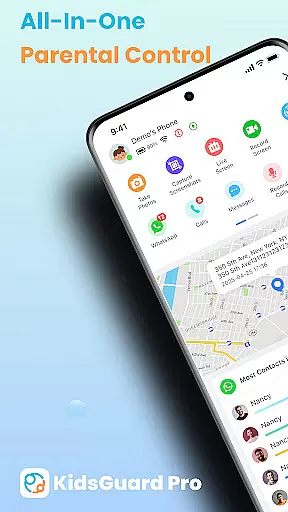

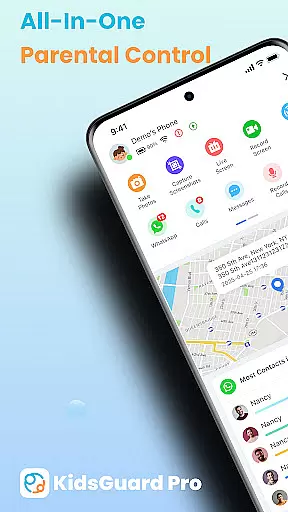
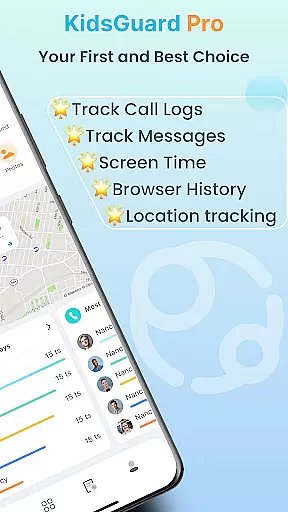
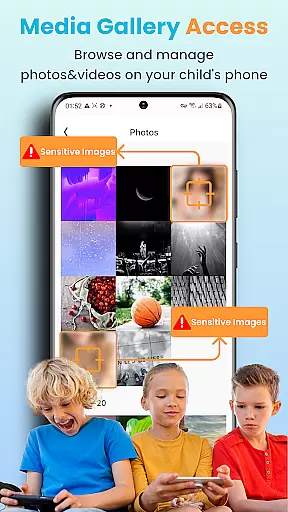
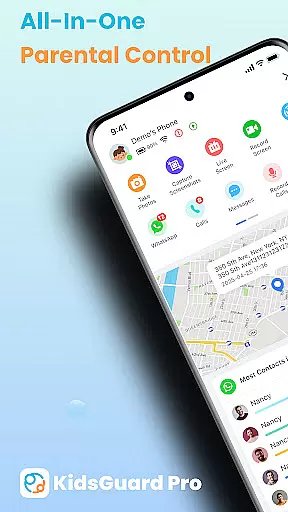
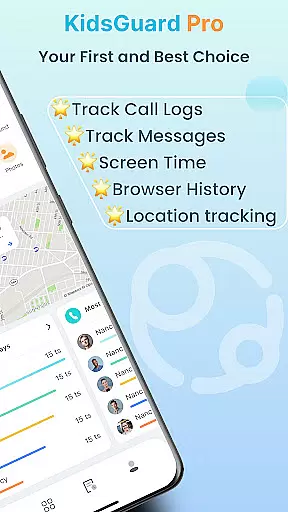
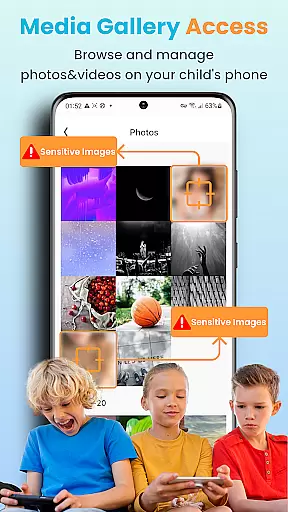
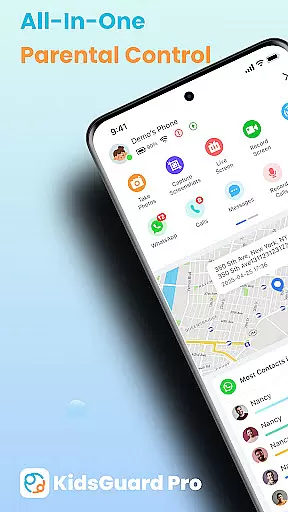
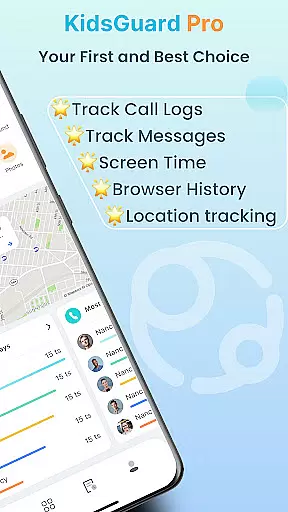
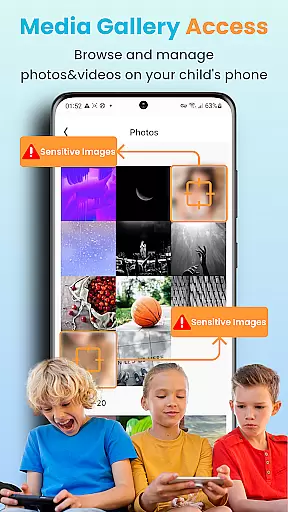
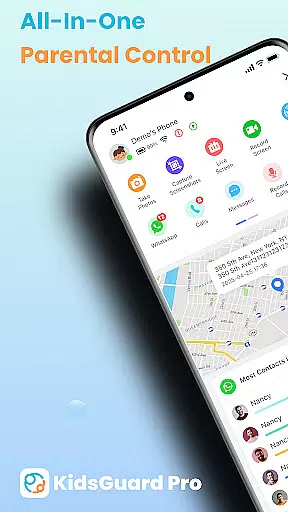
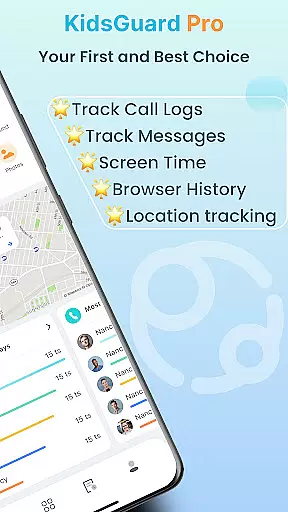
KidsGuard Pro is a comprehensive parental control app designed to help parents monitor and protect their children's online activities. With support for both Android and iPhone devices, this remote monitoring tool provides real-time tracking of location, social media usage, and sensitive content detection.
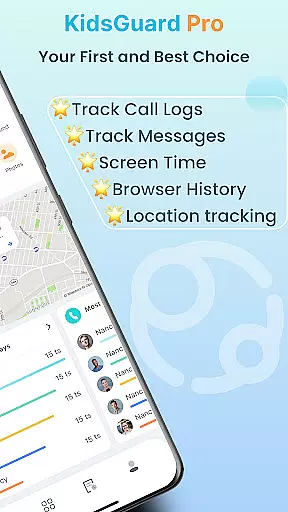
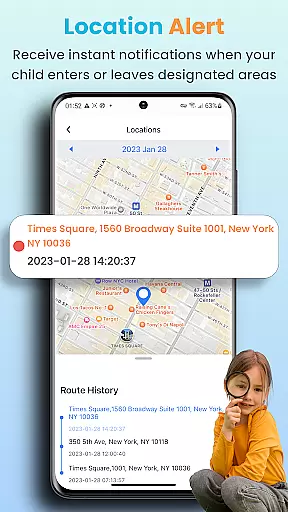
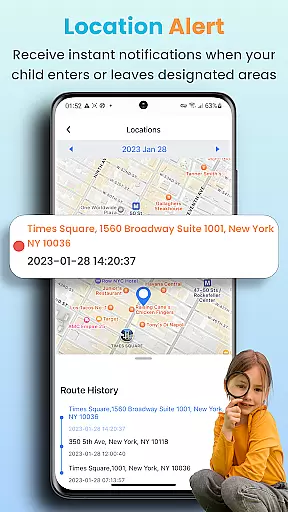
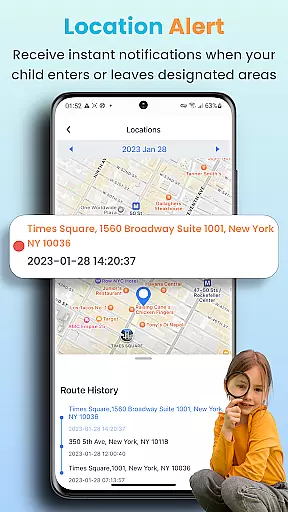
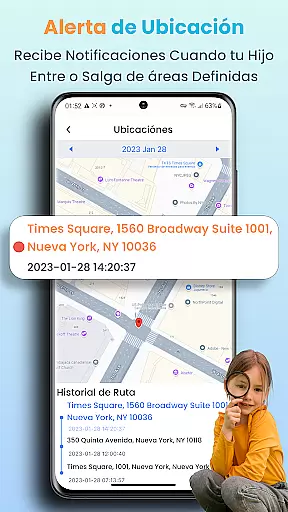
The app's key features include TikTok and YouTube history tracking, suspicious text detection across multiple messaging platforms, and instant screenshot capabilities. Parents can also set up geofences to receive alerts about their children's whereabouts. These functionalities ensure a safer digital environment for children while giving parents peace of mind.
Parents can utilize KidsGuard Pro to maintain awareness of potential online threats such as bullying or inappropriate content. By providing detailed usage reports and maintaining undetectable operation without requiring device rooting, the application serves as an essential tool for safeguarding children's physical and mental well-being in today's digital age.
KidsGuard Pro stands out with its extensive range of monitoring features that cater to various parental concerns. The app enables viewing of TikTok and YouTube history while tracking time spent on these platforms, helping parents understand their children's social media habits.
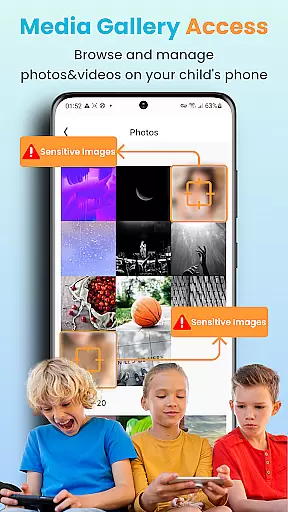
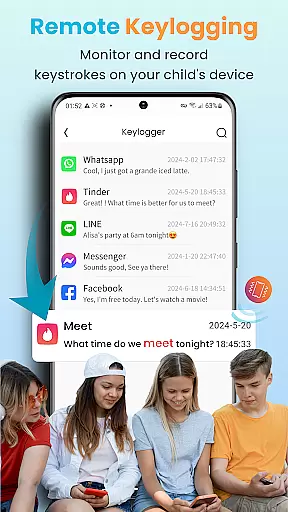
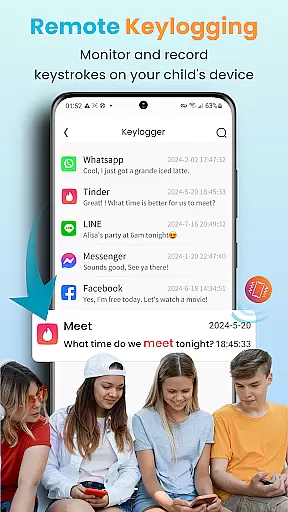
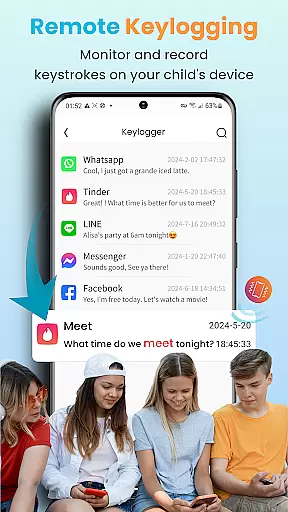
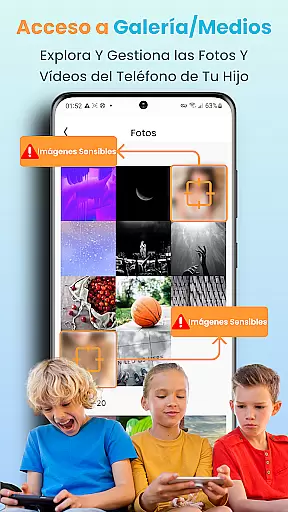
A unique aspect is its Suspicious Text Detection feature, which allows parents to set sensitive keywords and monitor chat histories across multiple apps including WhatsApp, LINE, and WeChat. This function extends to exchanged media files and emojis, providing comprehensive protection against inappropriate content.
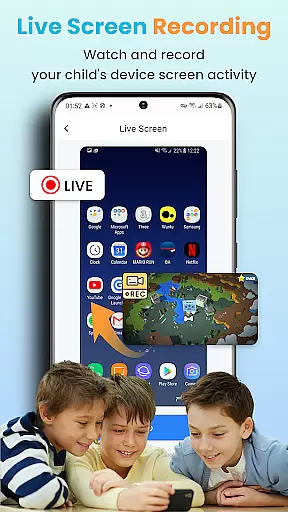
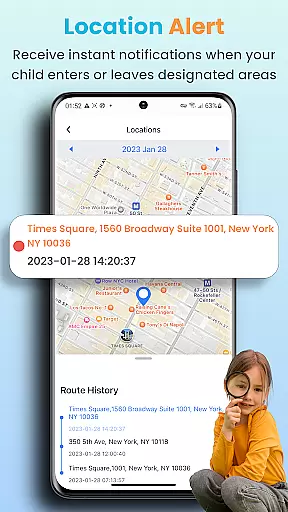
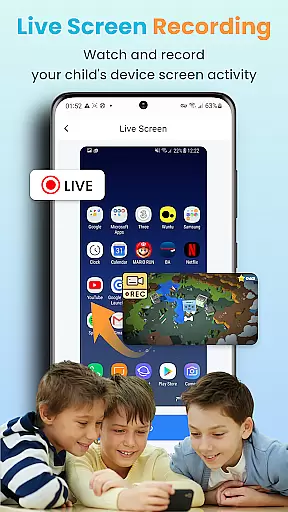
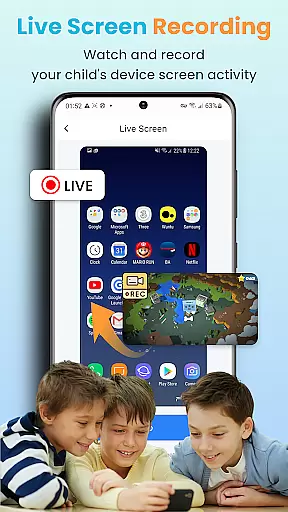
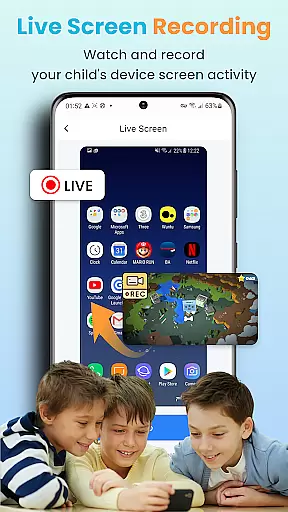
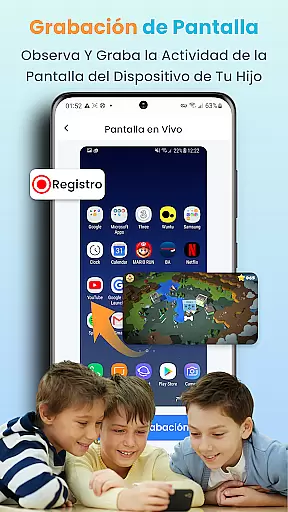
The app's Real-time Location Tracker and geofencing capabilities offer continuous monitoring of children's whereabouts. Additionally, its Instant Screenshot and Record Screen feature permits remote capture of device activity. These robust features, combined with support for most Android models and thorough usage reports, make KidsGuard Pro a versatile and powerful parental control solution.
In the realm of parenting applications, content credibility is paramount. KidsGuard Pro establishes its reliability through a comprehensive suite of monitoring features designed with care and precision. The app allows parents to view their children's TikTok and YouTube history, track real-time location, and detect suspicious texts across various social platforms. These functions are developed based on extensive research into digital behavior patterns and potential online threats.
The expertise behind KidsGuard Pro is evident in its sophisticated approach to child safety. By enabling parents to set sensitive keywords for detection in chat applications like WhatsApp or WeChat, the app provides an additional layer of security. This feature not only reflects a deep understanding of modern communication tools but also demonstrates a commitment to protecting young users from harmful content. Furthermore, the ability to receive thorough usage reports ensures that guardians can make informed decisions regarding their childu2019s device usage.
Parents using KidsGuard Pro benefit from the peace of mind that comes with expert-validated tools. With geofencing capabilities and instant screenshot functions, they gain unprecedented insight into their children's digital lives. Such features empower caregivers to act promptly when necessary, ensuring a safer online environment for their loved ones. Thus, KidsGuard Pro stands as a beacon of trustworthiness in parental control software.
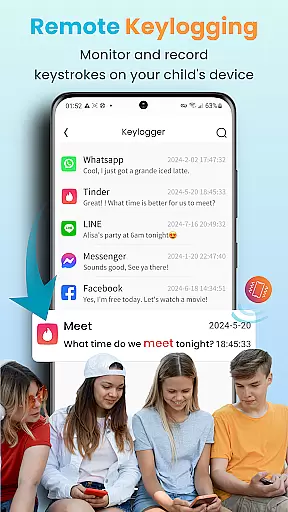
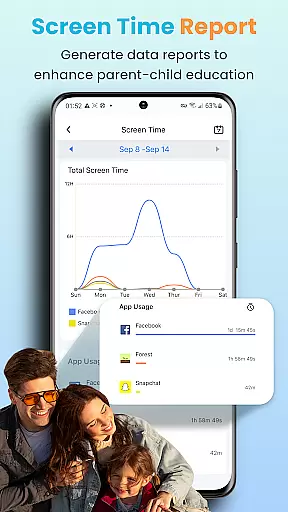
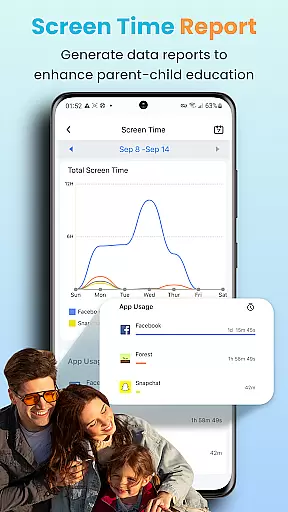
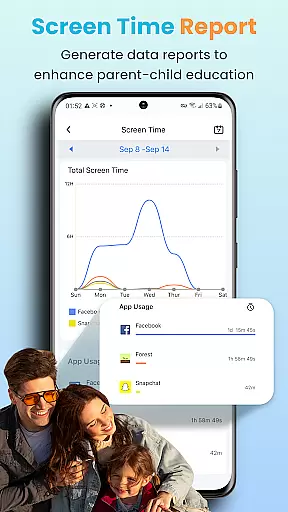
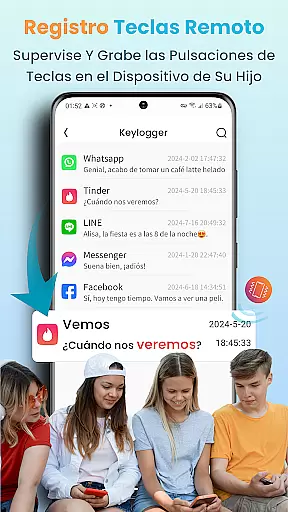
Growth tracking within KidsGuard Pro offers unparalleled accuracy by providing detailed insights into children's device activities. This powerful tool goes beyond mere screen time monitoring; it delivers precise data on app usage duration, visited websites, and even keystrokes typed during sessions. Parents can accurately gauge how much time their kids spend on platforms like TikTok and YouTube, allowing them to guide healthier digital habits effectively.
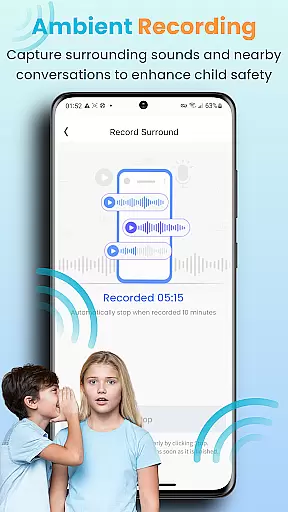
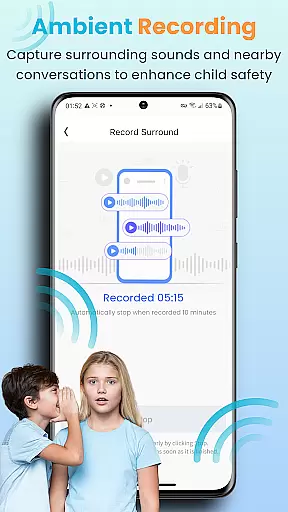
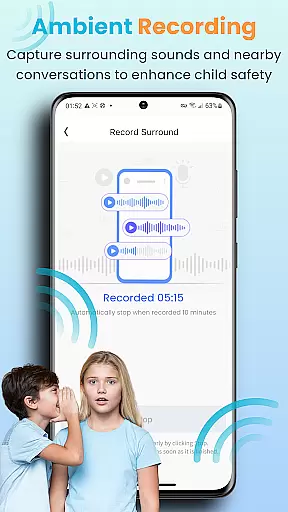
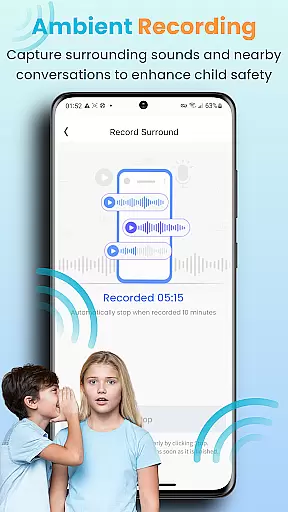
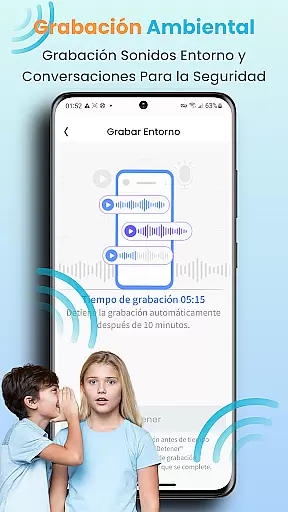
The app's meticulous tracking system extends to location services, where real-time GPS coordinates ensure parents always know their child's whereabouts. Geofencing technology further enhances this accuracy by triggering alerts when predefined boundaries are crossed. Additionally, KidsGuard Pro records phone calls and surroundings discreetly, offering another dimension of growth surveillance without intrusion. These capabilities enable guardians to maintain awareness while respecting privacy boundaries.
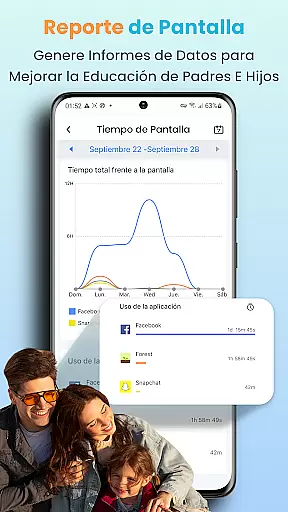
By leveraging advanced algorithms, KidsGuard Pro transforms raw data into actionable intelligence for parents. Detailed activity reports present clear visualizations of behavioral trends over time, facilitating informed discussions about responsible device use. Ultimately, this accurate growth tracking empowers families to foster balanced relationships with technology, promoting both physical and mental well-being among young users.
Comprehensive monitoring
Real-time tracking
User-friendly interface
Detailed reports
Wide device compatibility
Paid subscription
Privacy concerns
Complex setup
Limited free features
Requires installation

With BabyCam you can monitor your baby using your mobile phone, tablet, PC or TV
 4.40
4.40
All-in-one pregnancy app, contraction timer, kick counter & due date calculator
4.40
Keep Your Family Safe with Pollog Family Assistants
4.10
Watching baby, helping parents
4.10
It is a screen time management tool for games and mobile applications
4.50
Babysitting video camera - Turn your two phones or tablets into a single nanny.
4.40
Introduce real food to baby with First Foods® Database, baby led weaning BLW
4.80
Advanced baby tracking, expert sleep help & parenting support for every stage.
4.80
FamilyAlbum helps you share, save, and remember your child's special moments.
4.80
Track baby’s development & growth week by week with BabyCenter’s pregnancy app!
4.90
SENSORYSOOTHE and SENSORSAFE: Making car seats smarter and families safer.
4.70
Parental control: child monitoring app, screen time control, GPS child tracker
4.40
Find unique + popular baby names for your little peanut.
4.30
Family parental control app: limit screen time, block apps, GPS tracker.
4.20
Findnumber: Real-time location tracker for ultimate family security
4.20
Monitor screen time and build healthy habits with Family Safety
3.90
SemLog aims to raise awareness among families and their children
3.40
Happiest Baby App replaces the SNOO App (the mobile companion to SNOO & SNOObie)
3.20
Track pregnancy health and wellness with pregnant tracker from healthcare advice
4.1


User Reviews