
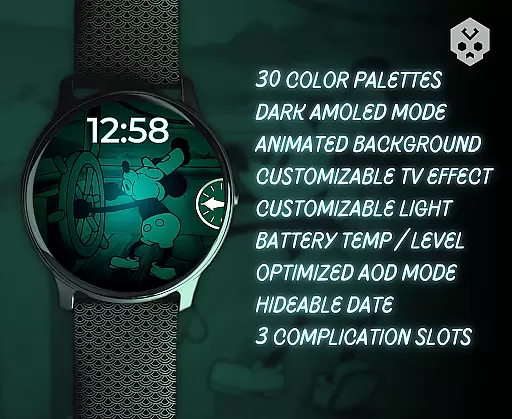
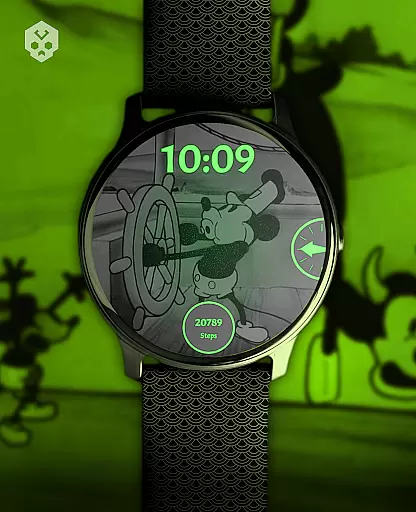
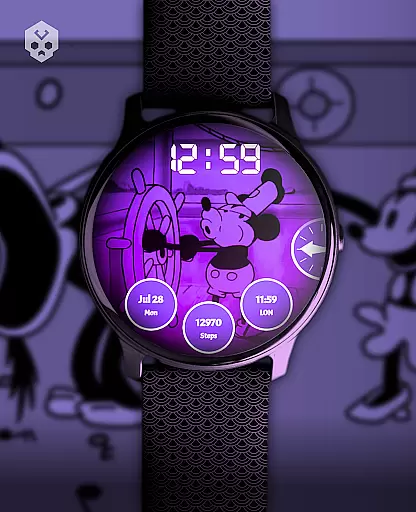
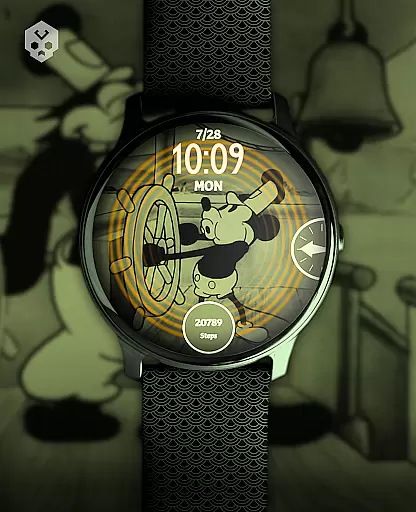
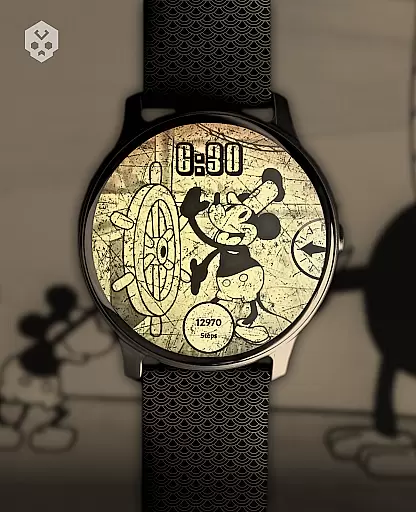
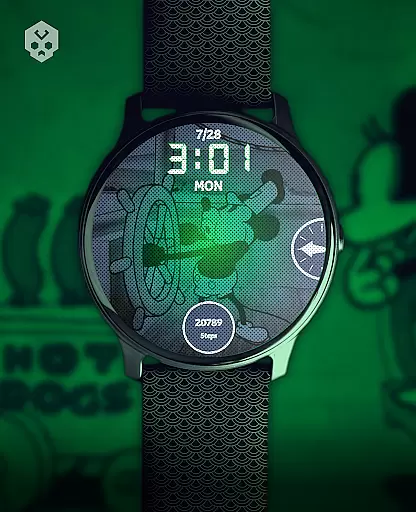
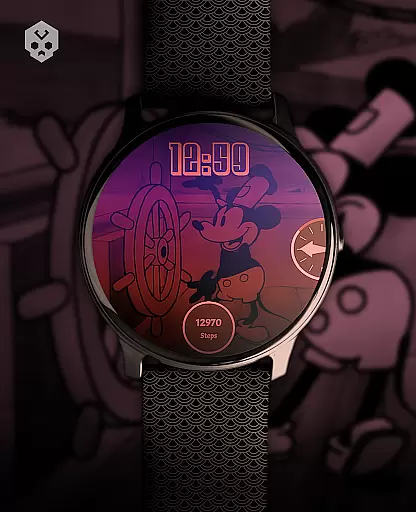
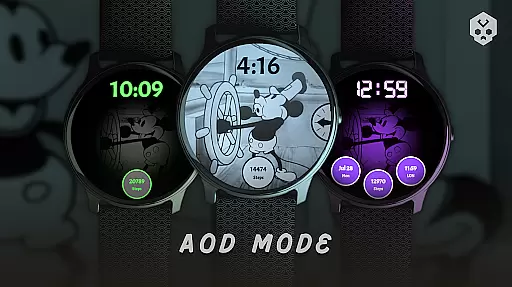
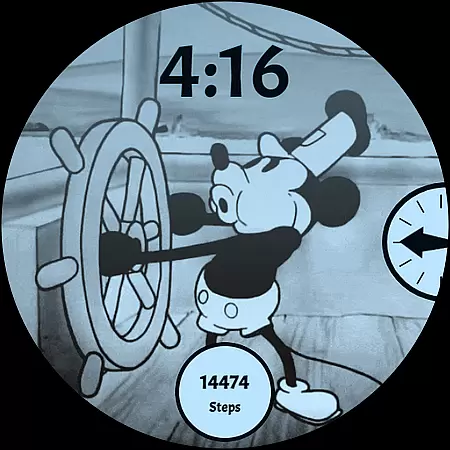
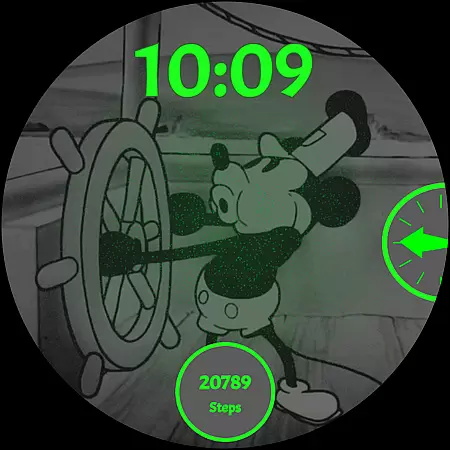
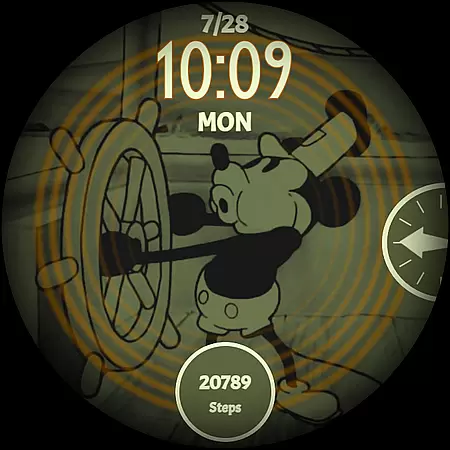
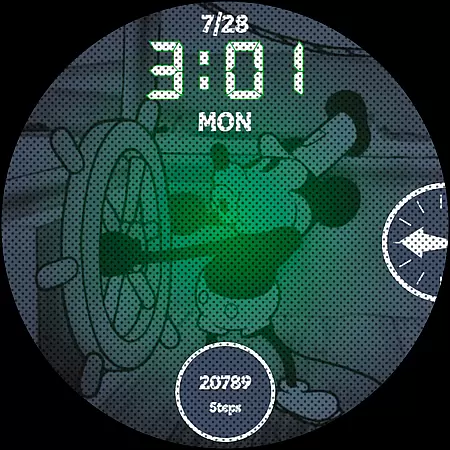
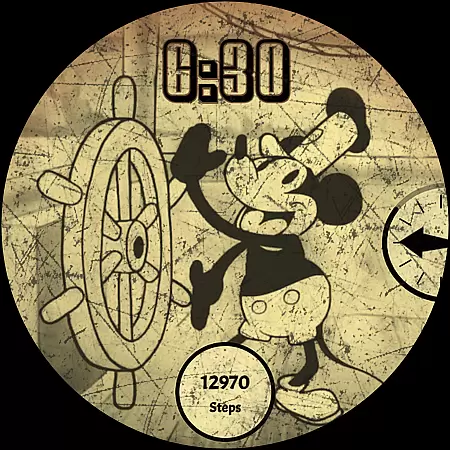
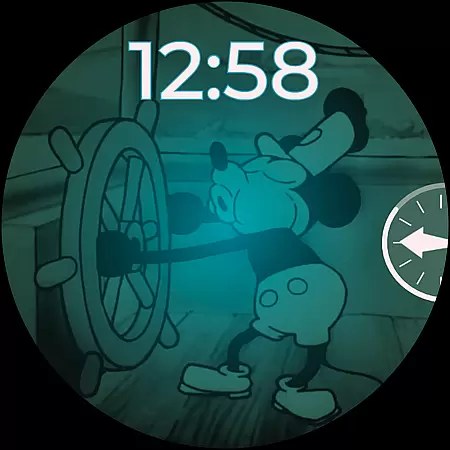
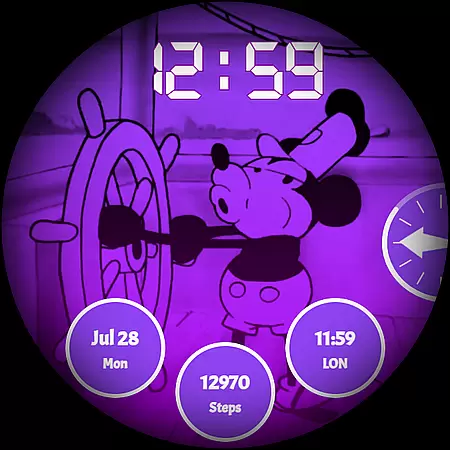
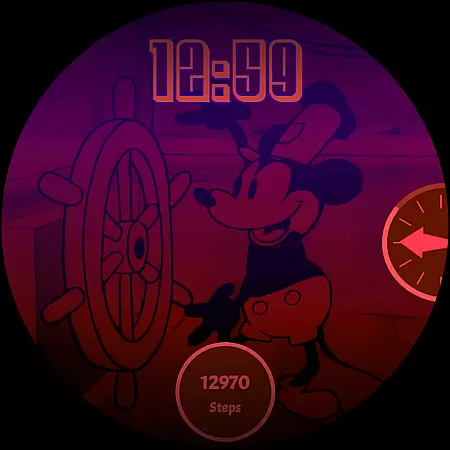
Steamboat Mouse Watch Face brings the iconic Steamboat Willie character to your smartwatch with a retro cartoon-inspired design. This Wear OS watch face is highly customizable and rich in features, offering users a unique blend of nostalgia and modern functionality. Perfect for fans of classic animation, it supports various smartwatches including Samsung, Mobvoi Ticwatch, Fossil, Oppo, and more.
The watch face stands out with its 30 color schemes, high readability mode, and support for both 12/24 hours formats. It also provides essential information at a glance, such as battery temperature and status. With three customizable complications and an easy-to-use companion app, this watch face ensures a personalized experience tailored to individual preferences.
Steamboat Mouse Watch Face offers a comprehensive set of features designed to enhance user experience. The watch face includes 30 distinct color schemes, allowing users to customize the appearance to their liking. It supports both 12-hour and 24-hour time formats, catering to different regional preferences and ensuring clarity and convenience.
One of the standout features is the high readability mode, which improves visibility under various lighting conditions. Additionally, the watch face reacts to low battery levels, providing timely alerts. Users can also view battery temperature and status effortlessly. With three customizable complications, users can access their most important information quickly. The companion app simplifies installation and management, making customization intuitive and straightforward.
Customization is at the heart of Steamboat Mouse Watch Face, offering users an extensive range of personalization choices. With 30 color schemes available, this watch face ensures that every user can find a look that resonates with their personal style.
Beyond colors, the watch face supports both 12 and 24-hour formats, catering to individual preferences in time display. The customizable overlay and background further enhance its adaptability, allowing for a minimalist or vintage aesthetic as desired.
Additional features like high readability mode and reactions to low battery provide functional customization, ensuring the watch face is not only stylish but also practical. These options empower users to tailor their smartwatch experience precisely to their needs.
The ability to customize three complications on the watch face adds another layer of personal touch. Users can prioritize the information most important to them, making their smartwatch not just a device, but a true extension of their personality.
Steamboat Mouse Watch Face stands out in its seamless integration with various Wear OS devices, underscoring its theme compatibility. As a standalone Wear OS application, it boasts broad compatibility across brands such as Samsung, Mobvoi Ticwatch, Fossil, Oppo, and Xiaomi.
This compatibility ensures that regardless of the smartwatch model, users can enjoy a consistent and optimized experience. The design takes into account the varying screen sizes and resolutions, maintaining the integrity and aesthetics of the theme across different devices.
Moreover, the inclusion of easy-to-use companion app facilitates smooth installation and management. This app bridges the smartphone and smartwatch, streamlining the process of applying and adjusting the watch face settings.
By focusing on universal compatibility and ease of use, Steamboat Mouse Watch Face guarantees that users won't face frustrating limitations. Whether you're an Android enthusiast or new to smartwatches, this watch face promises a hassle-free, visually cohesive experience tailored to diverse devices within the Wear OS ecosystem.
Highly customizable
Vintage style
Rich feature set
Wide device compatibility
Unique design
Paid app
Requires Wear OS
Complex setup
Limited free options
Not for all devices

A Colorful and Minimal icon pack in an Outline Style - Over 13,600 icons!
 4.70
4.70
Add cute Shimeji pets to screen, interact with them and relax with cute motions
4.60
Over 28,000 high quality icons to bring color & homogeneity to your phone.
4.60
Wallpaper HD 4K Live - Thousands of high-quality Anime backgrounds for you.
4.80
Aesthetic Widgets, HD Wallpapers, Themes in Mico Widget for Home and Lock Screen
4.50
Customize your home screen with stunning themes, blur, widgets & icons.
4.60
Icons made of colorful linear lines
4.60
Yandex Browser — stylish and secure, with voice search and data compression
4.40
300+ widgets inspired by Material You and Material 3 expressive design.
4.60
Only for Wear OS devices!
4.90
Customizable Glass widgets. Over 360+ stunning widgets and more!
4.70
Classic analogue watch face. For wear os devices.
4.60
Ultimate Gallery Lock App - Hide Pictures, Videos and Lock Apps Instantly!
4.60
Ultra realistic gold analog watch face with lots of customization options.
4.50 4.50
4.50
Color phone with cool effects for call screen, flash alert & ringtones music
4.50
Transform your phone with stunning video wallpapers and a unique, personal touch
3.80
Customize glowing edges, wallpapers, and caller screen with EdgeAura.
3.50
Capture moments that pass like a storm, second by second.
4.5


User Reviews