
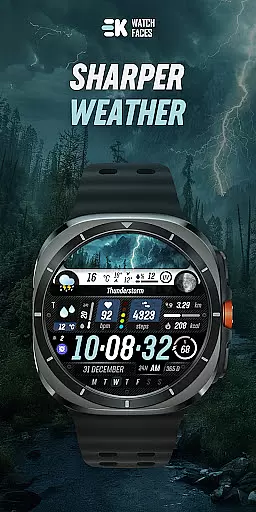
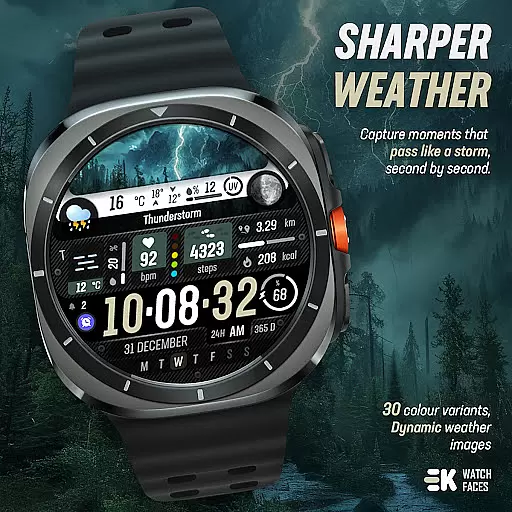
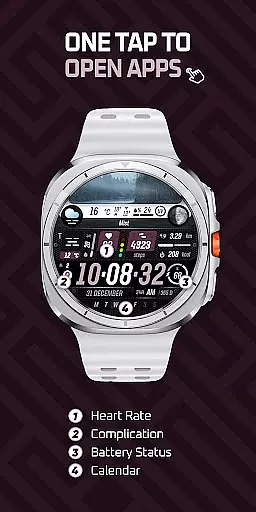
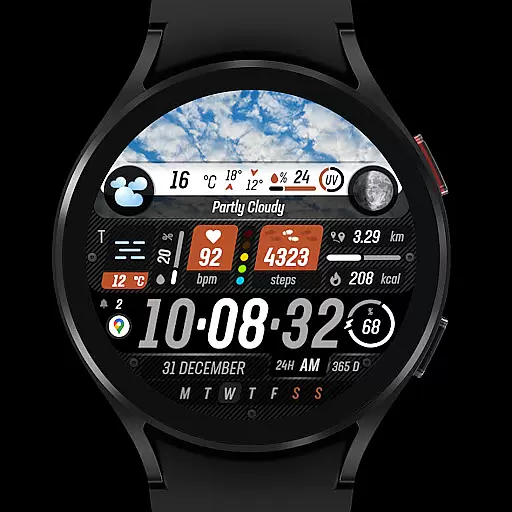
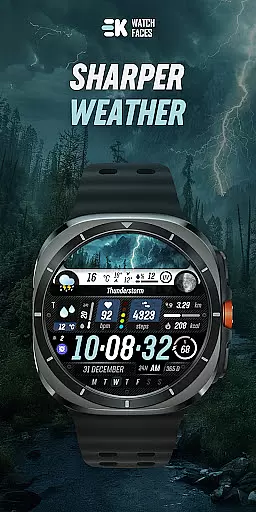
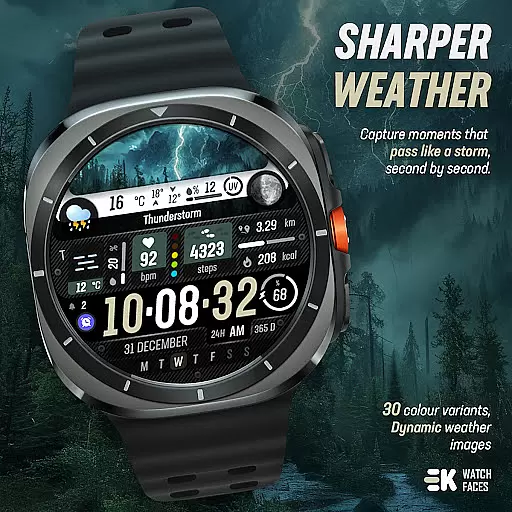
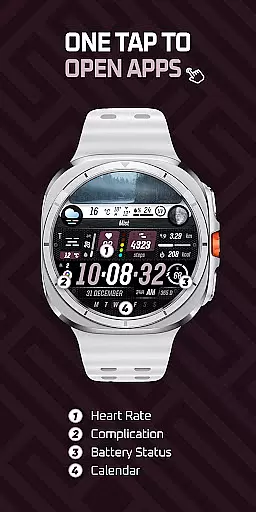
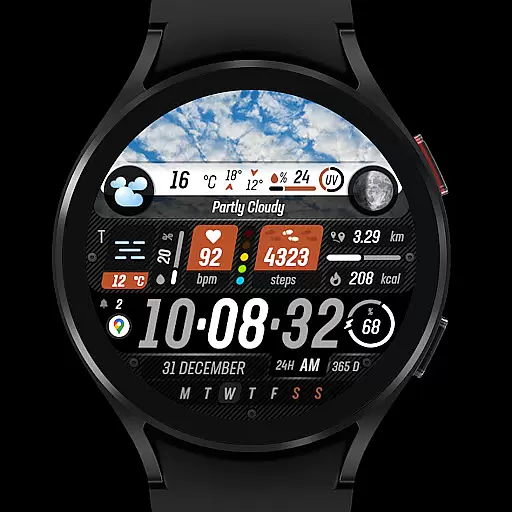
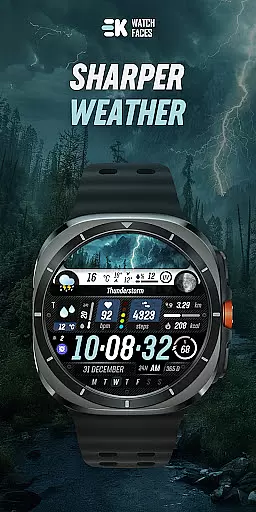
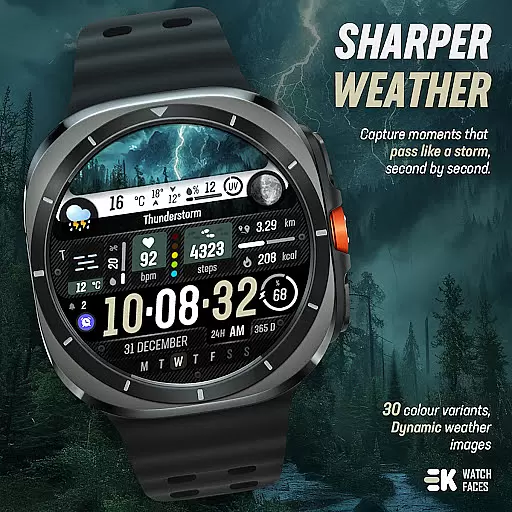
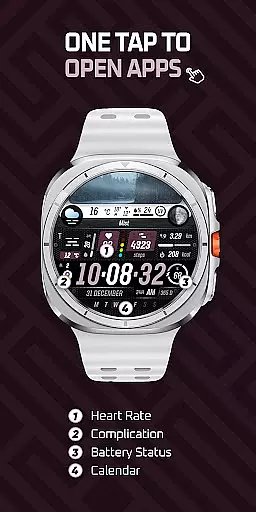
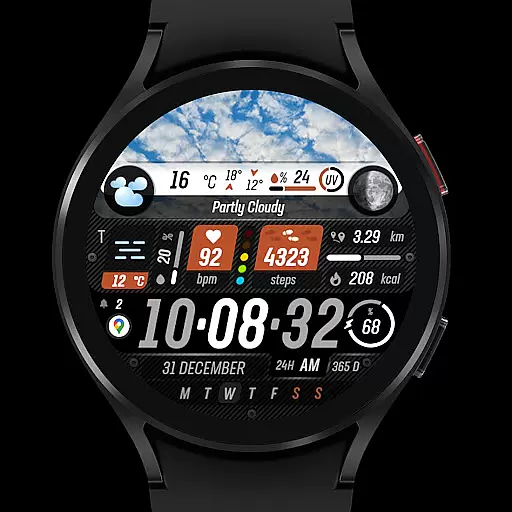
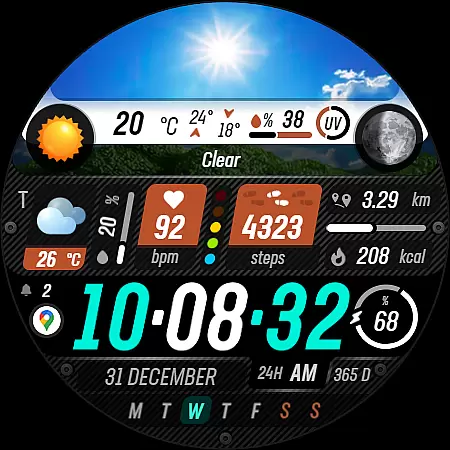
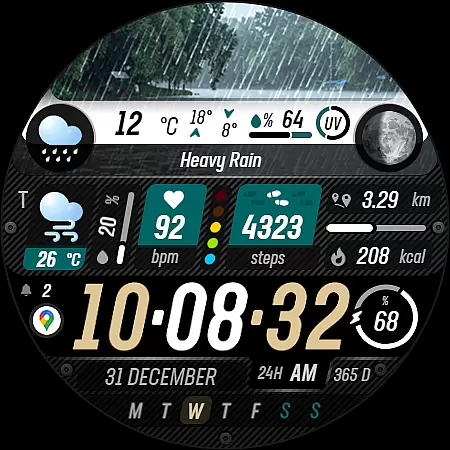
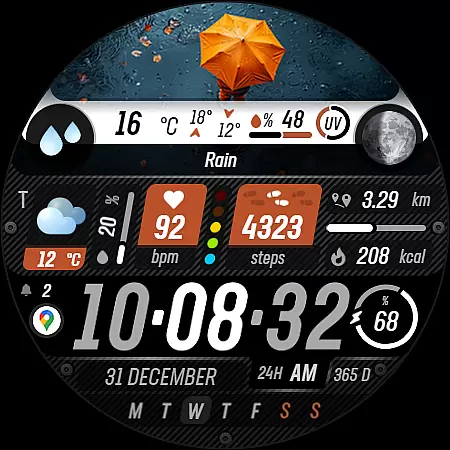
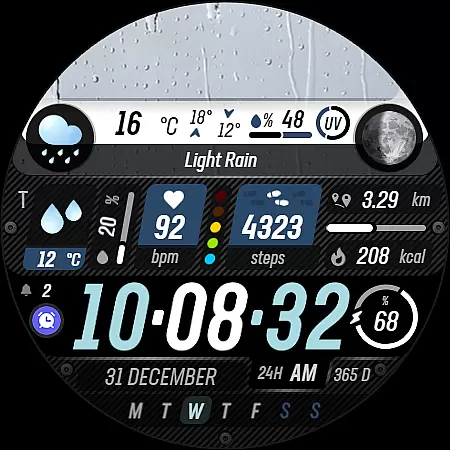
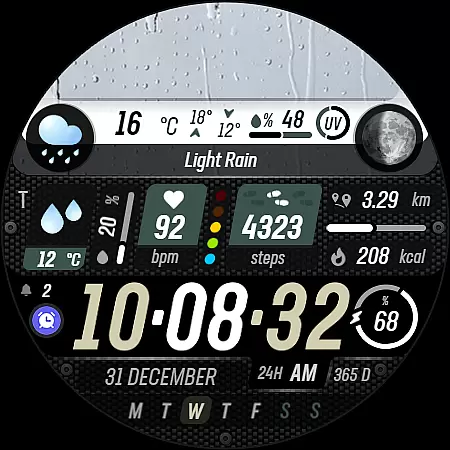
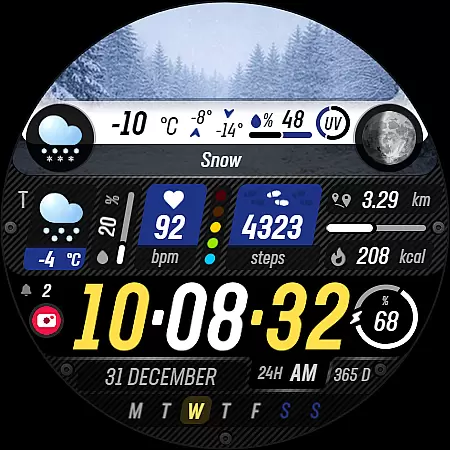
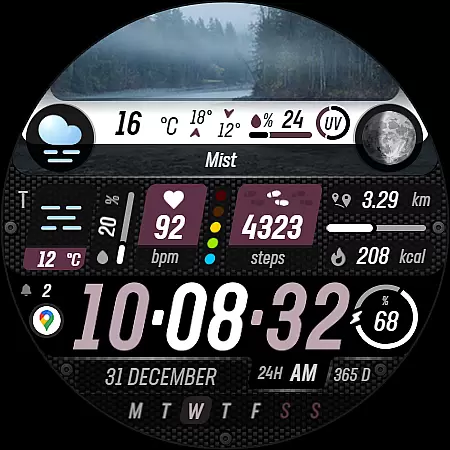
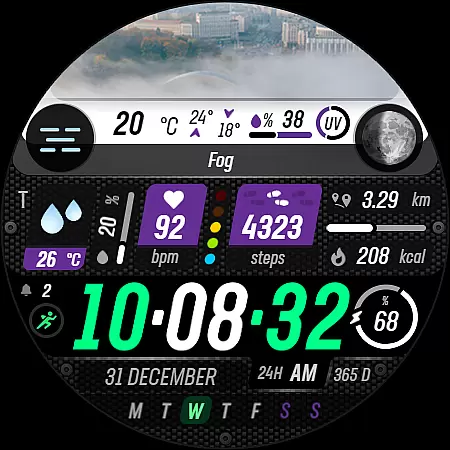
Sharper Weather is a feature-rich watch face designed specifically for Wear OS devices, offering users an enhanced and personalized timekeeping experience. This application provides real-time weather updates with visually appealing graphics that change based on the current weather conditions and time of day.
The app goes beyond basic time display by integrating essential health and fitness tracking features such as step counting, distance measurement, calorie tracking, and heart rate monitoring. Additionally, it offers practical functionalities including calendar notifications, battery status, and customizable shortcuts.
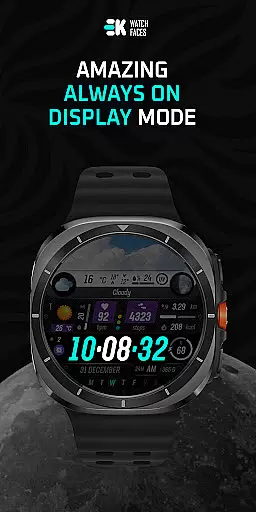
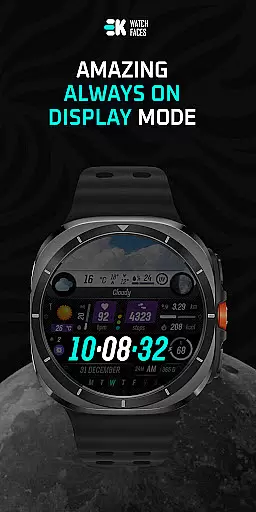
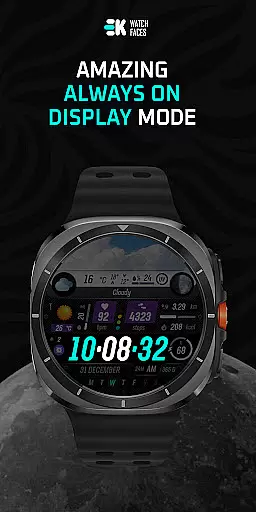
Ideal for users who want both style and substance on their smartwatch, Sharper Weather ensures you stay informed about weather changes while maintaining a sophisticated watch appearance. The always-on display feature makes it particularly useful for quick time checks without needing to wake the device.
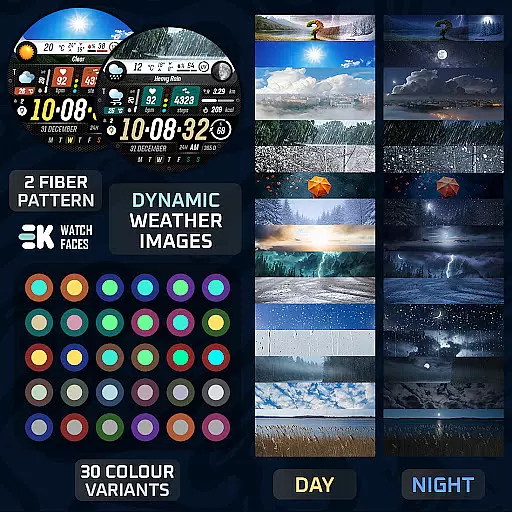
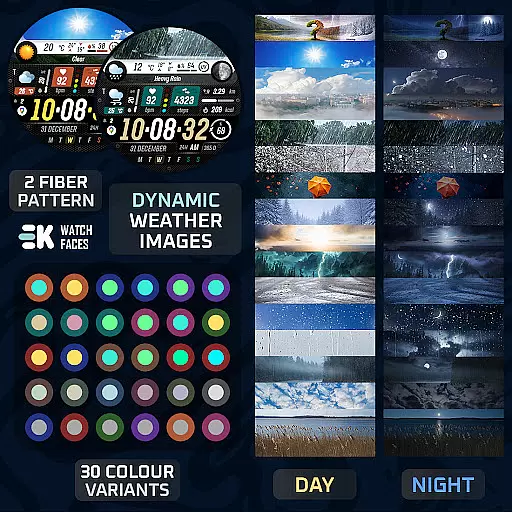
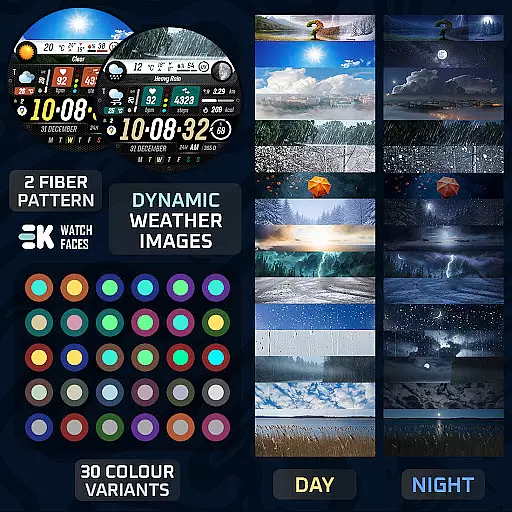
Sharper Weather stands out with its comprehensive weather visualization system. The application displays dynamic weather images that adapt to different conditions and times, providing users with intuitive visual cues about the current weather situation.
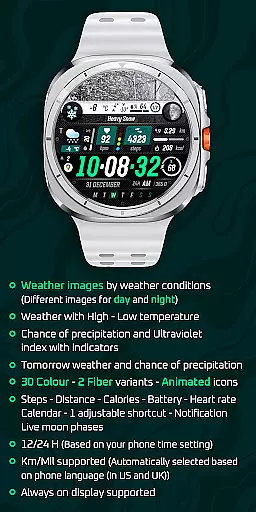
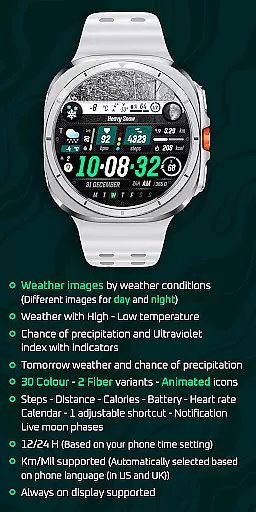
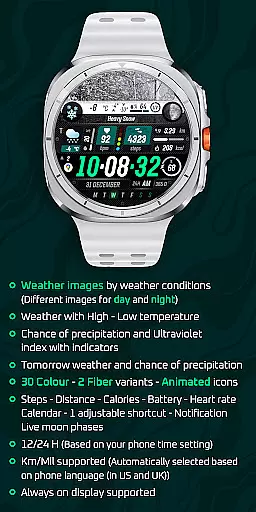
Beyond weather, the watch face incorporates multiple practical features. Users can view their daily activity metrics including steps taken, calories burned, and distance traveled. The application also displays important health indicators like heart rate and offers customizable elements such as adjustable shortcuts and color variants.
What sets Sharper Weather apart is its attention to detail in user customization. With 30 color options, animated icons, and support for both 12-hour and 24-hour formats, users can tailor their watch face to match their personal preferences while enjoying accurate weather forecasts and health tracking capabilities.
Sharper Weather offers an extensive range of customization options that allow users to tailor their Wear OS experience according to personal preferences. With 30 color choices and 2 fiber variants, the watch face can be personalized to match individual style or mood.
The inclusion of animated icons adds a dynamic element to the display, making it not only informative but also visually engaging. Users can choose from different weather images based on conditions throughout the day and night, ensuring that the watch face is as functional as it is stylish.
Beyond aesthetics, Sharper Weather provides practical features such as adjustable shortcuts for quick access to frequently used functions. This level of customization ensures that each user's experience with the watch face is unique and suited to their specific needs.
By offering these diverse customization possibilities, Sharper Weather enhances user engagement and satisfaction by allowing individuals to create a truly personalized wearable device interface.
Theme compatibility is a crucial aspect of any customizable watch face, and Sharper Weather excels in this area. The design integrates seamlessly with various themes due to its versatile color palette and adaptive imagery which adjusts based on time-of-day and weather conditions.
This adaptability extends beyond mere visuals; the watch face supports both 12-hour and 24-hour formats depending on your phoneu2019s settings, ensuring consistency across devices. Additionally, distance measurements are automatically set to either kilometers or miles based on regional language settings, providing further convenience.
For those who value continuity between digital platforms, Sharper Weather maintains theme coherence through social media integration via web links provided for Instagram, Facebook, Twitter, Pinterest, and YouTube channels dedicated to enhancing user interaction.
Ultimately, by prioritizing broad theme compatibility alongside intuitive usability features like always-on display support, Sharper Weather guarantees an optimal viewing experience regardless of environmental factors or personal preferences.
Real-time weather updates
Customizable design options
Comprehensive health tracking
Always-on display functionality
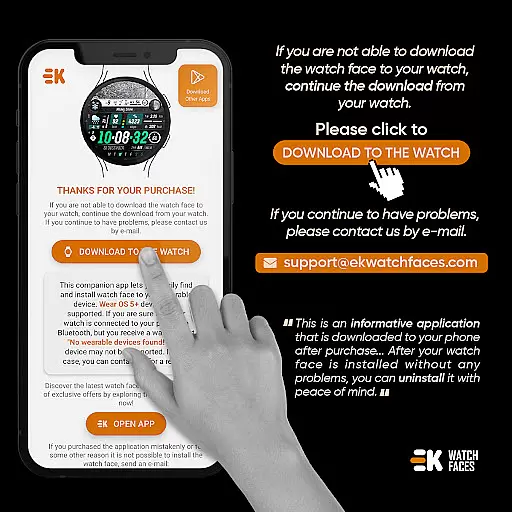
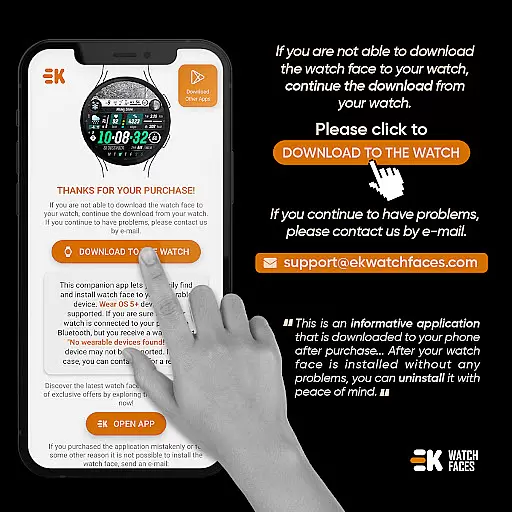
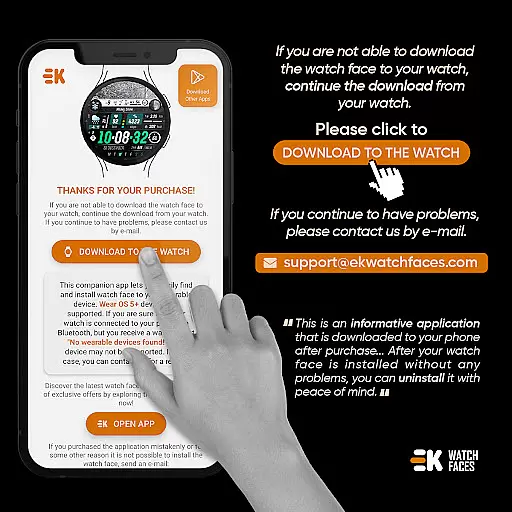
Multiple installation methods
Limited to Wear OS devices
Requires API 34+
Potential installation complexity
Permission management needed
Occasional sync issues

Ninja Turtles Cowabunga SE watch face for Wear OS
 4.50
4.50
Ultimate widget creator. Design custom widgets for a truly unique home screen!
3.90
Try creating your own keyboard with "Keyboard theme for android" app now!
4.50
Customizable screen pets that play, climb, and keep you company.
4.50
App Icon Changer & Shortcut Creator. Customize your icons without any watermarks
4.30
HappyLighting is a Bluetooth lamp control software.
3.40
One 8 icons glass color version
4.80
Handcrafted pixel art icons, widgets & wallpapers
4.60
300+ widgets inspired by Material You and Material 3 expressive design.
4.60
Sparkle your screen with Glitter Wallpapers For Girls and Cute Backgrounds!
4.80
Shimeji adds cute animated characters to your screen, lively and fun.
4.70
350+ widgets with a premium glass-style finish, perfect for home & lock screens.
4.70
Ultra realistic gold analog watch face with lots of customization options.
4.50
Transform your phone with Launcher iOS 26 - Smooth & elegant iOS experience
4.50
The definitive Icon pack maker and editor
4.30
Unique Fonts, typefaces and stylish text. Fonts for Instagram, Whatsapp & others
4.20
Magic fluids wallpaper 4D: Relax with stunning fluid simulation wallpaper app
4.20 4.10
4.10
Turn your lock screen into fun with smile live wallpapers & animated wallpapers!
2.50


User Reviews