
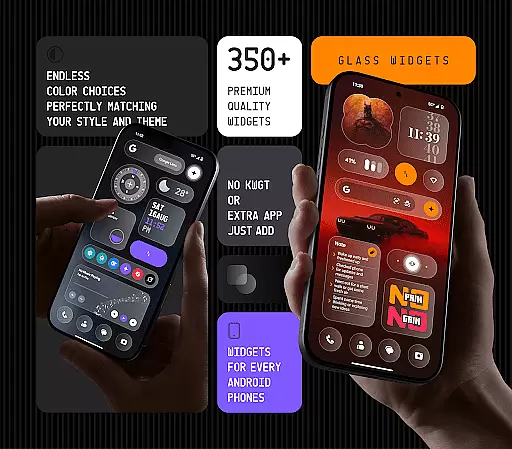
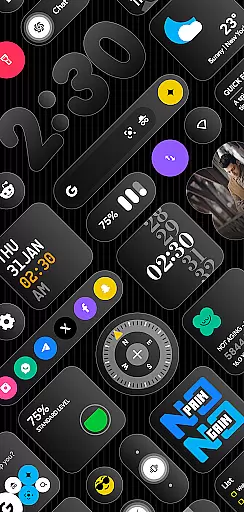
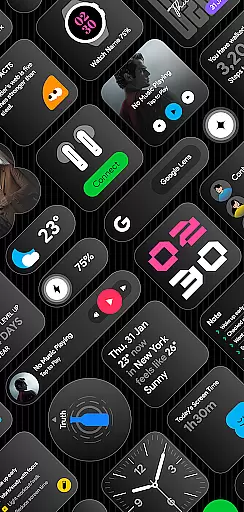
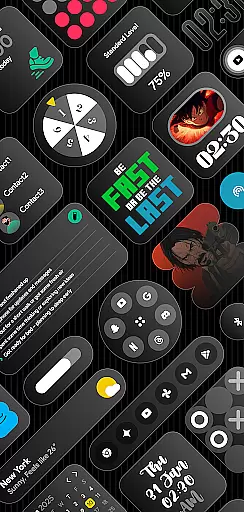
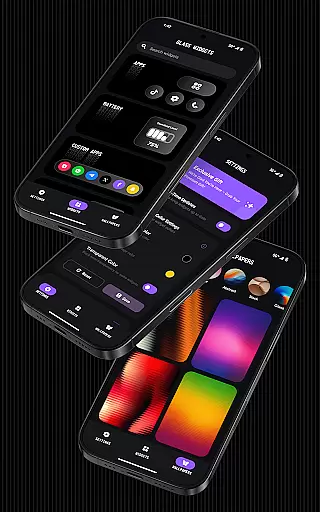
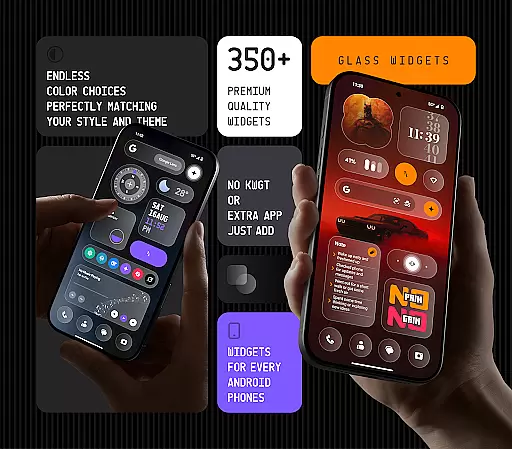
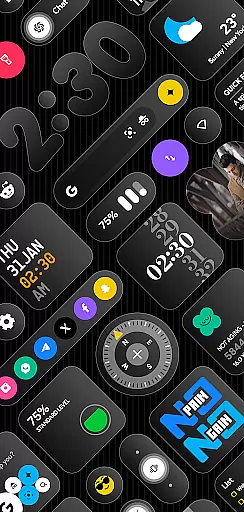
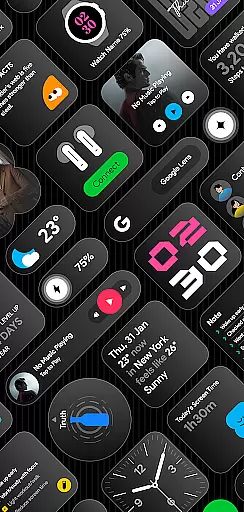
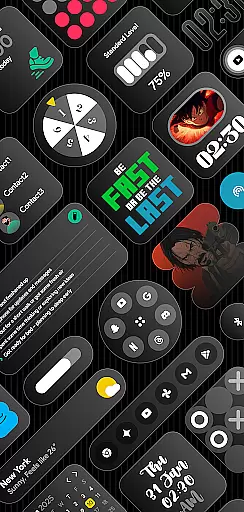
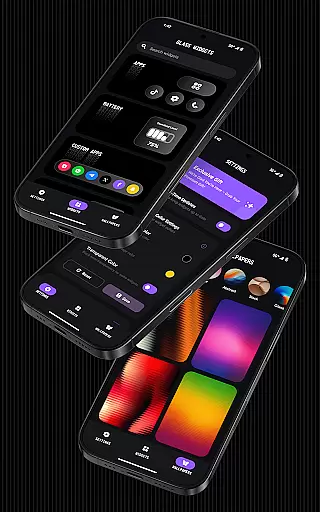
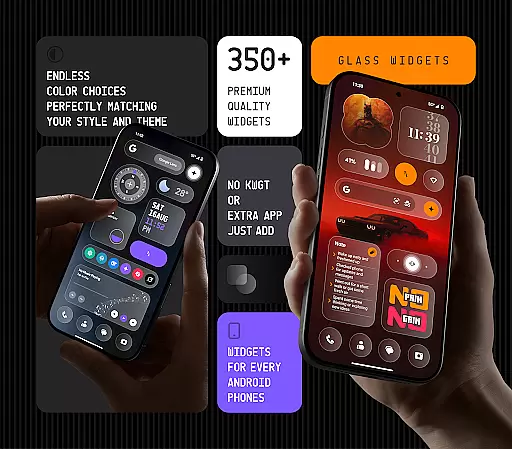
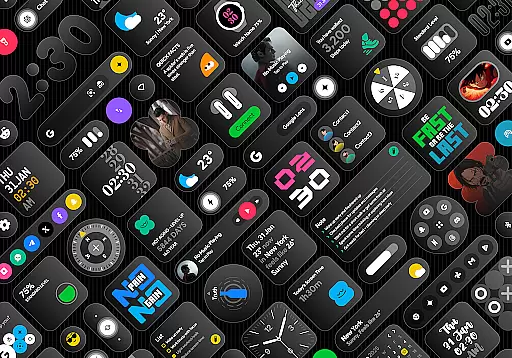
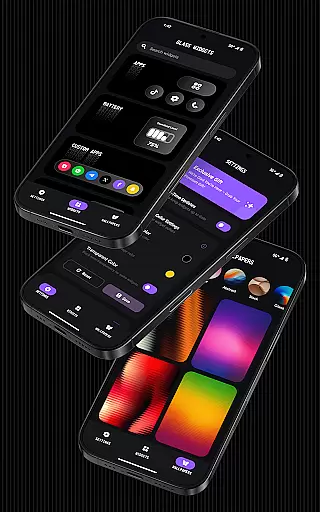
Glass Widgets is a feature-rich personalization app that offers over 350 beautifully designed glass-style widgets compatible with any Android device. These sleek, transparent widgets allow users to upgrade their home screens and lock screens with modern designs including clocks, weather updates, calendars, battery indicators, step counters, quotes, compasses, and more.
The app stands out with its customizable colors, minimalistic yet stylish designs, and support for both home and lock screens. It also includes battery-friendly optimization, regular updates with new widget options, and glass-effect wallpapers that perfectly complement the widgets. This makes it an ideal choice for users seeking a personalized, modern aesthetic on their devices without compromising performance.
Glass Widgets distinguishes itself through its extensive range of features tailored for Android customization enthusiasts. The app provides over 350 widgets with a sleek transparent glass finish, ensuring compatibility with any Android device without requiring additional apps like KWGT. Users can customize widget colors to match their preferences and choose from a variety of designs including minimal, stylish, and personalized options.
A key advantage of Glass Widgets is its dual support for both home screen and lock screen widgets, offering functionalities such as real-time weather updates, photo widgets, calendar events, and quick settings. The app's use of foreground services and exact alarms ensures timely updates across all widget types, maintaining accuracy and responsiveness throughout the day. Additionally, the inclusion of battery-friendly optimization and regular updates with fresh content enhances the overall user experience.
Customization is at the heart of personalizing your digital experience, and Glass Widgets excels in providing a vast array of options to tailor your Android device to your unique style. With over 350 glass-style widgets, this application allows users to modify their home and lock screens with sleek, transparent designs that are both modern and stylish.
The app offers customizable colors for its widgets, ensuring they match your personal aesthetic or device theme effortlessly. Whether you prefer minimalistic designs or more elaborate setups, the huge variety includes clocks, weather updates, calendars, battery indicators, step counters, quotes, compasses, and quick settings, among others. This diversity ensures that every user can find something that resonates with their individual preferences.
Glass Widgets stands out by not requiring any additional applications like KWGT for functionality; it's ready to use immediately after installation. The ability to personalize extends beyond just color choices - users can select from different widget types such as photos, search bars, Google shortcuts, contacts, earbud controls, apps, custom app launchers, watches, games, AI shortcuts, music players, notes & lists, photo frames, quick setting toggles, quote displays, screen time trackers, device information panels, and more.
This level of customization empowers users to create an interface that is not only visually appealing but also practical and reflective of their personality. By integrating seamlessly into any Android environment, Glass Widgets transforms the standard smartphone layout into a personalized dashboard, enhancing both form and function while maintaining a cohesive look across all elements of the user's digital life.
Theme compatibility is crucial for ensuring that widgets not only enhance functionality but also blend seamlessly with the overall aesthetic of a user's device. Glass Widgets addresses this need by offering designs that are minimal, stylish, transparent, and personalized, making them suitable for any theme you might have on your Android device.
The application provides glass-effect wallpapers that complement the widgets perfectly, creating a harmonious and visually pleasing environment. These wallpapers are crafted to match the sleek transparent finish of the widgets, allowing for an integrated look that elevates the entire home screen design.
Moreover, Glass Widgets supports both home and lock screens, which means users can maintain a consistent appearance throughout their device. Whether your preference leans towards a vibrant or subdued palette, these widgets adapt to fit right in, preserving the integrity of your chosen theme while adding layers of utility and personal flair.
By focusing on compatibility with various themes, Glass Widgets ensures that every element on your screen works together cohesively. This attention to detail guarantees that no matter how often you change your deviceu2019s look, the widgets will always appear as if they were specifically designed for it, providing both beauty and practicality without compromise.
User-friendly interface
Extensive widget variety
Customizable designs
Battery-efficient performance
Regular feature updates
Premium version required
Occasional update delays
Limited iOS support
Advanced settings may overwhelm
Foreground service notifications

A Colorful and Minimal icon pack in an Outline Style - Over 13,600 icons!
 4.70
4.70
A light in the dark, a unique style and an andless cutomization!
4.30
Beautiful realistic hybrid watch face with numerous customization options.
4.50
More than 3000+ themes and 9000+ wallpapers for everybody!
4.10
Your go to Weather App & Home Screen. Get your weather at a swipe of a finger!
3.80
200+ Material Inspired Widgets
4.50
Create unique, fun emojis with Funny Emoji Maker! Unlimited creativity!
4.00
Magic fluids wallpaper 4D: Relax with stunning fluid simulation wallpaper app
4.20
Create stunning widgets with Widget 2026: Aesthetic Widgets for Android!
4.60
Winter's Journey: digital watch face for Galaxy Watch & Wear OS
4.80
Stunningly Different look with Line Icons and Neon Colors
4.60
Ultra realistic high quality analog watch face for Wear OS.
4.60
Ultimate Gallery Lock App - Hide Pictures, Videos and Lock Apps Instantly!
4.60
Handcrafted pixel art icons, widgets & wallpapers
4.60 4.50
4.50
App Icon Changer & Shortcut Creator. Customize your icons without any watermarks
4.30
Organize and manage your photos and videos effortlessly with Photo Gallery
4.20
Design your screen with unique, vibrant clocks
3.80
Capture moments that pass like a storm, second by second.
4.5


User Reviews