
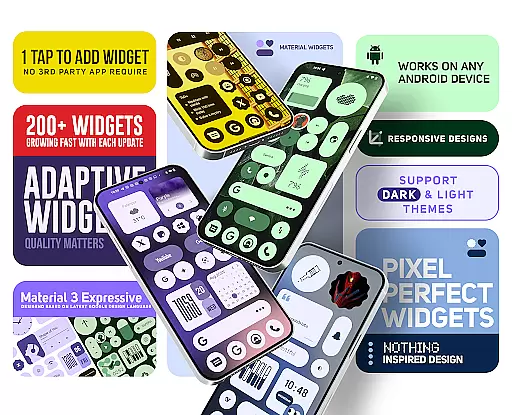
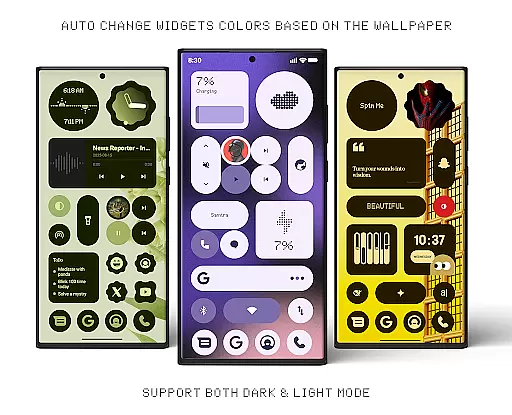
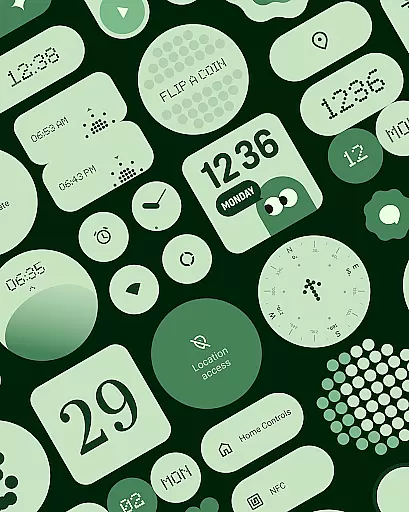
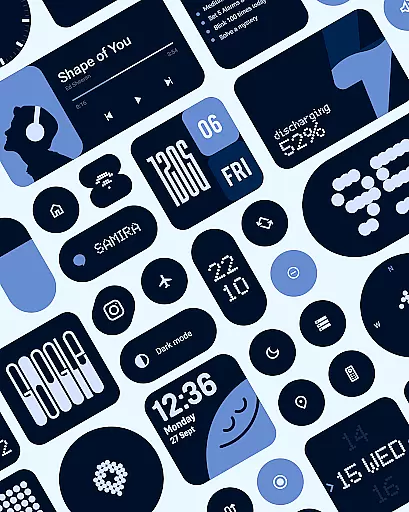
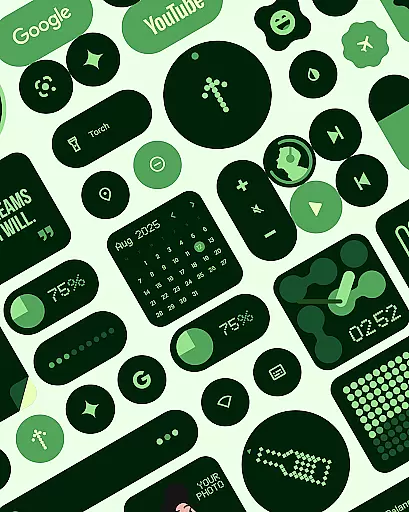
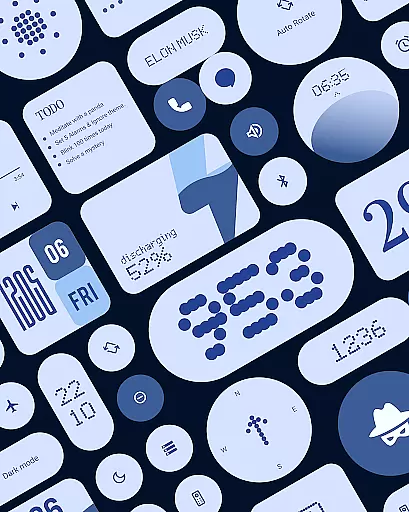
Material Widgets is a personalization app that brings Google's Material 3 design to your home screen. With over 200 widgets, it offers dynamic theming that adapts to your wallpaper and system colors, ensuring a fresh and personalized look.
The app provides a variety of widget types including clocks, calendars, weather, and quick settings, all resizable and adaptive. It eliminates the need for third-party apps, allowing users to customize their home screens natively and effortlessly.
Perfect for those who value aesthetics and functionality, Material Widgets enhances user experience by combining practicality with modern design principles.
One of the standout features of Material Widgets is its native functionality. Unlike other widget packs, it doesn't require additional apps like KWGT, making the setup process seamless and straightforward.
Each widget is crafted following Google’s Material 3 guidelines, featuring modern shapes, bold typography, and dynamic theming. The widgets are fully resizable, offering flexibility in layout customization from compact sizes to full-screen displays.
In addition to its extensive widget library, the app includes 100+ Material You-inspired wallpapers, ensuring a cohesive and stylish home screen setup that complements the widgets perfectly.
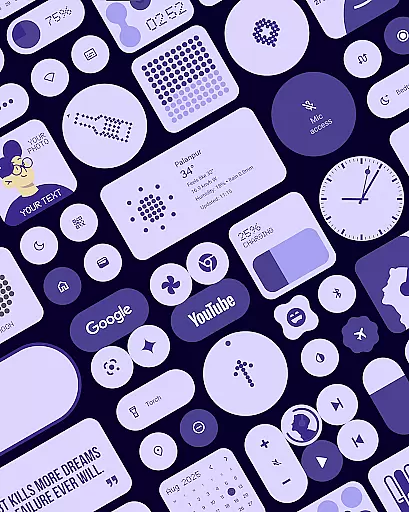
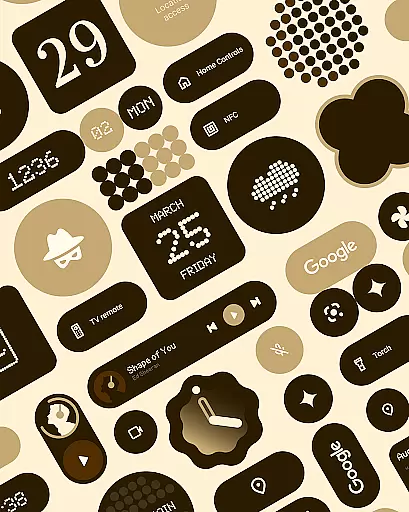
Material Widgets offers an extensive range of customization options that allow users to personalize their home screens like never before. With over 200 widgets available, the app covers various categories including Clock & Calendar, Battery indicators, Weather forecasts, and even Quick Settings controls.
Each widget is designed with Googleu2019s Material 3 expressive design guidelines, ensuring modern shapes, bold typography, and dynamic theming. These widgets adapt seamlessly to both dark and light modes, providing a fresh and dynamic feel that matches your system colors and wallpaper automatically.
The beauty of this app lies in its simplicity and native functionality. Users can tap and add widgets without needing any third-party apps like KWGT. The ability to resize and adjust widgets gives complete control over the home screen setup, making it not just personalized but also optimized for individual preferences.
Theme compatibility is at the heart of Material Widgets, ensuring that every widget harmonizes perfectly with your device's existing themes and wallpapers. This app takes personalization a step further by adapting its colors dynamically to match your wallpaper, offering a cohesive look that feels uniquely yours.
Included in the app are 100+ Material You-inspired wallpapers that pair beautifully with the widgets. These wallpapers enhance the overall aesthetic and ensure that whether you prefer vibrant colors or minimalistic designs, there's something that suits your style.
Moreover, Material Widgets supports both dark and light modes effortlessly. This ensures that no matter what theme you choose, the widgets will adjust accordingly, maintaining visual consistency and comfort. Such seamless integration makes it an ideal choice for users who value both form and function in their mobile experience.
User-friendly interface
Dynamic theming options
Wide range of widget types
No third-party app dependencies
Frequent updates and new widgets
Limited to Android devices
Design might not appeal to everyone
Some widgets may lack advanced features
Requires manual updates
Premium version needed for full access

Customizable Glass widgets. Over 360+ stunning widgets and more!
 4.70
4.70
Themes - Widget & Wallpaper: Customize home screen, icon changer w unique themes
4.30
Unique Android Launcher
4.60
Zip lock screen with magic wallpaper to decorate your phone with fun zipper lock
4.60 4.50
4.50
One 8 icons glass color version
4.80
Handcrafted pixel art icons, widgets & wallpapers
4.60
A minimalist productivity launcher. One-hand-friendly. Zero ads.
4.70
set a new experience for the Android mobile phone
4.20
Enjoy a variety of amazing live wallpapers and colorful EDGE lighting borders!
4.80
Want to make your phone more special than ever?
4.60
Ultra realistic gold analog watch face with lots of customization options.
4.50 4.50
4.50
Adult video chat, dating, making friends, random matching
4.20
Unique Fonts, typefaces and stylish text. Fonts for Instagram, Whatsapp & others
4.20
More than 3000+ themes and 9000+ wallpapers for everybody!
4.10 4.10
4.10
Crystal-clear, square icon provides a sleek and sophisticated visual upgrade
4.00
Design your screen with unique, vibrant clocks
3.80


User Reviews