
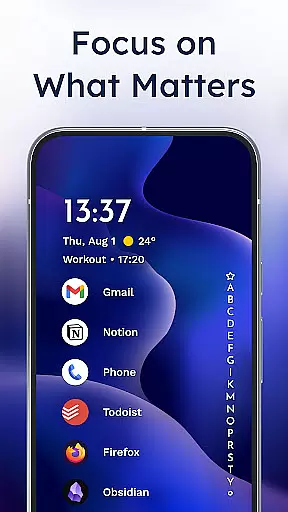
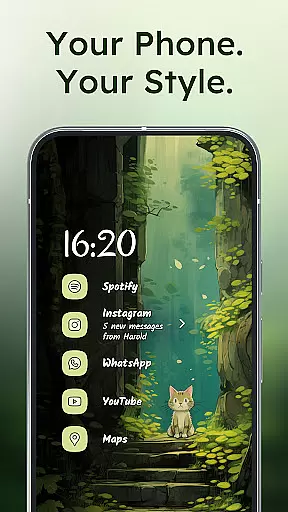
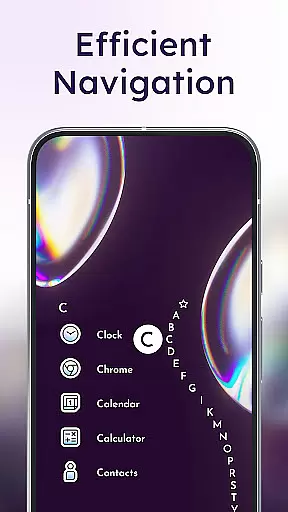
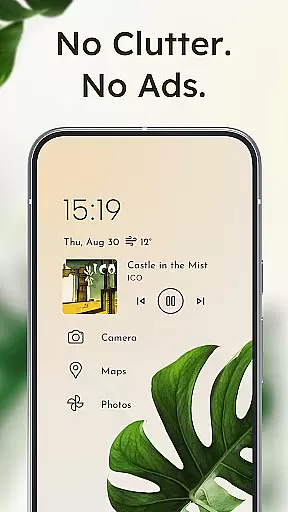
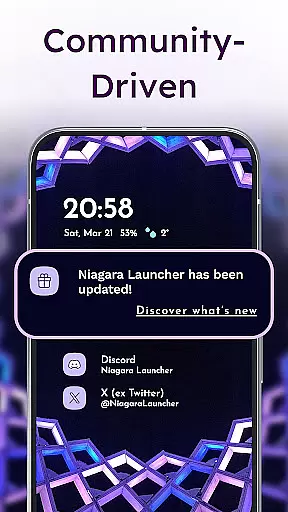
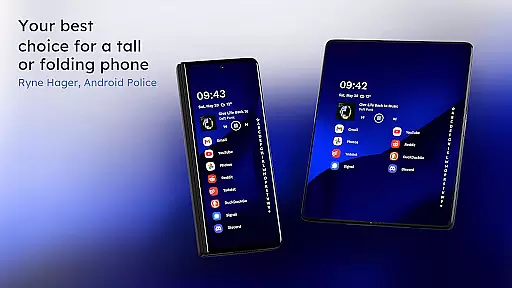
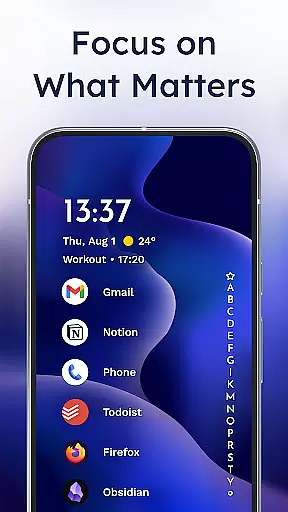
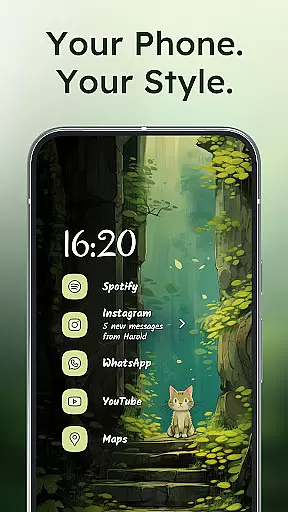
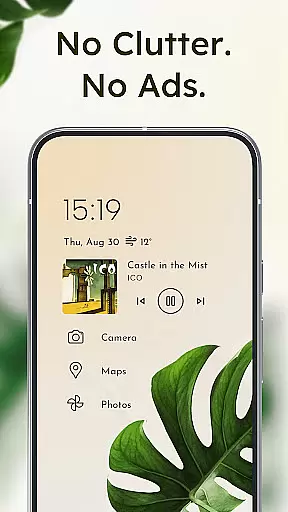
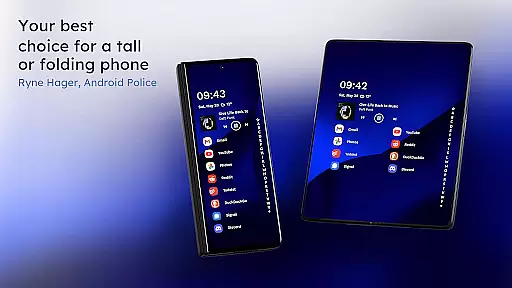
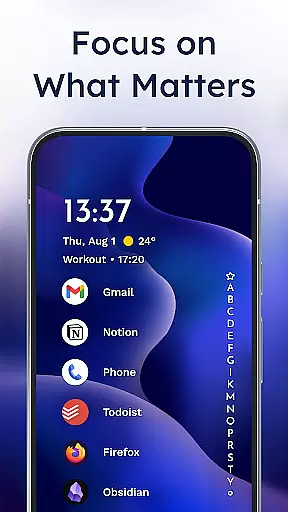
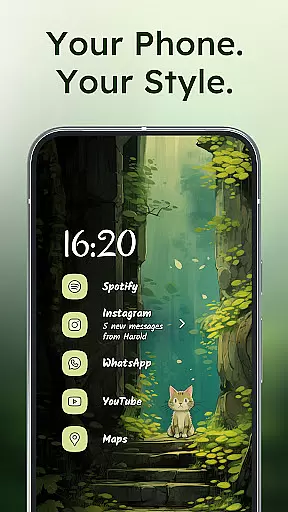
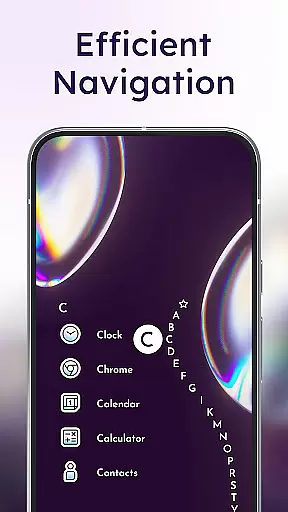
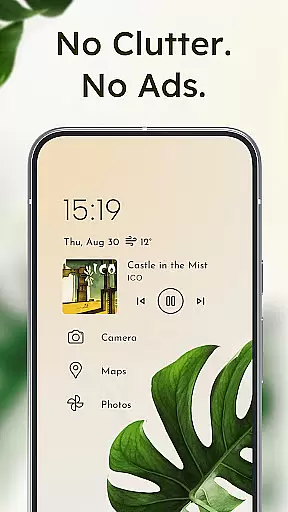
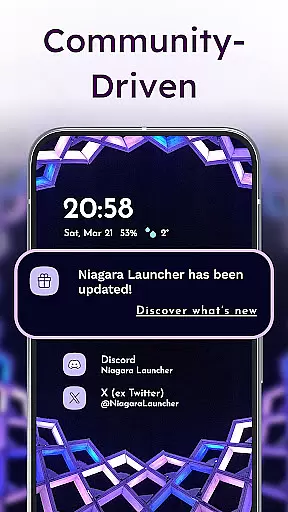
Niagara Launcher is a minimalist home screen app designed to make smartphone navigation more efficient and user-friendly. Unlike traditional launchers, Niagara focuses on one-handed usability regardless of phone size. The launcher features an adaptive list layout that dynamically displays important information like media controls, messages, and calendar events when needed.
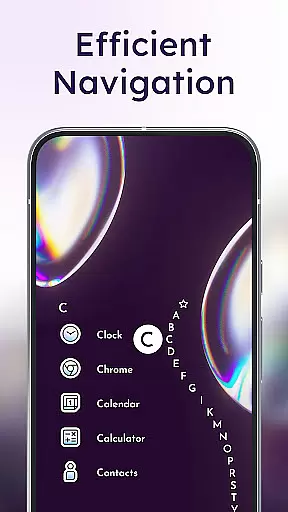
One of the standout features is the wave alphabet navigation, which allows users to reach any app without opening an app drawer. The interface also includes embedded notifications, enabling users to read and respond to alerts directly from the home screen. With its streamlined design, the launcher reduces distractions while maintaining essential functionality. It is completely ad-free, even in the free version, and optimized for performance, making it lightweight and fast on all devices.
Niagara Launcher offers several innovative features that set it apart from other Android launchers. Its adaptive list layout replaces the traditional grid system, allowing elements such as media players, incoming messages, and calendar events to appear contextually. This ensures that only relevant information is displayed at any given time, enhancing focus and usability.
The launcher also incorporates Material You Theming, which automatically adjusts the home screen's appearance based on the user's wallpaper. This feature brings a personalized touch to the device’s aesthetics. Additionally, Niagara provides extensive customization options, including icon packs, fonts, and wallpapers, allowing users to tailor their experience. Embedded notifications further enhance convenience by letting users interact with alerts directly from the home screen, streamlining multitasking and daily usage.
Niagara Launcher offers a rich array of customization options that allow users to tailor their home screen experience to their personal preferences. With features like an integrated icon pack, various fonts, and customizable wallpapers, the launcher ensures that your Android device truly reflects your style.
The adaptive list layout is a standout feature, providing dynamic space for essential functions such as media controls, messages, and calendar events. This flexibility ensures that the most relevant information is always at your fingertips, adapting seamlessly to your daily needs.
Moreover, Niagara Launcher embraces Material You Theming, bringing Android's expressive design system to all users regardless of their device's Android version. This means your home screen can automatically theme around your chosen wallpaper, creating a cohesive and personalized visual experience.
By offering these diverse customization options, Niagara Launcher empowers users to create a home screen that is not only functional but also a true extension of their personality, enhancing both usability and aesthetic appeal.
Theme compatibility in Niagara Launcher is exceptional, thanks to its adoption of Material You Theming. This design system allows for deep integration with your deviceu2019s existing themes, ensuring a harmonious and visually pleasing experience across your Android device.
Users can enjoy automatic theming that responds to their selected wallpaper, making it simple to achieve a customized look without manual adjustments. This intelligent theming extends throughout the launcher, affecting icons, fonts, and other UI elements to maintain consistency and elegance.
In addition to automated theming, Niagara Launcher provides manual customization options. Users can select from various built-in themes or import their own, giving full control over the appearance of their home screen while maintaining compatibility with broader system themes.
This blend of automated and manual theme management ensures that whether you prefer a minimalist design or something more vibrant, Niagara Launcher supports your vision, delivering a personalized yet compatible theme experience.
User-friendly interface
Adaptive list layout
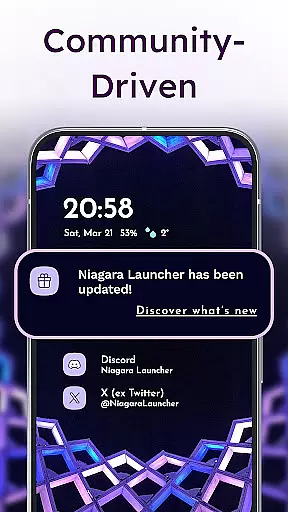
Embedded notifications
Lightweight performance
Customizable design
Limited widget support
No default Google integration
Fewer animations
Basic icon pack
Small community

A light in the dark, a unique style and an andless cutomization!
 4.30
4.30
A retro cartoon style watch face and a punch right in the face of the copyright
4.60
Bring adorable pets to life on your screen. Playful, interactive and full of fun
4.60
App Icon Changer & Shortcut Creator. Customize your icons without any watermarks
4.30 4.50
4.50
Vibrant Adaptive Icons with Material You and Enhanced Monet Colors.
4.50
Choose your keyboard with RGB colors effect, themes, fonts, emojis.
4.60
Handcrafted pixel art icons, widgets & wallpapers
4.60
Create stunning widgets with Widget 2026: Aesthetic Widgets for Android!
4.60
Only for Wear OS devices!
4.90
Sparkle your screen with Glitter Wallpapers For Girls and Cute Backgrounds!
4.80
Nothing Icon pack with more than 3750+ highly crafted icons.
4.70
Stunningly Different look with Line Icons and Neon Colors
4.60
Try creating your own keyboard with "Keyboard theme for android" app now!
4.50 4.50
4.50
Art & Emoji Keyboard with Cool Fonts, Cute Themes and Custom Designs.
4.40
Run multiple accounts of the same app on a single device
4.10
Emoji Maker app - Design custom emojis and effortlessly blend them with Mixer
3.80
HappyLighting is a Bluetooth lamp control software.
3.40


User Reviews