
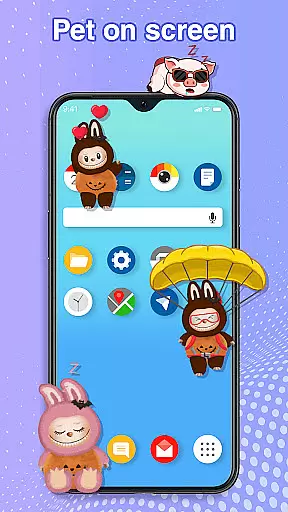
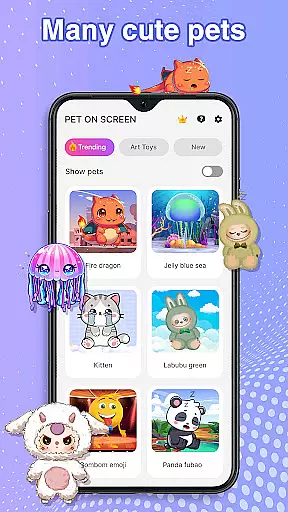
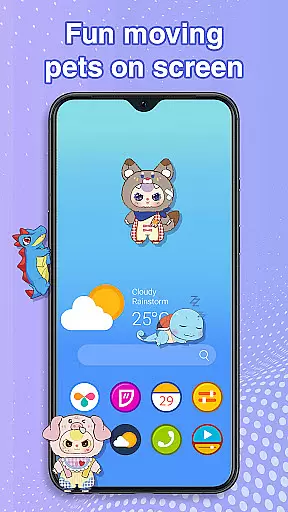
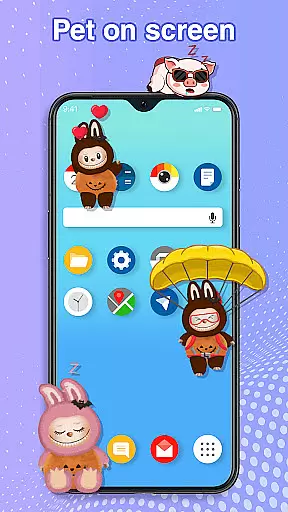
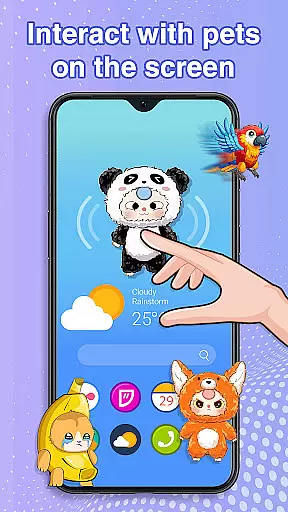
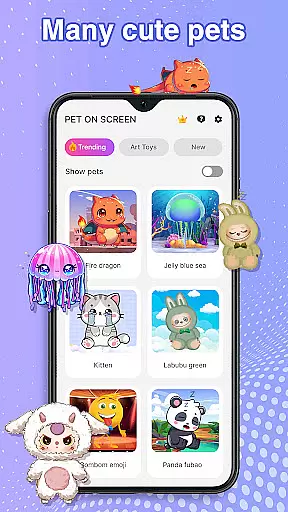
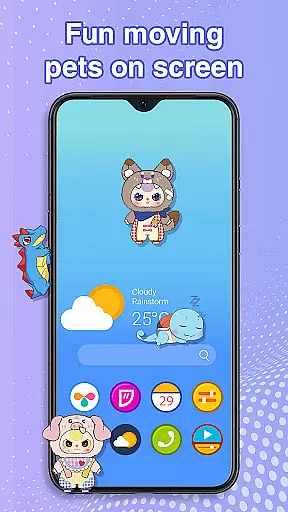
Pet On Screen - Desktop Pet is a delightful personalization app that brings charming virtual pets to your mobile screen. With an extensive collection of unique and colorful creatures, this app allows users to customize their phone experience with playful companions such as Jellyfish, Fire Dragon, Labubu, Panda, Turtle, and Parrot.
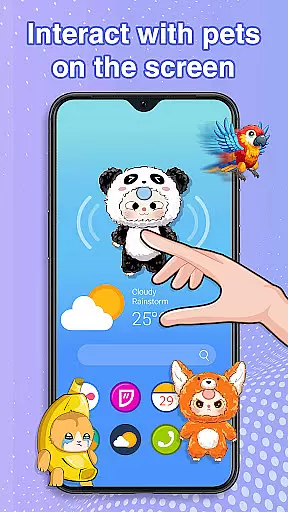
The app offers interactive features like drag-and-drop functionality, tap responses, and pet care options, making it engaging for users who want a lively phone interface. These virtual pets move around the screen, respond to touch, and can be adjusted in size and speed, providing endless entertainment while maintaining smooth device performance.
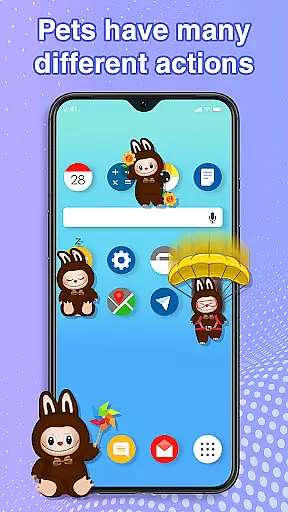
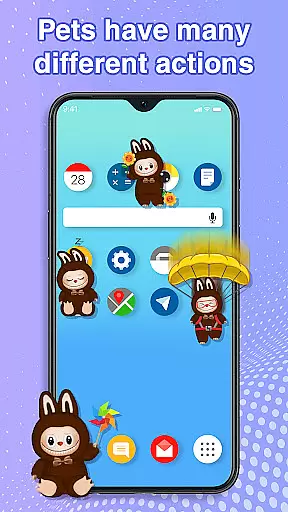
This personalization app stands out with its diverse range of interactive pets. Each pet has unique animations and behaviors, responding to user interactions through taps and movements across the screen. The ability to freely drag and position pets allows for complete customization of the mobile environment.
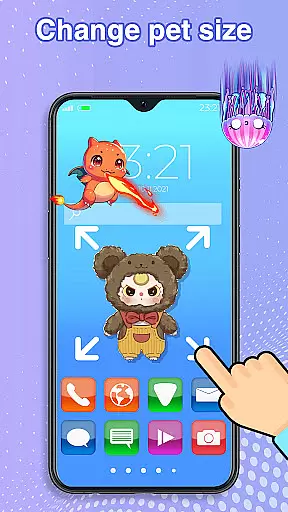
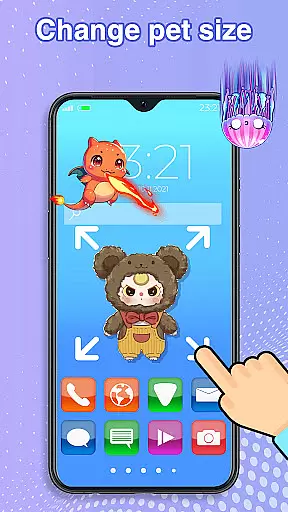
Users can adjust settings such as pet size and movement speed, ensuring their virtual companion fits perfectly with their device usage. The app's accessibility permission enables drawing on the home screen and status bar without compromising privacy or collecting user data, making it both functional and secure.
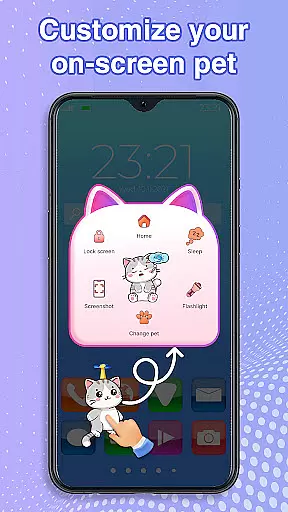
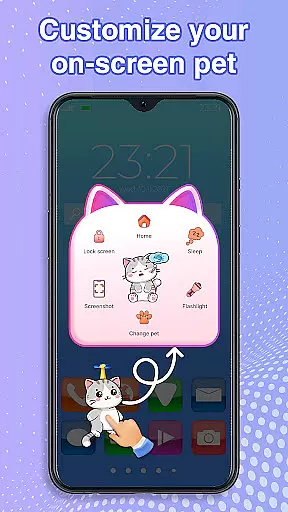
Customization is at the heart of Pet On Screen - Desktop Pet, allowing users to tailor their experience to their personal preferences. With a diverse array of pets available, each bringing its unique charm and personality, users can select companions that resonate with their mood or style.
The app goes beyond just choosing pets; it offers extensive control over how these digital companions behave and appear on your screen. You have the freedom to adjust the size of your pets, ensuring they fit perfectly into your digital environment whether you prefer them subtly in the background or as prominent features on your display.
Moreover, the ability to modify movement speed adds another layer of personalization, letting you dictate the pace at which your chosen pet meanders across your screen. This feature ensures that interactions remain fresh and engaging, adapting to both leisurely browsing sessions and more focused work periods.
Ultimately, this level of customization empowers users to create a personalized mobile ecosystem that reflects their individuality while providing endless entertainment through delightful interactions with their virtual companions.
Pet On Screen - Desktop Pet excels in theme compatibility, seamlessly integrating with various device themes to enhance user experience without disrupting the visual harmony of your smartphone's interface. Whether you're using a light, dark, or custom-designed theme, these digital pets adapt effortlessly, maintaining visual consistency and charm.
This compatibility extends beyond mere aesthetics; it ensures smooth performance regardless of the underlying theme settings. Users won't experience lag or graphical glitches when switching between different themes or adjusting display settings u2013 a testament to the appu2019s robust design and attention to detail.
Furthermore, the app respects user preferences by allowing pets to interact naturally within any thematic environment. From vibrant parrots adding bursts of color against muted backgrounds to serene jellyfish complementing minimalist designs, every pet enhances rather than detracts from your chosen aesthetic.
By prioritizing theme compatibility, Pet On Screen - Desktop Pet guarantees an uninterrupted and visually pleasing experience, making it an ideal addition for those looking to infuse personality into their devices while preserving functional integrity and design coherence.
User-friendly interface
Wide variety of pets
Interactive features
Customizable settings
Smooth performance
Limited to Android
Requires permissions
Potential battery drain
No iOS version
Basic free options

Make your phone look simple & luxury, like iDevice
 4.60
4.60
Sparkle your screen with Glitter Wallpapers For Girls and Cute Backgrounds!
4.80
Turn text & photos into stunning AI videos, art, and creative visual stories.
4.50 3.50
3.50
Organize and manage your photos and videos effortlessly with Photo Gallery
4.20
Design your screen with unique, vibrant clocks
3.80
set a new experience for the Android mobile phone
4.20
Customize phone with anime themes, 3D icons, aesthetic widgets & wallpapers
4.80
Your home screen, just the way you like it.
3.80
Vertically oriented rectangular icons
4.70
Ultra realistic high quality analog watch face for Wear OS.
4.60
Aesthetic Widgets, HD Wallpapers, Themes in Mico Widget for Home and Lock Screen
4.50
Color phone with cool effects for call screen, flash alert & ringtones music
4.50
Fingerprint Lock Screen & Live Animations with 4K Wallpapers as Live Wallpaper
4.40
Art & Emoji Keyboard with Cool Fonts, Cute Themes and Custom Designs.
4.40
App Icon Changer & Shortcut Creator. Customize your icons without any watermarks
4.30
Unique Fonts, typefaces and stylish text. Fonts for Instagram, Whatsapp & others
4.20
Customizable flower power digital watch face for Wear OS watches.
4.00
Emoji Maker app - Design custom emojis and effortlessly blend them with Mixer
3.80


User Reviews