![[69D] Flower Power 2](https://cdn.linksharehub.com/ocp/?u=https%3A%2F%2Fl3.fancapitalize.com%2Fimages%2F2026%2F01%2F30be00ee5291322ca1457971b823f572.jpg&t=webp)
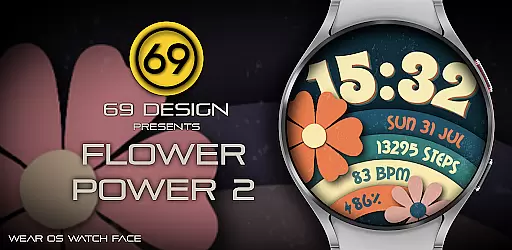
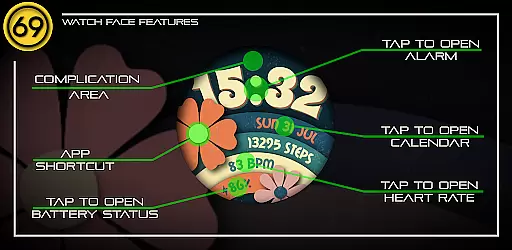
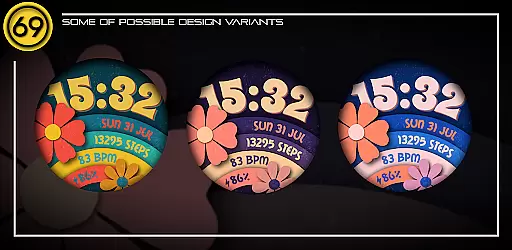
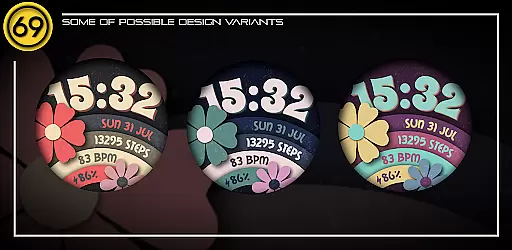
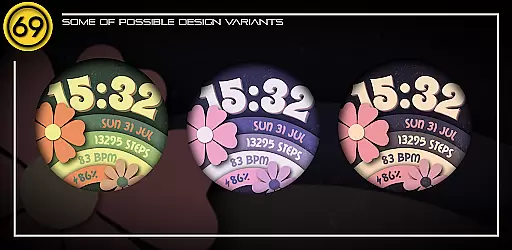
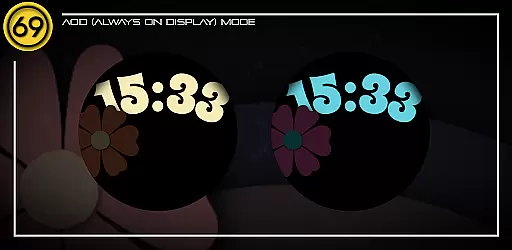
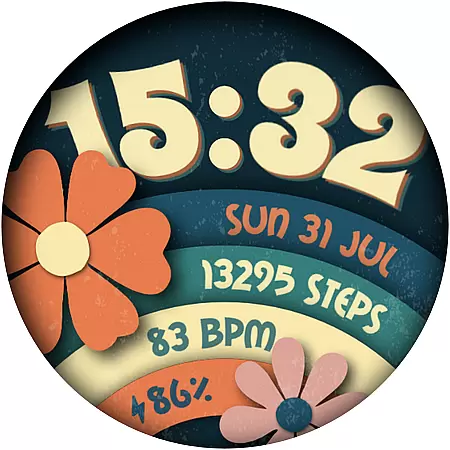
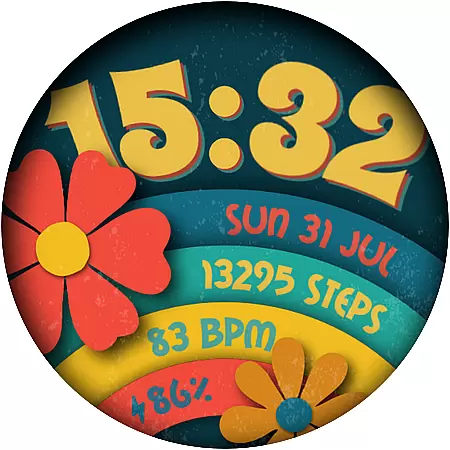
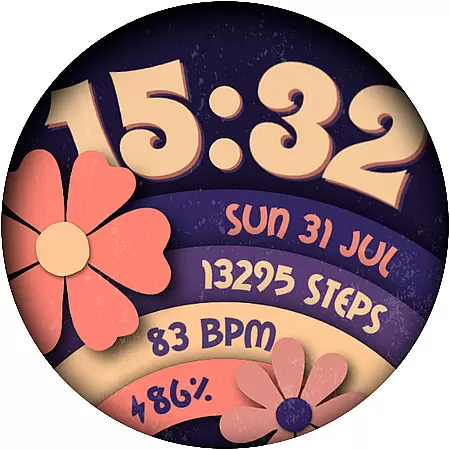
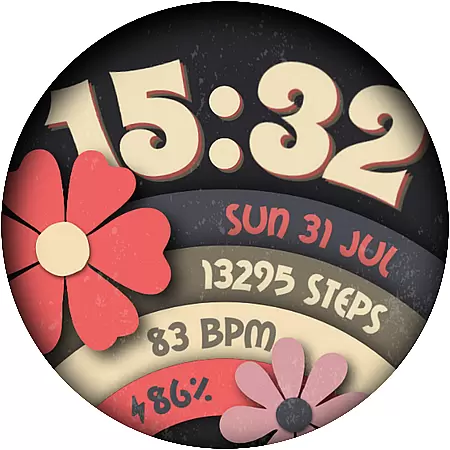
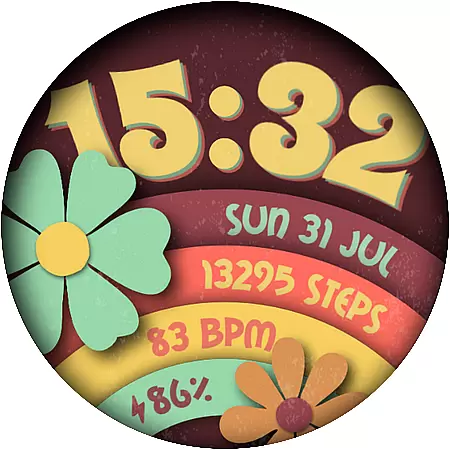
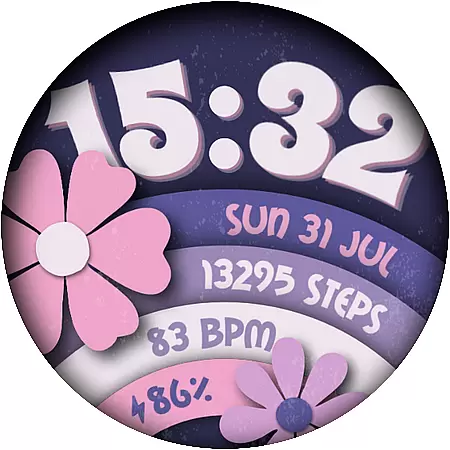
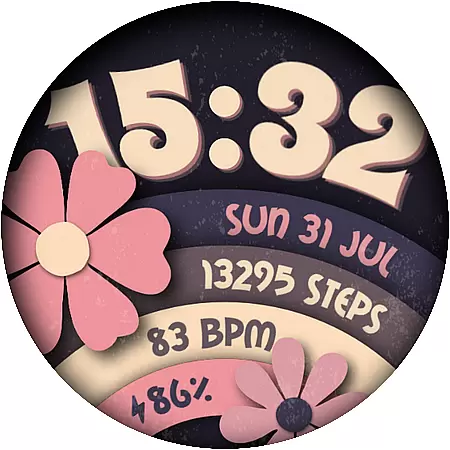
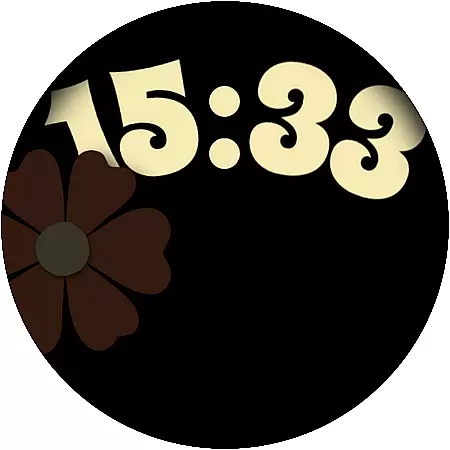
Flower Power 2 is a customizable digital watch face designed specifically for Wear OS devices. This application allows users to personalize their smartwatch display with a variety of selectable elements, making it a unique accessory for every individual. With over 20 color combinations and features such as battery level, steps count, date, and more, this watch face offers countless design possibilities.
The app supports both 12 and 24-hour time formats and includes an application shortcut and a complication area for additional functionality. Whether you want a minimalist look or something vibrant and full of information, Flower Power 2 can be tailored to match your style. It's important to note that some features may vary depending on the specific Wear OS device you are using.
Optimized for newer devices with the latest Wear OS software, Flower Power 2 ensures a smooth user experience. Users should follow the provided instructions for configuring the watch face and select their watch device from the 'INSTALL' drop-down menu for proper installation. For any issues, customers are encouraged to visit the provided web link rather than using the Google Play app directly.
Flower Power 2 stands out with its rich set of features that cater to personalization enthusiasts. The app provides up to 20 different color combinations, allowing users to choose a palette that best reflects their personality or mood. Each element on the watch face, including battery level indicators, step counters, and date displays, can be customized to create a truly unique visual experience.
Functionality is not sacrificed for aesthetics, as Flower Power 2 includes practical features like an application shortcut which gives quick access to frequently used apps. Additionally, there is support for both 12 and 24-hour time formats, catering to user preferences worldwide. A dedicated complication area further enhances utility by displaying relevant information at a glance.
Compatibility is key, and Flower Power 2 works seamlessly with most Wear OS devices while delivering optimal performance on newer models. Some advanced functionalities might depend on the availability of certain apps on your particular device. To assist users in setting up their perfect watch face, graphic instructions are included within the app's description page.
Customization is at the heart of [69D] Flower Power 2, allowing users to tailor their Wear OS watch face to match their personal style. With 20 color combinations available, this app ensures that your watch face is as unique as you are.
The app provides a range of customizable elements including battery level display, application shortcuts, and the choice between 12/24 hour time formats. These features give users control over both aesthetics and functionality, ensuring that the most important information is always at hand.
Additionally, users can track their daily steps and view the date directly from their watch face. The inclusion of a complication area further enhances personalization by integrating with other apps and data sources, making it an indispensable tool for those who value both form and function in wearable technology.
[69D] Flower Power 2 excels in theme compatibility, designed specifically for Wear OS devices. This ensures that no matter which Wear OS device you own, you can enjoy a seamless and visually consistent experience across all your gadgets.
While some functionalities may vary depending on the specific Wear OS device, the app is optimized to run best on newer models with the latest software versions. This commitment to compatibility means that whether you're using a Heart rate monitor, Messages, Phone, or Music Player app, [69D] Flower Power 2 will integrate smoothly with your existing setup.
For optimal performance, users are encouraged to select 'download on your watch device' from the 'INSTALL' drop-down menu. By following this simple step, you ensure that the watch face not only looks great but also functions flawlessly, providing a cohesive user experience that stands out in the realm of wearable tech customization.
Highly customizable
Vibrant color options
User-friendly interface
Wide compatibility
Regular updates
Limited smartphone integration
Some features device-dependent
No built-in weather info
Premium customization locked
Battery usage concerns

AI-powered Copilot. Personalized keyboard with gifs, stickers & themes
 4.40
4.40
Art & Emoji Keyboard with Cool Fonts, Cute Themes and Custom Designs.
4.40 4.50
4.50
Adorable pets roam and play right on your phone screen!
3.30
One 8 icons glass color version
4.80
200+ Material Inspired Widgets
4.50
400+ Beautifully crafted widgets inspired by NOTHING.
4.70
Emoji Maker app - Design custom emojis and effortlessly blend them with Mixer
3.80
Custom ringtones songs, music ringtones for Android phones
4.60
Gun Chase - Let the chase begin.
4.80
Wallpaper HD 4K Live - Thousands of high-quality Anime backgrounds for you.
4.80
300+ Stunning and well-designed widgets inspired by NOTHING.
4.70
Over 28,000 high quality icons to bring color & homogeneity to your phone.
4.60
Ultimate Gallery Lock App - Hide Pictures, Videos and Lock Apps Instantly!
4.60
Stylish Pink Cute Hippo keyboard with 10000+ customized keyboard themes!
4.60 4.50
4.50
A light in the dark, a unique style and an andless cutomization!
4.30
Transform your phone with stunning video wallpapers and a unique, personal touch
3.80
Customize glowing edges, wallpapers, and caller screen with EdgeAura.
3.50


User Reviews