
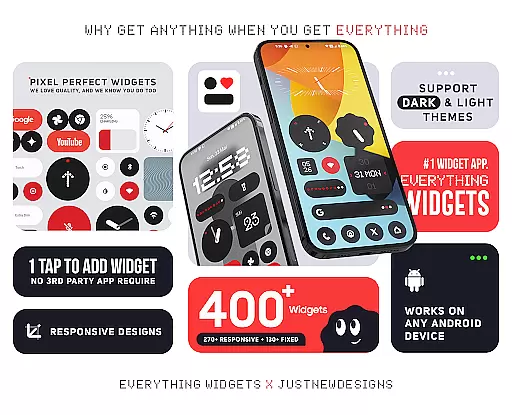
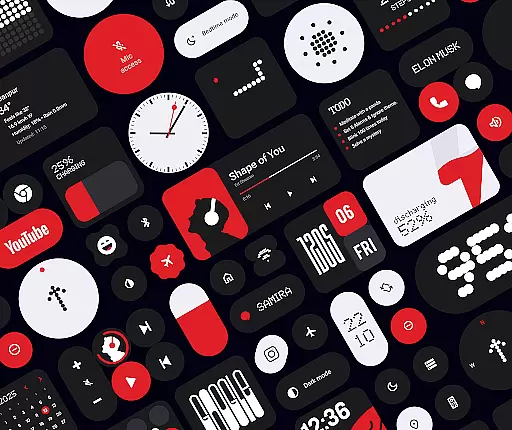
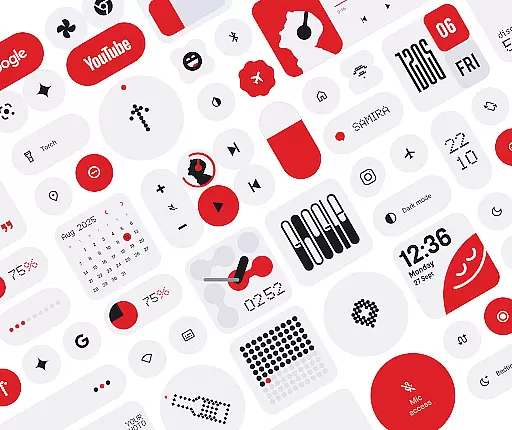
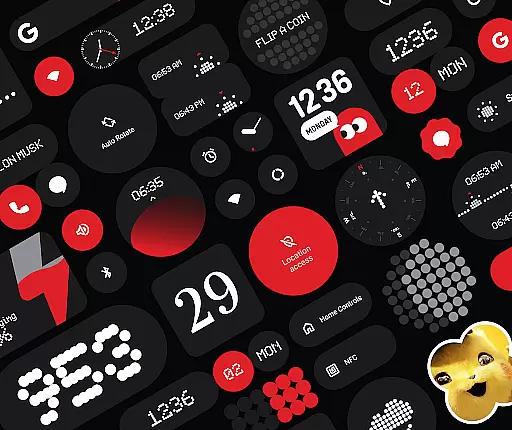
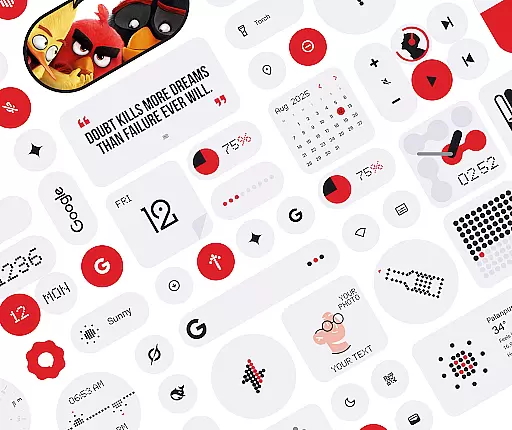
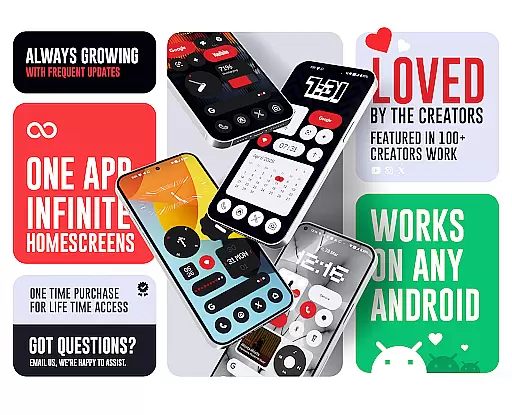
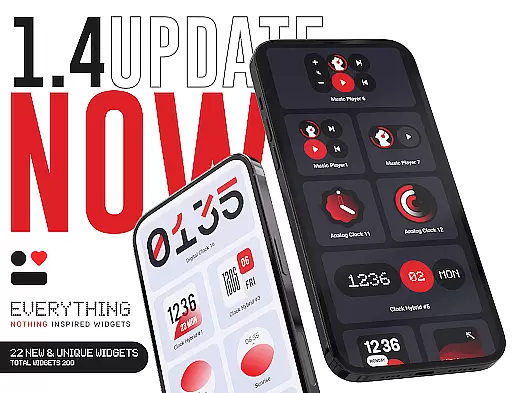
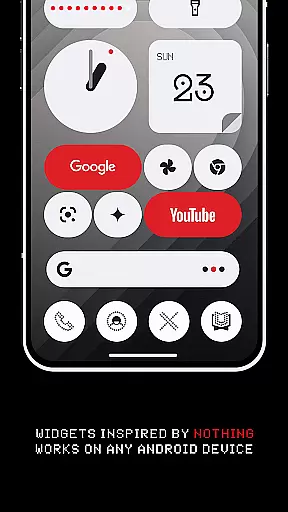
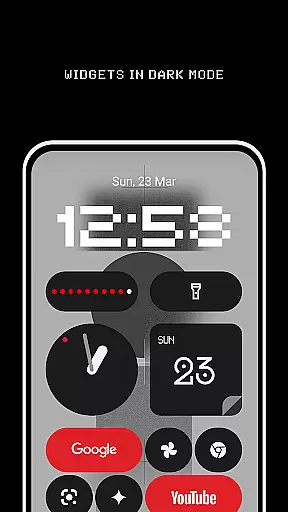
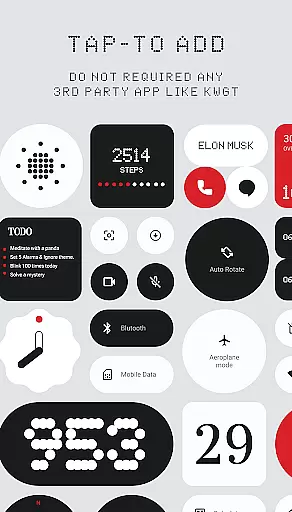
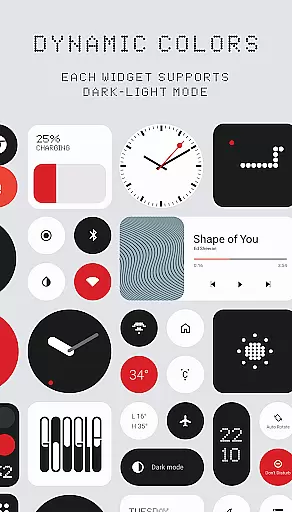
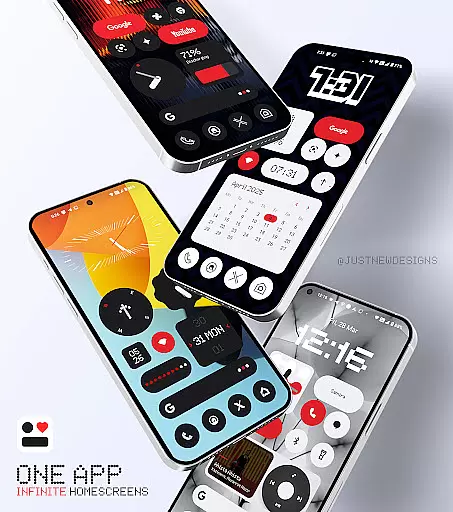
Everything Widgets is a comprehensive widget pack designed to enhance your Android home screen with over 400 beautifully crafted widgets. Inspired by the Nothing OS aesthetic, these widgets offer both functionality and style without requiring additional apps.
The collection includes clock, calendar, battery, weather, quick settings, contact, photo, Google app, utility, productivity, pedometer, quote, and game widgets. Each widget is fully resizable, allowing for customization that fits your unique preferences. With matching wallpapers included, you can create a cohesive look for your device.
This widget pack is perfect for users who want to personalize their Android experience while maintaining system performance and aesthetics. The native integration ensures smooth operation, making it an ideal choice for those seeking quality and creativity in their mobile customization tools.
Everything Widgets stands out with its extensive range of features designed to cater to various user needs. The pack includes over 400 widgets that cover essential functions such as timekeeping, battery monitoring, weather updates, and quick settings toggles.
One of the key highlights is the full resizeability of most widgets, allowing users to adjust sizes from small to large. This flexibility ensures a perfect fit for any home screen layout. Additionally, the inclusion of unique widgets like the Snake game adds a fun element to your device's functionality.
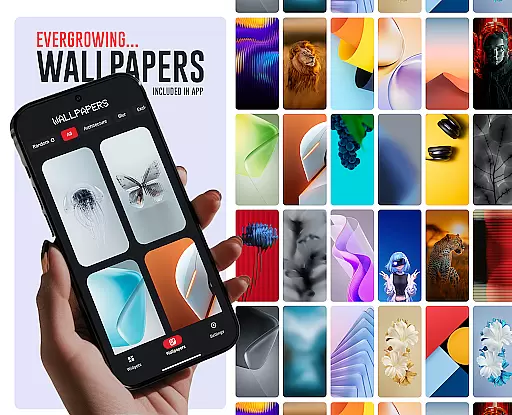
Beyond widgets, the pack offers 100+ matching wallpapers, completing the visual transformation of your home screen. The native compatibility with Android devices and commitment to quality over quantity make Everything Widgets a reliable choice for personalization enthusiasts.
Customization is at the heart of Everything Widgets, offering users an extensive array of options to personalize their home screens. With over 400 beautifully designed widgets inspired by the Nothing OS aesthetic, this app caters to a wide range of preferences and needs.
The app includes clock and calendar widgets, battery indicators, weather forecasts, quick settings toggles, contact shortcuts, photo displays, Google app integrations, utility tools, productivity enhancers, pedometer, inspirational quotes, and even game widgets. This vast selection ensures that every user can find widgets that resonate with their style while also serving functional purposes.
Everything Widgets stands out by providing fully resizable and responsive widgets, allowing for adjustments from small to large sizes. This flexibility enables precise customization to fit any home screen layout perfectly, enhancing both aesthetics and usability without requiring extra apps or complex setups.
Theme compatibility is a crucial aspect of Everything Widgets, ensuring that all widgets blend seamlessly with various Android device themes. The app's design philosophy aligns with the Nothing OS aesthetic, creating a cohesive look that complements modern smartphone interfaces.
Users benefit from matching wallpapers included in the package, featuring over 100 exclusive designs that further enhance theme consistency. These wallpapers complete the home screen setup, providing a polished and professional appearance that aligns with the widget styles.
By focusing on native functionality, Everything Widgets eliminates the need for third-party apps like KWGT, ensuring better integration with device themes. This approach not only simplifies the customization process but also maintains visual harmony across different devices and Android versions, delivering a consistently impressive user experience.
User-friendly interface
Wide variety of widget types
Fully resizable options
Native Android compatibility
Regular updates with new designs
Limited to Android platform
No iOS version available
Some widgets may overlap
Requires manual updates
Design style may not appeal to all

Stunningly Different look with Line Icons and Neon Colors
 4.60
4.60
Capture moments that pass like a storm, second by second.
4.5
Prank your friends with realistic broken screen and cracked HD effects!
4.4
More than 3000+ themes and 9000+ wallpapers for everybody!
4.10
⭐ OneUI inspired Fluffy Icon Pack – Soft. Stylish. Standout. ⭐
4.5
One 8 icons glass color version
4.80
300+ Beautifully crafted widgets inspired by OneUI.
4.60
300+ widgets inspired by Material You and Material 3 expressive design.
4.60
Create unique, fun emojis with Funny Emoji Maker! Unlimited creativity!
4.00
A minimalist productivity launcher. One-hand-friendly. Zero ads.
4.70
Bring adorable pets to life on your screen. Playful, interactive and full of fun
4.60
Customizable screen pets that play, climb, and keep you company.
4.50
200+ Material Inspired Widgets
4.50
Themes - Widget & Wallpaper: Customize home screen, icon changer w unique themes
4.30
Romantic Kiss Stickers App. Start romantic messaging now!
4.30
Your home screen, just the way you like it.
4.30
Customizable flower power digital watch face for Wear OS watches.
4.00
Adorable pets roam and play right on your phone screen!
3.30
Turn your lock screen into fun with smile live wallpapers & animated wallpapers!
2.50


User Reviews