
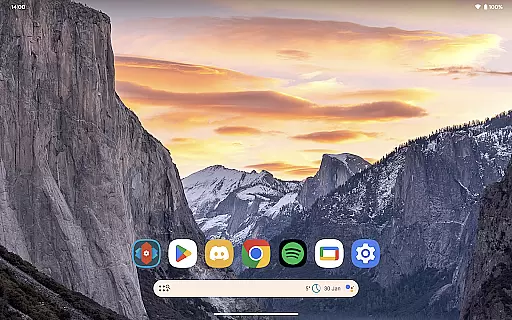
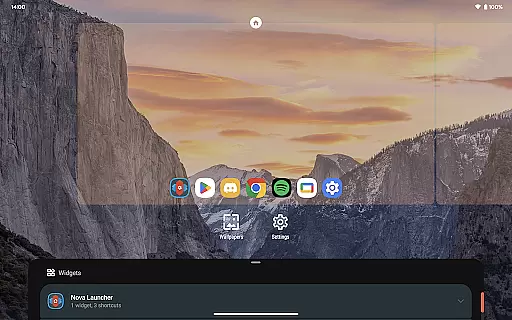
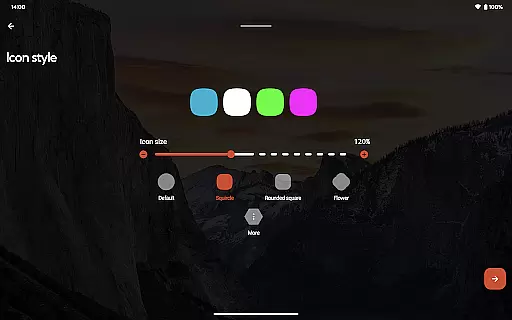
Nova Launcher Prime is a premium upgrade that unlocks advanced customization features for the Nova Launcher, one of the most popular Android launchers available. This app allows users to take full control of their home screen experience with unique gestures, app drawer organization options, and enhanced productivity tools.
With Nova Launcher Prime, users can create custom swipe gestures on the home screen, organize apps into custom tabs or folders within the app drawer, and even hide specific apps without uninstalling them. The ability to set up icon swipe gestures adds another layer of functionality, enabling quick access to frequently used actions without cluttering the home screen.
This personalization tool is perfect for power users who want to maximize their Android device's potential while maintaining a clean and organized interface. Whether you need more efficient navigation or simply want to tailor your phone exactly to your preferences, Nova Launcher Prime delivers exceptional value.
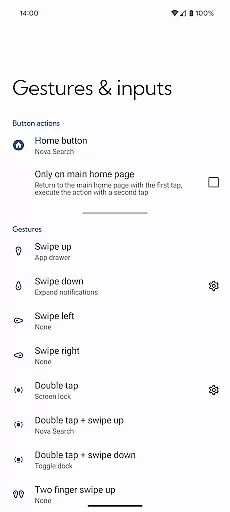
The standout feature of Nova Launcher Prime is its extensive gesture support. Users can set up various gestures such as swipes, pinches, and double taps to perform custom commands right from the home screen. This makes navigating your device faster and more intuitive than ever before.
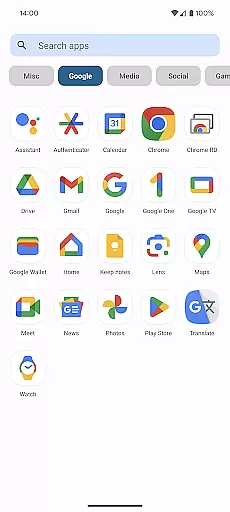
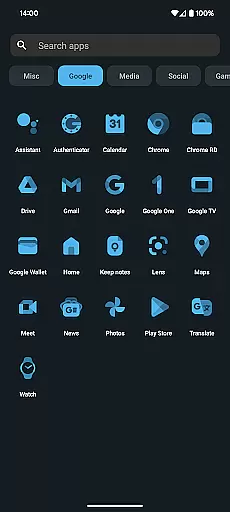
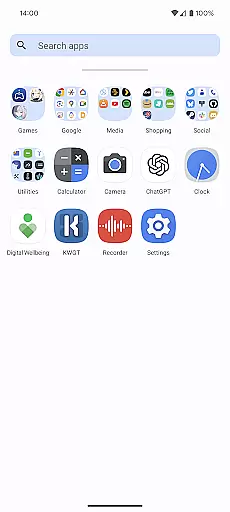
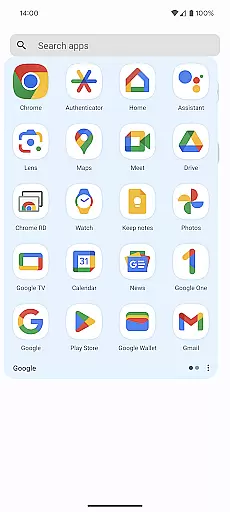
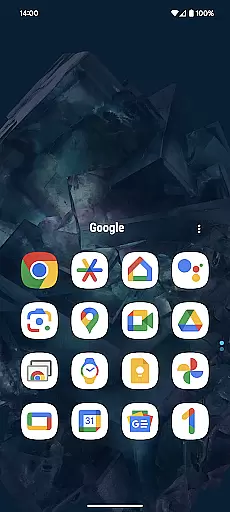
Another key feature is the app drawer customization. You can create custom tabs and folders within the app drawer, allowing for unprecedented organization of your installed applications. The ability to hide apps from view adds an extra layer of privacy and decluttering options.
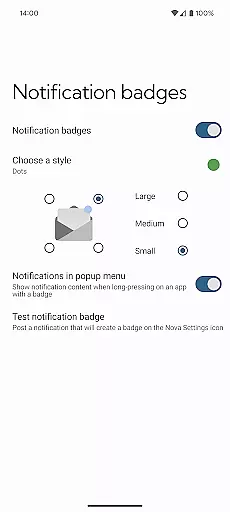
Additionally, Nova Launcher Prime offers custom icon swipe gestures, giving users the ability to assign actions to upward or downward swipes on specific icons. Combined with other enhancements like scrolling effects and notification badges, this app provides everything needed to create a truly personalized Android experience.
Nova Launcher Prime offers an extensive range of customization options that allow users to tailor their Android home screens to their exact preferences. This includes the ability to create custom gestures, which enable users to execute commands such as launching apps or accessing settings through intuitive touch actions like swipes and pinches.
Moreover, the app drawer groups feature empowers users to organize their installed applications into custom tabs or folders, providing a clutter-free and personalized organization system. Users can also hide apps from the app drawer without uninstalling them, ensuring a streamlined and focused interface that only displays the apps they frequently use or want to see.
The inclusion of custom icon swipe gestures adds another layer of personalization and productivity. With these gestures, users can simply swipe up or down on their home screen icons to trigger specific actions, enhancing their workflow without consuming additional screen space. These comprehensive customization features collectively ensure that each user's experience with Nova Launcher Prime is unique and optimized for their individual needs.
Theme compatibility in Nova Launcher Prime ensures that users can seamlessly integrate their preferred visual styles and themes across their entire Android experience. By supporting a wide array of third-party icon packs, including popular choices like OneYou Icon Pack by PashaPuma Design, Nova Launcher Prime allows users to completely transform the look and feel of their device with just a few taps.
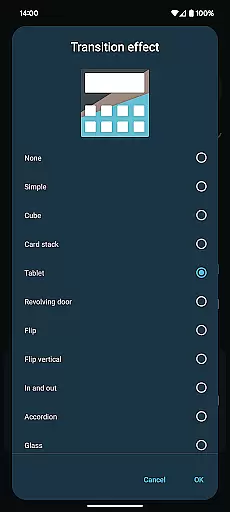
This compatibility extends beyond mere aesthetics; it encompasses functional elements as well. Users can apply notification badges, scrolling effects, and other visual enhancements that align with their chosen themes, creating a cohesive and visually appealing interface. The attention to detail in theme integration guarantees that all visual elements, from icons to widgets, maintain consistency and high quality.
Furthermore, Nova Launcher Prime acts as a license key to unlock these advanced theming features within the free version of Nova Launcher. This dual-app approach ensures that users have access to the latest updates and features while enjoying the stability and performance optimizations inherent to the core Nova Launcher application. As a result, users can enjoy unparalleled theme compatibility and customization depth, making their Android devices truly their own.
Extensive customization
Intuitive gesture controls
Advanced app drawer options
Icon swipe functionality
Regular feature updates
Separate app required
Complex for beginners
Some features overwhelming
Paid upgrade necessary
No built-in widgets

Customizable Glass widgets. Over 360+ stunning widgets and more!
 4.70
4.70
Glass style colourful icons with a One UI look and feel
4.60
A retro cartoon style watch face and a punch right in the face of the copyright
4.60
Customizable flower power digital watch face for Wear OS watches.
4.00
Winter's Journey: digital watch face for Galaxy Watch & Wear OS
4.80 4.50
4.50
Color phone with cool effects for call screen, flash alert & ringtones music
4.50
Launcher OS™ Pro without ads help make your phone simple and pretty
4.30
A minimalist productivity launcher. One-hand-friendly. Zero ads.
4.70
One 8 icons glass color version
4.80
Enjoy a variety of amazing live wallpapers and colorful EDGE lighting borders!
4.80
Shimeji adds cute animated characters to your screen, lively and fun.
4.70
Add cute Shimeji pets to screen, interact with them and relax with cute motions
4.60
Ultimate Gallery Lock App - Hide Pictures, Videos and Lock Apps Instantly!
4.60
Fingerprint Lock Screen & Live Animations with 4K Wallpapers as Live Wallpaper
4.40
A light in the dark, a unique style and an andless cutomization!
4.30
Create unique, fun emojis with Funny Emoji Maker! Unlimited creativity!
4.00
Ultimate widget creator. Design custom widgets for a truly unique home screen!
3.90
HappyLighting is a Bluetooth lamp control software.
3.40


User Reviews