
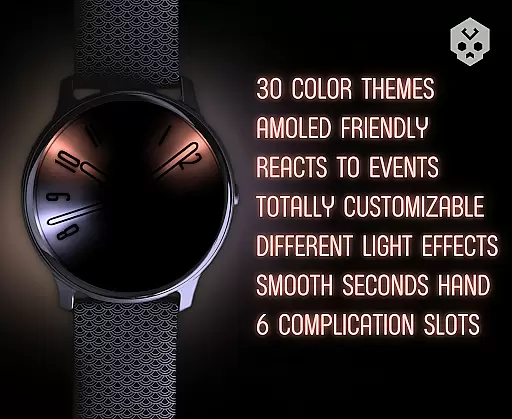
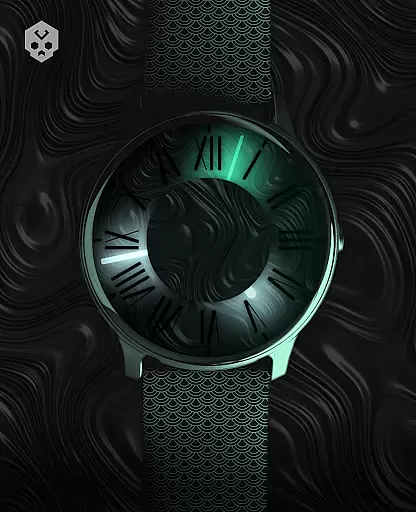
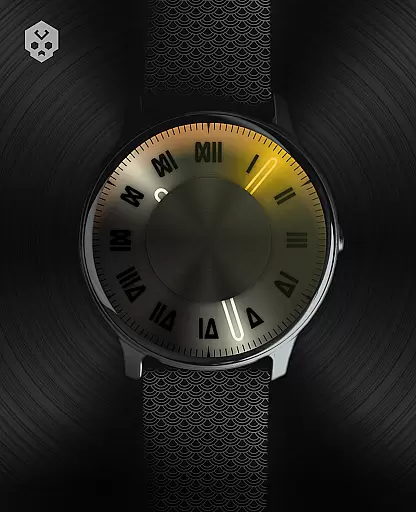

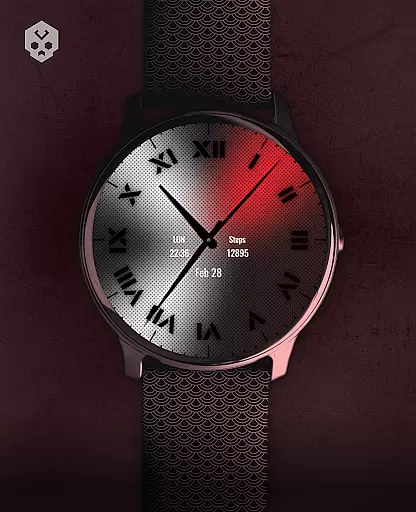
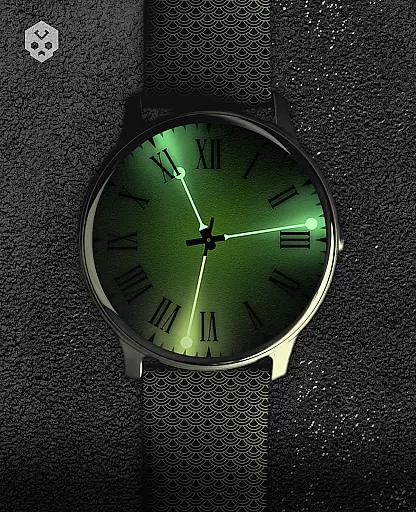
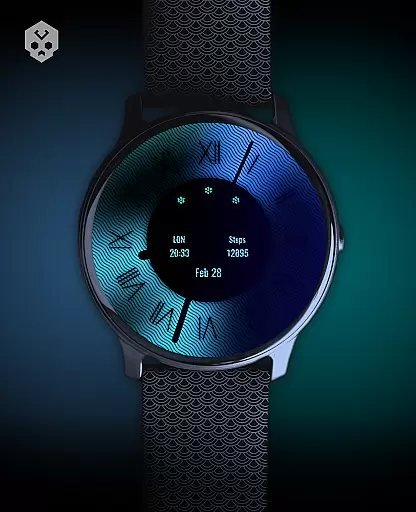
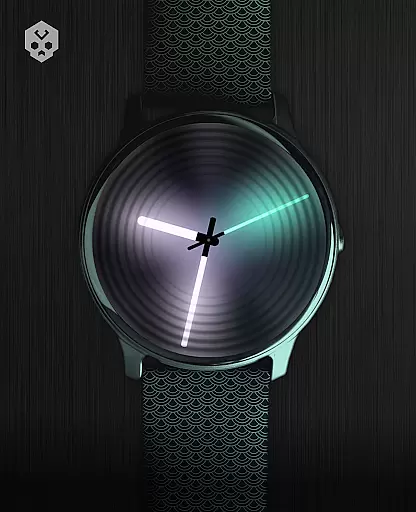
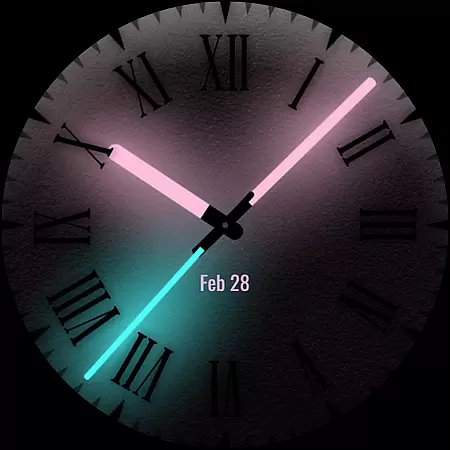
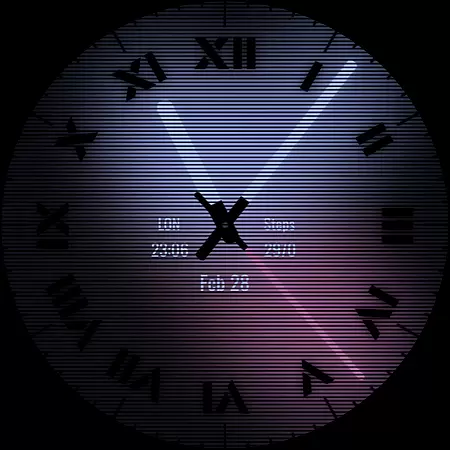
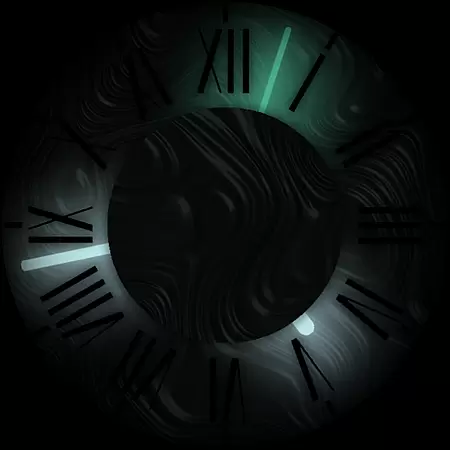

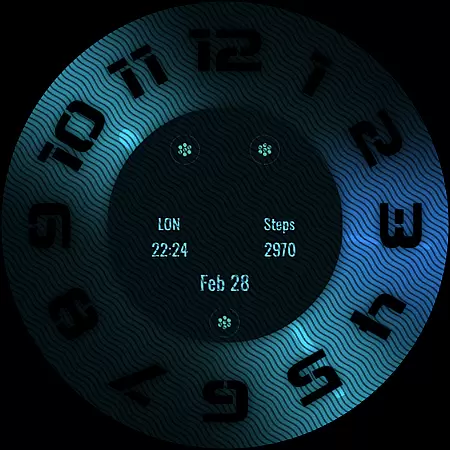
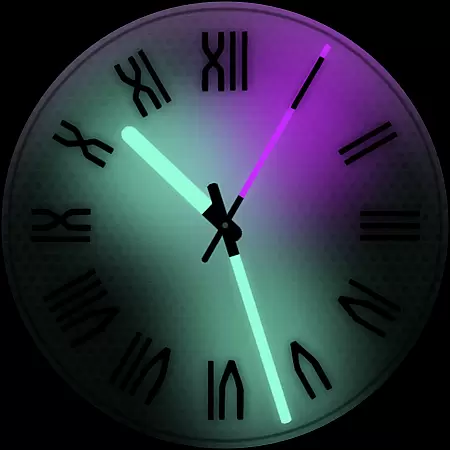
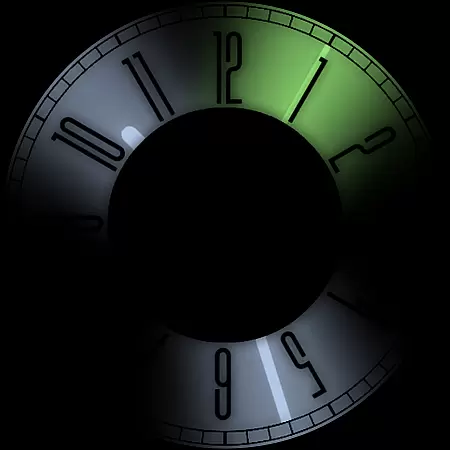
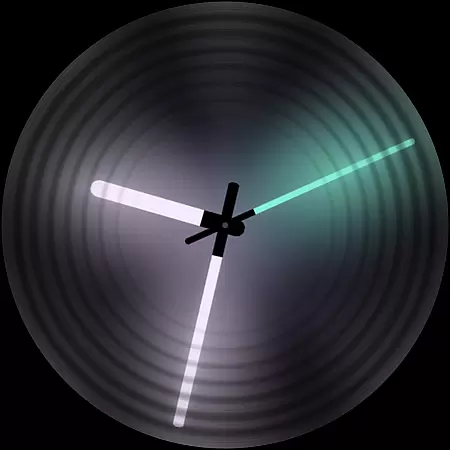
Dark Metal Saber Watch Face is a highly customizable Wear OS watch face designed for users who value both style and functionality. This native standalone app supports a wide range of smartwatches, including Samsung, Mobvoi Ticwatch, Fossil, Oppo, and more.
The watch face offers over 30 color schemes and numerous customization options, allowing users to personalize clock hands, index, decorators, overlays, and complications. It also reacts to low battery, notifications, and charging status, ensuring both aesthetics and practicality.
Ideal for those seeking a unique and stylish watch face, this app provides a seamless experience across compatible devices while offering extensive personalization features that adapt to various user preferences and needs.
Dark Metal Saber Watch Face stands out with its extensive customization capabilities. Users can choose from 30 different color schemes and modify clock hands with options like light or black on glow. The app allows adjustments to index styles, decorators, darkness levels, overlays, backlighting, logos, and backgrounds.
One of the key features is the inclusion of five customizable complications available in various sizes, enhancing the watch's utility. Additionally, an easy-to-use companion app simplifies installation and management while being uninstallable post-installation.
This watch face reacts dynamically to low battery, notifications, and charging states, providing real-time updates. Its compatibility with multiple Wear OS devices ensures broad usability, making it a versatile choice for tech-savvy users looking to tailor their smartwatch experience.
Customization is at the heart of Dark Metal Saber Watch Face, offering users an extensive range of personalization options to suit their unique style. With 30 color schemes available, users can select the perfect look that resonates with their personal aesthetic preferences.
Beyond colors, the watch face provides numerous customizations including clock hands, index, decorator, and darkness settings. This level of detail ensures that each user's watch face is not only visually striking but also a true reflection of their individuality.
Furthermore, features such as customizable overlays, backlight, logo, and background add another layer of personal touch. These elements work together to create a cohesive and stylish appearance on your smartwatch, making it stand out from the crowd.
The ability to react to low battery, notifications, and charging with visual cues adds practicality to the customization options. This functionality ensures that users remain informed at a glance while maintaining the personalized look they desire.
Dark Metal Saber Watch Face is designed to be compatible with a wide array of Wear OS devices, ensuring that users across different brands can enjoy this stylish customization. Whether you own a Samsung, Mobvoi Ticwatch, Fossil, Oppo, or the latest Xiaomi smartwatch, this watch face is crafted to maintain its integrity and appearance.
As a standalone Wear OS application, it doesn't rely on smartphone connectivity for basic functionality, which enhances its compatibility across various devices. Users can experience consistent performance regardless of their smartwatch model.
In addition to device compatibility, the watch face supports five customizable complications in different sizes. This feature allows for seamless integration with various Wear OS functionalities, providing users with quick access to important information without compromising the watch's design.
Lastly, an easy-to-use companion app facilitates installation and management while being uninstallable after setup. This approach underscores the watch face's commitment to theme compatibility by minimizing its footprint on the paired smartphone, thus preserving system resources.
Highly customizable
Wide device support
Dynamic features
User-friendly interface
Regular updates
Paid application
Complex setup
Limited free options
Requires Wear OS
Occasional bugs

Ultra realistic high quality analog watch face for Wear OS.
 4.60
4.60
A retro cartoon style watch face and a punch right in the face of the copyright
4.60
Realistic animated snow on your wrist, with 10 images landscapes to choose from
4.00
App Icon Changer & Shortcut Creator. Customize your icons without any watermarks
4.30
Customize glowing edges, wallpapers, and caller screen with EdgeAura.
3.50
HappyLighting is a Bluetooth lamp control software.
3.40
300+ Beautifully crafted widgets inspired by OneUI.
4.60
Magic fluids wallpaper 4D: Relax with stunning fluid simulation wallpaper app
4.20
Custom ringtones songs, music ringtones for Android phones
4.60
One 8 icons glass color version
4.80
A Colorful and Minimal icon pack in an Outline Style - Over 13,600 icons!
4.70
300+ Stunning and well-designed widgets inspired by NOTHING.
4.70
Bring adorable pets to life on your screen. Playful, interactive and full of fun
4.60
Over 28,000 high quality icons to bring color & homogeneity to your phone.
4.60
Ultra realistic gold analog watch face with lots of customization options.
4.50
Beautiful realistic hybrid watch face with numerous customization options.
4.50
Aesthetic Widgets, HD Wallpapers, Themes in Mico Widget for Home and Lock Screen
4.50
Launcher OS™ Pro without ads help make your phone simple and pretty
4.30
Adorable pets roam and play right on your phone screen!
3.30


User Reviews