
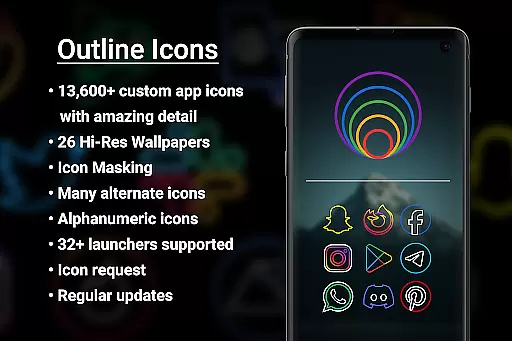

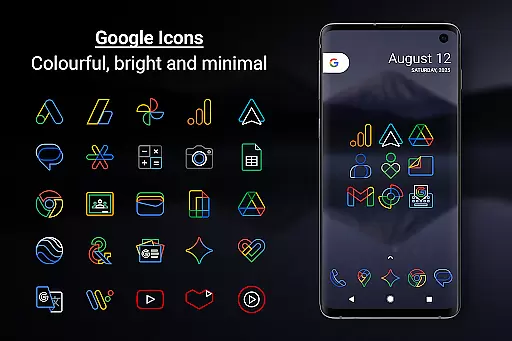
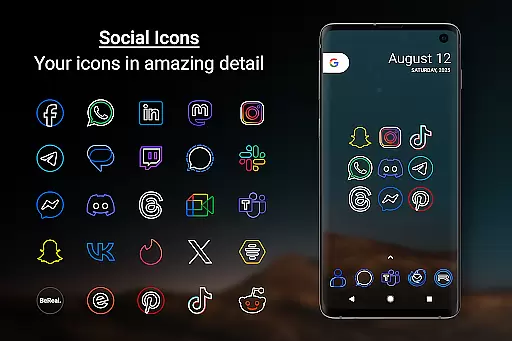
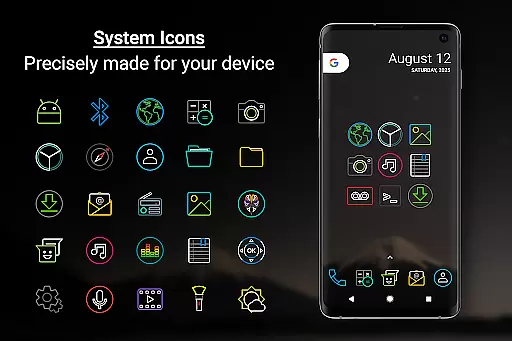
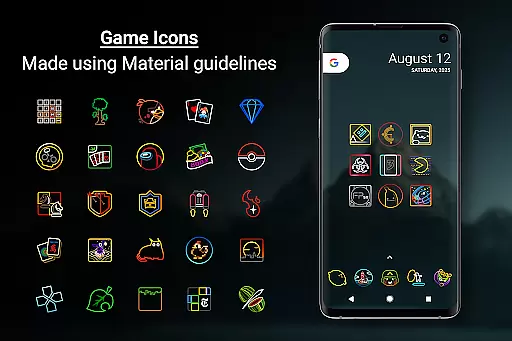
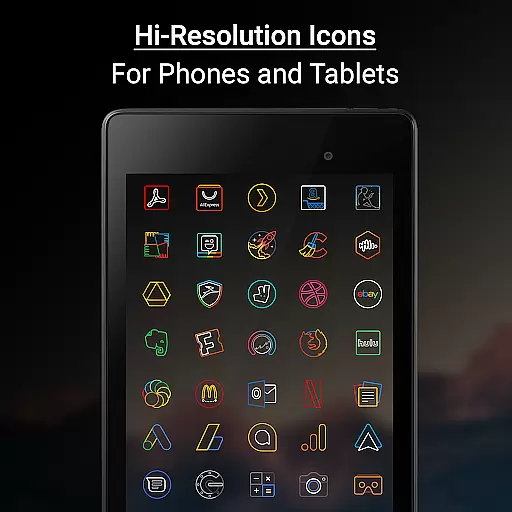

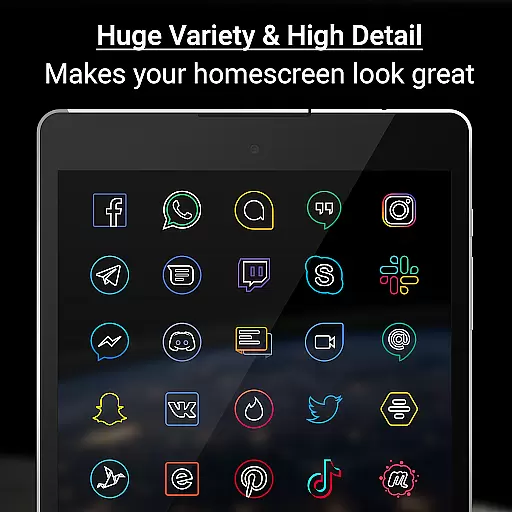
Outline Icons is a premium icon pack that transforms your device's home screen with a unique outline design. Featuring over 13,600 handcrafted HD icons in bright colors and precise details, it meets material design standards while offering a distinctive look. The pack supports 32+ launchers and includes features like Icon Masking, Dynamic Calendar support, and Alphabet icons in various colors.
Each icon is meticulously created at 192x192 pixel resolution (xxxhdpi), ensuring sharpness on all screens. The pack also includes 26 high-resolution wallpapers that complement the minimal icon style. Whether you're using a phone or tablet, Outline Icons delivers a professional and cohesive appearance that stands out from typical icon packs.
This icon pack is particularly suitable for users who value design consistency and want to personalize their Android devices with a modern, clean aesthetic. It works seamlessly with popular launchers like Nova Launcher and Samsung's OneUI, making it versatile for different device types and user preferences.
Outline Icons offers an impressive array of features that cater to customization enthusiasts. With over 13,600 handcrafted HD icons, users can enjoy consistent design across their apps. These icons are created in an outline style with vibrant colors and precise details, adhering to material design standards. The inclusion of Icon Masking ensures even unthemed icons blend seamlessly with the overall design.
The pack provides additional functionality through its support for Dynamic Calendar icons, Category Folders in various colors, and Alphabet icons available in 10 different colors. Users also get access to 26 royalty-free high-resolution wallpapers that perfectly match the icon style. The 192x192 pixel dimensions guarantee excellent clarity on any screen size.
Outline Icons goes beyond basic customization by offering advanced features like Alternate Colors for system icons and a Premium Icon Request system. Regular updates ensure the icon library stays current, while the No Ads policy enhances user experience. These comprehensive features make it a top choice for those seeking both quality and variety in their device personalization.
Outline Icons offers an extensive range of customization options that cater to various user preferences. With over 13,600 hand-crafted HD icons, the pack ensures that users can find an icon for almost any app they have on their device. The inclusion of alternate colors for system icons and category folders in various colors adds another layer of personalization.
The icon pack supports more than 32 launchers, making it versatile for a wide array of devices and user interface styles. Users can also take advantage of features like Icon Masking, which provides a consistent look for unthemed icons, and dynamic calendar support that keeps their home screen fresh and up-to-date.
For those who enjoy a cohesive aesthetic, Outline Icons includes 26 high-resolution wallpapers that complement the minimal and subtle style of the icons. This feature allows users to create a harmonious and visually pleasing home screen that truly reflects their personality.
Moreover, the ability to request new icons and receive regular updates ensures that the level of customization continues to grow over time. Whether you prefer a clean, colorful, minimal look or something more vibrant and detailed, Outline Icons delivers a comprehensive solution for personalizing your device's appearance.
Theme compatibility is a crucial aspect of any icon pack, and Outline Icons excels in this area by ensuring seamless integration with a multitude of launchers. Supporting over 32 different launchers, including popular ones like Nova Launcher, Action Launcher, and Apex Launcher, this icon pack guarantees that users won't be limited by their choice of launcher when customizing their home screens.
Each icon within the pack is meticulously designed to meet material design standards, providing a consistent visual experience across different platforms. The precise design at the highest quality (xxxhdpi) ensures that icons remain sharp and detailed, regardless of the device's screen size or resolution.
For Samsung users, compatibility extends to OneUI 4.0 or newer through the Samsung Theme Park app, allowing them to utilize Outline Icons without needing to switch launchers. This flexibility highlights the pack's dedication to broad theme compatibility and user convenience.
In addition to launcher support, the inclusion of features such as Icon Masking and dynamic calendar support ensures that even apps without specific themed icons maintain a uniform appearance. This attention to detail in maintaining theme consistency significantly enhances the overall user experience, making Outline Icons a reliable choice for anyone looking to personalize their Android device.
Extensive icon library
Vibrant color options
Premium design quality
Regular updates
No ads included
Requires compatible launcher
Some features need manual setup
Premium requests cost extra
Not all launchers supported
Setup can be complex for beginners

Glass style colourful icons with a One UI look and feel
 4.60
4.60
Transform your phone with Launcher iOS 26 - Smooth & elegant iOS experience
4.50
Adult video chat, dating, making friends, random matching
4.20
Personalize your phone with stunning HD and 4K wallpapers!
4.70
Interactive Miniature Painting Catalogue
3.30
Design your screen with unique, vibrant clocks
3.80
Embrace the Night. Unleash the power of darkness with Raven Dark Icon Pack
4.60
Unleash Your Creativity and Connect with Loved Ones with Lockscreen Drawing!
4.20
Yandex Browser — stylish and secure, with voice search and data compression
4.40
Only for Wear OS devices!
4.90
100+ Stylish Fonts, Emojis, Symbols keyboard for Instagram & TikTok!
4.80
Add cute Shimeji pets to screen, interact with them and relax with cute motions
4.60
Zip lock screen with magic wallpaper to decorate your phone with fun zipper lock
4.60
Beautiful realistic hybrid watch face with numerous customization options.
4.50 4.50
4.50 4.50
4.50
AI-powered Copilot. Personalized keyboard with gifs, stickers & themes
4.40
The definitive Icon pack maker and editor
4.30
Magic fluids wallpaper 4D: Relax with stunning fluid simulation wallpaper app
4.20


User Reviews