
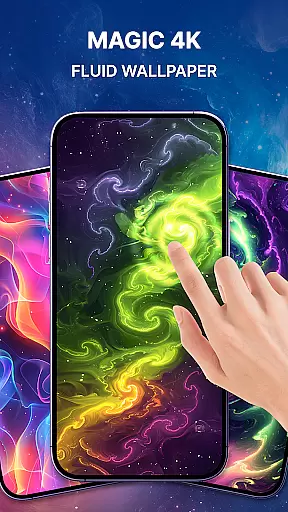
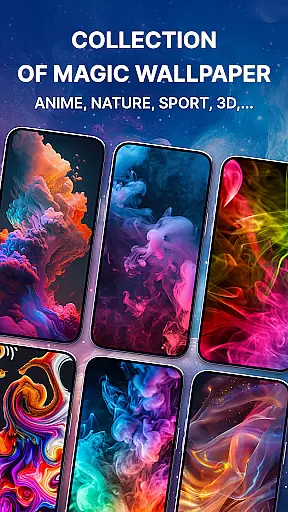
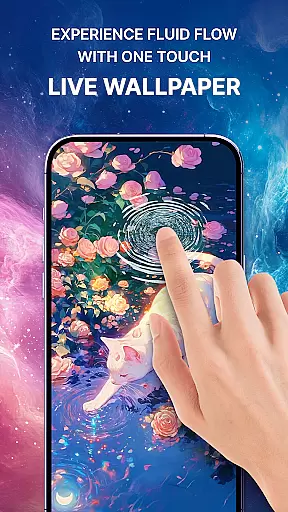
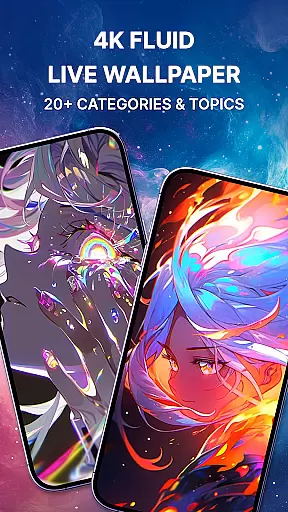
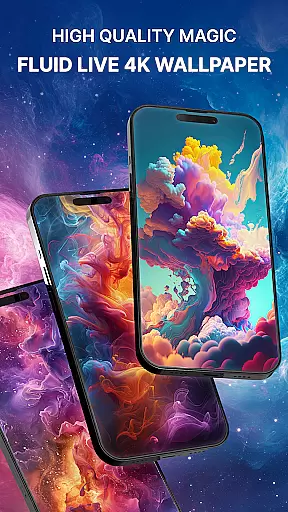
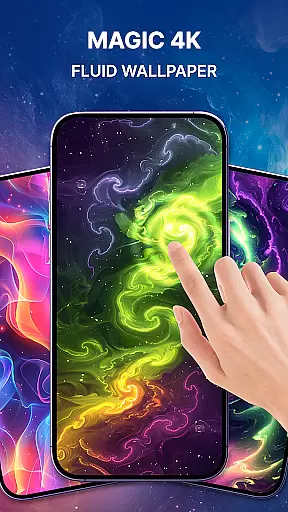
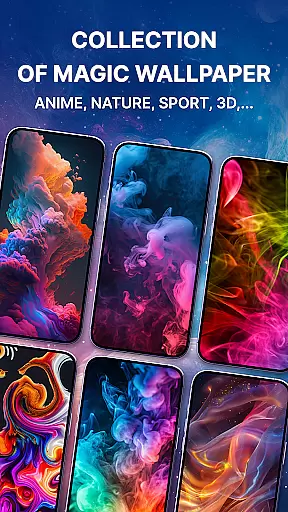
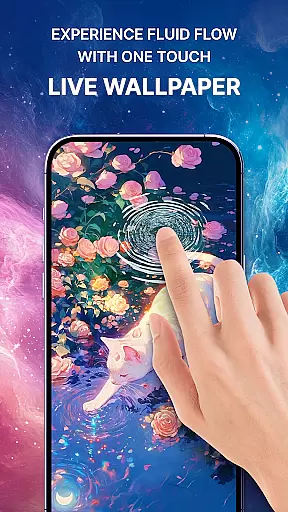
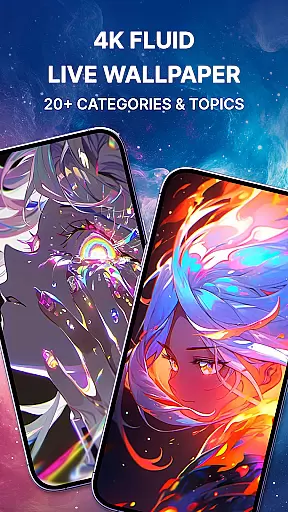
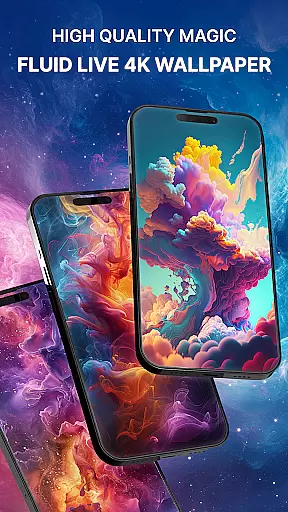
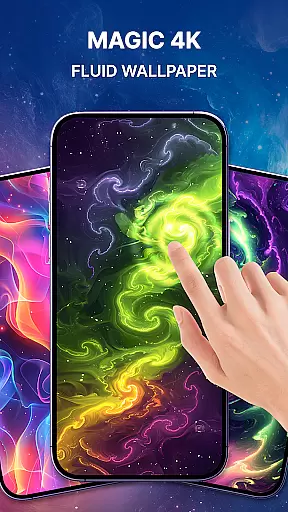
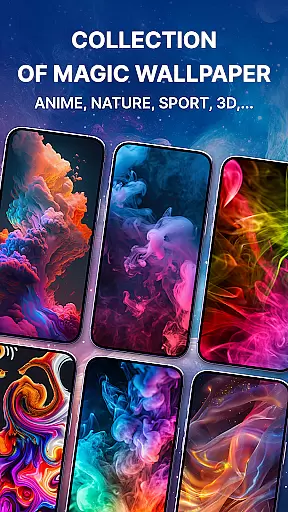

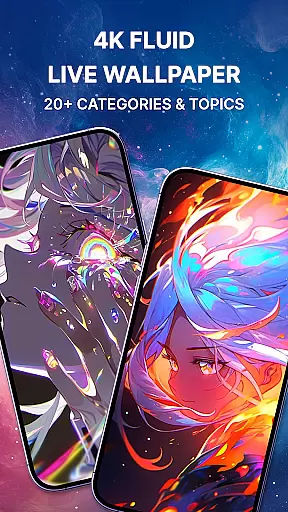
Magic Fluid is a dynamic personalization app that brings smartphone screens to life with its stunning 4K fluid live wallpapers. The app specializes in creating interactive, high-definition fluid simulations that respond to touch, offering users an immersive experience through animated liquid effects such as galaxy, lava, smoke, and more.
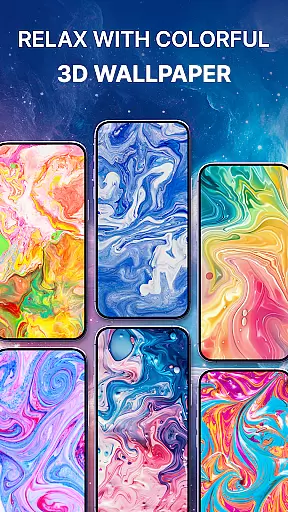
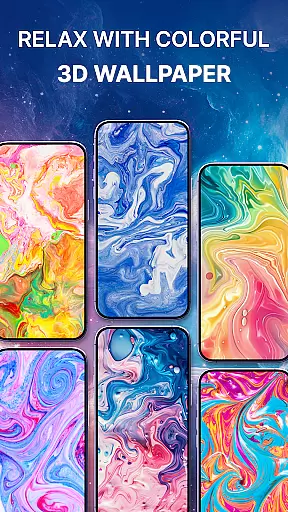
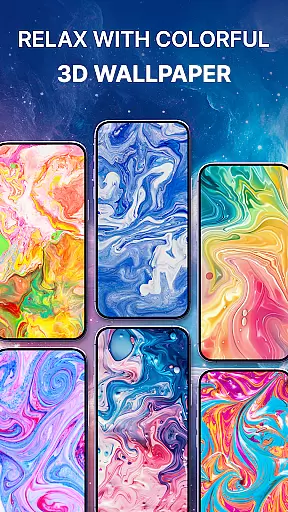
What sets Magic Fluid apart is its extensive gallery of customizable designs. Users can choose from various themes including abstract art, nature-inspired patterns, and futuristic styles. Each wallpaper is crafted with attention to detail, providing not just aesthetic appeal but also a relaxing, interactive element that captivates the senses. Whether you want to personalize your lock screen or home screen, this app offers a unique way to express individuality while enjoying the mesmerizing beauty of fluid dynamics.
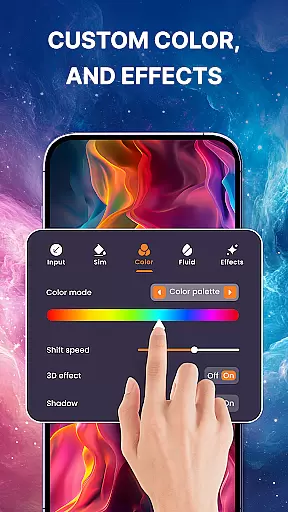
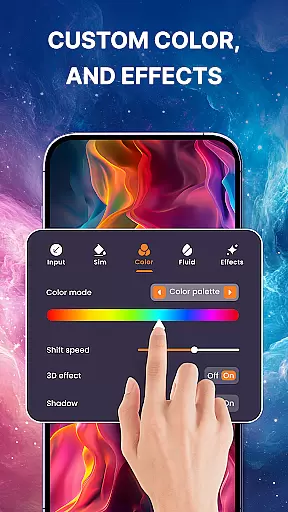
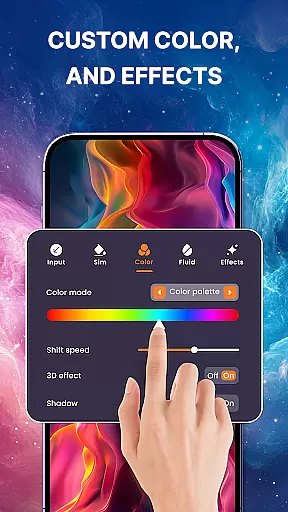
The app's standout feature is its DIY functionality, allowing users to create their own 3D fluid simulations. By adjusting color schemes, flow speeds, and fluid dynamics, users can design wallpapers that perfectly match their mood or style. With easy setup options and performance efficiency, Magic Fluid ensures both simplicity and visual splendor, making it an ideal choice for those looking to enhance their device’s appearance without compromising on speed or usability.
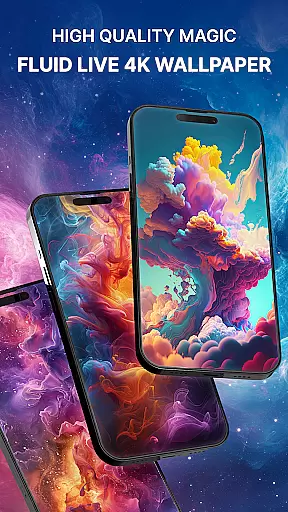
Magic Fluid stands out due to its advanced fluid simulation technology, which enables highly realistic animations that mimic natural elements like water, fire, and smoke. These effects are rendered in 4K resolution, ensuring every movement appears sharp and vibrant on any screen size. The interactive nature of these wallpapers allows users to engage directly by swiping or touching the screen, causing the fluid patterns to react dynamically.
Beyond pre-designed options, the app includes a creative DIY mode where users can craft their own unique 3D fluid wallpapers. This feature provides complete control over customization—users can tweak colors, adjust flow rates, and experiment with different fluid behaviors to generate personalized designs. Additionally, the app supports regular updates with new trending effects, keeping content fresh and exciting.
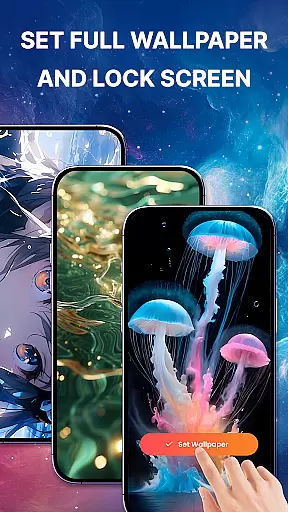
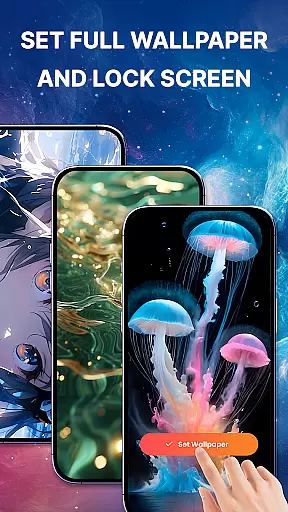
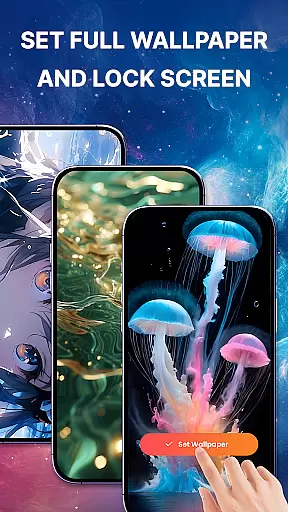
Another notable aspect is its user-friendly interface, designed for seamless navigation and quick setup. Applying a chosen wallpaper takes only a few taps, whether setting it as a lock screen or home screen background. Moreover, the app optimizes performance to ensure smooth operation even with complex animations, balancing visual excellence with device efficiency. Together, these features make Magic Fluid a top-tier choice for anyone seeking visually captivating yet functional wallpapers.
Magic Fluid offers an extensive range of customization options that allow users to personalize their device's appearance with ease. The app provides a gallery of 4K-quality magic fluids wallpapers and live wallpapers, featuring various stunning designs from abstract art to nature-inspired themes.
Users can interact with the wallpapers through touch, making the fluid animations respond dynamically to their gestures. This interactive feature not only enhances visual appeal but also adds an element of engagement as the fluids dance, glow, and swirl in response to user input.
In addition to pre-designed options, Magic Fluid promises future updates where users will be able to create their own unique 3D fluid simulation wallpapers. By adjusting color schemes, flow speeds, and fluid dynamics, individuals can craft personalized moving backgrounds that fit their mood or style.
The ability to preview wallpapers before applying them ensures satisfaction with the chosen design. With just a few taps, any selected wallpaper can be set for both home screen and lock screen use, providing complete personalization control over oneu2019s mobile experience.
Theme compatibility is at the heart of Magic Fluid's design philosophy, ensuring its wallpapers integrate seamlessly across different devices and operating systems. Whether you're using Android or another platform, these high-quality live wallpapers are optimized for performance without compromising on visual splendor.
The app supports various themes, allowing users to match their deviceu2019s aesthetic effortlessly. From vibrant colors to more subdued tones, thereu2019s a theme variation available for every taste within Magic Fluidu2019s collection.
Magic Fluid prioritizes efficiency alongside beauty by offering visually captivating yet performance-friendly wallpapers. Users won't have to worry about excessive battery drain or lag thanks to the appu2019s optimization efforts, which maintain smooth operation even while running complex animations.
Regular updates bring new trending designs into the mix, keeping your device looking fresh and modern. With continuous improvements based on user feedback, Magic Fluid remains committed to delivering top-notch theme compatibility and customization experiences tailored specifically for each individual user.
High-quality 4K visuals
Interactive touch response
Customizable fluid designs
Easy-to-use interface
Regular content updates
DIY mode still pending
May drain battery faster
Limited free options
Requires modern hardware
Occasional lag on older devices

Capture moments that pass like a storm, second by second.
 4.3
4.3
Beautiful realistic hybrid watch face with numerous customization options.
4.50
Transform your phone with Launcher iOS 26 - Smooth & elegant iOS experience
4.50
Ultimate Gallery Lock App - Hide Pictures, Videos and Lock Apps Instantly!
4.60
HappyLighting is a Bluetooth lamp control software.
3.40
Stylish Pink Cute Hippo keyboard with 10000+ customized keyboard themes!
4.60
400+ Beautifully crafted widgets inspired by NOTHING.
4.70
A minimalist productivity launcher. One-hand-friendly. Zero ads.
4.70
Customize phone with anime themes, 3D icons, aesthetic widgets & wallpapers
4.80
Glass style colourful icons with a One UI look and feel
4.60
Unique Android Launcher
4.60
Bring adorable pets to life on your screen. Playful, interactive and full of fun
4.60 4.50
4.50
A light in the dark, a unique style and an andless cutomization!
4.30
Romantic Kiss Stickers App. Start romantic messaging now!
4.30
Launcher OS™ Pro without ads help make your phone simple and pretty
4.30
Organize and manage your photos and videos effortlessly with Photo Gallery
4.20
Unleash Your Creativity and Connect with Loved Ones with Lockscreen Drawing!
4.20
More than 3000+ themes and 9000+ wallpapers for everybody!
4.10


User Reviews